Product Recognition | |
|---|
Certification Number | ZC14-23010185 |
|---|
Name | eVI WISE |
|---|
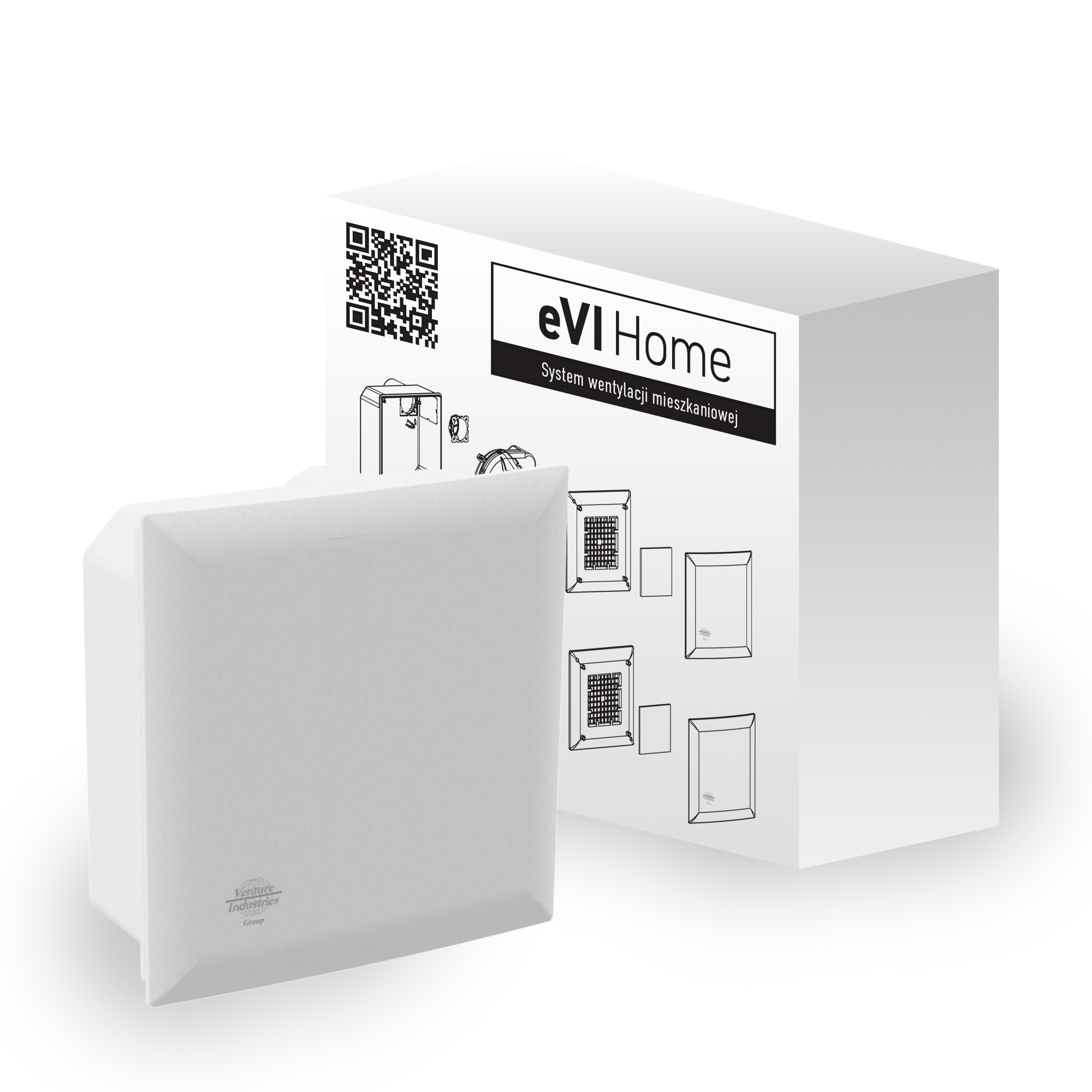
Short Description | eVI WISE is a Z-Wave™ device that allows control the air flow through the fan. Evi WISE fan is a device designed for rooms like kitchens and bathrooms and is meant to extract used air, excess humidity and bad smells. It is a highly efficient device designed with balance between power, sound level and energy consumption. It is equipped with a Z-Wave module and integrated humidity and temperature sensor. Evi WISE fan is a main part in the Venture WISE system. |
|---|
Long Description | Residential ventilation exhaust fan is designed for single-pipe ventilation of small and medium cubic capacity rooms in multi-family buildings. It provides comfortable ventilation by removing polluted air, excess moisture and
unpleasant odors from kitchens, bathrooms and toilets. The unit has variable speed control and can be controlled either via the Z-Wave™ network or with buttons connected directly to it. The fan can operate in three speed settings with a maximum efficiency of 90 m3 /h. The device is equipped with humidity and temperature sensor. The fan allows to customize its operation to user's needs using configurable parameters. Works as a Z-Wave™ signal repeater. |
|---|
Brand | VENTURE INDUSTRIES SP. Z O. O. |
|---|
Product Identifier | WISE-AC-01 |
|---|
Product Line | Venture WISE |
|---|
OEM Version | HW: 01 FW: 07.01 |
|---|
Hardware Platform | ZGM130S037HGN2 / ZGM130S037HGN1 |
|---|
Z-Wave Version | 7.18.1 |
|---|
Library Type | END_NODE_ENHANCED_232 |
|---|
Device Type | Multilevel Switch DT |
|---|
Role Type | ROLE_TYPE_SLAVE_ALWAYS_ON |
|---|
Manufacturer ID | 0x010F |
|---|
Product Type ID | 0x2601 |
|---|
Product ID | 0x1000 |
|---|
User Icon | 0x0400 |
|---|
Installer Icon | 0x0400 |
|---|
Frequency Plans | EU: 869.85MHz, 868.40MHz |
|---|
Categories | Fan Control |
|---|
Countries / Regions | European Union |
|---|
Supported Command Classes | Identifier | Name | Key | Version |
|---|
COMMAND_CLASS_SWITCH_MULTILEVEL_V4 | Multilevel Switch V4 | 0x26 | 4 | COMMAND_CLASS_BASIC_V2 | Basic V2 | 0x20 | 2 | COMMAND_CLASS_ASSOCIATION_V2 | Association V2 | 0x85 | 2 | COMMAND_CLASS_ASSOCIATION_GRP_INFO_V3 | Association Group Information (AGI) V3 | 0x59 | 3 | COMMAND_CLASS_DEVICE_RESET_LOCALLY | Device Reset Locally | 0x5A | 1 | COMMAND_CLASS_FIRMWARE_UPDATE_MD_V5 | Firmware Update Meta Data V5 | 0x7A | 5 | COMMAND_CLASS_INDICATOR_V3 | Indicator V3 | 0x87 | 3 | COMMAND_CLASS_MANUFACTURER_SPECIFIC_V2 | Manufacturer Specific V2 | 0x72 | 2 | COMMAND_CLASS_MULTI_CHANNEL_ASSOCIATION_V3 | Multi Channel Association V3 | 0x8E | 3 | COMMAND_CLASS_VERSION_V3 | Version V3 | 0x86 | 3 | COMMAND_CLASS_ZWAVEPLUS_INFO_V2 | Z-Wave Plus Info V2 | 0x5E | 2 | COMMAND_CLASS_SECURITY_2 | Security 2 | 0x9F | 1 | COMMAND_CLASS_SUPERVISION | Supervision | 0x6C | 1 | COMMAND_CLASS_TRANSPORT_SERVICE_V2 | Transport Service V2 | 0x55 | 2 | COMMAND_CLASS_POWERLEVEL | Powerlevel | 0x73 | 1 | COMMAND_CLASS_MULTI_CHANNEL_V4 | Multi Channel V4 | 0x60 | 4 | COMMAND_CLASS_SENSOR_MULTILEVEL_V11 | Multilevel Sensor V11 | 0x31 | 11 | COMMAND_CLASS_CONFIGURATION_V4 | Configuration V4 | 0x70 | 4 | COMMAND_CLASS_SECURITY | Security 0 | 0x98 | 1 |
|
|---|
S2 Classes | S2_AUTHENTICATED, S2_UNAUTHENTICATED |
|---|
Documents | Category | File |
|---|
Manual_English | |
|
|---|
Association Groups | Group Number | Maximum Nodes Supported | End Point ID | Group Name | Profile |
|---|
1 | 5 | 0 | Lifeline | 0x0001 | 1 | 0 | 1 | Lifeline | 0x0001 | 1 | 0 | 2 | Lifeline | 0x0001 |
|
|---|
Configuration Parameters | Parameter Number | Name | Description | Format | Size | Min Value | Max Value | Default Value |
|---|
1 | Device status memory | The parameter determines the status after a power failure | 1 | 1 | 0 | 0 | 0x01 | 150 | Delayed on | Delayed activation of the fan | 1 | 2 | 0 | 0 | 0x0000 | 151 | Delayed off | Delayed turning off of the fan | 1 | 2 | 0 | 0 | 0x0000 | 152 | Auto off | Fan is automatically turned off | 1 | 2 | 0 | 0 | 0x0000 | 154 | Enabling the fan to be switched off completely | State after setting 0 value | 1 | 1 | 0 | 0 | 0x00 |
|
|---|
Texts | ID | Description | Value |
|---|
8 | Where to find S2 DSK on product | 4.2: Adding using SmartStart page 9 | 1 | Classic Inclusion | To add the device to the Z-Wave network manually:
1. Set the main controller in (Security/non-Security Mode) add mode (see the controller’s manual).
2. Set the device in learning mode by single-clicking the button on the PCB (Fig. 3).
3. If you are adding in Security S2 Authenticated, input the underlined part of the DSK | 2 | Classic Exclusion | To remove the device from the Z-Wave network:
1. Set the main controller into remove mode (see the controller’s manual).
2. Click once on the PCB button (Fig. 3).
3. Wait for the removal process to complete. | 5 | Factory Reset Procedure | 1. To restore the device to the factory settings, hold down the button located on the PCB for at least 5 seconds (Fig. 3).
2. Wait for the reset procedure to complete. |
|
|---|
Supported Multilevel Sensors | Multilevel Sensor Type |
|---|
Air temperature | Humidity |
|
|---|
Supports NWI | Yes |
|---|
Supports Explorer Frames | Yes |
|---|
Supports SmartStart | Yes |
|---|
Radio Range Z-Wave (m) | 40 |
|---|