Product Recognition | |
|---|
Certification Number | ZC10-20076939 |
|---|
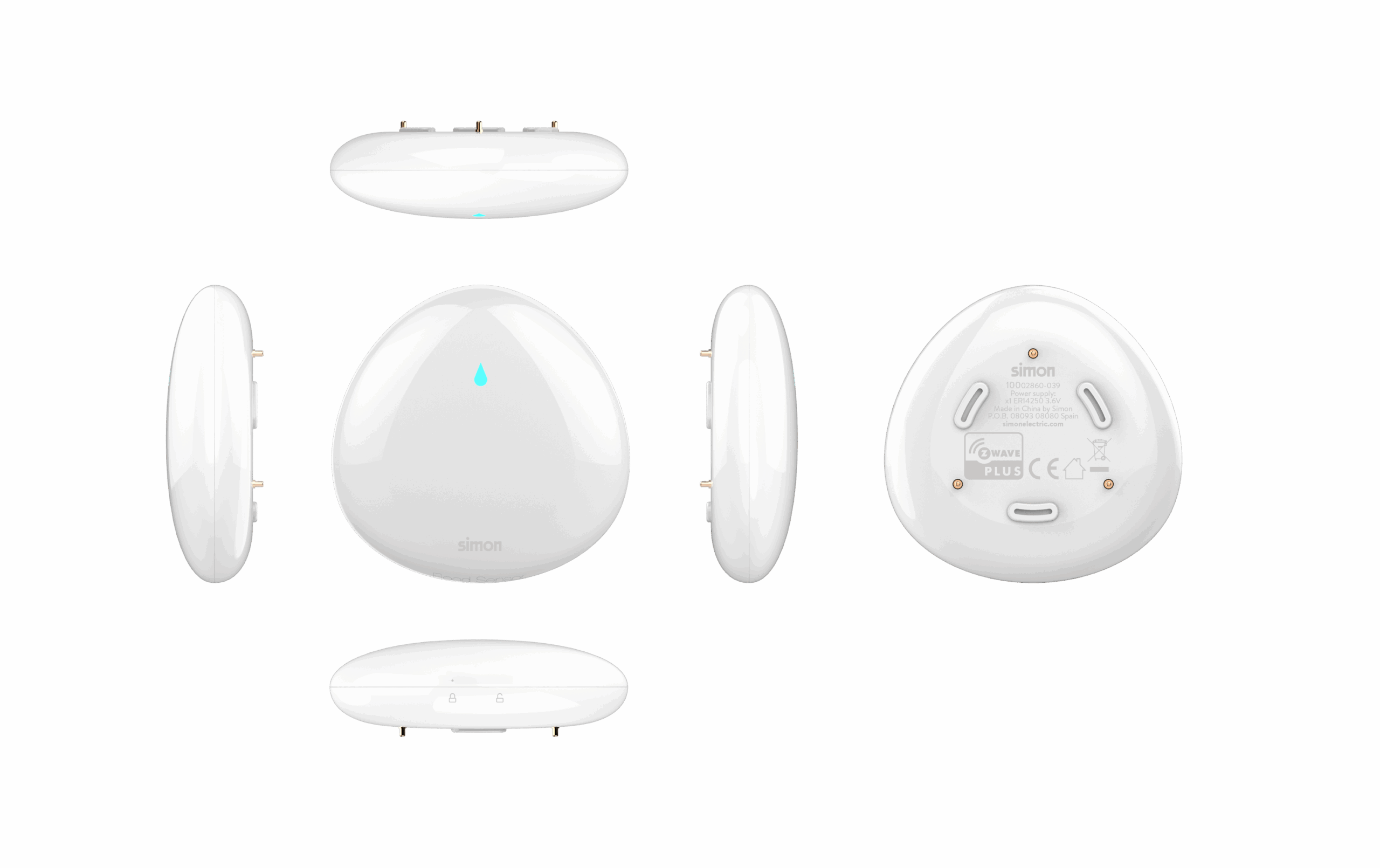
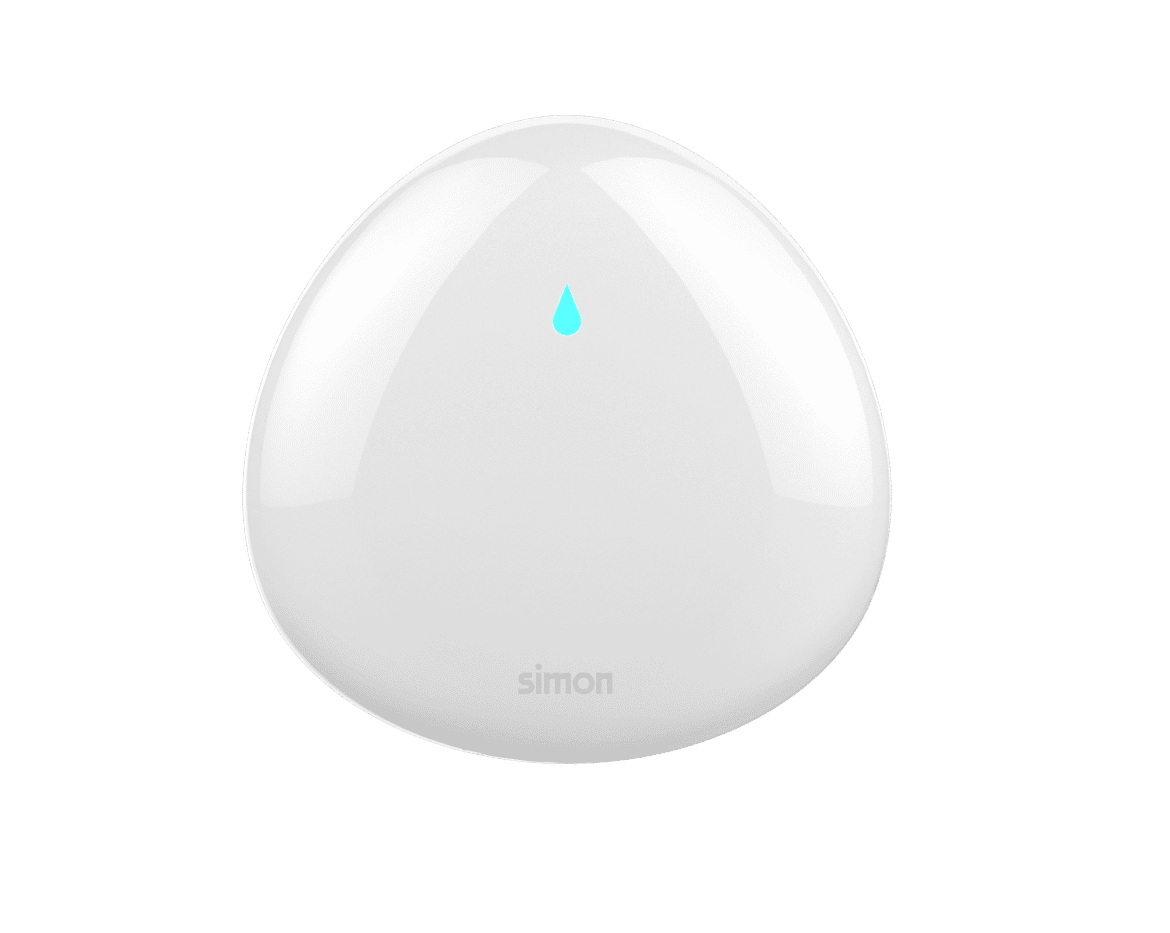
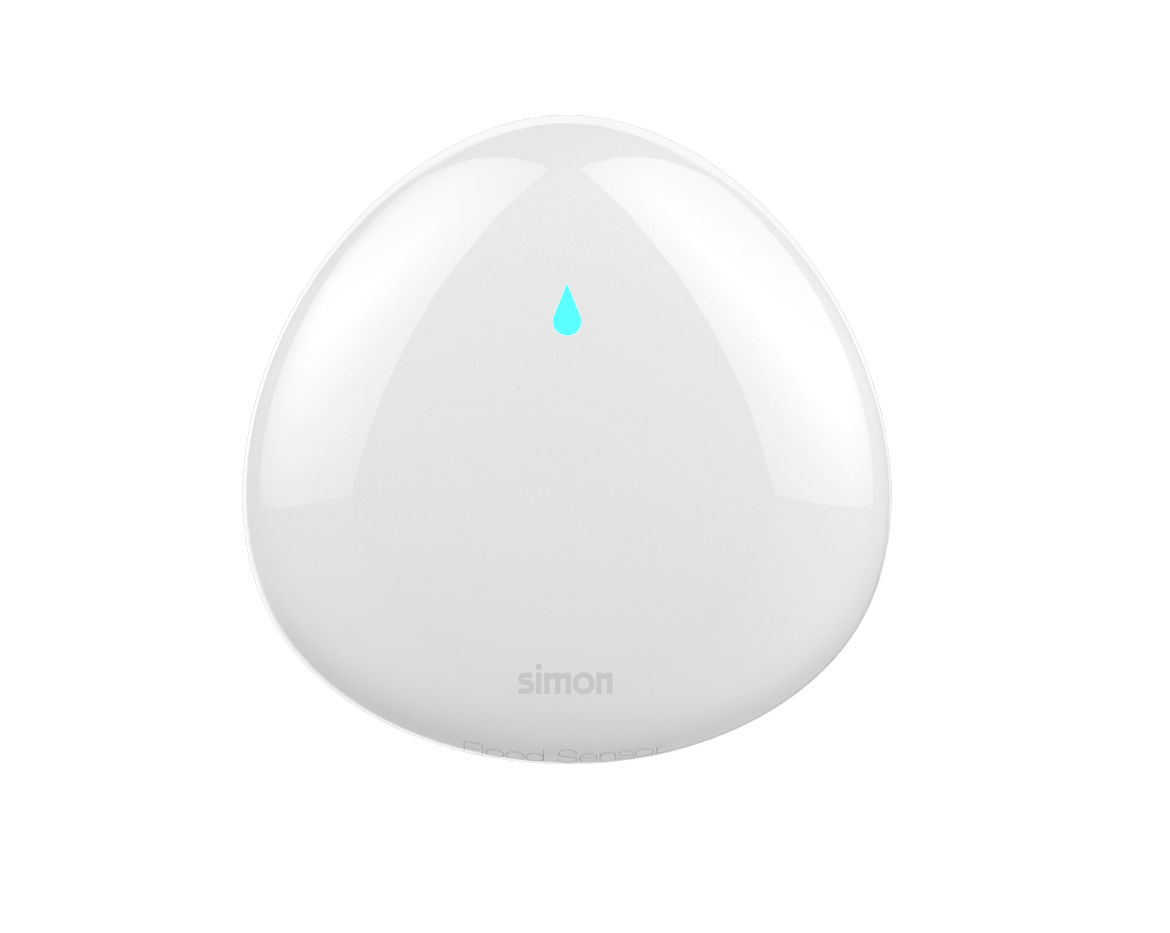
Name | Flood sensor iO |
|---|
Short Description | Flood Sensor is capable of both detecting leaks and floods and when the level of water gets too low in pool or tank, |
|---|
Long Description | Flood Sensor is capable of both detecting leaks and floods and when the level of water gets too low in pool or tank, Flood Sensor can work with your Z-Wave network to prevent emergencies such as burst water boiler to leaking air conditioners. With Z-Wave, the scope to save money is endless.
The features list:
1) Z-Wave Plus certified for wide compatibility (500 serials product).
2) Security 0 and Security 2 framework implemented with AES-128 encryption.
3) Contains an extension water detecting probe.
4) Temperature measurement.
5) Vibration sensor.
6) The battery life is up to 1 year.
7) Low battery alert |
|---|
Brand | Simon |
|---|
Product Identifier | 10002860-039 |
|---|
Product Line | 5P |
|---|
OEM Version | HW: 1 FW: 1.01 |
|---|
Hardware Platform | ZM5202 |
|---|
Z-Wave Version | 6.71.01 |
|---|
Library Type | SLAVE_ENHANCED_232 |
|---|
Device Type | Notification Sensor |
|---|
Role Type | ROLE_TYPE_SLAVE_SLEEPING_REPORTING |
|---|
Manufacturer ID | 0x0208 |
|---|
Product Type ID | 0x0200 |
|---|
Product ID | 0x000F |
|---|
User Icon | 0x0C00 |
|---|
Installer Icon | 0x0C00 |
|---|
Frequency Plans | EU: 869.85MHz, 868.40MHz |
|---|
Categories | Sensors |
|---|
Countries / Regions | European Union |
|---|
Supported Command Classes | Identifier | Name | Key | Version |
|---|
COMMAND_CLASS_SENSOR_MULTILEVEL_V5 | Sensor Multilevel V5 | 0x31 | 5 | COMMAND_CLASS_POWERLEVEL | Powerlevel | 0x73 | 1 | COMMAND_CLASS_BATTERY | Battery | 0x80 | 1 | COMMAND_CLASS_CONFIGURATION | Configuration | 0x70 | 1 | COMMAND_CLASS_SECURITY | Security S0 | 0x98 | 1 | COMMAND_CLASS_TRANSPORT_SERVICE_V2 | Transport Service V2 | 0x55 | 2 | COMMAND_CLASS_VERSION_V2 | Version V2 | 0x86 | 2 | COMMAND_CLASS_WAKE_UP_V2 | Wake Up V2 | 0x84 | 2 | COMMAND_CLASS_DEVICE_RESET_LOCALLY | Device Reset Locally | 0x5A | 1 | COMMAND_CLASS_ZWAVEPLUS_INFO_V2 | Z-Wave Plus Info V2 | 0x5E | 2 | COMMAND_CLASS_ASSOCIATION_V2 | Association V2 | 0x85 | 2 | COMMAND_CLASS_ASSOCIATION_GRP_INFO | Association Group Info | 0x59 | 1 | COMMAND_CLASS_NOTIFICATION_V5 | Notification V5 | 0x71 | 5 | COMMAND_CLASS_SECURITY_2 | Security S2 | 0x9F | 1 | COMMAND_CLASS_SUPERVISION | Supervision | 0x6C | 1 | COMMAND_CLASS_FIRMWARE_UPDATE_MD_V3 | Firmware Update Meta-Data V3 | 0x7A | 3 | COMMAND_CLASS_MANUFACTURER_SPECIFIC_V2 | Manufacturer Specific V2 | 0x72 | 2 |
|
|---|
Controlled Command Classes | Identifier | Name | Key | Version |
|---|
COMMAND_CLASS_BASIC | Basic | 0x20 | 1 |
|
|---|
S2 Classes | S2_UNAUTHENTICATED |
|---|
Documents | Category | Description | File |
|---|
Adv_Manual | Advanced Information Product Manual | | Manual_Primary_Lang | Product Manual | |
|
|---|
Features | Feature | Values |
|---|
Supported Notification Types | | Sensors | | Battery Quantity | | Firmware Updatable | | Battery Type | | Color | |
|
|---|
Association Groups | Group Number | Maximum Nodes Supported | End Point ID | Group Name | Description |
|---|
1 | 5 | 0 | Lifeline | Association Group 1 is the lifeline group | 2 | 5 | 0 | Control:Key01 | 1. Basic Set.
Flood Sensor will send Basic Set to associated nodes when
Water leak detected. |
|
|---|
Configuration Parameters | Parameter Number | Name | Format | Size | Min Value | Max Value | Default Value | Parameter Values | Description |
|---|
17 | Set flooding alarm interval (Minute) | 0 | 1 | 1 | 240 | 5 |
Warning: Undefined variable $field_object in /nas/content/live/zwaprodcatalog/wp-content/themes/hello-elementor-child/single-z-wave-product.php on line 98
From | To | Description |
|---|
0 | 0 | Disable flooding alarm | 1 | 240 | The higher the value, the long the report periodically - in hexadecimal values from 0x01 to 0xFF, or 1 to 255 if your controller allows unsigned decimal values. |
| | 24 | Enable/Disable blinking LED when alarm being triggered | 0 | 1 | 0 | 1 | 1 | From | To | Description |
|---|
0 | 0 | when the value is 0, the product will not blink LED when being triggered; | 1 | 1 | when the value is 1, the product will blink LED when being triggered |
| 0 –Disable. 1 –Enable. |
|
|---|
Texts | ID | Description | Value |
|---|
3 | Learn Mode (adding another controller) | Triple click the Z-button quickly,and then the dut will enter into the Learn Mode. | 4 | Wake-Up Procedure | Press and hold the Z button for more than 5 seconds and release. | 6 | Other Special Features | None | 2 | Classic Exclusion | 1) Open the cover.
2) Place the device within the direct range of your Z-Wave controller.
3) Set the main controller remove mode (see the controller’s manual).
4) Triple click the Z-button quickly, the LED indicator should blink fast.
5) Wait for the removing process to end.
6) Successful adding will be confirmed by the Z-Wave controller’s message. | 5 | Factory Reset Procedure | 1)Power on the device,
2) Press and hold the Z button for more than 20 seconds,
3) If holding time more than 20seconds, the LED indicator will keep on for 2 seconds, which means resetting is complete.
4) The reset feature works only when the device has been included into a Z-Wave network.
Use this procedure only in the event that the network primary controller is missing or otherwise inoperable.
Please use this procedure only when the network primary controller is missing or otherwise inoperable. | 1 | Classic Inclusion | 1) Open the cover.
2) Place the device within the direct range of your Z-Wave controller.
3) Set the main controller in add mode (see the controller’s manual).
4) Click the Z-button once or triple click the Z-button quickly, the LED indicator should blink fast.
5) Wait for the adding process to end.
6) Successful adding will be confirmed by the Z-Wave controller’s message. |
|
|---|
Supported Notification Types | Notification Type | Event / State |
|---|
Heat Alarm | (Refer to parameters): State idle | Water Alarm | (Refer to parameters): State idle | Home Security | (Refer to parameters): State idle |
|
|---|
Supported Multilevel Sensors | Multilevel Sensor Type |
|---|
Air temperature |
|
|---|
Supports NWI | Yes |
|---|
Supports Explorer Frames | Yes |
|---|
Radio Range Z-Wave (m) | 40 |
|---|