Product Recognition | |
|---|
Certification Number | ZC10-17075715 |
|---|
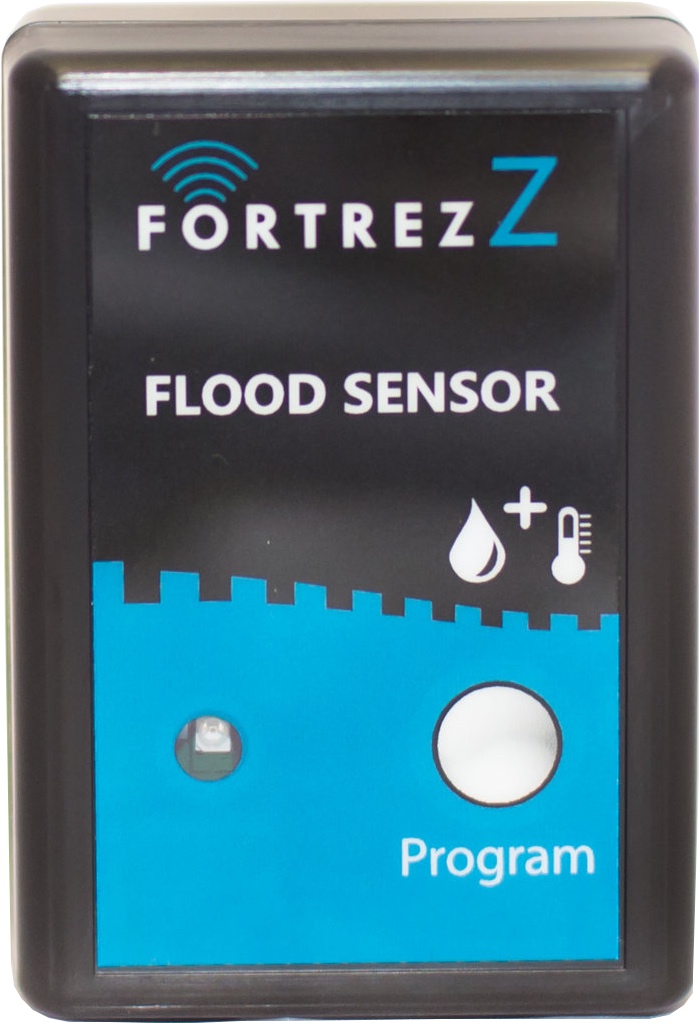
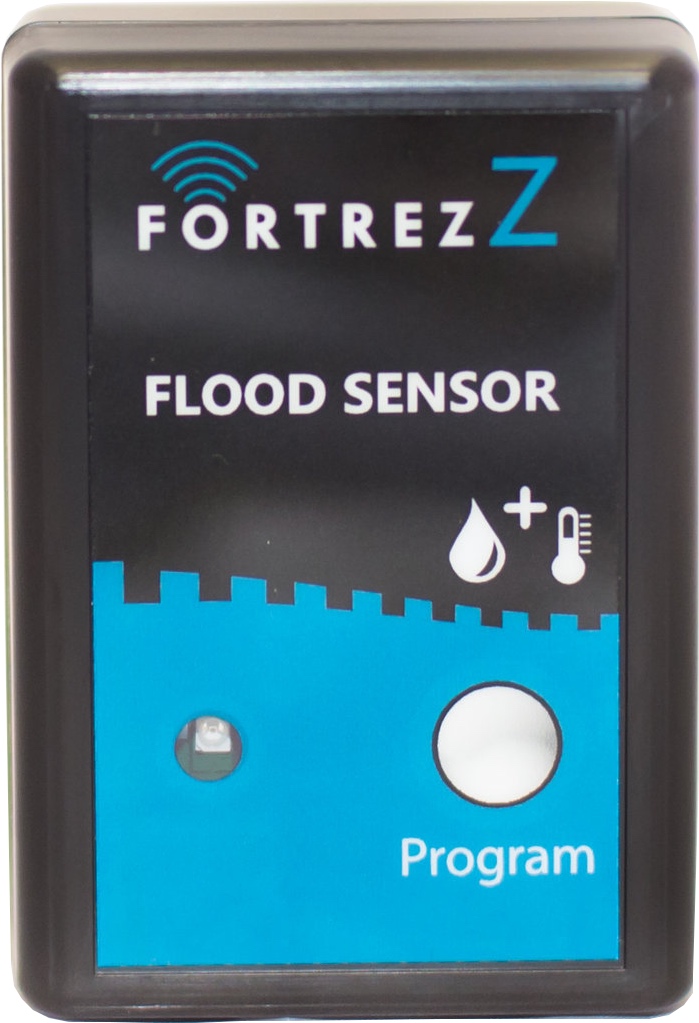
Name | Flood & Temperature Sensor |
|---|
Short Description | Water damages are caused by leaking pipes and faulty appliances. Place sensors in areas near water consuming appliances. If a leak occurs, water will puddle and wet the sensor, triggering an alarm. |
|---|
Long Description | Gain the peace of mind and the protection you expect. Water damages are caused by leaking pipes, corroded water heaters, water storage tanks, fixtures in bathrooms, laundry rooms, refrigerator drip pans etc. Place this sensor in areas near water consuming appliances and drains. If a leak occurs, water will puddle and wet the sensor, triggering an alarm. The Sensor will notify the Z-wave controller that a flood has been detected. Paired with our Water Valve, these units will automatically signal the water to shut-off, eliminating any further damage from occurring. |
|---|
Brand | FortrezZ LLC |
|---|
Product Identifier | FTS05 |
|---|
OEM Version | HW: 5 FW: 2.11 |
|---|
Hardware Platform | ZM5202 |
|---|
Z-Wave Version | 6.51.09 |
|---|
Library Type | SLAVE_ENHANCED_232 |
|---|
Device Type | Notification Sensor |
|---|
Role Type | ROLE_TYPE_SLAVE_SLEEPING_REPORTING |
|---|
Manufacturer ID | 0x0084 |
|---|
Product Type ID | 0x0073 |
|---|
Product ID | 0x020B |
|---|
User Icon | 0x0C05 |
|---|
Installer Icon | 0x0C05 |
|---|
Frequency Plans | US: 916.00MHz, 908.40MHz |
|---|
Categories | Sensors |
|---|
Countries / Regions | United States of America |
|---|
Supported Command Classes | Identifier | Name | Key | Version |
|---|
COMMAND_CLASS_POWERLEVEL | Powerlevel | 0x73 | 1 | COMMAND_CLASS_BATTERY | Battery | 0x80 | 1 | COMMAND_CLASS_CONFIGURATION | Configuration | 0x70 | 1 | COMMAND_CLASS_SECURITY | Security S0 | 0x98 | 1 | COMMAND_CLASS_VERSION_V2 | Version V2 | 0x86 | 2 | COMMAND_CLASS_WAKE_UP_V2 | Wake Up V2 | 0x84 | 2 | COMMAND_CLASS_DEVICE_RESET_LOCALLY | Device Reset Locally | 0x5A | 1 | COMMAND_CLASS_ZWAVEPLUS_INFO_V2 | Z-Wave Plus Info V2 | 0x5E | 2 | COMMAND_CLASS_ASSOCIATION_V2 | Association V2 | 0x85 | 2 | COMMAND_CLASS_SENSOR_MULTILEVEL_V9 | Sensor Multilevel V9 | 0x31 | 9 | COMMAND_CLASS_ASSOCIATION_GRP_INFO | Association Group Info | 0x59 | 1 | COMMAND_CLASS_FIRMWARE_UPDATE_MD_V2 | Firmware Update Meta-Data V2 | 0x7A | 2 | COMMAND_CLASS_MANUFACTURER_SPECIFIC_V2 | Manufacturer Specific V2 | 0x72 | 2 | COMMAND_CLASS_NOTIFICATION_V4 | Notification V4 | 0x71 | 4 |
|
|---|
Controlled Command Classes | Identifier | Name | Key | Version |
|---|
COMMAND_CLASS_BASIC | Basic | 0x20 | 1 |
|
|---|
Documents | Category | Description | File |
|---|
Manual_Primary_Lang | Product or Owner's Manual | |
|
|---|
Features | Feature | Values |
|---|
Sensors | Value |
|---|
Air Temperature | Moisture | Humidity | Freeze | Water Temperature | Soil Temperature |
| Color | | Supported Notification Types | Value |
|---|
Heat Alarm | Water Alarm | Power Management | System |
| Battery Quantity | | Battery Type | | Firmware Updatable | Value |
|---|
Updatable by Consumer by RF |
|
|
|---|
Association Groups | Group Number | Maximum Nodes Supported | End Point ID | Description |
|---|
4 | 2 | 0 | Basic Set Command with value = 0xFF is sent to the associated nodes to indicate that a Temperature Low condition has been detected. When the temperature is back in the normal range, one additional report with value = 0x00 is sent. | 5 | 2 | 0 | Temperature report (Multilevel Sensor) when the temperature has changed (with filtering/hysteresis to avoid continuous transmissions at a transition point). | 6 | 2 | 0 | Temperature report (Multilevel Sensor) every 5 minutes | 7 | 2 | 0 | Temperature report (Multilevel Sensor) every 20 minutes
| 8 | 2 | 0 | Temperature report (Multilevel Sensor) every 60 minutes | 2 | 2 | 0 | Basic Set Command ON (default, 0xFF) or OFF (0x00) is sent to the associated nodes to indicate that a Water Alarm is active. This depends on the parameter 4 configuration value. When the water alarm is cleared, one additional report with the opposite value is sent. | 3 | 2 | 0 | Basic Set Command with value = 0xFF is sent to the associated nodes to indicate that a Temperature High condition has been detected. When the temperature is back in the normal range, one additional report with value = 0x00 is sent. | 1 | 2 | 0 | Z-Wave Plus Lifeline
• Device Reset Locally (via 3 quick presses of the program switch)
• Battery Report (when calculated battery life percentage changes)
• Notifications
o Water (Type 5; Event Waterleak_Detected)
o Heat (Type 4; Event Underheat_Detected)
o Heat (Type 4; Event Underheat_Detected)
Power (Type 8; Events Power_Applied, Replace_Soon, Replace_Now) |
|
|---|
Configuration Parameters | Parameter Number | Name | Description | Format | Size | Min Value | Max Value | Default Value | Parameter Values |
|---|
2 | Temperature High threshold | Use this to change the high temperature alarm threshold. Set the range between -9 and 70 deg C | 0 | 1 | 0 | 0 | 70 | From | To | Description |
|---|
247 | 70 | -9 deg to 70 deg C |
| 1 | Temperature Low threshold | Use this to change the low temperature alarm threshold. Set the range between -10 and 69 deg C | 0 | 1 | 0 | 0 | 4 | From | To | Description |
|---|
246 | 69 | -10 deg to 69 deg C |
| 4 | Water Alarm Association Mode | Use this to send basic set ON or Basic Set OFF when an alarm is detected. '240' is basic Set ON (default). Use value of '0' for sending basic set OFF when alarm detected. | 0 | 1 | 0 | 0 | 240 | From | To | Description |
|---|
240 | 0 | 240 or 0 |
|
|
|---|
Texts | ID | Description | Value |
|---|
1 | Inclusion | 1) Set up the Add/Inclusion mode at the controller; 2) Briefly press the switch once and the controller will indicate the unit has been added into the network. Also, the LED will blink 2 quick blinks when complete. | 2 | Exclusion | 1) Set up the Remove/Exclusion mode at the controller; 2) Press and hold the switch for approx. 2 seconds and then release. The controller will indicates the unit has been removed from the network. The LED will blink 4 quick blinks when complete. | 4 | Device Wake-Up | To initiate manual wakeup, press the program button once, while in network. Device stays awake for 10 seconds or longer if communicating with the controller. | 5 | Factory Reset | Reset the device to factory Defaults - Press and hold the program button for longer than 15 seconds. When complete, the LED will flash approx. 30 times. This can be done while the device is either in or out of a network. Please use this procedure only when the network primary controller is missing or otherwise inoperable. Caution – When this is done in-network, the device will no longer be in the network and all configurations and associations will be set to default. | 6 | Additional Special Features | Over-the-Air (OTA) Firmware Update mode – If running on batteries, a firmware update should only be done with new batteries. Quickly press the program button 3 times while in-network and then activate your controller’s update mode. Caution – This should not be done unless a firmware update will be immediately started at the controller. Do not allow the OTA mode to continue indefinitely without starting the firmware update at your controller. Refer to your controller’s manual for update procedures. Press the button once to exit the OTA mode. |
|
|---|
Supported Notification Types | Notification Type | Event / State |
|---|
Heat Alarm | (Refer to parameters): State idle | Water Alarm | (Refer to parameters): State idle | Power Management | (Refer to parameters): State idle | System | (Refer to parameters): State idle |
|
|---|
Supported Multilevel Sensors | Multilevel Sensor Type |
|---|
Air temperature | Humidity | Water temperature | Soil temperature | Moisture |
|
|---|
Supports NWI | Yes |
|---|
Supports Explorer Frames | Yes |
|---|