Product Recognition | |
|---|
Certification Number | ZC10-20076952 |
|---|
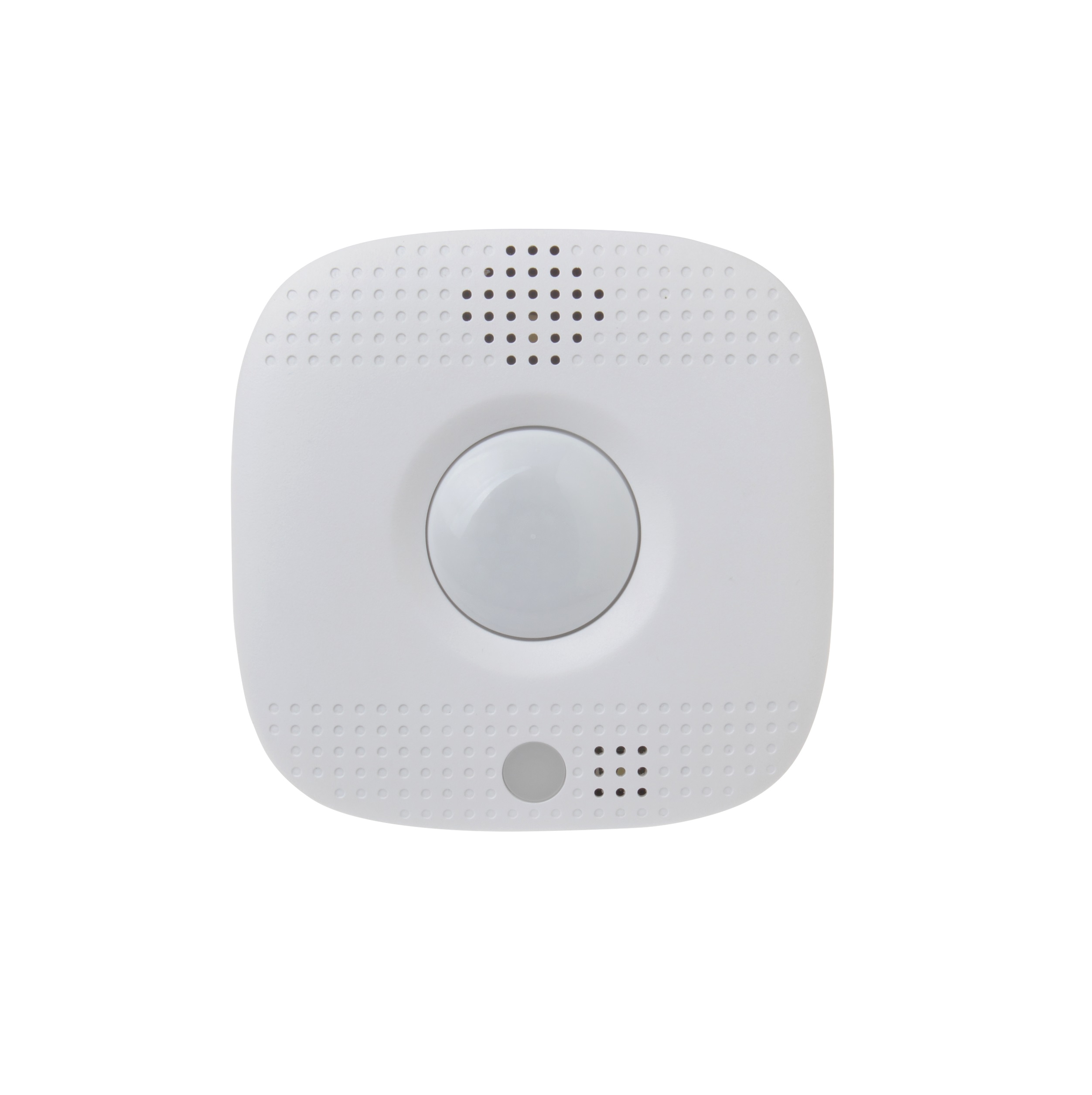
Name | Heatit Z-Smoke Detector 230V |
|---|
Short Description | Z-Smoke Detector 230V is a mini-sized wireless smoke detector with built-in PIR motion sensor, temperature sensor and emergency light (optional). |
|---|
Long Description | The Z-Smoke Detector is a wirelessly operated photo-electronic Smoke Detector designed to operate with any Z-Wave enabled controller devices; it also features smoke detecting, temperature sensing and IR detection. The Smoke Detector’s alarm situations, battery condition, operating conditions, supervisory data and general fault information are sent to the Z-Wave Gateway/Control Panel wirelessly. The device is also serially connected with other sensors in the Z-Wave gateway to serve as an extra siren. |
|---|
Brand | Heatit controls |
|---|
Product Identifier | 4512689 |
|---|
Product Line | Sensors |
|---|
OEM Version | HW: 255 FW: 4.01 |
|---|
Hardware Platform | ZM5202 |
|---|
Z-Wave Version | 6.81.06 |
|---|
Library Type | SLAVE_ENHANCED_232 |
|---|
Device Type | Notification Sensor |
|---|
Role Type | ROLE_TYPE_SLAVE_ALWAYS_ON |
|---|
Manufacturer ID | 0x019B |
|---|
Product Type ID | 0x0003 |
|---|
Product ID | 0x3601 |
|---|
User Icon | 0x0C01 |
|---|
Installer Icon | 0x0C01 |
|---|
Frequency Plans | EU: 869.85MHz, 868.40MHz |
|---|
Categories | Sensors |
|---|
Countries / Regions | European Union |
|---|
Supported Command Classes | Identifier | Name | Key | Version |
|---|
COMMAND_CLASS_FIRMWARE_UPDATE_MD_V4 | Firmware Update Meta-Data V4 | 0x7A | 4 | COMMAND_CLASS_POWERLEVEL | Powerlevel | 0x73 | 1 | COMMAND_CLASS_MULTI_CHANNEL_ASSOCIATION_V3 | Multi-Channel Association V3 | 0x8E | 3 | COMMAND_CLASS_BATTERY | Battery | 0x80 | 1 | COMMAND_CLASS_TRANSPORT_SERVICE_V2 | Transport Service V2 | 0x55 | 2 | COMMAND_CLASS_DEVICE_RESET_LOCALLY | Device Reset Locally | 0x5A | 1 | COMMAND_CLASS_ZWAVEPLUS_INFO_V2 | Z-Wave Plus Info V2 | 0x5E | 2 | COMMAND_CLASS_ASSOCIATION_V2 | Association V2 | 0x85 | 2 | COMMAND_CLASS_ASSOCIATION_GRP_INFO | Association Group Info | 0x59 | 1 | COMMAND_CLASS_NOTIFICATION_V8 | Notification V8 | 0x71 | 8 | COMMAND_CLASS_SECURITY_2 | Security S2 | 0x9F | 1 | COMMAND_CLASS_SENSOR_MULTILEVEL_V11 | Sensor Multilevel V11 | 0x31 | 11 | COMMAND_CLASS_VERSION_V3 | Version V3 | 0x86 | 3 | COMMAND_CLASS_SUPERVISION | Supervision | 0x6C | 1 | COMMAND_CLASS_MANUFACTURER_SPECIFIC_V2 | Manufacturer Specific V2 | 0x72 | 2 |
|
|---|
Controlled Command Classes | Identifier | Name | Key | Version |
|---|
COMMAND_CLASS_BASIC_V2 | Basic V2 | 0x20 | 2 |
|
|---|
S2 Classes | S2_UNAUTHENTICATED |
|---|
Documents | Category | Description | File |
|---|
Manual_Primary_Lang | Product Manual | |
|
|---|
Features | Feature | Values |
|---|
Firmware Updatable | Value |
|---|
Updatable by Consumer by RF |
| Battery Type | | Battery Quantity | |
|
|---|
Association Groups | Group Number | Maximum Nodes Supported | End Point ID | Group Name | Profile | Description |
|---|
1 | 1 | 0 | Lifeline | 0x0000 | Group 1 for “LifeLine”: (maximum node: one)
Battery CC (COMMAND_CLASS_BATTERY)
Notification CC,V8 (COMMAND_CLASS_NOTIFICATION)
SensorMutilevel CC, V11 (COMMAND_CLASS_SENSOR_MULTILEVEL)
Device Reset Locally CC (COMMAND_CLASS_DEVICE_RESET_LOCALLY) | 2 | 1 | 0 | Basic set | 0x0000 | Basic CC (COMMAND_CLASS_BASIC)
#.When the Smoke Detector is active, it will send Basic Set (0xFF) in Group 2.
#.When the Smoke Detector is restored, it will send Basic Set (0x00) in Group 2. |
|
|---|
Texts | ID | Description | Value |
|---|
1 | Classic Inclusion | 1. Before you start, find the circuit breaker or fuse box.
2. Once you have found it, open the door and turn off the main power switch. Step
3. Two Wago 221 Splicing Connectors are provided. Take out one connector. Pull the lever up and insert the white wire.
4. Push the lever back down. The transparent housing allows you to check if the wire is connected properly. Make sure the wire is tightly held in place before you proceed.
5. Repeat Step 3 and Step 4 to insert the black wire. Inserting the two wires to the same side (right), as shown below, of the two connectors provides an easier installation in the following steps.
7. Put the Z-Wave gateway or control panel into Inclusion or Learning mode (please refer to the Z-Wave gateway or control panel manual).
8. Within 1.5 seconds, press the Function button 3 times. The Smoke Detector will emit a 2-tone beep and the LED will turn on for ~2 seconds. Refer to the operation manual of the Z-Wave gateway or control panel to complete the learn-in process.
6. Insert the AC wires to the two connectors respectively, as shown below. Use a pair of tweezers to turn the Battery Switch to ON position (left side), the rechargeable battery will begin to charge. | 2 | Classic Exclusion | 1. Put the Z-Wave gateway or control panel into Exclusion mode (please refer to the Z-Wave gateway or control panel manual).
2. Within 1.5 seconds, press the Function button 3 times and the Smoke Detector will be removed from the Z-Wave network. | 4 | Wake-Up Procedure | Role Type Always on Slave
no Wake-Up Procedure | 5 | Factory Reset Procedure | (Only use factory reset when network Control Panel/Gateway is missing or inoperable)
1. Remove the batteries of the Smoke Detector first.
2. Press and hold the Function button. While holding the Function button, power on the Smoke Detector by re-inserting the batteries, wait for 20 seconds to factory reset. |
|
|---|
Supported Notification Types | Notification Type | Event / State |
|---|
Smoke Alarm | (Refer to parameters): State idle | Smoke Alarm | Sensor status: Smoke detected | Smoke Alarm | Alarm status: Alarm silenced | Heat Alarm | (Refer to parameters): State idle | Heat Alarm | Heat sensor status: Overheat detected | Heat Alarm | Alarm status: Alarm silenced | Home Security | Cover status: Tampering, product cover removed | Home Security | Motion sensor status: Motion detection | Power Management | Mains status: AC mains disconnected | Power Management | Mains status: AC mains re-connected |
|
|---|
Supported Multilevel Sensors | Multilevel Sensor Type |
|---|
Air temperature |
|
|---|
Supports NWI | Yes |
|---|
Supports Explorer Frames | Yes |
|---|
Radio Range Z-Wave (m) | 40 |
|---|

.jpg)