Product Recognition | |
|---|
Certification Number | ZC10-20036889 |
|---|
Name | Heatit Z-TRM3 |
|---|
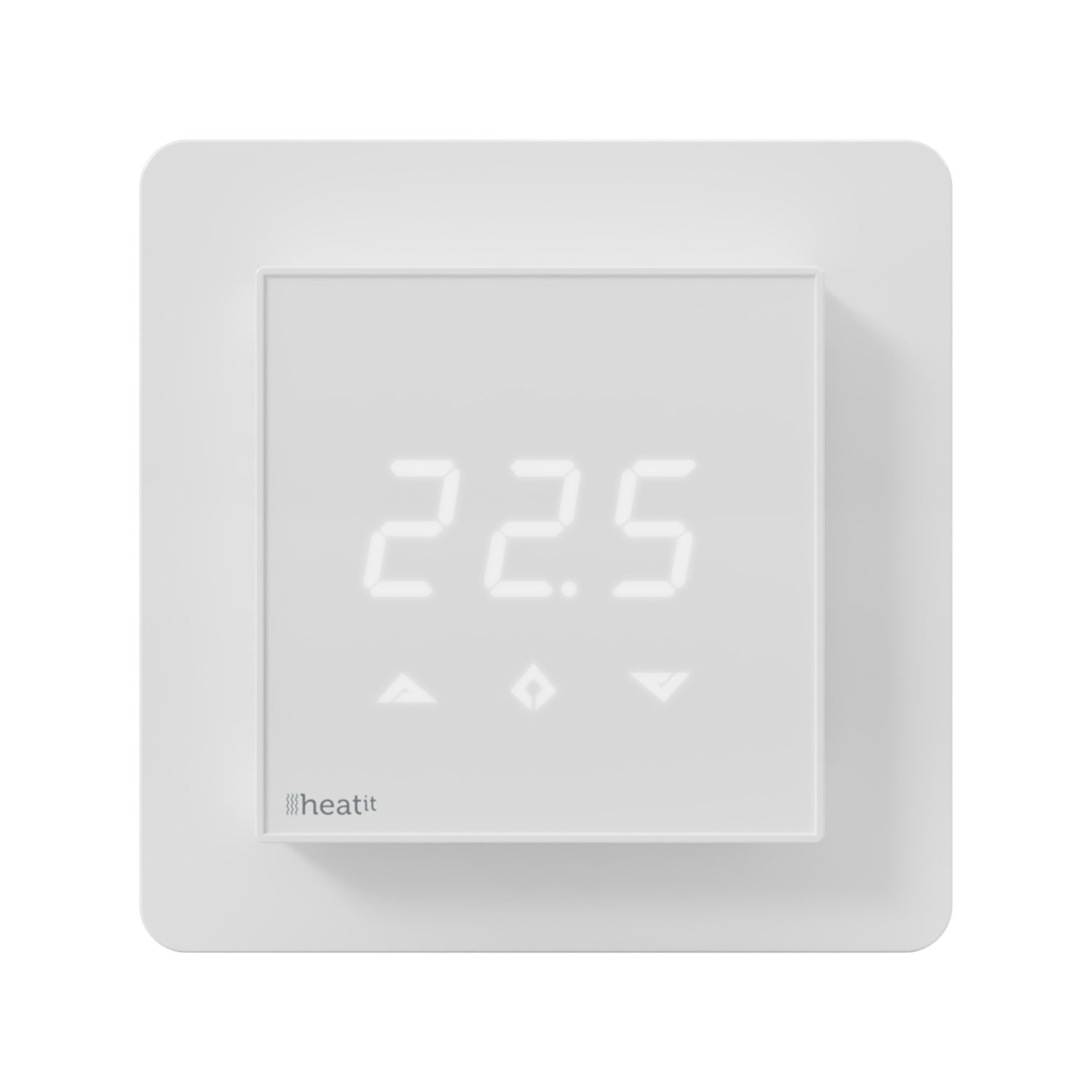
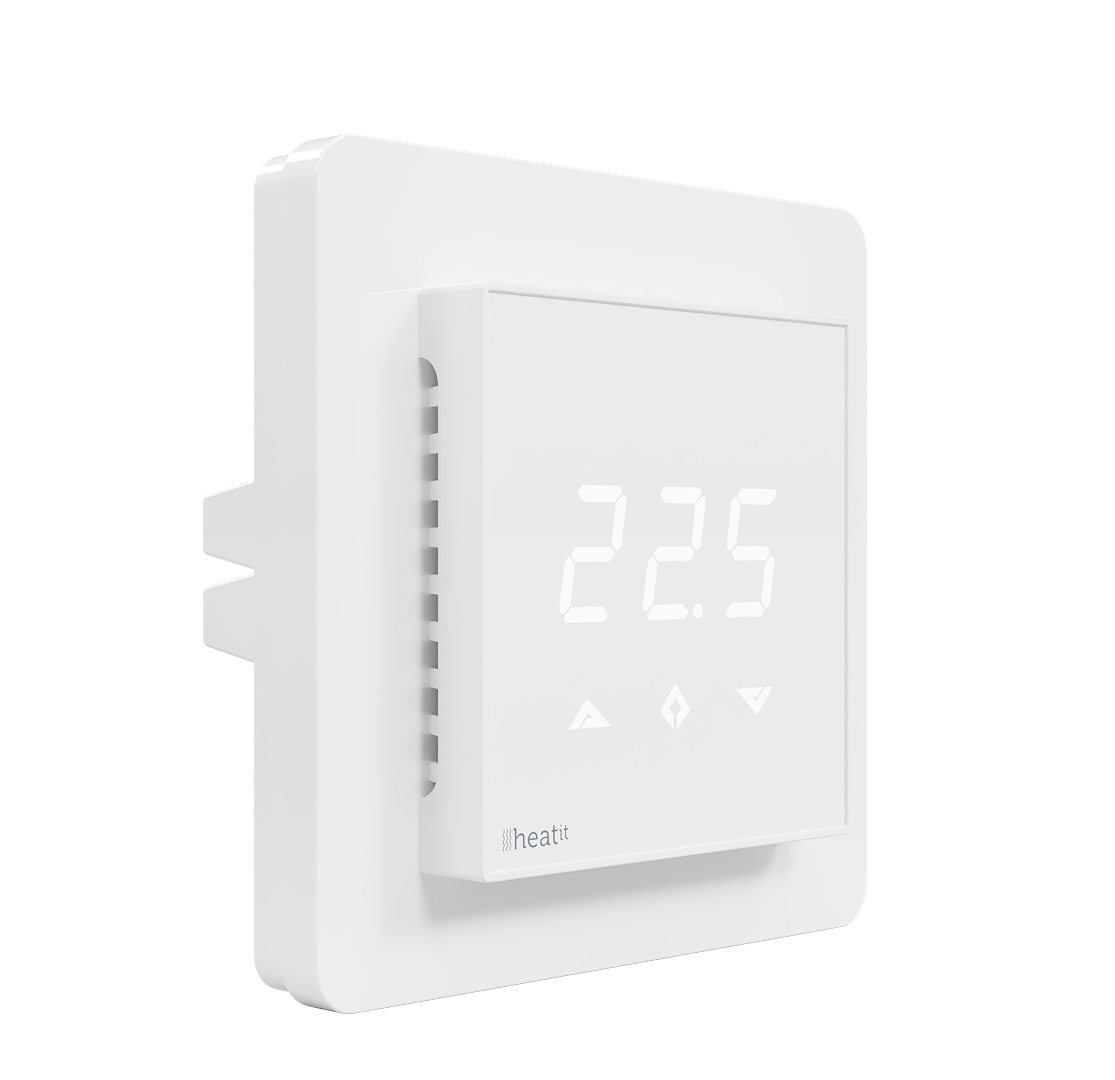
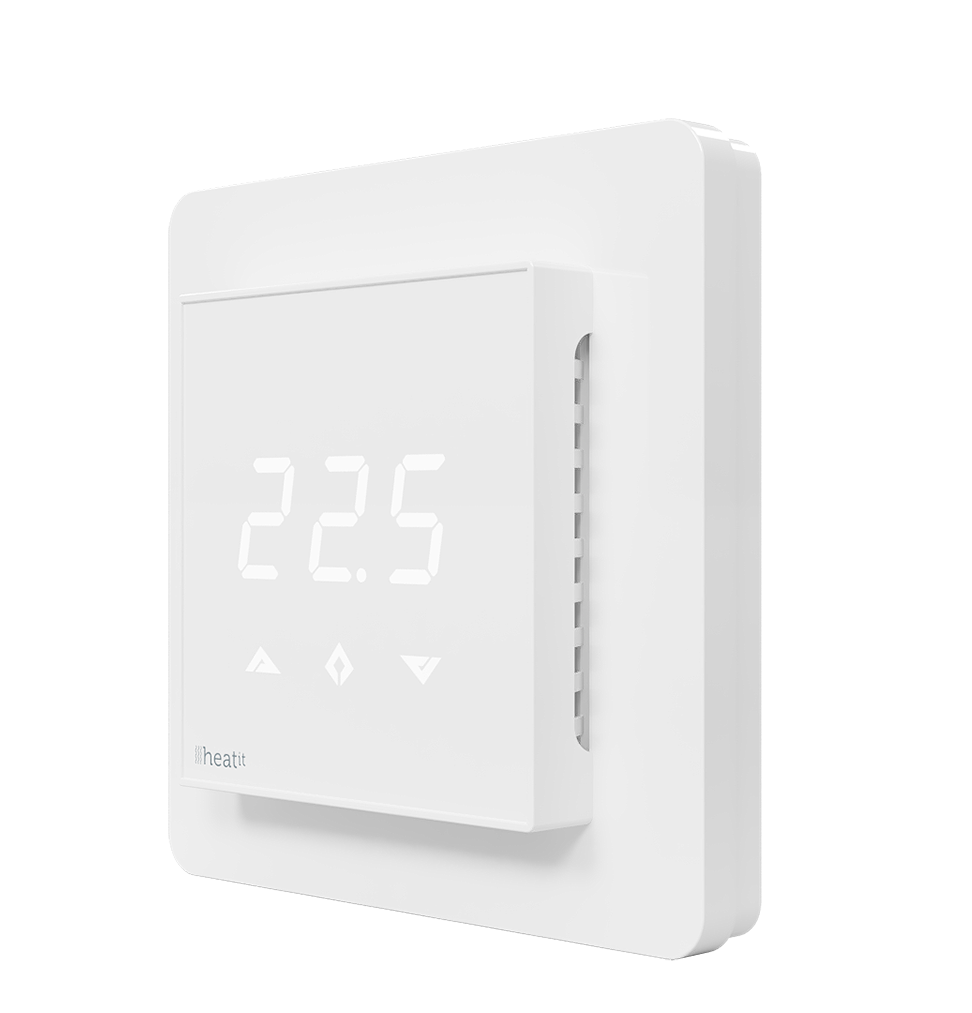
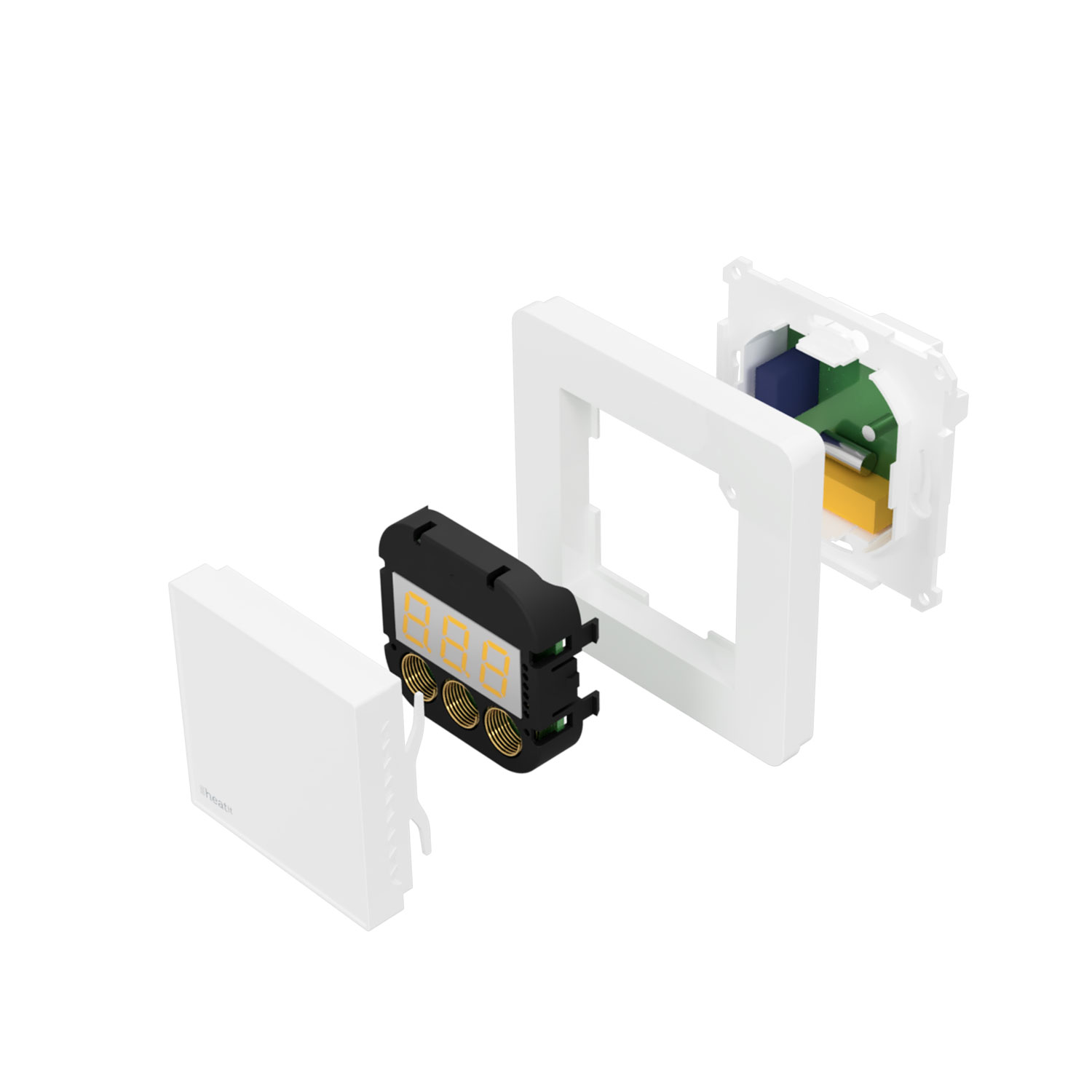
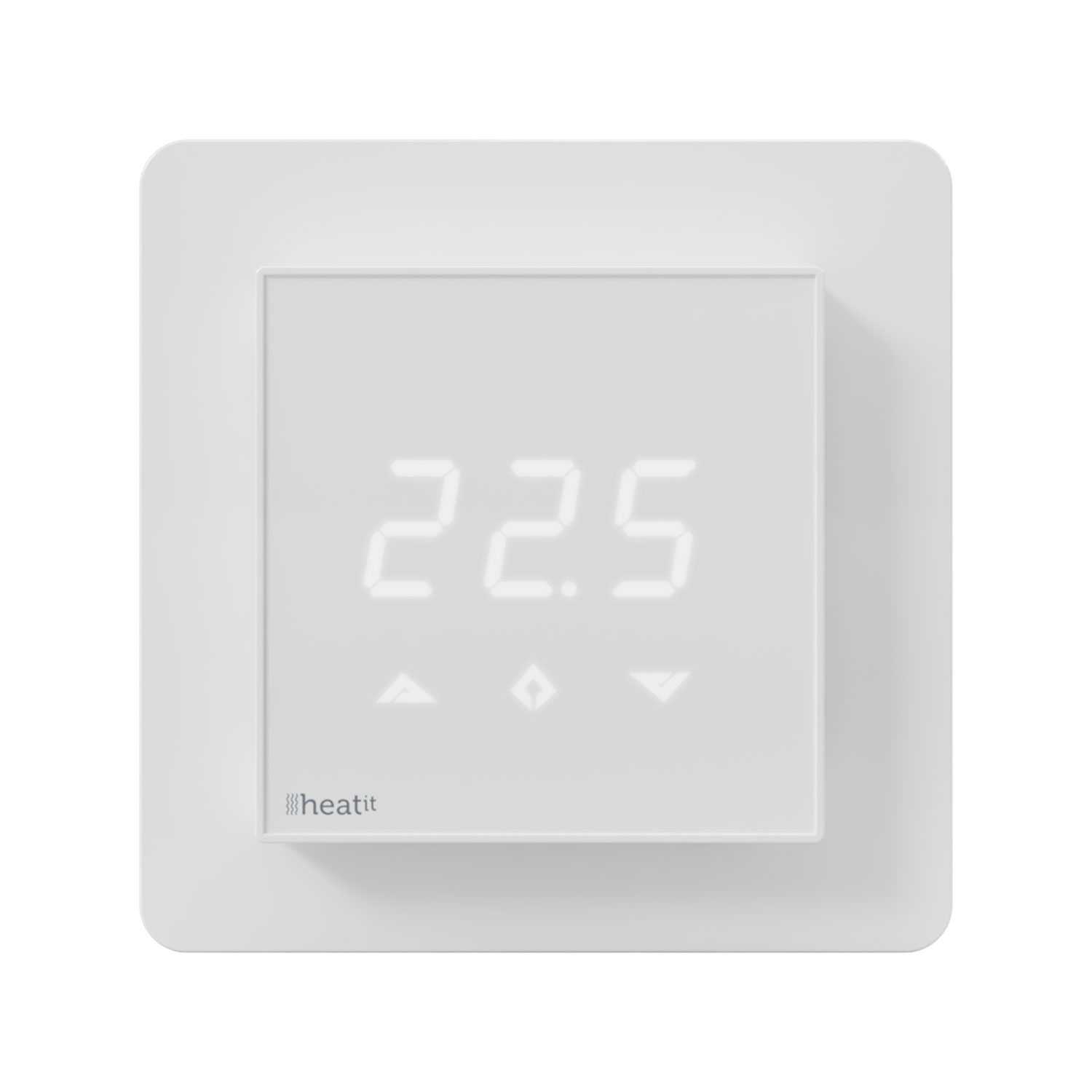
Short Description | Heatit Z-TRM3 is an electronic thermostat for electrical floor
heating, designed to be mounted in a standard flush box. The
thermostat has a built-in Z-Wave chip that can be connected with
Home Automation systems. Heatit Z-TRM3 has SmartStart. |
|---|
Long Description | Heatit Z-TRM3 is an electronic thermostat for electrical floor
heating, designed to be mounted in a standard flush box. The
thermostat has a built-in Z-Wave chip that can be connected with
Home Automation systems. Heatit Z-TRM3 has SmartStart. This
feature allows the user to include all devices with SmartStart by
scanning the QR codes on the devices. On startup all the devices
will automatically be included in the gateway (requires SmartStart
compability). This saves the installer a lot of work.
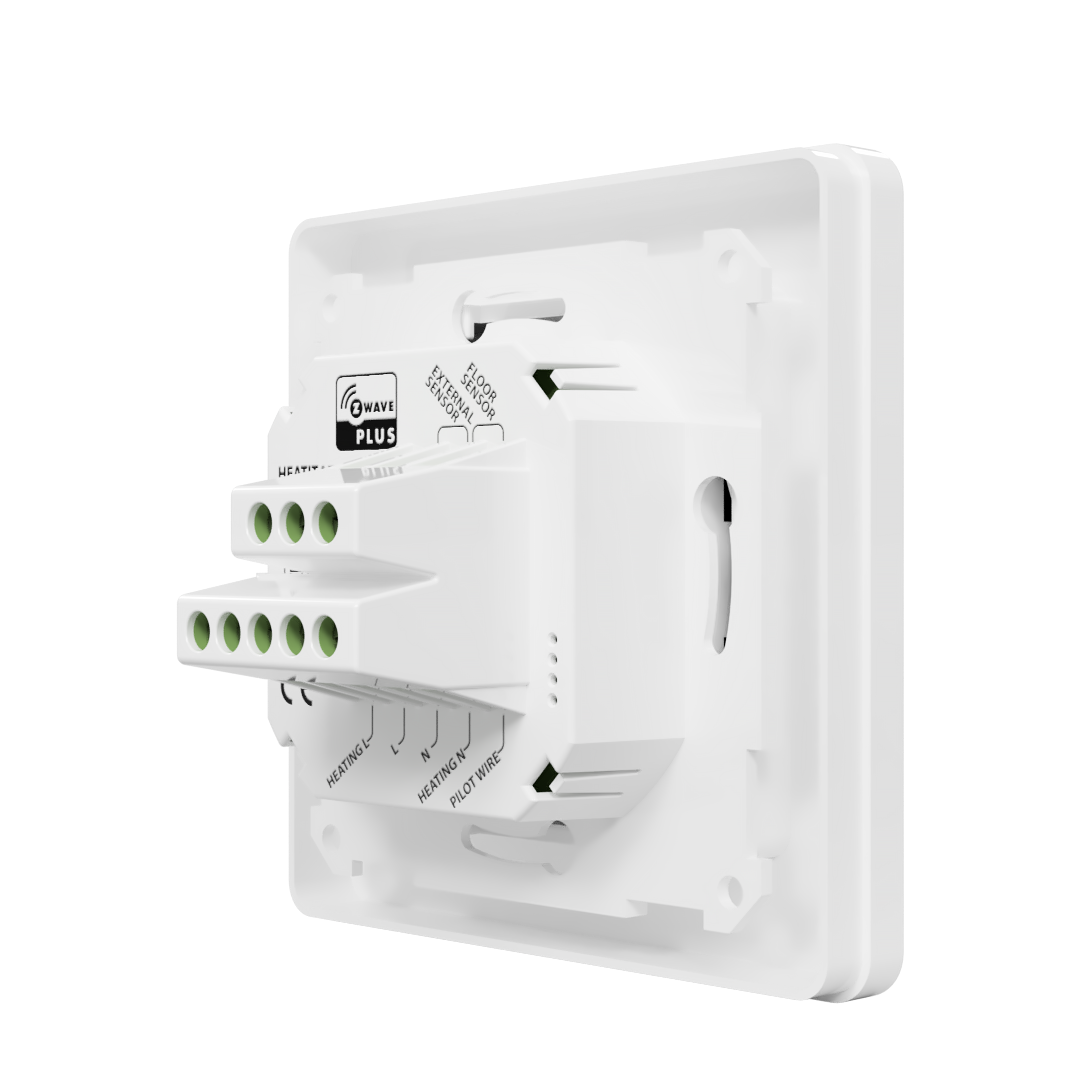
Heatit Z-TRM3 is equipped with a single pole switch and fits into
System 55 frames. The thermostat can withstand a load of max
16A /3600W at 230V. At higher loads the thermostat must control
a contactor. The thermostat may be connected to two wired
external sensors. The thermostat has the capacity of up to 5
associations (relays, wall plugs etc.).
The thermostat is designed for electrical heating. It may be
used for waterbased heating if the thermostat is linked with the
Heatit Z-Water. |
|---|
Brand | Heatit controls |
|---|
Product Identifier | Z-TRM3 |
|---|
Product Line | Heatit Climate Control |
|---|
OEM Version | HW: 3 FW: 4.00:04.00 |
|---|
Hardware Platform | ZM5101 |
|---|
Z-Wave Version | 6.81.06 |
|---|
Library Type | SLAVE_ENHANCED_232 |
|---|
Device Type | Thermostat - HVAC |
|---|
Role Type | ROLE_TYPE_SLAVE_ALWAYS_ON |
|---|
Manufacturer ID | 0x019B |
|---|
Product Type ID | 0x0003 |
|---|
Product ID | 0x0203 |
|---|
User Icon | 0x1201 |
|---|
Installer Icon | 0x1200 |
|---|
Frequency Plans | EU: 869.85MHz, 868.40MHz |
|---|
Categories | Thermostats |
|---|
Countries / Regions | European Union |
|---|
Supported Command Classes | Identifier | Name | Key | Version |
|---|
COMMAND_CLASS_FIRMWARE_UPDATE_MD_V4 | Firmware Update Meta-Data V4 | 0x7A | 4 | COMMAND_CLASS_SENSOR_MULTILEVEL_V5 | Sensor Multilevel V5 | 0x31 | 5 | COMMAND_CLASS_POWERLEVEL | Powerlevel | 0x73 | 1 | COMMAND_CLASS_MULTI_CHANNEL_ASSOCIATION_V3 | Multi-Channel Association V3 | 0x8E | 3 | COMMAND_CLASS_THERMOSTAT_OPERATING_STATE | Thermostat Operating State | 0x42 | 1 | COMMAND_CLASS_SECURITY | Security S0 | 0x98 | 1 | COMMAND_CLASS_THERMOSTAT_MODE_V3 | Thermostat Mode V3 | 0x40 | 3 | COMMAND_CLASS_THERMOSTAT_SETPOINT_V3 | Thermostat Setpoint V3 | 0x43 | 3 | COMMAND_CLASS_TRANSPORT_SERVICE_V2 | Transport Service V2 | 0x55 | 2 | COMMAND_CLASS_DEVICE_RESET_LOCALLY | Device Reset Locally | 0x5A | 1 | COMMAND_CLASS_ZWAVEPLUS_INFO_V2 | Z-Wave Plus Info V2 | 0x5E | 2 | COMMAND_CLASS_ASSOCIATION_V2 | Association V2 | 0x85 | 2 | COMMAND_CLASS_METER_V3 | Meter V3 | 0x32 | 3 | COMMAND_CLASS_ASSOCIATION_GRP_INFO | Association Group Info | 0x59 | 1 | COMMAND_CLASS_MULTI_CHANNEL_V4 | Multi-Channel V4 | 0x60 | 4 | COMMAND_CLASS_BASIC_V2 | Basic V2 | 0x20 | 2 | COMMAND_CLASS_CONFIGURATION_V3 | Configuration V3 | 0x70 | 3 | COMMAND_CLASS_SECURITY_2 | Security S2 | 0x9F | 1 | COMMAND_CLASS_VERSION_V3 | Version V3 | 0x86 | 3 | COMMAND_CLASS_SUPERVISION | Supervision | 0x6C | 1 | COMMAND_CLASS_MANUFACTURER_SPECIFIC_V2 | Manufacturer Specific V2 | 0x72 | 2 |
|
|---|
Controlled Command Classes | Identifier | Name | Key | Version |
|---|
COMMAND_CLASS_SENSOR_MULTILEVEL_V5 | Sensor Multilevel V5 | 0x31 | 5 | COMMAND_CLASS_THERMOSTAT_OPERATING_STATE | Thermostat Operating State | 0x42 | 1 | COMMAND_CLASS_THERMOSTAT_MODE_V3 | Thermostat Mode V3 | 0x40 | 3 | COMMAND_CLASS_THERMOSTAT_SETPOINT_V3 | Thermostat Setpoint V3 | 0x43 | 3 | COMMAND_CLASS_METER_V3 | Meter V3 | 0x32 | 3 |
|
|---|
S2 Classes | S2_UNAUTHENTICATED, S2_AUTHENTICATED |
|---|
Documents | Category | Description | File |
|---|
Manual_Primary_Lang | Product Manual | | Image_Product_Supplemental_3 | | | Image_Product_Supplemental_4 | | |
|
|---|
Features | Feature | Values |
|---|
IP (Ingress Protection) Rated | | Switch Type | | Thermostat HVAC Systems Supported | | Thermostat Modes | | Thermostat Power Source | Value |
|---|
Mains powered (120V/240V) |
| Color | | Neutral Wire Required | | Firmware Updatable | Value |
|---|
Updatable by Consumer by RF |
| Switch Load Capacity Volt-Ampere | | Switch Load Capacity Watts | | Electric Load Type | Value |
|---|
Incandescent | Fluorescent | MLV (Magnetic) | ELV (Electronic) | LED | Dimmable LED | Inductive (e.g. Motor) | Dimmable Fluorescent | Dimmable MLV (Magnetic) | Dimmable ELV (Magnetic) |
|
|
|---|
Association Groups | Group Number | Maximum Nodes Supported | End Point ID | Group Name | Profile | Description |
|---|
1 | 5 | 0 | Lifeline | 0x0000 | Lifeline. Normally used by the Z-Wave Controller | 2 | 5 | 0 | State of relay ON/OFF | 0x0201 | Send Binary Switch Set commands representing the status of the internal relay | 3 | 5 | 0 | Internal sensor | 0x0202 | Send Multilevel Sensor Reports for internal temperature sensor | 4 | 5 | 0 | External sensor | 0x0203 | Send Multilevel Sensor Reports for external room temperature sensor | 5 | 5 | 0 | Floor sensor | 0x0204 | Send Multilevel Sensor Reports for floor sensor |
|
|---|
Configuration Parameters | Parameter Number | Name | Description | Format | Size | Min Value | Max Value | Default Value | Parameter Values |
|---|
11 | Floor sensor calibration | Floor sensor calibration. NB. To set a negative value, use 256 and subtract the desired value. | 1 | 1 | -60 | 60 | 0 | From | To | Description |
|---|
-60 | 60 | -6.0°C to 6.0°C. Default is 0 (0.0°C) |
| 7 | Air (A2) minimum temperature limit (ALo) | Air (A2) minimum temperature limit (ALo) | 2 | 2 | 50 | 400 | 50 | From | To | Description |
|---|
50 | 400 | 5.0°C to 40.0°C. Default is 50 (5.0°C) |
| 17 | Display brightness – active state | Display brightness – active state. Configure the brightness of the display, in active state. | 2 | 1 | 0 | 100 | 100 | From | To | Description |
|---|
0 | 100 | 0 to 100% (Default 100%) |
| 2 | Sensor mode | Sensor mode | 2 | 1 | 0 | 4 | 1 | From | To | Description |
|---|
0 | 0 | F-mode, floor sensor mode | 1 | 1 | A-mode, internal room sensor mode (Default) | 2 | 2 | AF-mode, internal room sensor with floor limitation | 3 | 3 | A2-mode, external room sensor mode | 4 | 4 | A2F-mode, external sensor with floor limitation |
| 3 | Floor sensor type | Floor sensor type | 2 | 1 | 0 | 5 | 0 | From | To | Description |
|---|
0 | 0 | 10K NTC (Default) | 1 | 1 | 12K NTC | 2 | 2 | 15K NTC | 3 | 3 | 22K NTC | 4 | 4 | 33K NTC | 5 | 5 | 47K NTC |
| 1 | Operation mode | Operation mode | 2 | 1 | 0 | 1 | 1 | From | To | Description |
|---|
0 | 0 | Off | 1 | 1 | Heating mode (Default) |
| 5 | Floor minimum temperature limit (FLo) | Floor minimum temperature limit (FLo) | 2 | 2 | 50 | 400 | 50 | From | To | Description |
|---|
50 | 400 | 5.0°C to 40.0°C. Default is 50 (5.0°C) |
| 6 | Floor maximum temperature limit (FHi) | Floor maximum temperature limit (FHi) | 2 | 2 | 50 | 400 | 400 | From | To | Description |
|---|
50 | 400 | 5.0°C to 40.0°C. Default is 400 (40.0°C) |
| 8 | Air (A2) maximum temperature limit (AHi) | Air (A2) maximum temperature limit (AHi) | 2 | 2 | 50 | 400 | 400 | From | To | Description |
|---|
50 | 400 | 5.0°C to 40.0°C. Default is 400 (40.0°C) |
| 9 | Heating mode setpoint | Heating mode setpoint | 2 | 2 | 50 | 400 | 210 | From | To | Description |
|---|
50 | 400 | 5.0°C to 40.0°C. Default is 210 (21.0°C) |
| 10 | Room sensor calibration (A) | Room sensor calibration (A) NB. To set a negative value, use 256 and subtract the desired value. | 1 | 1 | -60 | 60 | 0 | From | To | Description |
|---|
-60 | 60 | -6.0°C to 6.0°C. Default is 0 (0.0°C) |
|
|
|---|
Texts | ID | Description | Value |
|---|
8 | Where to find S2 DSK on product | The Z-Wave DSK can be found in the QR-Code and is located in 3 locations;
1. On the product box.
2. On the physical product, placed on the black plastic underneath the front.
3. On the PCB internally. | 2 | Classic Exclusion | Remove.
The primary controller/gateway has a mode for removing devices. Please refer to your primary controller manual on how to set the primary controller in remove mode. The device may only be removed from the network if the primary controller is in remove mode. When the device is removed from the network, it will NOT revert to factory settings.
Removing mode is indicated on the display by rotating LED segments on the display. This lasts until the timeout occurs after 90 seconds, or until the module has been added/removed in the network. Confirmation will show Inc/EcL on the display. Exit programming mode by choosing ESC in the menu. Your thermostat is
now ready for use with default settings.
NB! When the thermostat is removed from the gateway, the parameters are not reset. | 6 | Other Special Features | Chapter 8. Principles of regulation
Chapter 11. Standby and main screen
Chapter 12. Choice of sensor
Chapter 13. Selecting the right value for your external floor sensor
Chapter 14. Calibration
Chapter 17. Min/Max temperature settings
Chapter 18.1 Display on/off
Chapter 18.2 Childlock | 5 | Factory Reset Procedure | By pressing buttons Right and Center (down and confirm) for 20 seconds, the thermostat will perform a complete factory reset.
NB! Please use this procedure only when the primary controller/gateway is missing or otherwise inoperable.
The device will display rES for 10 seconds while performing a factory reset. When rES no longer is displayed, the thermostat has been reset. | 1 | Classic Inclusion | Add.
The primary controller/gateway has a mode for adding devices. Please refer to your primary controller manual on how to set the primary controller in add mode. The device may only be added from the network if the primary controller is in add mode.
There are two ways to add the Heatit Z-TRM3 to a Z-Wave network.
METHOD 1: STANDARD (MANUAL)
1. Press Center (confirm) for 10 seconds. The display will show OFF.
2. Press Right (down) 5 times until you see Con on the display.
3. Start the add/remove device process in your primary controller.
4. Start the add/remove mode in the Heatit Z-TRM3 by pressing Center (confirm) for approximately 2 seconds.
Adding mode is indicated on the display by rotating LED segments on the display. This lasts until the timeout occurs after 90 seconds, or until the module has been added in the network. Confirmation will show Inc/EcL on the display. Exit programming mode by choosing ESC in the menu. Your thermostat is now ready for use with default settings.
METHOD 2: SMARTSTART (AUTOMATIC)
SmartStart enabled products can be added into a Z-Wave network by scanning the Z-Wave QR-Code present on the product with a controller providing SmartStart inclusion. No further action is required and the SmartStart product will be added automatically within 10 minutes of being switched on in the network vicinity. |
|
|---|
Supported / Controlled Meter Types | Meter Type | Rate Type | Description |
|---|
Electric meter | Import | Electric Meter Consumption |
|
|---|
Supported Multilevel Sensors | Multilevel Sensor Type |
|---|
Air temperature |
|
|---|
Supports NWI | Yes |
|---|
Supports Explorer Frames | Yes |
|---|
Supports SmartStart | Yes |
|---|
Radio Range Z-Wave (m) | 40 |
|---|