Product Recognition | |
|---|
Certification Number | ZC10-16020008 |
|---|
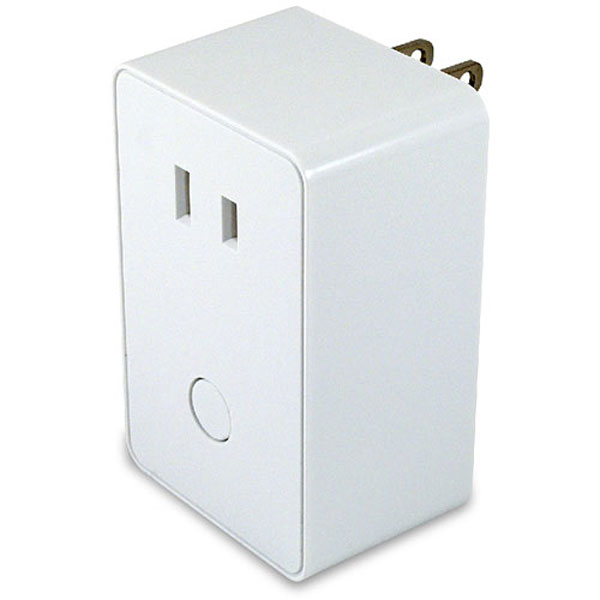
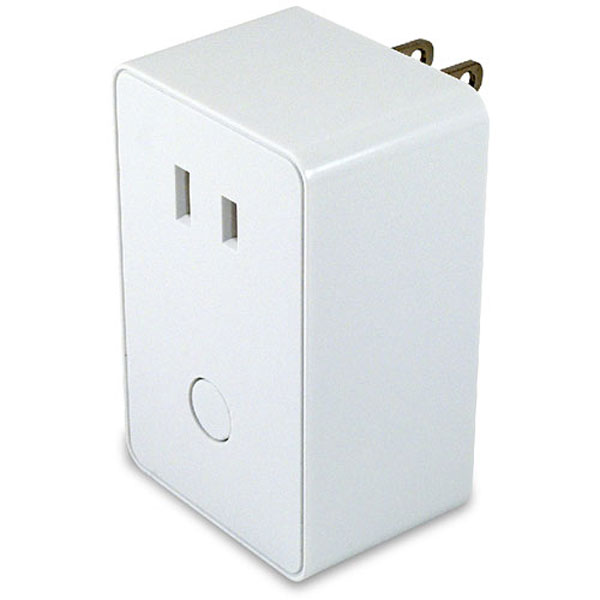
Name | HomeSeer HS-PD100+ Lamp Module |
|---|
Short Description | HS-PD100+ is a Z-Wave Plus certifed plug-in lamp module that features remote wireless on/off/dim control of most lighting loads. |
|---|
Long Description | HS-PD100+ is a Z-Wave Plus certifed plug-in lamp module that features remote wireless on/off/dim control of most lighting loads. The unit is small in size and will work with all HomeSeer (and most other) home automation controllers. |
|---|
Brand | HomeSeer |
|---|
Product Identifier | HS-PD100+ |
|---|
OEM Version | FF |
|---|
Hardware Platform | ZM5202 |
|---|
Z-Wave Version | 6.51.02 |
|---|
Library Type | SLAVE_ENHANCED_232 |
|---|
Device Type | Light Dimmer Switch |
|---|
Role Type | ROLE_TYPE_SLAVE_ALWAYS_ON |
|---|
Manufacturer ID | 0x0184 |
|---|
Product Type ID | 0x4744 |
|---|
Product ID | 0x3032 |
|---|
Frequency Plans | US: 916.00MHz, 908.40MHz |
|---|
Categories | All Lighting Devices, Dimming Lighting Devices |
|---|
Countries / Regions | United States of America |
|---|
Documents | Category | Description | File |
|---|
Manual_Primary_Lang | Product or Owner's Manual | |
|
|---|
Association Groups | Group Number | Maximum Nodes Supported | End Point ID | Description |
|---|
1 | 5 | 0 | Z-Wave Plus Lifeline |
|
|---|
Texts | ID | Description | Value |
|---|
1 | Inclusion | 1. Plug the 2-pin AC power plugs of lighting device to the receptacle of HS-PD100+
2. Insert the module's 3-pin plug into an AC outlet of your preferred location. In normal operating mode, the LED on the front panel will be lit.
3. Add(Include) the module into your network by a Z-Wave certified controller.
Normally, the sequence is as follows:
a. Place your network controller into inclusion mode by following the controller manufacturer's instructions
b. When the controller is ready, single click the button on the front of HS-PD100+
c. The controller should indicate that the new device was added successfully. | 2 | Exclusion | a. Place your network controller into exclusion mode by following the controller manufacturer's instructions
b. When the controller is ready, single click the button on the front of HS-PD100+
c. The controller should indicate that the device was excluded successfully. | 5 | Factory Reset | Use this procedure only in the event that the network primary controller is lost or otherwise inoperable.
1. Unplug the HS-PD100+ from the AC outlet and also unplug the power plugs of the lighting from the module (if plugged in)
2. Press and hold the button on the HS-PD100+
3. Plug the HS-PD100+ back into the AC outlet with the button pressed
4. After 3 seconds, release the button. If you see the button blink, that means that the HS-PD100+ has been reset successfully |
|
|---|
Supports NWI | Yes |
|---|
Supports Explorer Frames | Yes |
|---|
Radio Range Z-Wave (m) | 40 |
|---|