
Product Recognition | |
|---|---|
Certification Number | ZC10-14080013 |
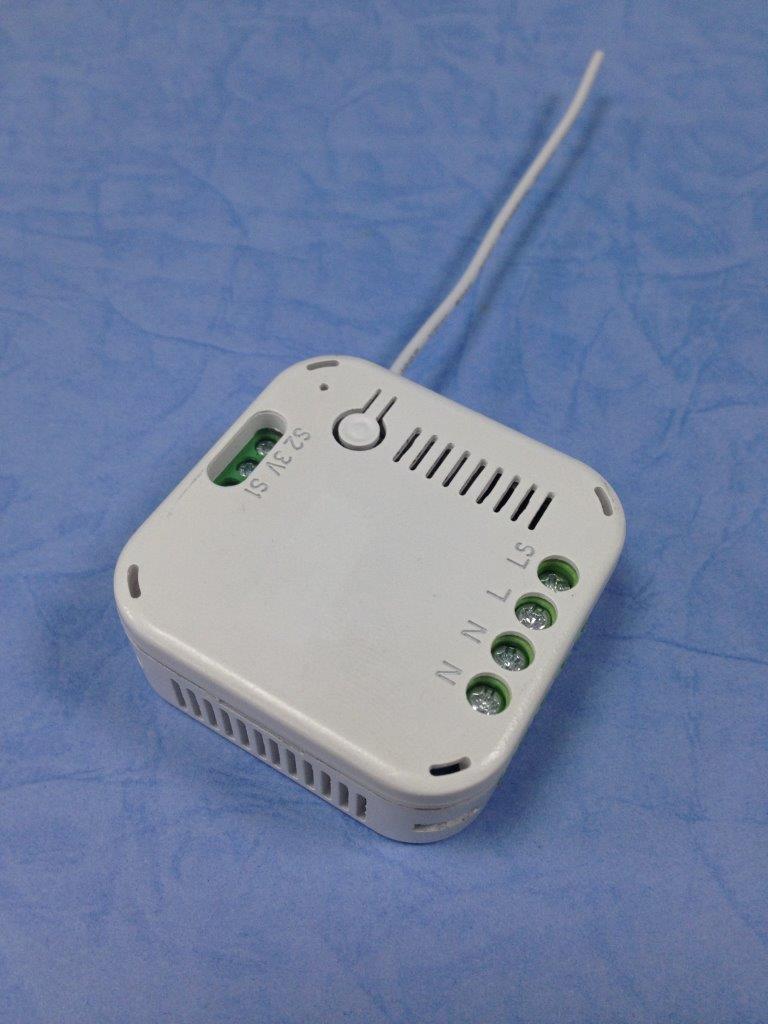
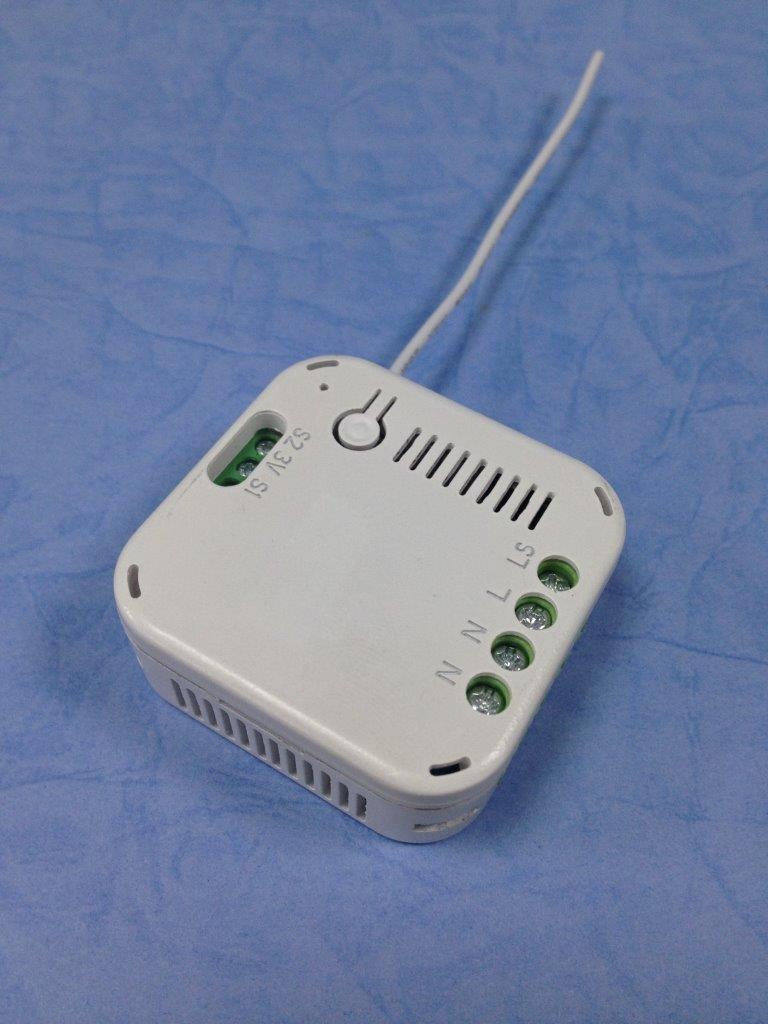
Name | In-Wall On/Off Switch Module |
Short Description | The AN179 is an in-wall on/off switch module. |
Long Description | The In-Wall On/Off Module is a Z-Wave enabled device which is fully compatible with any Z-Wave enabled network. Z-Wave enabled devices displaying the Z-Wave logo can also be used with it regardless of the manufacturer, and ours can also be used in other manufacturer’s Z-Wave enabled networks. Inclusion of this unit on other manufacturer’s Wireless Controller menu allows remote operation of the unit and the connected load. Z-Wave node in the system also acts as a repeater, so the RF signal can reach its intended receiver by routing around obstacles and radio dead spots.
The In-Wall On/Off Module is designed to control the on/off status of lighting and appliances load in your house. Two sets of dry contacts provide more wiring applications. For security, the unit can detect overheating and will turn off relay automatically to avoid damage. At 230V voltage, this module can support up to 2500W resistive, 1200W incandescent, 700W motor, or 320W (40W*8) fluorescent load. |
Brand | Everspring |
Product Identifier | AN179-0 |
OEM Version | 02 |
Hardware Platform | SD3502 |
Z-Wave Version | 6.51.02 |
Library Type | SLAVE_ENHANCED_232 |
Device Type | On/Off Power Switch |
Role Type | ROLE_TYPE_SLAVE_ALWAYS_ON |
Manufacturer ID | 0x0060 |
Product Type ID | 0x0004 |
Product ID | 0x0008 |
Frequency Plans | EU: 869.85MHz, 868.40MHz |
Categories | All Lighting Devices, On/Off Switches/Devices |
Countries / Regions | European Union |
Controlled Command Classes | |
Documents | |
Association Groups | |
Texts | |
Supports NWI | Yes |
Supports Explorer Frames | Yes |
Radio Range Z-Wave (m) | 40 |