
| Product Recognition | |
|---|
| Certification Number | ZC10-16045044 |
|---|
| Name | Indoor Siren |
|---|
| Short Description | Z-Wave Plus audible and visual alarm siren for indoor use. |
|---|
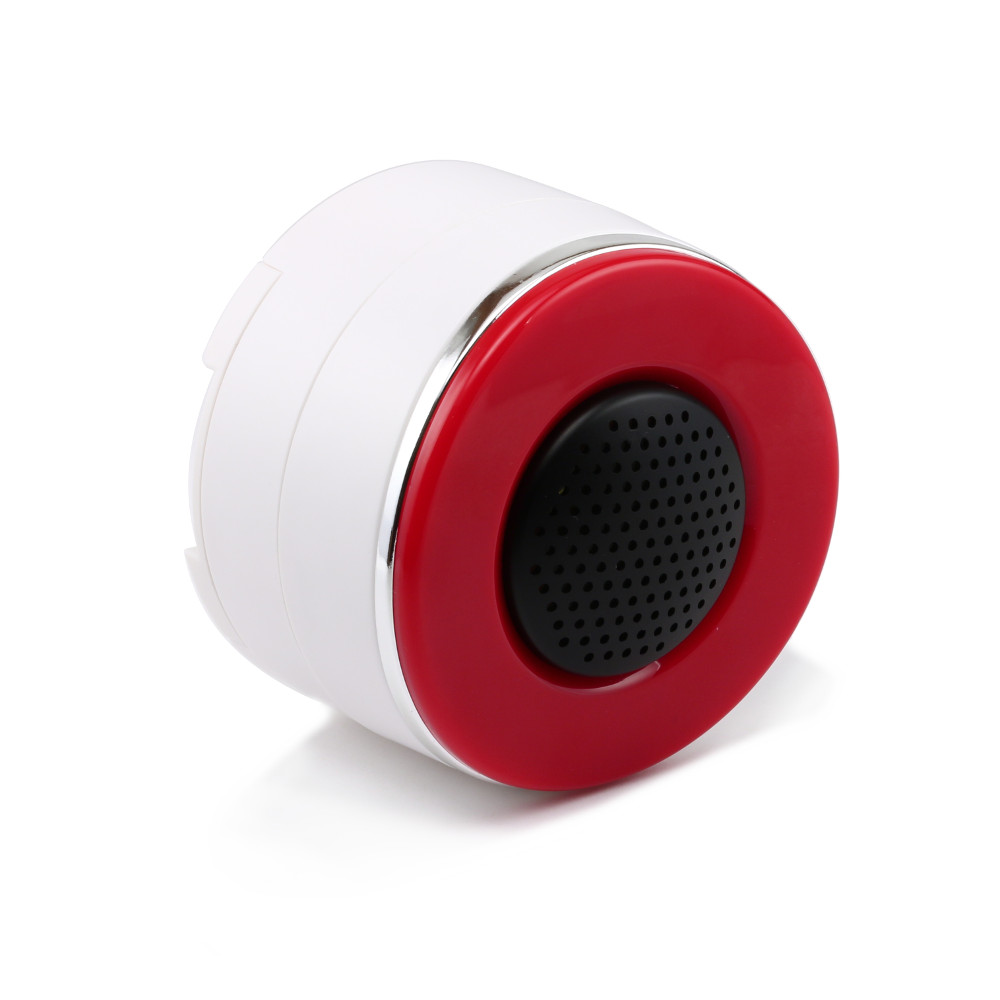
| Long Description | The Zooz Indoor Siren ZSE01 allows brings wireless control to a well-designed visual and audible alarm. Trigger the siren when other smart home devices detect unexpected activity and receive notifications when the alarm goes off. Z-Wave gateway controller required (sold separately).
The siren acts as signal repeater when powered by AC adapter and is equipped with Z-Wave Plus for faster and more reliable wireless communication.
Volume: 110dB
Power: DC 5V/1A and 4 AAA (1.2V) batteries for back-up power
Range: Up to 100 feet line of sight
Operating Temperature: 14°F to 122°F
Operating Humidity: ≤ 80%
Installation and Use: Indoor only |
|---|
| Brand | Zooz |
|---|
| Product Identifier | ZSE01 |
|---|
| OEM Version | HW: 2 FW: 0.02 |
|---|
| Hardware Platform | ZM5202 |
|---|
| Z-Wave Version | 6.51.06 |
|---|
| Library Type | SLAVE_ROUTING |
|---|
| Device Type | Siren |
|---|
| Role Type | ROLE_TYPE_SLAVE_ALWAYS_ON |
|---|
| Manufacturer ID | 0x027A |
|---|
| Product Type ID | 0x0003 |
|---|
| Product ID | 0x0003 |
|---|
| Frequency Plans | US: 916.00MHz, 908.40MHz |
|---|
| Categories | Security Add-Ons |
|---|
| Countries / Regions | United States of America |
|---|
| Documents | |
|---|
| Association Groups | | Group Number | Maximum Nodes Supported | End Point ID | Description |
|---|
| 1 | 5 | 0 | Z-Wave Plus Lifeline
If setting the association this siren may send the Switch_Binary_report to the node. |
|
|---|
| Texts | | ID | Description | Value |
|---|
| 1 | Inclusion | 1. Power the siren up and bring it in within 3 feet from your controller.
2. Put your Z-Wave controller in inclusion mode.
3. Press the Z-Wave button on the siren THREE times quickly.
4. A new alarm device should appear on your controller's dashboard. | | 2 | Exclusion | 1. Bring the siren within 3 feet from your Z-Wave gateway controller.
2. Put your Z-Wave controller in exclusion/unpairing mode.
3. Press and release the Z-Wave button on the siren THREE TIMES quickly.
4. The device should disappear from your controller's device list.
Please repeat the process following all steps carefully if first attempt is unsuccessful | | 4 | Device Wake-Up | Press the Z-Wave button on the siren THREE times quickly to put the device in wake-up mode. | | 5 | Factory Reset | If your primary controller is missing or inoperable, you may need to reset the device to factory settings. To complete the reset process manually, press and hold the Z-Wave button for 10 seconds.
NOTE: All previously recorded activity and custom settings will be erased from the siren’s memory. |
|
|---|
| Supports NWI | Yes |
|---|
| Supports Explorer Frames | Yes |
|---|