Product Recognition | |
|---|
Certification Number | ZC12-21060241 |
|---|
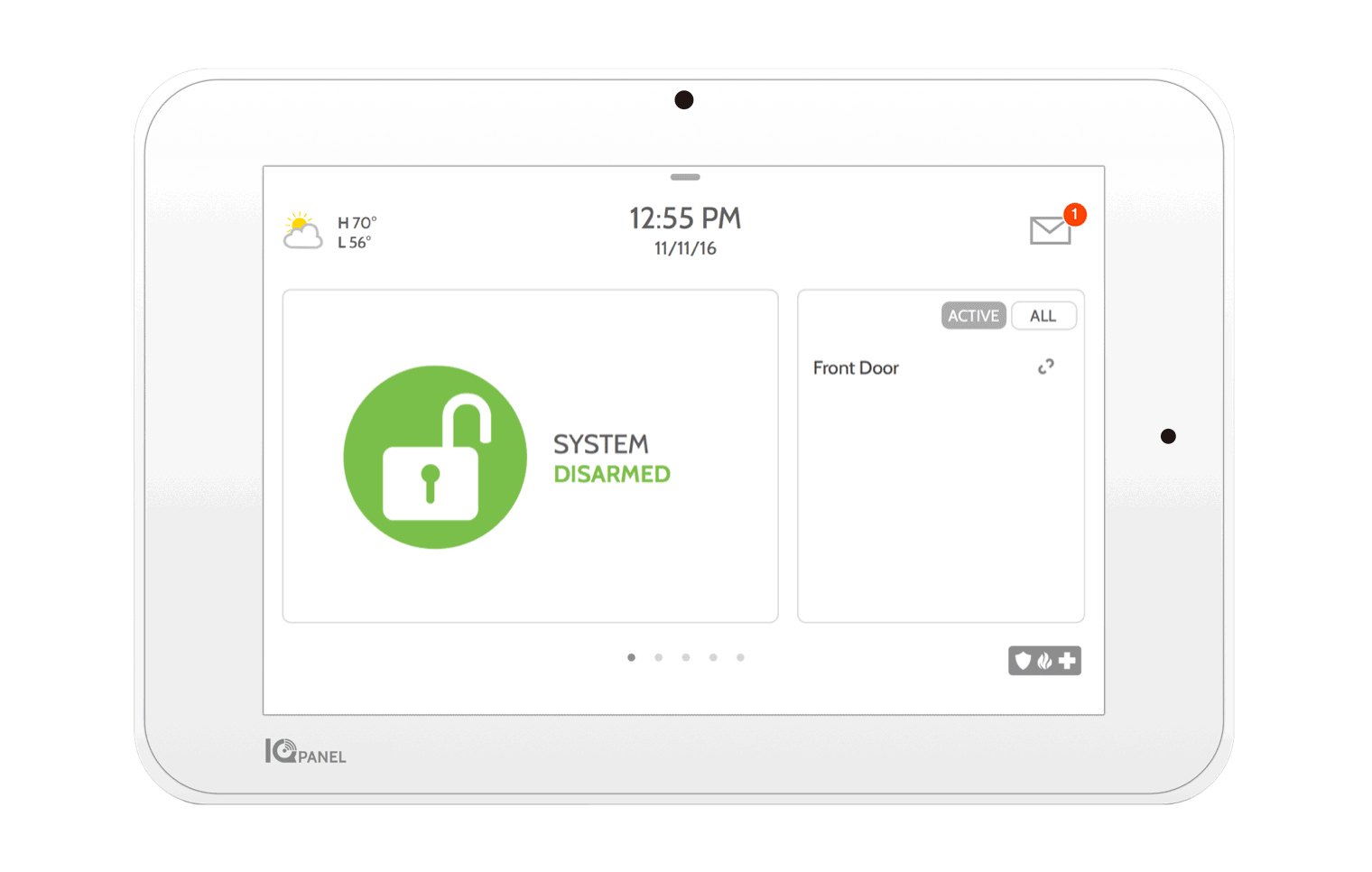
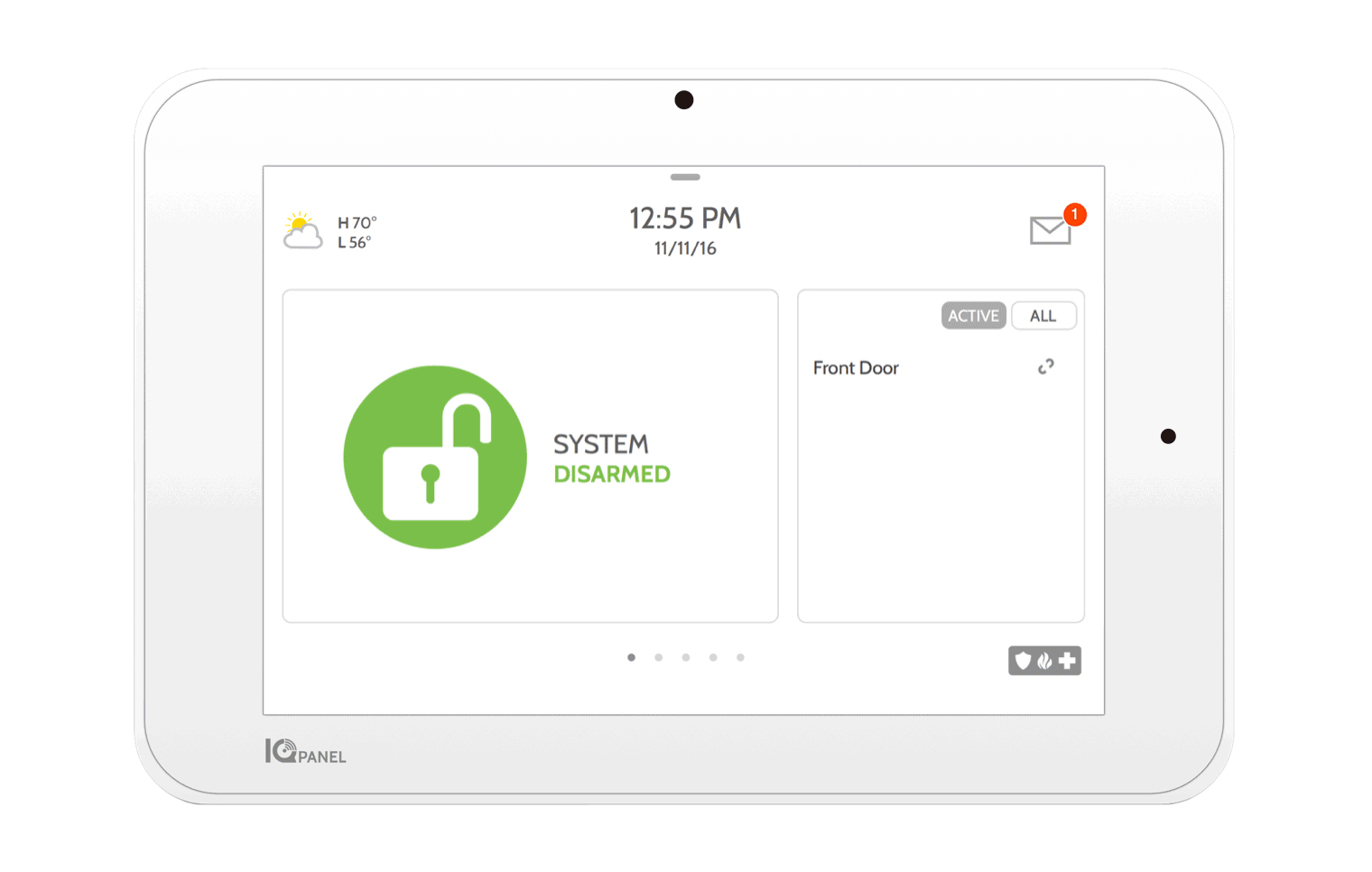
Name | IQ Panel 2+ |
|---|
Short Description | The IQ Panel 2+ is a 7” HD Touchscreen with built-in 5MP panel camera used for residential and small business security, life safety, and smarthome applications. |
|---|
Long Description | The IQ Panel 2+ is a 7” HD Touchscreen with built-in 5MP panel camera used for residential and small business security, life safety, and smarthome applications. Behind the ultra-thin bezel with intuitive swipe based user interface lie multiple wireless radios including LTE and WiFi dual-path connectivity, Bluetooth for touchless disarming, S-Line encrypted 319.5 for secure security and life safety communication and Z-Wave Plus™ for the fastest, most reliable smarthome automation experience possible. At only 7.5” wide by 5” tall and 1” deep the IQ Panel 2+ looks amazing on the wall and also includes a table stand for mounting on counters, tables or other surfaces. The IQ Panel 2+ leverages the powerful Alarm.com interactive service platform including the AirFX remote tool kit which provides full access to every setting and system function from the cloud, allowing you to retire the truck, reduce service requests, and improve the overall customer experience. Learn more at Qolsys.com. |
|---|
Brand | Qolsys |
|---|
Product Identifier | QS9201-1208-840 |
|---|
Product Line | Panels |
|---|
OEM Version | HW: 4 FW: 7.13:07.14:02.03 |
|---|
Hardware Platform | EFR32Z |
|---|
Z-Wave Version | 7.13.2 |
|---|
Library Type | CONTROLLER_BRIDGE |
|---|
Device Type | Gateway |
|---|
Role Type | ROLE_TYPE_CONTROLLER_CENTRAL_STATIC |
|---|
Manufacturer ID | 0x012A |
|---|
Product Type ID | 0x0001 |
|---|
Product ID | 0x0004 |
|---|
User Icon | 0x0200 |
|---|
Installer Icon | 0x0200 |
|---|
Frequency Plans | US: 916.00MHz, 908.40MHz |
|---|
Categories | Security Systems |
|---|
Countries / Regions | United States of America |
|---|
Supported Command Classes | Identifier | Name | Version | Key |
|---|
COMMAND_CLASS_ZIP_V5 | Z/IP V5 | 0 | | COMMAND_CLASS_NODE_PROVISIONING | Node Provisioning | 1 | 0x78 | COMMAND_CLASS_POWERLEVEL | Powerlevel | 1 | 0x73 | COMMAND_CLASS_INCLUSION_CONTROLLER | Inclusion Controller | 1 | 0x74 | COMMAND_CLASS_MULTI_CHANNEL_ASSOCIATION_V3 | Multi-Channel Association V3 | 3 | 0x8E | COMMAND_CLASS_INDICATOR_V3 | Indicator V3 | 3 | 0x87 | COMMAND_CLASS_APPLICATION_STATUS | Application Status | 1 | 0x22 | COMMAND_CLASS_TIME | Time | 1 | 0x8A | COMMAND_CLASS_CRC_16_ENCAP | CRC16 Encapsulation | 1 | 0x56 | COMMAND_CLASS_SECURITY | Security S0 | 1 | 0x98 | COMMAND_CLASS_TRANSPORT_SERVICE_V2 | Transport Service V2 | 2 | 0x55 | COMMAND_CLASS_DEVICE_RESET_LOCALLY | Device Reset Locally | 1 | 0x5A | COMMAND_CLASS_ZWAVEPLUS_INFO_V2 | Z-Wave Plus Info V2 | 2 | 0x5E | COMMAND_CLASS_ASSOCIATION_V2 | Association V2 | 2 | 0x85 | COMMAND_CLASS_FIRMWARE_UPDATE_MD_V5 | Firmware Update Meta-Data V5 | 5 | 0x7A | COMMAND_CLASS_ASSOCIATION_GRP_INFO_V3 | Association Group Information V3 | 3 | 0x59 | COMMAND_CLASS_NETWORK_MANAGEMENT_INCLUSION_VERSION_3 | Network Management Inclusion V3 | 0 | 0x34 | COMMAND_CLASS_NETWORK_MANAGEMENT_PROXY_V2 | Network Management Proxy V2 | 2 | 0x52 | COMMAND_CLASS_SECURITY_2 | Security S2 | 1 | 0x9F | COMMAND_CLASS_NETWORK_MANAGEMENT_BASIC_V2 | Network Management Basic V2 | 2 | 0x4D | COMMAND_CLASS_VERSION_V3 | Version V3 | 3 | 0x86 | COMMAND_CLASS_SUPERVISION | Supervision | 1 | 0x6C | COMMAND_CLASS_MANUFACTURER_SPECIFIC_V2 | Manufacturer Specific V2 | 2 | 0x72 | COMMAND_CLASS_MULTI_CMD | Multi-Command | 1 | 0x8F |
|
|---|
Controlled Command Classes | Identifier | Name | Key | Version |
|---|
COMMAND_CLASS_THERMOSTAT_FAN_MODE | Thermostat Fan Mode | 0x44 | 1 | COMMAND_CLASS_DOOR_LOCK_V4 | Door Lock V4 | | 0 | COMMAND_CLASS_MULTI_CHANNEL_ASSOCIATION_V3 | Multi-Channel Association V3 | 0x8E | 3 | COMMAND_CLASS_INDICATOR_V3 | Indicator V3 | 0x87 | 3 | COMMAND_CLASS_BATTERY | Battery | 0x80 | 1 | COMMAND_CLASS_THERMOSTAT_OPERATING_STATE | Thermostat Operating State | 0x42 | 1 | COMMAND_CLASS_THERMOSTAT_FAN_STATE | Thermostat Fan State | 0x45 | 1 | COMMAND_CLASS_CRC_16_ENCAP | CRC16 Encapsulation | 0x56 | 1 | COMMAND_CLASS_SECURITY | Security S0 | 0x98 | 1 | COMMAND_CLASS_WAKE_UP_V2 | Wake Up V2 | 0x84 | 2 | COMMAND_CLASS_BARRIER_OPERATOR | Barrier Operator | 0x66 | 1 | COMMAND_CLASS_ASSOCIATION_V2 | Association V2 | 0x85 | 2 | COMMAND_CLASS_FIRMWARE_UPDATE_MD_V5 | Firmware Update Meta-Data V5 | 0x7A | 5 | COMMAND_CLASS_MULTI_CHANNEL_V4 | Multi-Channel V4 | 0x60 | 4 | COMMAND_CLASS_THERMOSTAT_SETPOINT | Thermostat Setpoint | 0x43 | 1 | COMMAND_CLASS_ASSOCIATION_GRP_INFO_V3 | Association Group Information V3 | 0x59 | 3 | COMMAND_CLASS_NOTIFICATION_V8 | Notification V8 | 0x71 | 8 | COMMAND_CLASS_BASIC_V2 | Basic V2 | 0x20 | 2 | COMMAND_CLASS_SECURITY_2 | Security S2 | 0x9F | 1 | COMMAND_CLASS_METER_V5 | Meter V5 | 0x32 | 5 | COMMAND_CLASS_SENSOR_MULTILEVEL_V11 | Sensor Multilevel V11 | 0x31 | 11 | COMMAND_CLASS_VERSION_V3 | Version V3 | 0x86 | 3 | COMMAND_CLASS_CENTRAL_SCENE_V3 | Central Scene V3 | 0x5B | 3 | COMMAND_CLASS_MANUFACTURER_SPECIFIC_V2 | Manufacturer Specific V2 | 0x72 | 2 |
|
|---|
S2 Classes | S2_UNAUTHENTICATED, S2_AUTHENTICATED, S2_ACCESS_CONTROL |
|---|
Documents | Category | Description | File |
|---|
Manual_Primary_Lang | Product Manual | | Adv_Manual | Advanced Information Product Manual | |
|
|---|
Features | Feature | Values |
|---|
Battery Type | |
|
|---|
Association Groups | Group Number | Maximum Nodes Supported | End Point ID | Group Name | Profile | Description |
|---|
1 | 5 | 0 | Lifeline | 0x0001 | Z-Wave Plus Lifeline |
|
|---|
Texts | ID | Description | Value |
|---|
8 | Where to find S2 DSK on product | Settings -> Advanced Settings -> Installer Code -> Devices -> Z-Wave Devices -> Add/Remove Controller | 11 | Controller SmartStart Inclusion | Settings -> Advanced Settings -> Installer Code -> Devices -> Z-Wave Devices -> SmartStart | 23 | Controller Classic Inclusion | Settings -> Advanced Settings -> Installer Code -> Devices -> Z-Wave Devices -> Add Device | 24 | Controller Classic Exclusion | Settings -> Advanced Settings -> Installer Code -> Devices -> Z-Wave Devices -> Clear Device | 3 | Controller Learn Mode | Settings -> Advanced Settings -> Installer Code -> Devices -> Z-Wave Devices -> Add/Remove Controller | 10 | Controller Replication | Settings -> Advanced Settings -> Installer Code -> Devices -> Z-Wave Devices -> Add/Remove Controller
or
Settings -> Advanced Settings -> Installer Code -> Devices -> Z-Wave Devices -> Add Device | 25 | Controller Provisioning List | Settings -> Advanced Settings -> Installer Code -> Devices -> Z-Wave Devices -> Provisioning List | 5 | Factory Reset Procedure | Settings -> Advanced Settings -> Installer Code -> Devices -> Z-Wave Devices -> Remove All Devices | 9 | Capability Rediscovery | Settings -> Advanced Settings -> Z-Wave Device List -> Reinterview |
|
|---|
Supported / Controlled Meter Types | Meter Type | Rate Type | Description |
|---|
Electric meter | Import | Electric Meter Consumption |
|
|---|
Supports NWI | Yes |
|---|
Supports Explorer Frames | Yes |
|---|
Supports SmartStart | Yes |
|---|
Radio Range Z-Wave (m) | 40 |
|---|