Product Recognition | |
|---|
Certification Number | ZC10-14120006 |
|---|
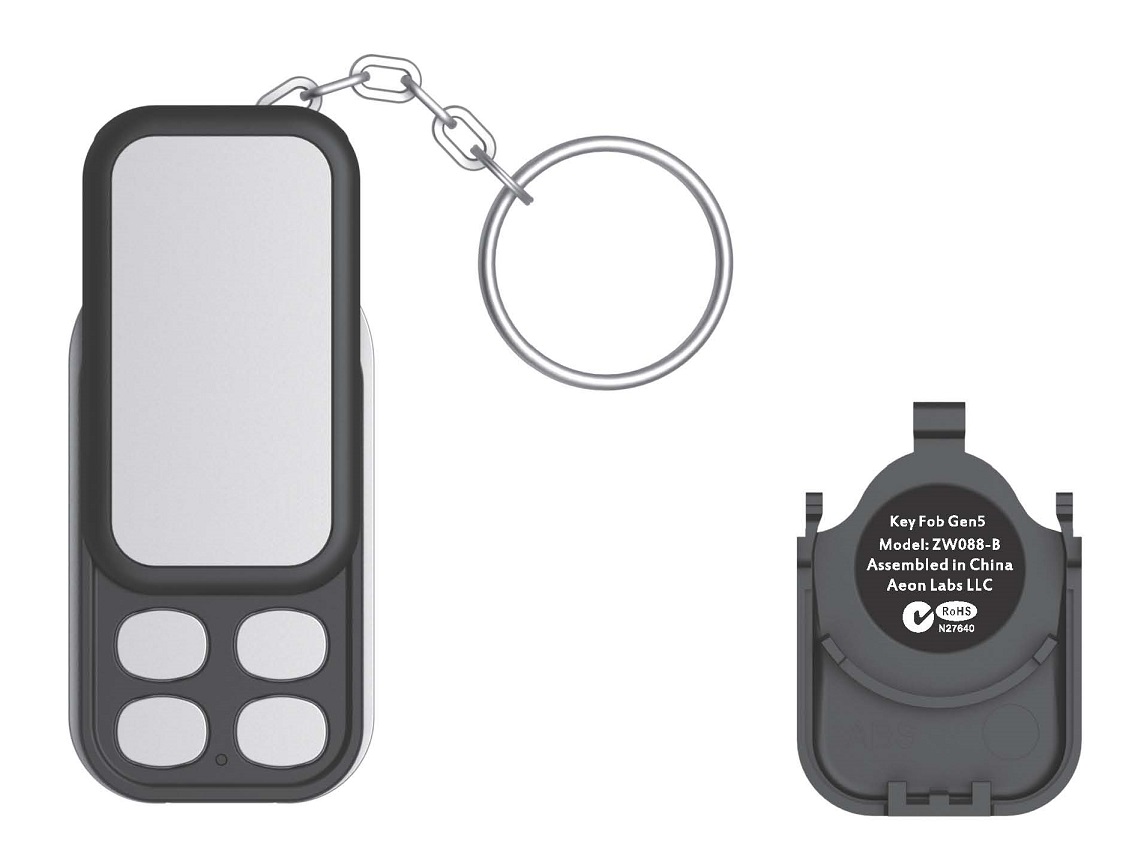
Name | Key Fob Gen5 |
|---|
Short Description | Key Fob Gen5 is a fully functional Z-wave remote controller, which can include, exclude and control the other Z-Wave certified devices. |
|---|
Long Description | Key Fob Gen5 is a fully functional Z-wave remote controller, which can include, exclude and control the other Z-Wave certified devices. It also can be acted a secondary controller in a network.
It is a four buttons design. You can use each button to control your home’s Z-Wave devices and build a Z-Wave network for them.
Products that are Z-Wave certified can be used and communicate with other Z-Wave certified devices. |
|---|
Brand | Aeotec |
|---|
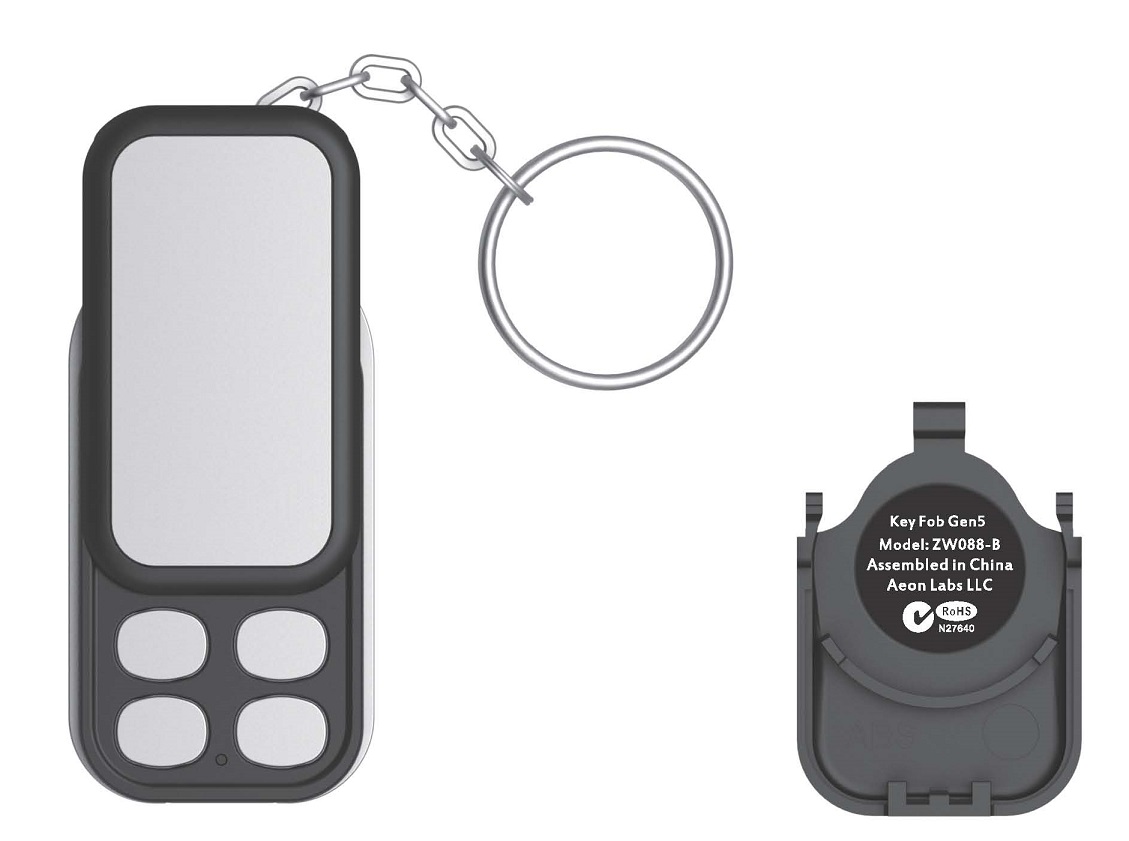
Product Identifier | ZW088-B |
|---|
OEM Version | HW: 58 FW: 1.03 |
|---|
Hardware Platform | ZM5202 |
|---|
Z-Wave Version | 6.51.00 |
|---|
Library Type | CONTROLLER_PORTABLE |
|---|
Device Type | Remote Control - Multi Purpose |
|---|
Role Type | ROLE_TYPE_CONTROLLER_PORTABLE |
|---|
Manufacturer ID | 0x0086 |
|---|
Product Type ID | 0x0201 |
|---|
Product ID | 0x0058 |
|---|
Frequency Plans | ANZ: 919.80MHz, 921.40MHz |
|---|
Categories | All Controllers, Handheld Controller |
|---|
Countries / Regions | Australia |
|---|
Controlled Command Classes | Identifier | Name | Key | Version |
|---|
COMMAND_CLASS_SWITCH_MULTILEVEL | Switch Multilevel | 0x26 | 1 | COMMAND_CLASS_WAKE_UP | Wake Up | 0x84 | 1 | COMMAND_CLASS_BASIC | Basic | 0x20 | 1 | COMMAND_CLASS_SCENE_ACTIVATION | Scene Activation | 0x2B | 1 |
|
|---|
Documents | Category | Description | File |
|---|
Manual_Primary_Lang | Product or Owner's Manual | |
|
|---|
Association Groups | Group Number | Maximum Nodes Supported | End Point ID | Description |
|---|
1 | 5 | 0 | Group 1 is assigned to the Lifeline association group and every device has 5 nodes to associate.
When the Key Fob is in Scene Mode, pressing the control button, which will send the corresponding Scene id to the associated nodes. |
|
|---|
Configuration Parameters | Parameter Number | Name | Description | Format | Size | Min Value | Max Value | Default Value | Parameter Values |
|---|
250 | Switching Group mode or Scene mode. | This parameter is used to configure that the current mode is Group Mode or Scene Mode. (0== Group Mode, 1== Scene Mode). | 0 | 1 | 0 | 0 | 0 | From | To | Description |
|---|
0 | 0 | Set the current mode to Group Mode. | 1 | 1 | Set the current mode to Scene Mode. |
| 255 | Reset the configuration parameter to default factory setting | This parameter is used to reset all configuration parameter to default factory setting. | 0 | 1 | 0 | 0 | 0 | From | To | Description |
|---|
1 | 1 | Resets all configuration parameters to default setting. |
|
|
|---|
Texts | ID | Description | Value |
|---|
3 | Learn Mode (adding another controller) | Short press the “Learn” button on the back of the Key Fob. | 5 | Factory Reset | Use this procedure only in the event that the primary controller is missing or otherwise inoperable.
Press and hold the “Mode” button and “Learn” button for 20 seconds and then release. | 4 | Device Wake-Up | Press and hold the ""Learn"" for 3 seconds will trigger sending the Wake up notification command. | 6 | Additional Special Features | It can also activate 8 Z-Wave Scenes. | 23 | Controller Inclusion | Short press the “Include” button on the Key Fob, it will go into inclusion state and its blue LED will blink slowly to wait including other slave Z-Wave devices. | 24 | Controller Exclusion | Short press the “Exclude” button on the Key Fob, it will go into exclusion state and its red LED will blink slowly to wait excluding other slave Z-Wave devices from its network. |
|
|---|
Supports NWI | Yes |
|---|
Supports Explorer Frames | Yes |
|---|
Radio Range Z-Wave (m) | 40 |
|---|