| Product Recognition | |
|---|
| Certification Number | ZC10-20066923 |
|---|
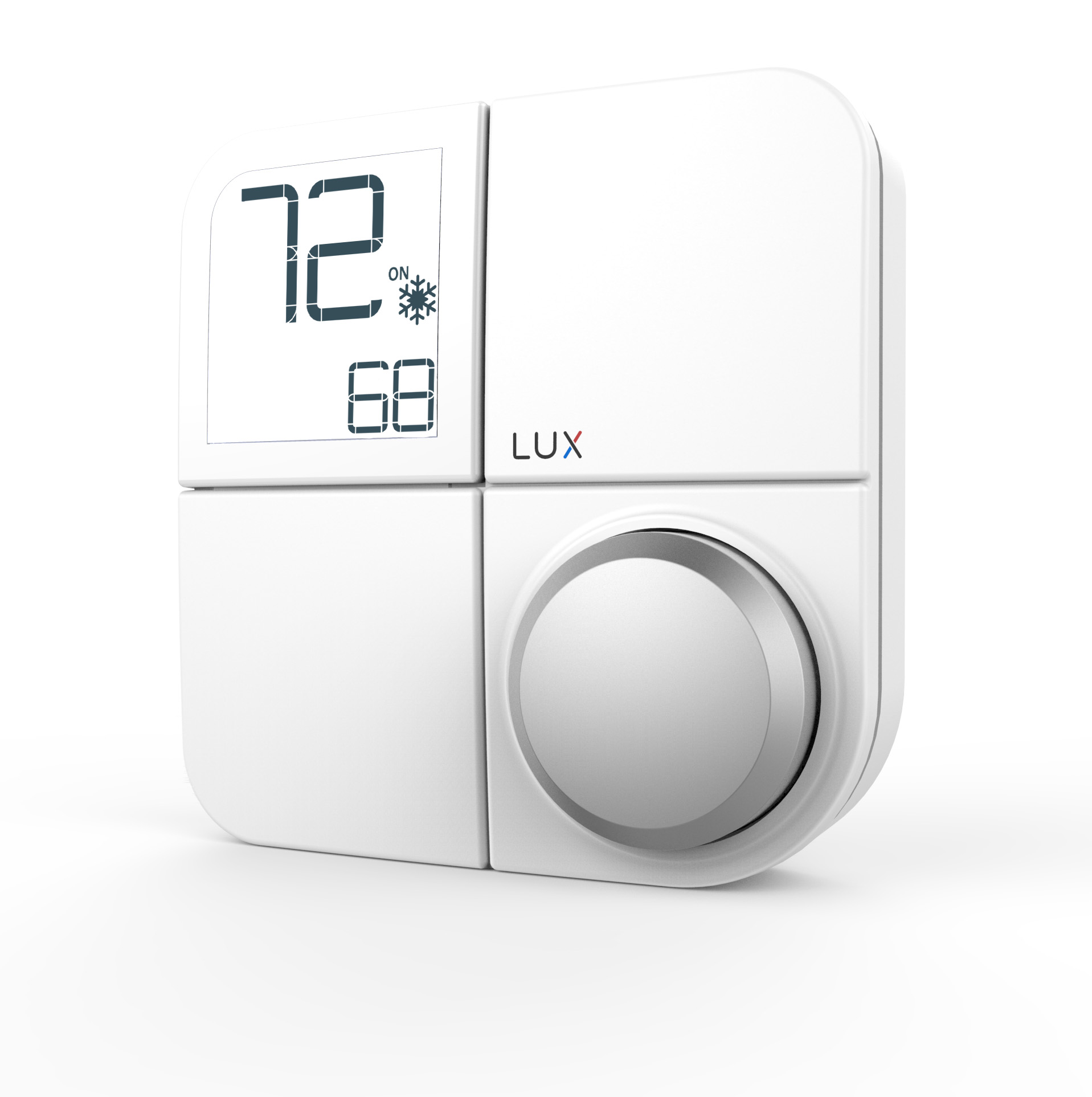
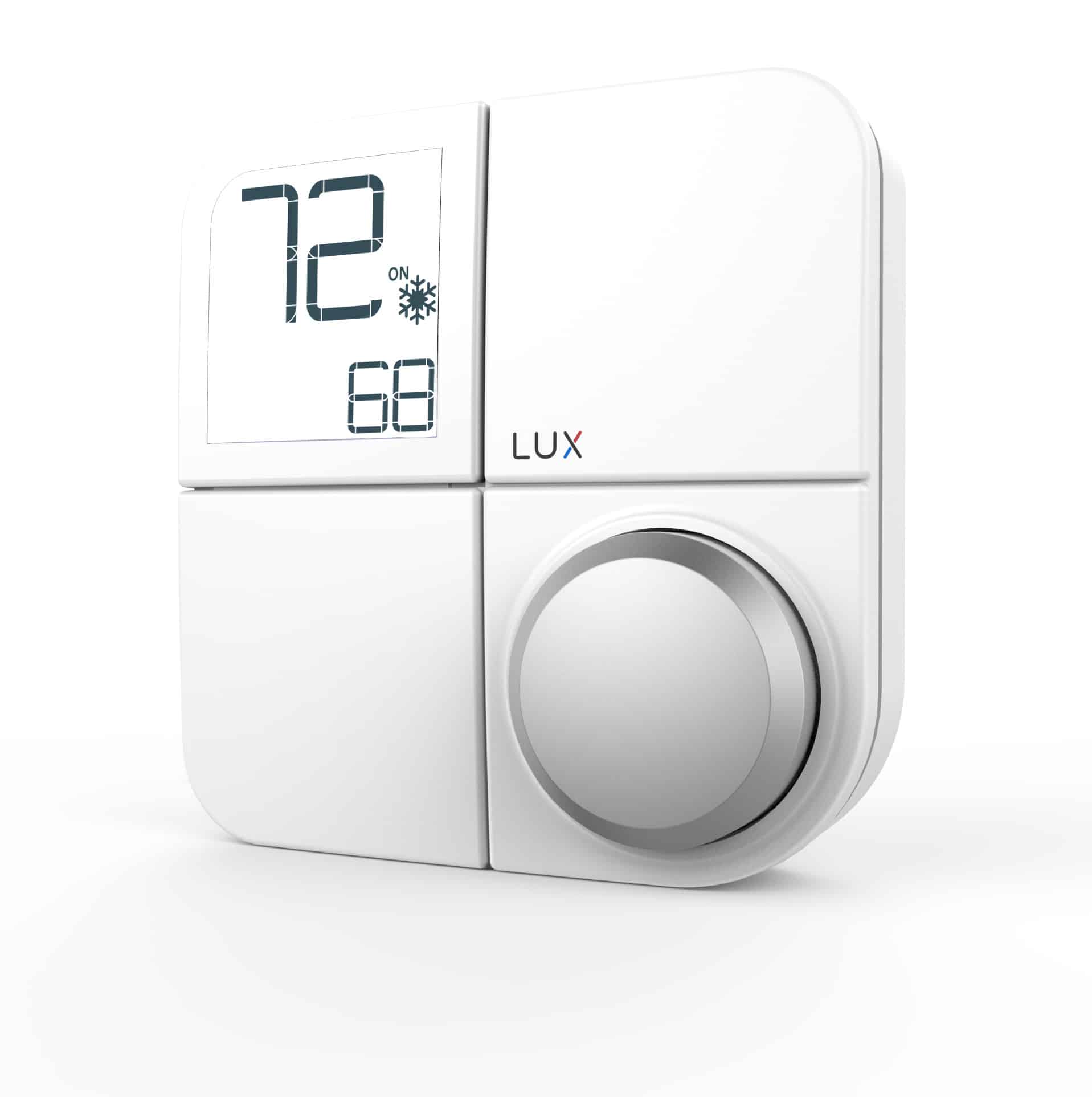
| Name | KONOse Senior Care Smart Hub Thermostat |
|---|
| Short Description | KONOse is a smart thermostat made for Seniors |
|---|
| Long Description | KONOse is a smart thermostat made for Seniors. It
seamlessly connects to many smart hubs and blends in or
stands out with its interchangeable Décor-snap covers™.
KONOse is designed for energy savings, ease of use,
increased visibility and for those with limited fine motor
skills.
System
• Modes: Heat, Cool, Heat & Cool
• Conventional: Forced air, gas, oil & electric furnaces
(up to 2h/1c)
• Heat Pumps: With or without Aux/Emergency heat
• Hydronic (hot water) zone valves (2 wire)
• Power: 4 AA alkaline batteries , C-wire or
LUX Power Bridge (sold separately) |
|---|
| Brand | LUX |
|---|
| Product Identifier | KN-ZW-SE1-20 |
|---|
| Product Line | KONO |
|---|
| OEM Version | HW: 2 FW: 1.00:00.224 |
|---|
| Hardware Platform | ZM5202 |
|---|
| Z-Wave Version | 6.71.03 |
|---|
| Library Type | SLAVE_ENHANCED_232 |
|---|
| Device Type | Thermostat - HVAC |
|---|
| Role Type | ROLE_TYPE_SLAVE_ALWAYS_ON |
|---|
| Manufacturer ID | 0x0411 |
|---|
| Product Type ID | 0x0001 |
|---|
| Product ID | 0x2112 |
|---|
| User Icon | 0x1200 |
|---|
| Installer Icon | 0x1200 |
|---|
| Frequency Plans | US: 916.00MHz, 908.40MHz |
|---|
| Categories | Thermostats, HVAC |
|---|
| Countries / Regions | United States of America |
|---|
| Supported Command Classes | | Identifier | Name | Key | Version |
|---|
| COMMAND_CLASS_POWERLEVEL | Powerlevel | 0x73 | 1 | | COMMAND_CLASS_THERMOSTAT_FAN_MODE | Thermostat Fan Mode | 0x44 | 1 | | COMMAND_CLASS_THERMOSTAT_OPERATING_STATE_V2 | Thermostat Operating State V2 | 0x42 | 2 | | COMMAND_CLASS_PROTECTION_V2 | Protection V2 | 0x75 | 2 | | COMMAND_CLASS_CLOCK | Clock | 0x81 | 1 | | COMMAND_CLASS_BATTERY | Battery | 0x80 | 1 | | COMMAND_CLASS_APPLICATION_STATUS | Application Status | 0x22 | 1 | | COMMAND_CLASS_THERMOSTAT_FAN_STATE | Thermostat Fan State | 0x45 | 1 | | COMMAND_CLASS_BASIC | Basic | 0x20 | 1 | | COMMAND_CLASS_CONFIGURATION | Configuration | 0x70 | 1 | | COMMAND_CLASS_SECURITY | Security S0 | 0x98 | 1 | | COMMAND_CLASS_SENSOR_MULTILEVEL_V7 | Sensor Multilevel V7 | 0x31 | 7 | | COMMAND_CLASS_THERMOSTAT_MODE_V2 | Thermostat Mode V2 | 0x40 | 2 | | COMMAND_CLASS_THERMOSTAT_SETPOINT_V3 | Thermostat Setpoint V3 | 0x43 | 3 | | COMMAND_CLASS_TRANSPORT_SERVICE_V2 | Transport Service V2 | 0x55 | 2 | | COMMAND_CLASS_VERSION_V2 | Version V2 | 0x86 | 2 | | COMMAND_CLASS_DEVICE_RESET_LOCALLY | Device Reset Locally | 0x5A | 1 | | COMMAND_CLASS_ZWAVEPLUS_INFO_V2 | Z-Wave Plus Info V2 | 0x5E | 2 | | COMMAND_CLASS_ASSOCIATION_V2 | Association V2 | 0x85 | 2 | | COMMAND_CLASS_ASSOCIATION_GRP_INFO | Association Group Info | 0x59 | 1 | | COMMAND_CLASS_SECURITY_2 | Security S2 | 0x9F | 1 | | COMMAND_CLASS_MANUFACTURER_SPECIFIC | Manufacturer Specific | 0x72 | 1 | | COMMAND_CLASS_SUPERVISION | Supervision | 0x6C | 1 | | COMMAND_CLASS_FIRMWARE_UPDATE_MD_V3 | Firmware Update Meta-Data V3 | 0x7A | 3 | | COMMAND_CLASS_NOTIFICATION_V4 | Notification V4 | 0x71 | 4 |
|
|---|
| S2 Classes | S2_UNAUTHENTICATED, S2_AUTHENTICATED |
|---|
| Documents | |
|---|
| Features | | Feature | Values |
|---|
| Firmware Updatable | | Value |
|---|
| Updatable by Professional/Technician |
| | Thermostat Modes | | Value |
|---|
| Heat | | Cool | | Auto | | Auxiliary/Emergency Heat | | Fan Only | | Furnace | | Auto Changeover | | Away |
| | Switch Load Capacity Volt-Ampere | | Value |
|---|
| 30VA-1.5A max output rating per terminal |
| | Battery Type | | Value |
|---|
| AA Alkaline Batteries |
| | Thermostat HVAC Systems Supported | | Value |
|---|
| Heat Only | | Cool Only | | Single Stage | | Multi Stage | | Heat Pump |
| | Color | | | Thermostat Power Source | | Value |
|---|
| Battery | | External Transformer |
| | Communications Protocol | | | Switch Load Capacity Current | | Value |
|---|
| 1.5A max output rating per terminal |
|
|
|---|
| Association Groups | | Group Number | Maximum Nodes Supported | End Point ID | Group Name | Description |
|---|
| 1 | 5 | 0 | Lifeline | Z-Wave Plus Lifeline |
|
|---|
| Configuration Parameters | | Parameter Number | Name | Description | Format | Size | Min Value | Max Value | Default Value | Parameter Values |
|---|
| 10 | Temperature Limit - Cool Max | Temperature Limit - Cool Max (F) | 1 | 2 | 60 | 95 | 95 | | From | To | Description |
|---|
| 60 | 95 | Cool Max (F) |
| | 1 | User Temperature Calibration | User Temperature Calibration | 1 | 2 | -450 | 450 | 0 | | From | To | Description |
|---|
| -450 | 450 | step-size = 10, in steps of 0.1°F |
| | 2 | Temperature Unit (C/F) | Temperature Unit (C/F) | 1 | 1 | 0 | 1 | 1 | | | 3 | Available Control mode | Available Control mode | 1 | 1 | 0 | 4 | 0 | | From | To | Description |
|---|
| 2 | 2 | Cool Only | | 1 | 1 | Heat Only | | 0 | 0 | Heat and Cool, Auto | | 3 | 3 | Heat and Cool, no Auto | | 4 | 4 | reserved |
| | 4 | System Type | System Type | 1 | 1 | 0 | 4 | 0 | | From | To | Description |
|---|
| 1 | 1 | Furnace Electric | | 3 | 3 | Boiler no fan | | 2 | 2 | Heat Pump | | 0 | 0 | Furnace Gas | | 4 | 4 | reserved |
| | 5 | Reversal valve Type in Heat Pump | Reversal valve Type in Heat Pump | 1 | 1 | 0 | 1 | 0 | | From | To | Description |
|---|
| 0 | 0 | O-valve | | 1 | 1 | B-valve |
| | 8 | Temperature Limit - Heat Max | Temperature Limit - Heat Max (F) | 1 | 2 | 60 | 90 | 90 | | From | To | Description |
|---|
| 60 | 90 | Heat Max (F) |
| | 9 | Temperature Limit - Heat Min | Temperature Limit - Heat Min (F) | 1 | 2 | 45 | 60 | 45 | | From | To | Description |
|---|
| 45 | 60 | Heat Min (F) |
| | 11 | Temperature Limit - Cool Min | Temperature Limit - Cool Min (F) | 1 | 2 | 50 | 75 | 50 | | From | To | Description |
|---|
| 50 | 75 | Cool Min (F) |
| | 17 | Command Echo | Command Echo for - Thermostat Mode - Thermostat Fan mode - Thermostat Setpoint | 1 | 1 | 0 | 1 | 1 | | From | To | Description |
|---|
| 1 | 1 | enable | | 0 | 0 | disable |
|
|
|---|
| Texts | | ID | Description | Value |
|---|
| 8 | Where to find S2 DSK on product | The DSK can be found in the product label underneath the decor cover of the product. | | 2 | Classic Exclusion | 1. In HOME screen, press and hold the knob for 5 seconds to enter the main menu
2. Rotate the knob to select the RF icon , then press the knob to enter the inclusion/exclusion menu
3. In the inclusion/exclusion menu, select RST and press the knob to confirm
4. The device will begin the removal process – you will see this screen:
- Step 1: Device prepares to be removed from the hub:
- Step 2: At the hub portal, click “Remove device”.
- Step 3: Device is removed from the hub successfully. | | 4 | Wake-Up Procedure | Rotate knob or send command from hub. | | 5 | Factory Reset Procedure | Factory Reset
Note: Please use this procedure only when the network primary controller is missing or otherwise inoperable.
1. Enter the installer setting menu and select the installer option #99, then press the knob to confirm.
2. All the device parameters will be restored to factory default. The Z-Wave network setting will also be erased. User must perform the device inclusion with their hub / gateway again to re-establish the network. | | 1 | Classic Inclusion | 1. Initiate inclusion on your home control system using the instructions provided with it
2. In HOME screen, press and hold the knob for 5 seconds to enter the main menu
3. Rotate the knob to select the RF icon , then press the knob to enter the inclusion/exclusion menu
4. In the inclusion/exclusion menu, select ADD and press the knob to confirm
5. The device will begin the adding process – you will see this screen:
- Step 1: Device prepares to add to the hub
- Step 2: At the hub portal, click “Add device”.
Noted: If the hub is supporting S2 (authenticated) security mode, it will ask the user to provide the DSK code of the device to complete the inclusion process. The DSK code is printed on the product label.
Input the first 5 digits in the hub portal and follow the instructions provided by the hub.
Remove the décor snap cover from the device and the product label is attached on the device front housing.
If S0 or S2 (unauthenticated) is used, no DSK is needed then.
- Step 3: Device is added to the hub successfully. |
|
|---|
| Supported Notification Types | | Notification Type | Event / State |
|---|
| Power Management | Battery maintenance status: Replace battery now |
|
|---|
| Supported Multilevel Sensors | | Multilevel Sensor Type |
|---|
| Air temperature |
|
|---|
| Supports NWI | Yes |
|---|
| Supports Explorer Frames | Yes |
|---|
| Is Flirs | Yes |
|---|