Product Recognition | |
|---|
Certification Number | ZC10-21077046 |
|---|
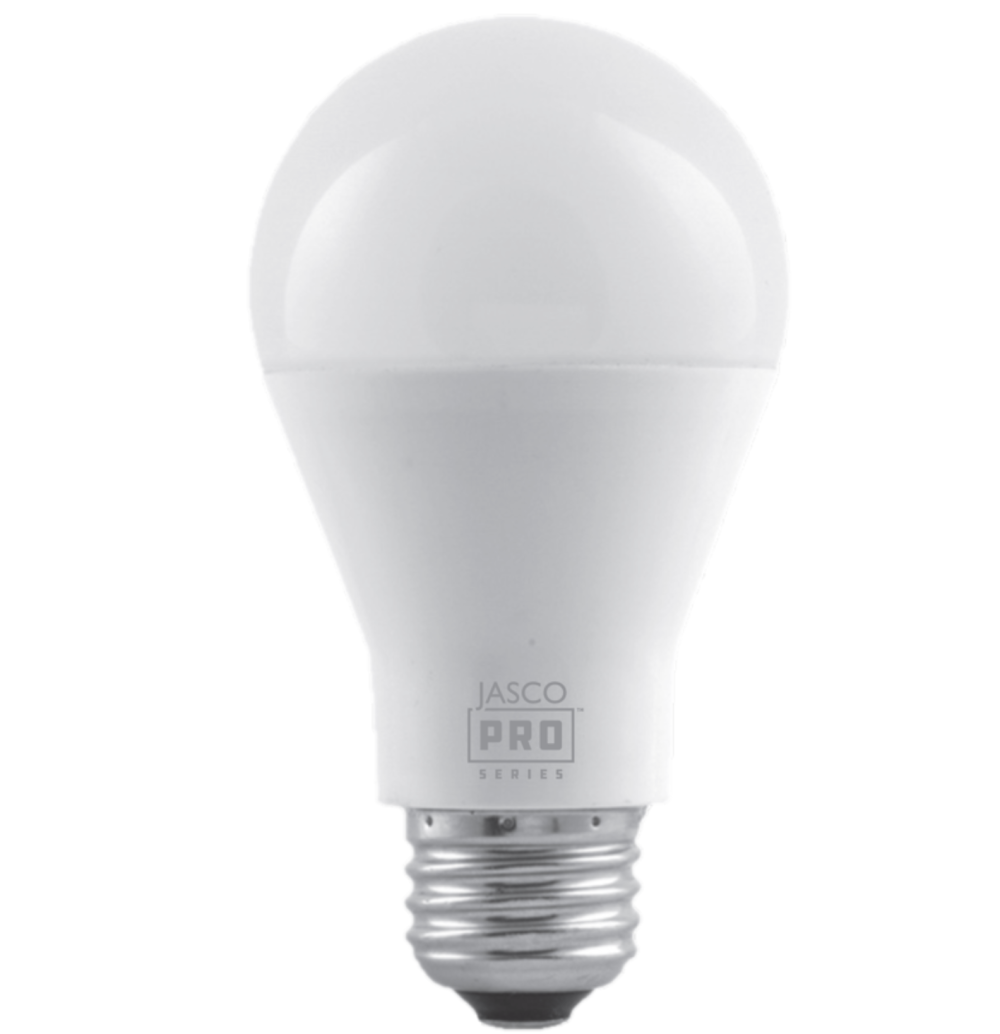
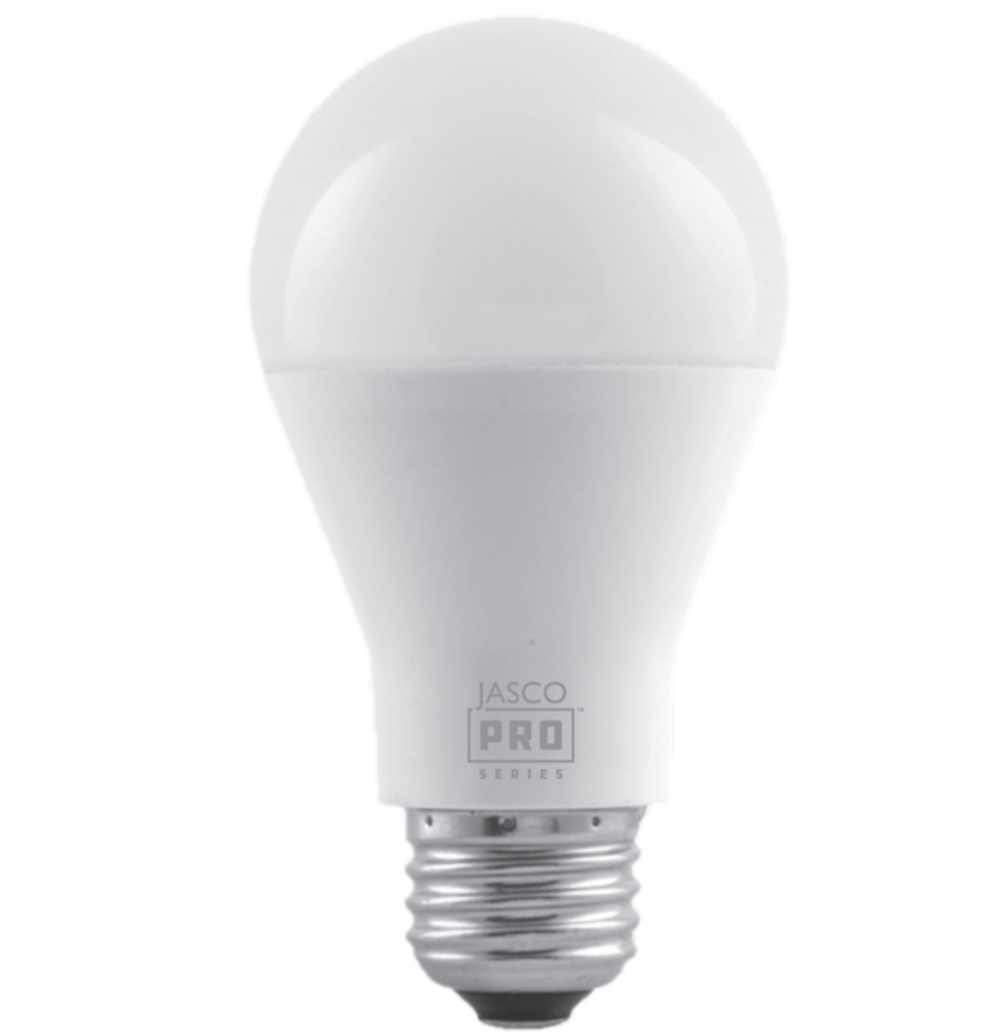
Name | LED Bulb |
|---|
Short Description | Wirelessly operate lamps, sconces, ceiling lights and other fixtures that use standard A19 bulbs for effortless management of your home with the JascoPro Series Z-Wave™ Smart LED Bulb |
|---|
Long Description | Set the scene with the JascoPro Series Z-Wave™ Smart LED Bulb. When paired with a compatible hub, the smart bulb supports ON/OFF/dim commands and programmed settings. Wirelessly operate lamps, sconces, ceiling lights and other fixtures that use standard A19 bulbs for effortless management of your home. Your automation possibilities are seemingly infinite when connected to hubs from Ring, SmartThings, Wink, Vivint, HomeSeer, Honeywell, Fibaro, Trane, Nexia, ADT, Vera, eZLO and more! |
|---|
Brand | JascoPro Series |
|---|
Product Identifier | 64637/ZW7105 |
|---|
Product Line | Wireless Lighting Controls |
|---|
OEM Version | HW: 1 FW: 5.02 |
|---|
Hardware Platform | ZM5202 |
|---|
Z-Wave Version | 6.82.01 |
|---|
Library Type | SLAVE_ENHANCED_232 |
|---|
Device Type | Light Dimmer Switch |
|---|
Role Type | ROLE_TYPE_SLAVE_ALWAYS_ON |
|---|
Manufacturer ID | 0x0063 |
|---|
Product Type ID | 0x4C42 |
|---|
Product ID | 0x3036 |
|---|
User Icon | 0x0600 |
|---|
Installer Icon | 0x0600 |
|---|
Frequency Plans | US: 916.00MHz, 908.40MHz |
|---|
Categories | All Lighting Devices, Lighting Accessories |
|---|
Countries / Regions | United States of America |
|---|
Supported Command Classes | Identifier | Name | Key | Version |
|---|
COMMAND_CLASS_SWITCH_MULTILEVEL | Switch Multilevel | 0x26 | 1 | COMMAND_CLASS_FIRMWARE_UPDATE_MD_V4 | Firmware Update Meta-Data V4 | 0x7A | 4 | COMMAND_CLASS_POWERLEVEL | Powerlevel | 0x73 | 1 | COMMAND_CLASS_CONFIGURATION | Configuration | 0x70 | 1 | COMMAND_CLASS_TRANSPORT_SERVICE_V2 | Transport Service V2 | 0x55 | 2 | COMMAND_CLASS_DEVICE_RESET_LOCALLY | Device Reset Locally | 0x5A | 1 | COMMAND_CLASS_ZWAVEPLUS_INFO_V2 | Z-Wave Plus Info V2 | 0x5E | 2 | COMMAND_CLASS_ASSOCIATION_V2 | Association V2 | 0x85 | 2 | COMMAND_CLASS_ASSOCIATION_GRP_INFO | Association Group Info | 0x59 | 1 | COMMAND_CLASS_BASIC_V2 | Basic V2 | 0x20 | 2 | COMMAND_CLASS_SECURITY_2 | Security S2 | 0x9F | 1 | COMMAND_CLASS_VERSION_V3 | Version V3 | 0x86 | 3 | COMMAND_CLASS_SUPERVISION | Supervision | 0x6C | 1 | COMMAND_CLASS_MANUFACTURER_SPECIFIC_V2 | Manufacturer Specific V2 | 0x72 | 2 |
|
|---|
S2 Classes | S2_UNAUTHENTICATED |
|---|
Documents | Category | Description | File |
|---|
Manual_Primary_Lang | Product Manual | |
|
|---|
Features | Feature | Values |
|---|
Firmware Updatable | Value |
|---|
Updatable by Consumer by RF |
|
|
|---|
Association Groups | Group Number | Maximum Nodes Supported | End Point ID | Group Name | Description |
|---|
1 | 5 | 0 | Lifeline | Z-Wave Plus Lifeline |
|
|---|
Configuration Parameters | Parameter Number | Name | Description | Format | Size | Min Value | Max Value | Default Value | Parameter Values |
|---|
10 | Dimming/Brightening Step Timing | Adjust Dim Speed
| 1 | 1 | 0 | 10 | 0 | From | To | Description |
|---|
0 | 10 | Adjust Dim Speed |
| 1 | Dim Level | Dim level when light bulb is turned ON
| 1 | 1 | 0 | 2 | 0 | From | To | Description |
|---|
0 | 2 | Dim level when light bulb is turned ON |
| 9 | Dim Level | Dim level when light bulb is turned ON
| 1 | 1 | 1 | 99 | 0 | From | To | Description |
|---|
1 | 99 | Dim level when light bulb is turned ON |
|
|
|---|
Texts | ID | Description | Value |
|---|
1 | Classic Inclusion | Adding your device to a Z-Wave network
1. Follow the instructions for your Z-Wave certified controller to add the LED smart bulb to
the Z-Wave network.
2. Once the controller is ready to add your LED smart bulb, turn on power to the socket. The
LED smart bulb is automatically added into your network within 30 seconds, and the smart
bulb flashes twice when added to the network.
3. You have complete control to turn ON/OFF your lamp or set dim levels according to
groups, scenes, schedules and interactive automations programmed by your controller.
If your Z-Wave certified controller features remote access, you can control your lighting
from your mobile devices. | 2 | Classic Exclusion | To remove and reset the device
1. Start with the bulb powered off at the wall switch.
2. Follow the instructions for your Z-Wave certified controller to remove the smart bulb from the
Z-Wave network.
3. Once the controller is ready to remove your smart bulb, turn ON the light switch. The smart bulb will
flash twice when removed from the network. | 5 | Factory Reset Procedure | To return your smart bulb to factory defaults
Starting with the bulb on, cycle the wall switch OFF/ON four times.
1. Turn OFF the switch, pause one second and turn ON again.
2. Repeat three times (four times total).
3. The smart bulb flashes twice when reset.
NOTE: This should only be used in the event your network’s primary
controller is missing or otherwise inoperable. |
|
|---|
Supports NWI | Yes |
|---|
Supports Explorer Frames | Yes |
|---|
Radio Range Z-Wave (m) | 40 |
|---|