Product Recognition | |
|---|
Certification Number | ZC10-15070002 |
|---|
Name | LED Bulb |
|---|
Short Description | Aeotec LED Bulb is a low-cost Z-Wave LED module which allows control (on/off/dim) with the use of Z-Wave. |
|---|
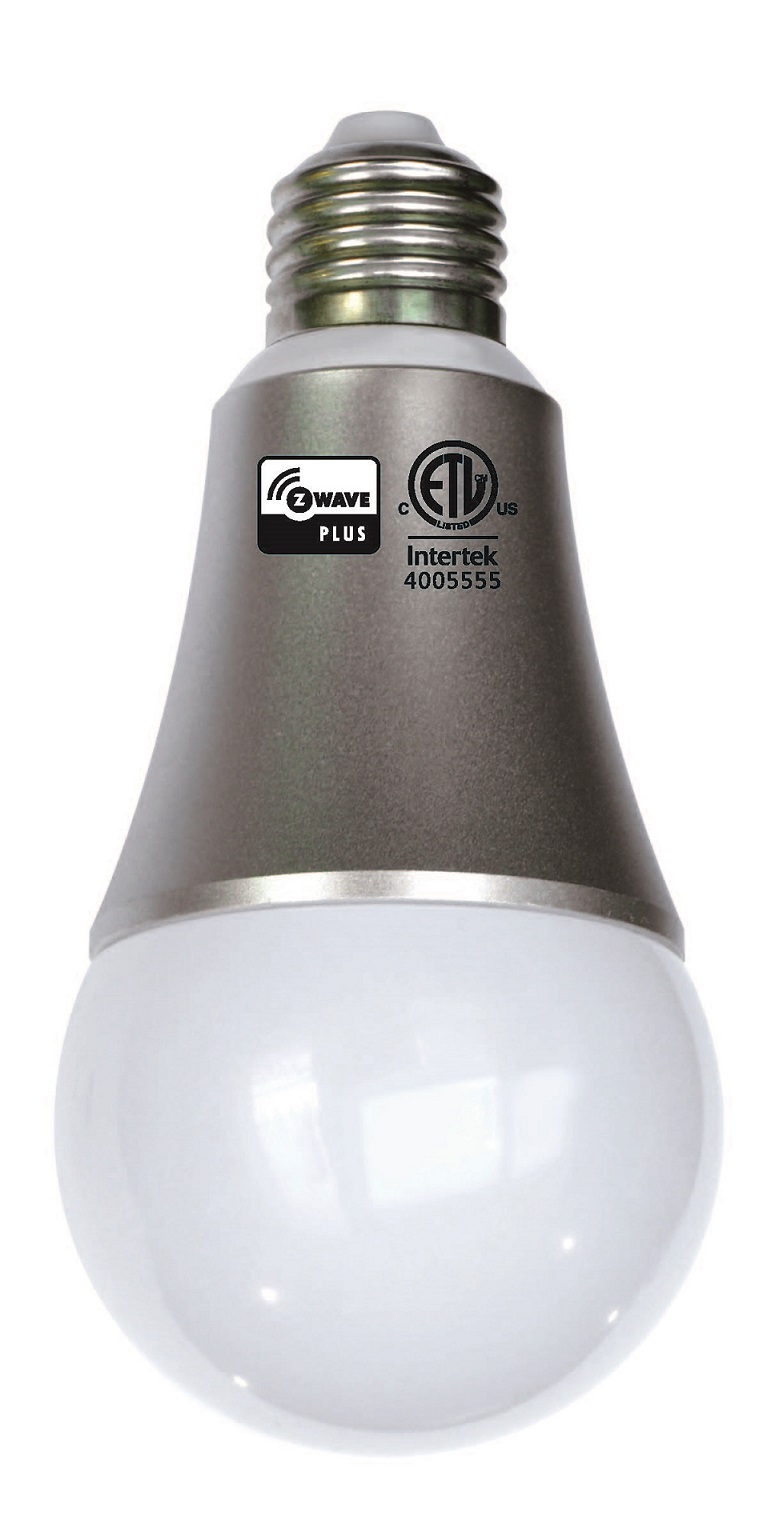
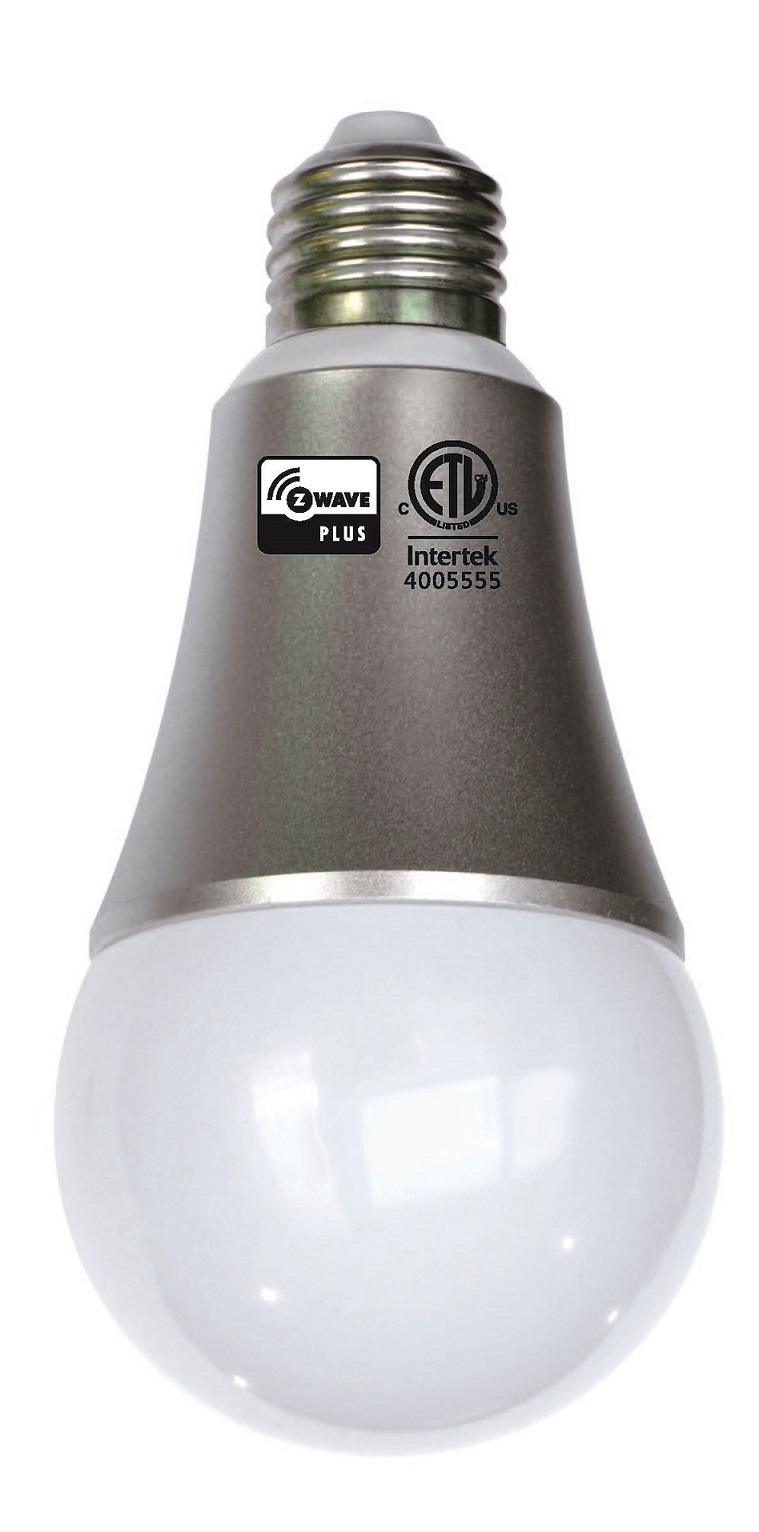
Long Description | Aeotec LED Bulb is a low-cost Z-Wave LED module which allows control (on/off/dim) with the use of Z-Wave.
It’s a bulb has a Smart RGB LED, which can be used to add colour to your home. The bulb has 5 main colour channels available for you to adjust: Red, Green, Blue, Warm White and Cold White. You can configure its colour according to your favour.
The LED Bulb is also a security Z-wave device and supports the Over The Air (OTA) feature for the product’s firmware upgrade. |
|---|
Brand | Aeotec |
|---|
Product Identifier | ZW098-B55 |
|---|
OEM Version | 62 |
|---|
Hardware Platform | ZM5101 |
|---|
Z-Wave Version | 6.51.06 |
|---|
Library Type | SLAVE_ENHANCED_232 |
|---|
Device Type | Light Dimmer Switch |
|---|
Role Type | ROLE_TYPE_SLAVE_ALWAYS_ON |
|---|
Manufacturer ID | 0x0086 |
|---|
Product Type ID | 0x0203 |
|---|
Product ID | 0x0062 |
|---|
Frequency Plans | ANZ: 919.80MHz, 921.40MHz |
|---|
Categories | All Lighting Devices, Dimming Lighting Devices |
|---|
Countries / Regions | Australia |
|---|
Controlled Command Classes | Identifier | Name | Key | Version |
|---|
COMMAND_CLASS_BASIC | Basic | 0x20 | 1 | COMMAND_CLASS_HAIL | Hail | 0x82 | 1 |
|
|---|
Documents | Category | Description | File |
|---|
Manual_Primary_Lang | Product or Owner's Manual | |
|
|---|
Association Groups | Group Number | Maximum Nodes Supported | End Point ID | Description |
|---|
1 | 5 | 0 | Group 1 is assigned to the Lifeline association group and every device has 5 nodes to associate.
When the Bulb is turned on or off using the external switch, the Bulb will send a basic report of its status to the nodes in association group 1. To change what kind of signal is sent to the nodes in group 1, please see the detailed description of configuration parameter 80.
| 2 | 5 | 0 | When the product receives a controlling Basic Set CC/Switch Binary Set CC/Switch Multilevel Start Level Change CC, Switch Multilevel Stop Level Change CC, Switch Multilevel Set CC, Scene Activation Set CC, which if cause the product’s state to be changed, which will lead to send the Basic Set CC/Switch Binary Set CC to nodes in group 2. |
|
|---|
Configuration Parameters | Parameter Number | Name | Description | Format | Size | Min Value | Max Value | Default Value | Parameter Values |
|---|
80 | Enable/Disable to send notifications to associated devices to associated devices. | This parameter is used to Enable/Disable to send notifications to associated devices (in Group 1) when the state of bulb is changed. (0=Send nothing, 1=Send hail CC, 2=Send basic report CC). | 0 | 1 | 0 | 0 | 0 | From | To | Description |
|---|
2 | 2 | Send BASIC Report Command | 0 | 0 | Send Nothing (Disabled) | 1 | 1 | Send HAIL Command |
| 200 | Partner ID | This parameter is used to configure the partner ID. (0== Aeon Labs Standard Product, 1~255== others). | 0 | 1 | 0 | 0 | 0 | From | To | Description |
|---|
0 | 0 | Aeon Labs Standard Product | 1 | 255 | Partner ID of Partner Product |
| 252 | Enable/Disable Lock Configuration | This parameter is used to enable/disable Lock all configuration parameters. (0 =disable, 1 = enable) | 0 | 1 | 0 | 0 | 0 | From | To | Description |
|---|
1 | 1 | All configuration parameters are not configurable (Locked). | 0 | 0 | All configuration parameters are configurable. |
| 255 | Reset to default factory setting | This parameter is used to reset product to default factory setting. (There are just 2 values can be used). | 0 | 4 | 0 | 0 | 0 | From | To | Description |
|---|
1431655765 | 1431655765 | Reset the product to default factory setting and be excluded from the Z-wave network. | 1 | 1 | Reset all configuration parameters to default setting. |
|
|
|---|
Texts | ID | Description | Value |
|---|
1 | Inclusion | Turn the primary controller of Z-Wave network into inclusion mode, press the external switch of LED Bulb to turn it off and then press the external switch again to turn it on. | 2 | Exclusion | Turn the primary controller of Z-Wave network into exclusion mode, press the external switch of LED Bulb to turn off and then press the external switch again to turn on it, repeat the operation 3 times. | 3 | Learn Mode (adding another controller) | N/A | 4 | Device Wake-Up | N/A | 6 | Additional Special Features | Support ""Over the Air Firmware Updating"" and “Z-Wave Security”. | 5 | Factory Reset | Turn the controller of Z-Wave network into exclusion mode, press the external switch of LED Bulb to turn off and then press the external switch again to turn on it, repeat the operation 3 times.
After the LED Bulb is excluded from network, it will be reset to factory default state.
Use this procedure only in the event that your primary network controller is missing or inoperable. |
|
|---|
Supports NWI | Yes |
|---|
Supports Explorer Frames | Yes |
|---|
Radio Range Z-Wave (m) | 40 |
|---|