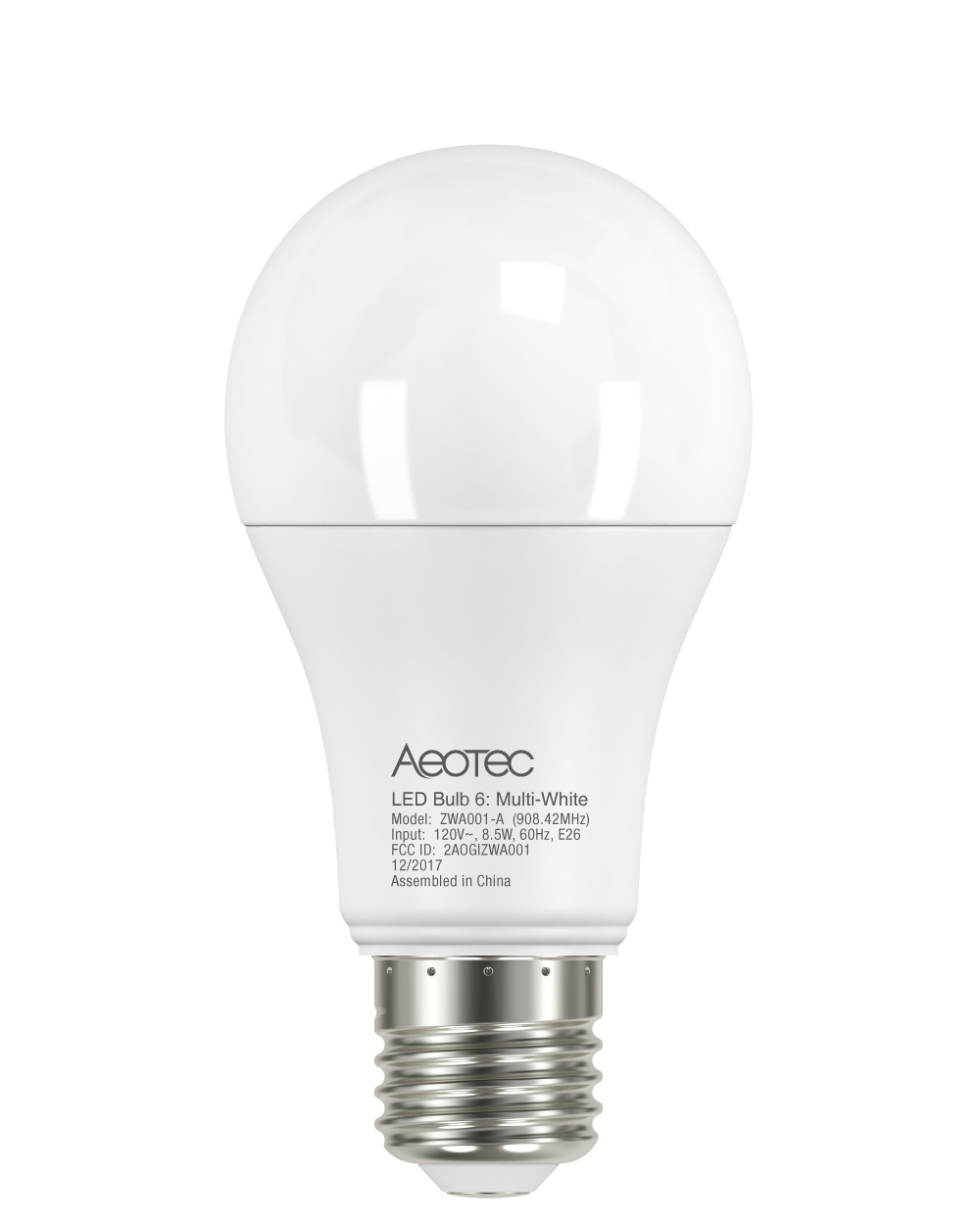
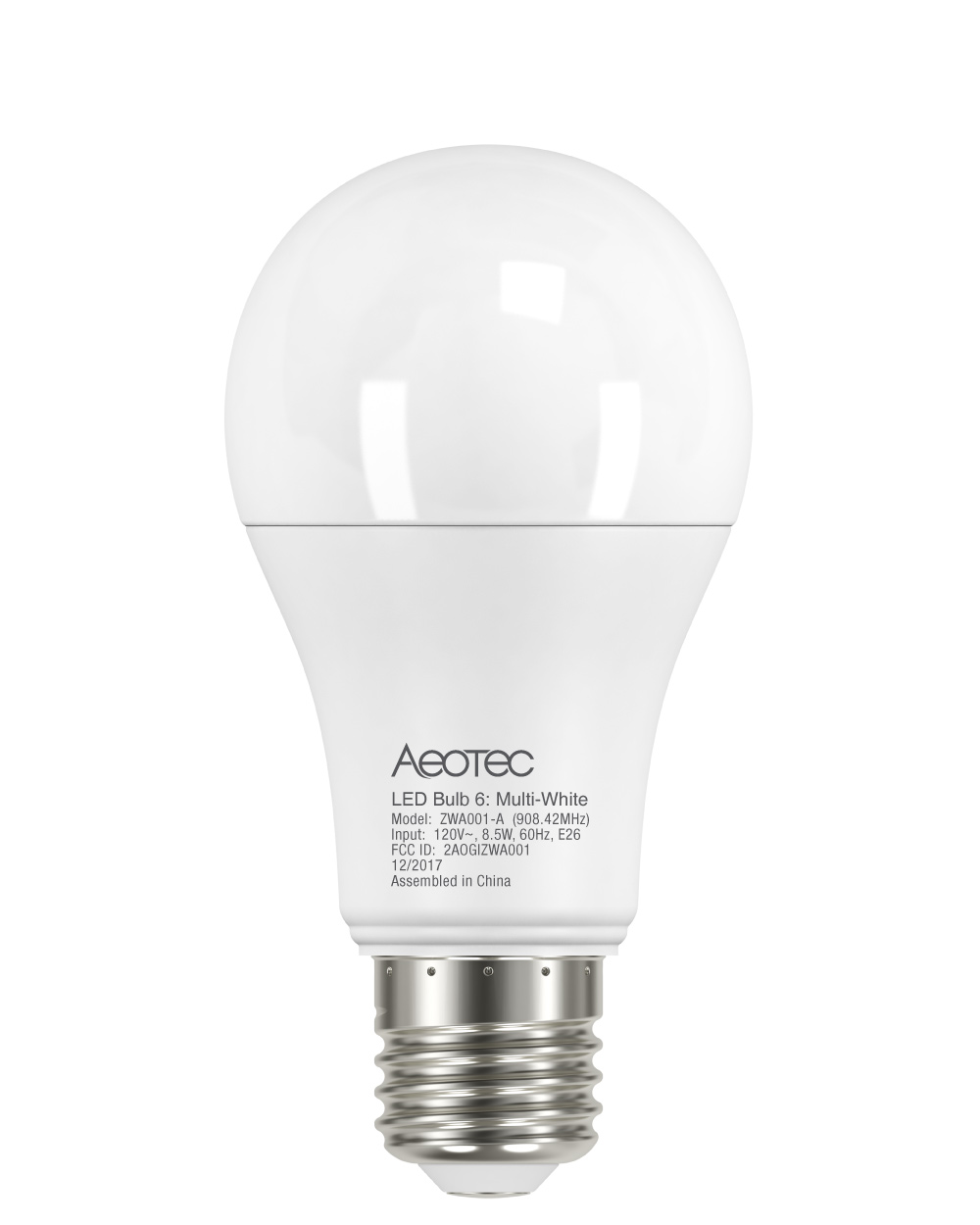
Product Recognition | |
|---|
Certification Number | ZC10-18036059 |
|---|
Name | LED Bulb 6: Multi-White |
|---|
Short Description | Dimmable from 5% to 100%, tunable from 2700K to 6500K. |
|---|
Long Description | Standard form factor and appearance of the light bulb with 800 lm output
Tunable white: dimmable from 5% to 100%, tunable from 2700K to 6500K.
Possible to be included in groups, scenes, or schedules
Suitable for indoor lighting: Corridors, Bedroom, Living Room, etc. |
|---|
Brand | Aeotec |
|---|
Product Identifier | ZWA001-A |
|---|
OEM Version | HW: 1 FW: 1.10 |
|---|
Hardware Platform | ZM5101 |
|---|
Z-Wave Version | 6.71.01 |
|---|
Library Type | SLAVE_ENHANCED_232 |
|---|
Device Type | Light Dimmer Switch |
|---|
Role Type | ROLE_TYPE_SLAVE_ALWAYS_ON |
|---|
Manufacturer ID | 0x0371 |
|---|
Product Type ID | 0x0103 |
|---|
Product ID | 0x0001 |
|---|
User Icon | 0x0600 |
|---|
Installer Icon | 0x0600 |
|---|
Frequency Plans | US: 916.00MHz, 908.40MHz |
|---|
Categories | All Lighting Devices, Lighting Accessories |
|---|
Countries / Regions | United States of America |
|---|
Supported Command Classes | Identifier | Name | Key | Version |
|---|
COMMAND_CLASS_FIRMWARE_UPDATE_MD_V4 | Firmware Update Meta-Data V4 | 0x7A | 4 | COMMAND_CLASS_SCENE_ACTUATOR_CONF | Scene Actuator Conf | 0x2C | 1 | COMMAND_CLASS_POWERLEVEL | Powerlevel | 0x73 | 1 | COMMAND_CLASS_BASIC | Basic | 0x20 | 1 | COMMAND_CLASS_CONFIGURATION | Configuration | 0x70 | 1 | COMMAND_CLASS_SECURITY | Security S0 | 0x98 | 1 | COMMAND_CLASS_SWITCH_MULTILEVEL_V2 | Switch Multilevel V2 | 0x26 | 2 | COMMAND_CLASS_TRANSPORT_SERVICE_V2 | Transport Service V2 | 0x55 | 2 | COMMAND_CLASS_VERSION_V2 | Version V2 | 0x86 | 2 | COMMAND_CLASS_DEVICE_RESET_LOCALLY | Device Reset Locally | 0x5A | 1 | COMMAND_CLASS_ZWAVEPLUS_INFO_V2 | Z-Wave Plus Info V2 | 0x5E | 2 | COMMAND_CLASS_ASSOCIATION_V2 | Association V2 | 0x85 | 2 | COMMAND_CLASS_ASSOCIATION_GRP_INFO | Association Group Info | 0x59 | 1 | COMMAND_CLASS_SWITCH_COLOR_V2 | Switch Color V2 | 0x33 | 2 | COMMAND_CLASS_SECURITY_2 | Security S2 | 0x9F | 1 | COMMAND_CLASS_SUPERVISION | Supervision | 0x6C | 1 | COMMAND_CLASS_SCENE_ACTIVATION | Scene Activation | 0x2B | 1 | COMMAND_CLASS_MANUFACTURER_SPECIFIC_V2 | Manufacturer Specific V2 | 0x72 | 2 |
|
|---|
S2 Classes | S2_UNAUTHENTICATED |
|---|
Documents | Category | Description | File |
|---|
Manual_Primary_Lang | Product or Owner's Manual | |
|
|---|
Features | Feature | Values |
|---|
Color | | Firmware Updatable | Value |
|---|
Updatable by Consumer by RF |
|
|
|---|
Association Groups | Group Number | Maximum Nodes Supported | End Point ID | Description |
|---|
1 | 1 | 0 | 1. When the state of the LED Bulb is changed:
1. Set Configuration parameter 50 to 0: Reserved
2. Set Configuration parameter 50 to 1: Sending Basic Report
2. Device Reset Locally.
|
|
|---|
Configuration Parameters | Parameter Number | Name | Description | Format | Size | Min Value | Max Value | Default Value | Parameter Values |
|---|
82 | Adjusting the color temperature in cold white color component. | Adjusting the color temperature in cold white color component. available value:0x1388-0x1964 Cold White (0x1388 (5000k) ~ 0x1964 (6500k)) | 0 | 2 | 0 | 0 | 6500 | From | To | Description |
|---|
5000 | 6500 | Cold White (0x1388 (5000k) ~ 0x1964 (6500k)) |
| 81 | Adjusting the color temperature in warm white color component. | Adjusting the color temperature in warm white color component. available value: 0x0A8C-1387 Warm White(0x0A8C(2700k) ~ 0x1387 (4999k)) | 0 | 2 | 0 | 0 | 2700 | From | To | Description |
|---|
2700 | 4999 | Warm White(0x0A8C(2700k) ~ 0x1387 (4999k)) |
| 80 | Enable to send notifications to associated devices | Enable to send notifications to associated devices (Group 1) when the state of LED Bulb is changed. 0 = Nothing. 1= Basic CC report. | 0 | 1 | 0 | 0 | 1 | From | To | Description |
|---|
0 | 0 | Disable | 1 | 1 | LED Bulb will send Basic Report to the associated nodes when its state has changed |
|
|
|---|
Texts | ID | Description | Value |
|---|
5 | Factory Reset | Reset the device :
a) Please use this procedure only when the network primary controller is missing or otherwise inoperable.
b) Led bulb re-power 6 times (between 0.5-2 seconds each time); If the 6th power on, the led bulb flashes twice, which means that the resetting is successful. | 2 | Exclusion | Remove for exclusion:
a) Set the Z-Wave network main controller into removing mode.
b) Led bulb re-power 3 times (between 0.5-2 seconds each time).
c) Wait a moment, the led bulb should be removed from the controller.Then the led bulb will flash once, dim to 5% first, and then increased to 100% after 5 seconds. | 1 | Inclusion | Add for inclusion:
a) Set the Z-Wave network main controller into adding mode.
b) Power cycle once for led bulb(OFF->ON).The led bulb will flash twice and send node info frame.
c) Wait a moment, the led bulb should be added to the controller.Then the led bulb will flash once when it has been included into the network. |
|
|---|
Supports NWI | Yes |
|---|
Supports Explorer Frames | Yes |
|---|
Radio Range Z-Wave (m) | 40 |
|---|