Product Recognition | |
|---|
Certification Number | ZC10-20036893 |
|---|
Name | LED Dimmer Z-Wave 200W |
|---|
Short Description | Z-Wave Rotary Dimmer Switch without neutral, suitable for new building and retrofitted house |
|---|
Long Description | LED Z-Wave dimmer with smart functionality and power consumption tackle most conditions such as LED, halogen or electronic transformer. Possibility of wireless control via central unit / gateway or pulse control by direct connection.
Technical description
A trailing edge dimmer, for use with 230V Halogen, 230V LED and electronic transformers. Has built-in short cut protection in case of lamp failure. Only need L-conductor connected. |
|---|
Brand | Namron |
|---|
Product Identifier | 1402756 |
|---|
Product Line | LED Dimmer |
|---|
OEM Version | HW: 1 FW: 1.17 |
|---|
Hardware Platform | ZM5101 |
|---|
Z-Wave Version | 6.81.03 |
|---|
Library Type | SLAVE_ENHANCED_232 |
|---|
Device Type | Light Dimmer Switch |
|---|
Role Type | ROLE_TYPE_SLAVE_ALWAYS_ON |
|---|
Manufacturer ID | 0x0431 |
|---|
Product Type ID | 0x0202 |
|---|
Product ID | 0x0001 |
|---|
User Icon | 0x0600 |
|---|
Installer Icon | 0x0600 |
|---|
Frequency Plans | EU: 869.85MHz, 868.40MHz |
|---|
Categories | All Lighting Devices, Dimming Lighting Devices, Lighting Accessories |
|---|
Countries / Regions | European Union |
|---|
Supported Command Classes | Identifier | Name | Key | Version |
|---|
COMMAND_CLASS_FIRMWARE_UPDATE_MD_V4 | Firmware Update Meta-Data V4 | 0x7A | 4 | COMMAND_CLASS_POWERLEVEL | Powerlevel | 0x73 | 1 | COMMAND_CLASS_BASIC | Basic | 0x20 | 1 | COMMAND_CLASS_CONFIGURATION | Configuration | 0x70 | 1 | COMMAND_CLASS_SECURITY | Security S0 | 0x98 | 1 | COMMAND_CLASS_SWITCH_MULTILEVEL_V2 | Switch Multilevel V2 | 0x26 | 2 | COMMAND_CLASS_TRANSPORT_SERVICE_V2 | Transport Service V2 | 0x55 | 2 | COMMAND_CLASS_VERSION_V2 | Version V2 | 0x86 | 2 | COMMAND_CLASS_DEVICE_RESET_LOCALLY | Device Reset Locally | 0x5A | 1 | COMMAND_CLASS_ZWAVEPLUS_INFO_V2 | Z-Wave Plus Info V2 | 0x5E | 2 | COMMAND_CLASS_ASSOCIATION_V2 | Association V2 | 0x85 | 2 | COMMAND_CLASS_ASSOCIATION_GRP_INFO | Association Group Info | 0x59 | 1 | COMMAND_CLASS_SECURITY_2 | Security S2 | 0x9F | 1 | COMMAND_CLASS_SUPERVISION | Supervision | 0x6C | 1 | COMMAND_CLASS_MANUFACTURER_SPECIFIC_V2 | Manufacturer Specific V2 | 0x72 | 2 |
|
|---|
S2 Classes | S2_UNAUTHENTICATED, S2_AUTHENTICATED |
|---|
Documents | Category | Description | File |
|---|
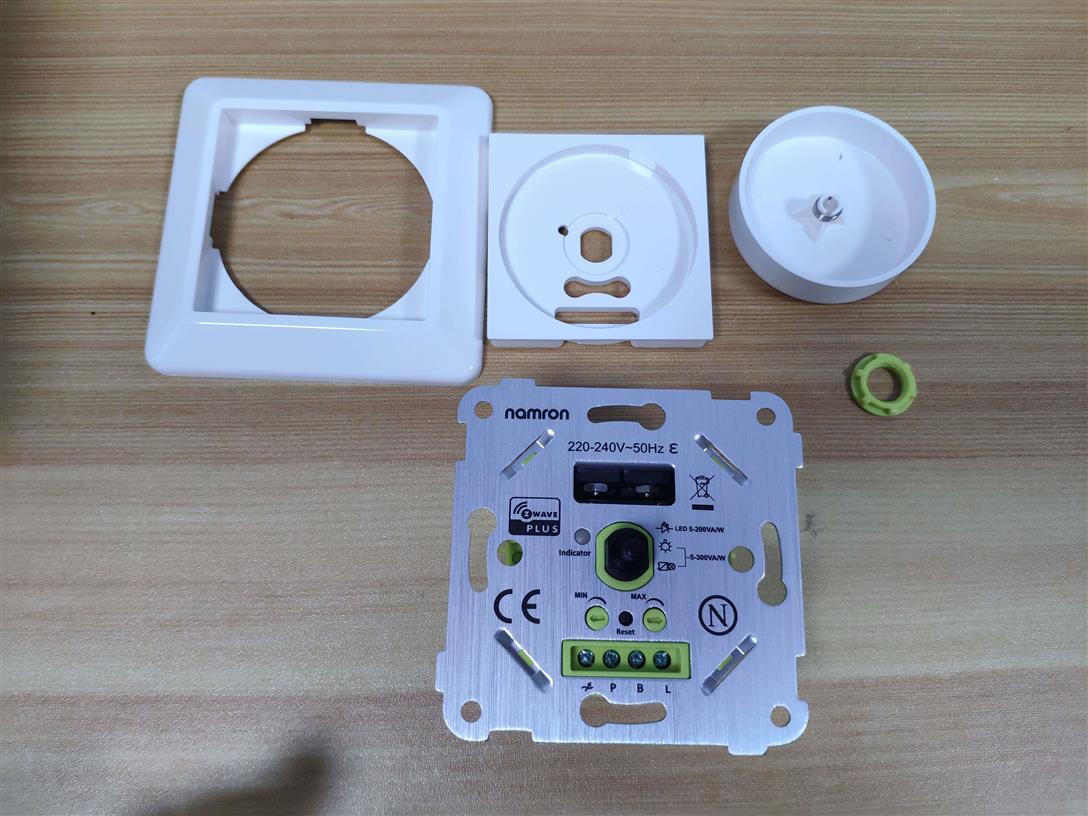
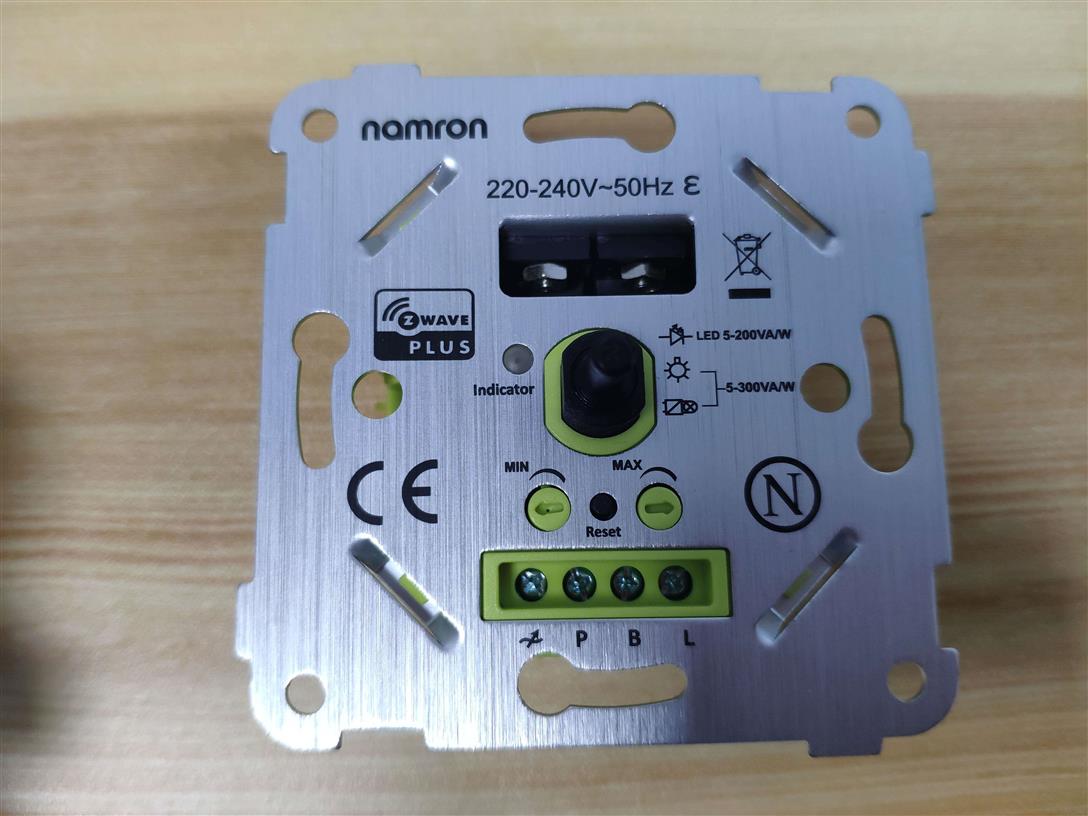
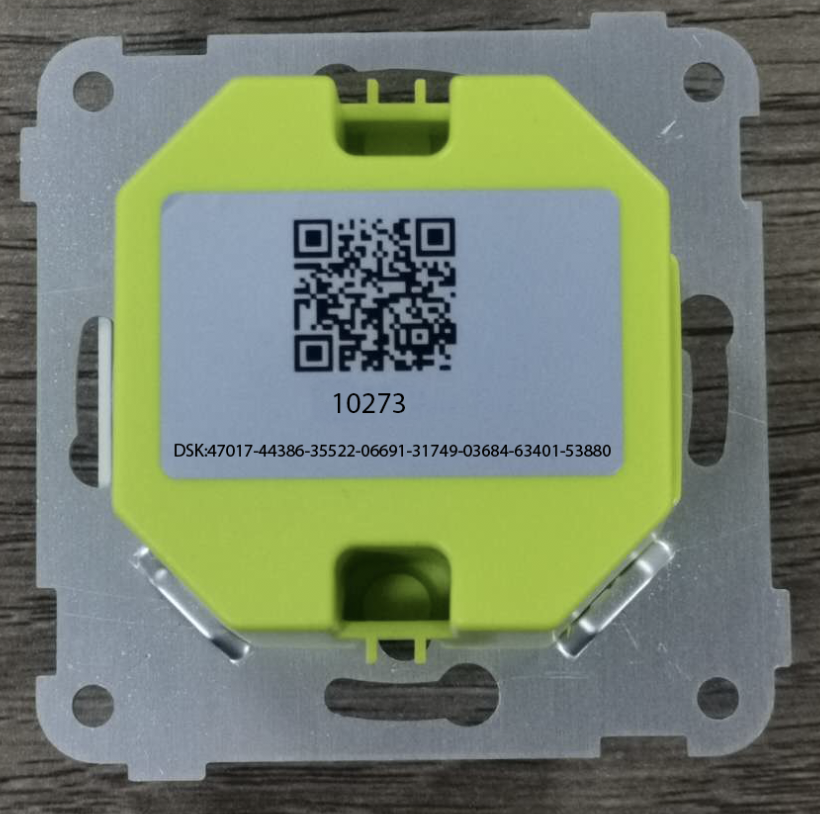
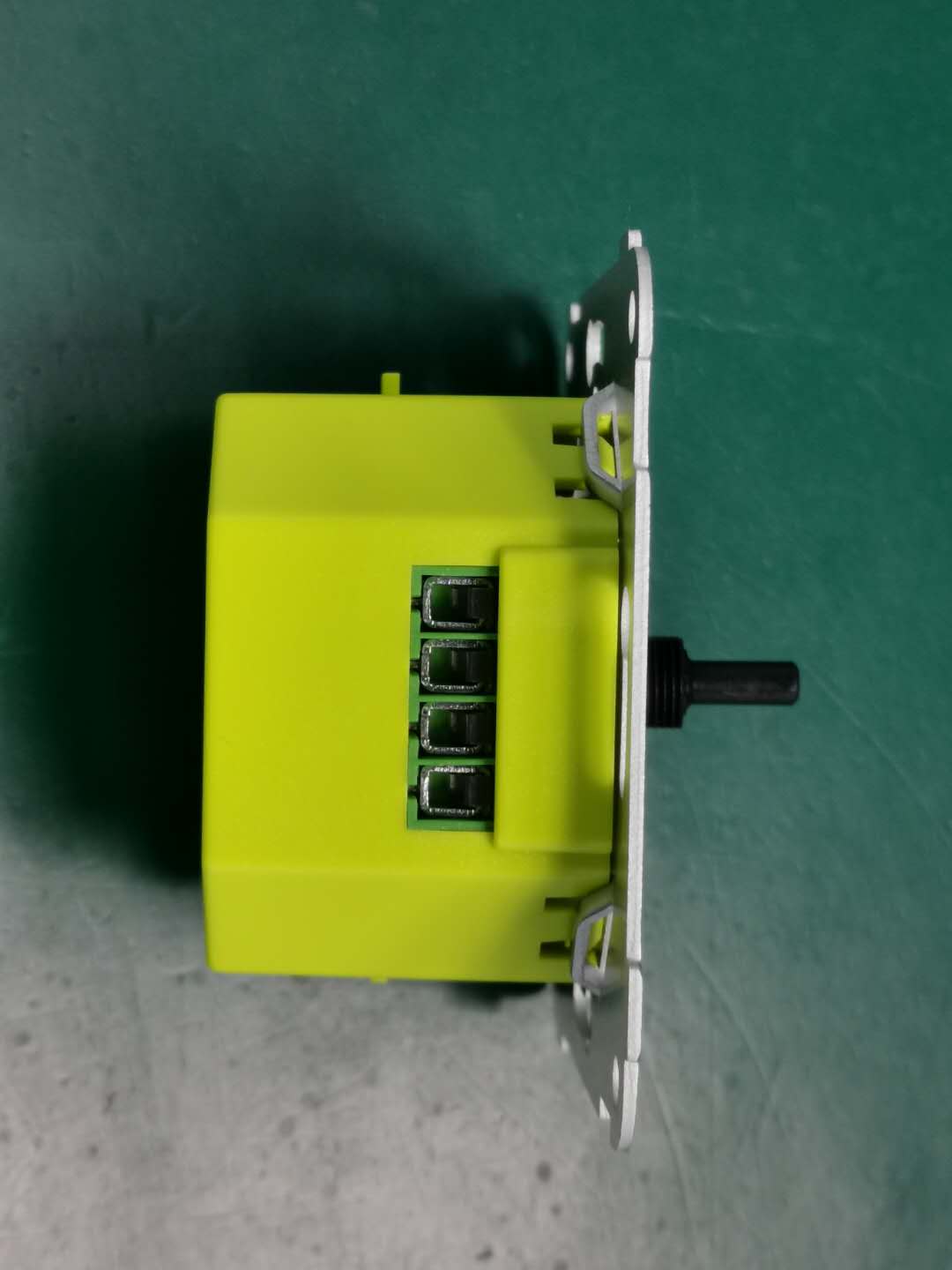
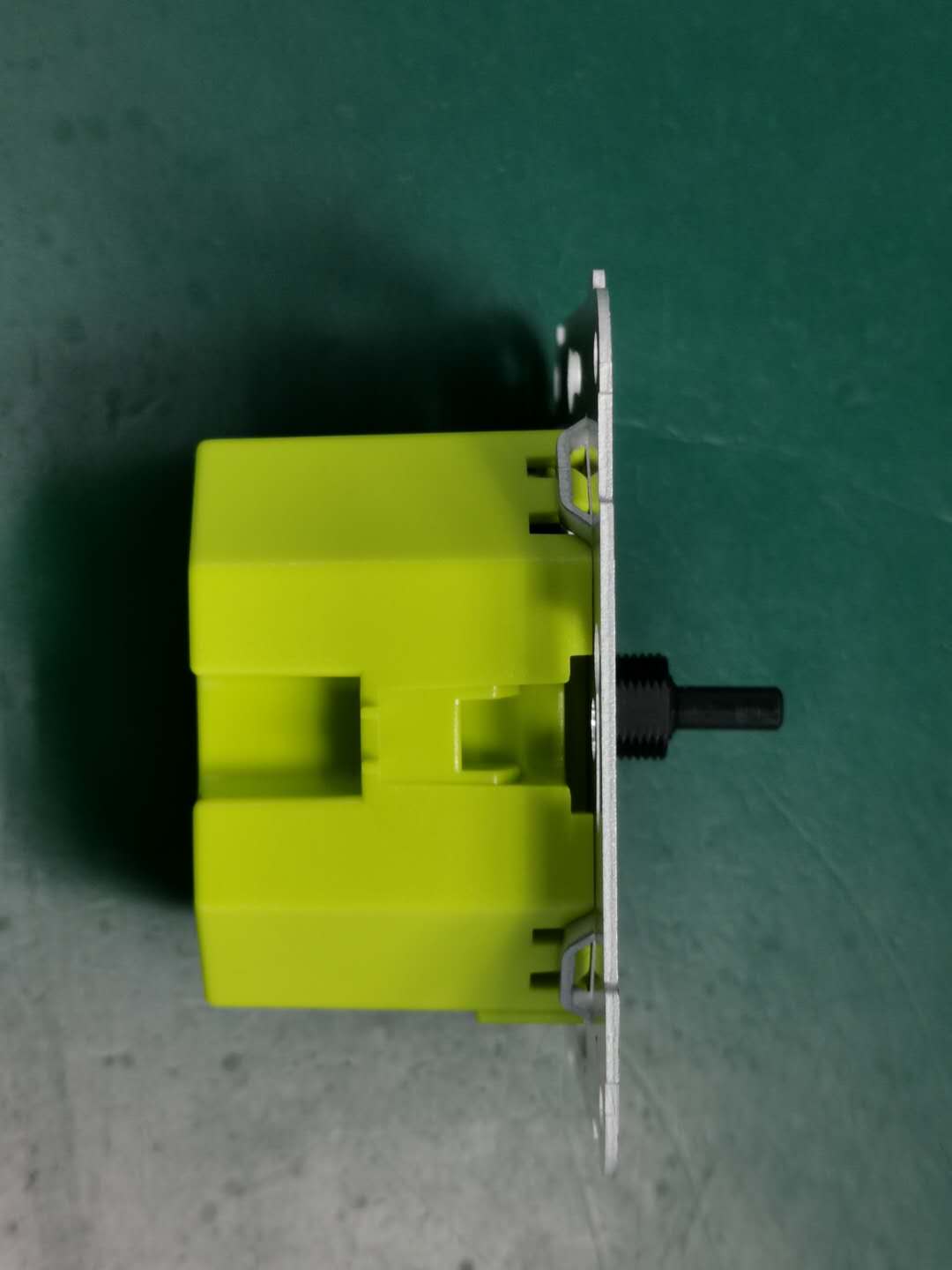
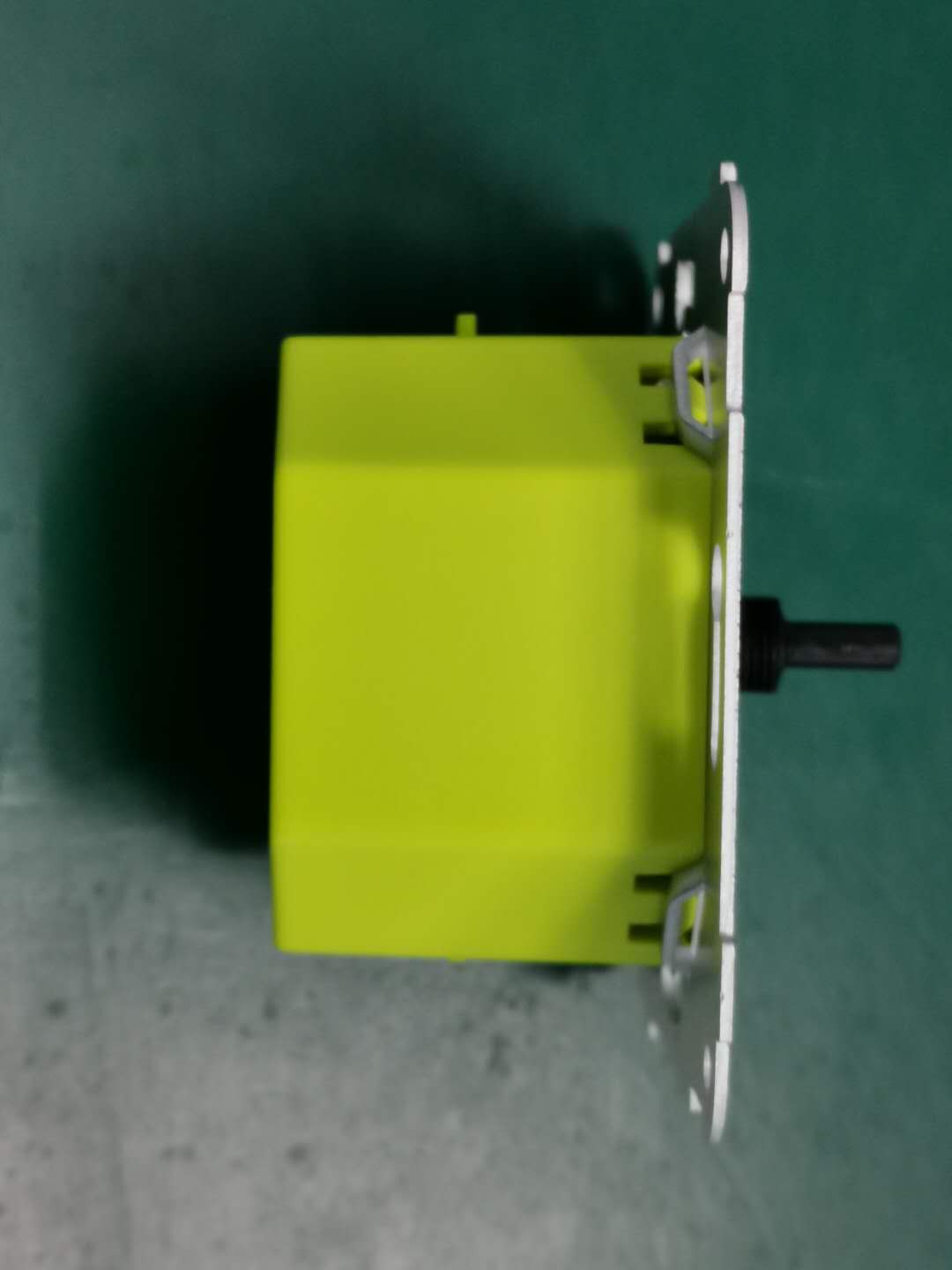
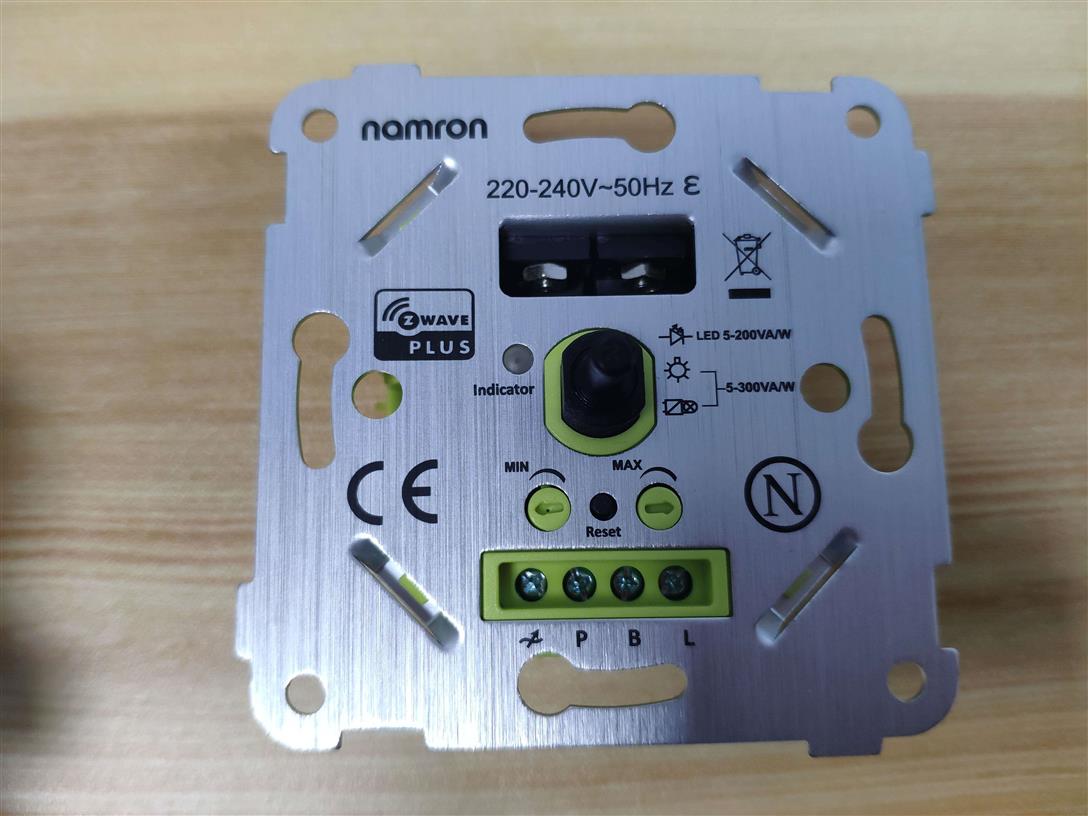
Image_Product_Supplemental_5 | complete look | | Image_Product_Supplemental_3 | side 2 | | Image_Product_Supplemental_4 | side | | Manual_Primary_Lang | Product Manual | |
|
|---|
Features | Feature |
|---|
Controller Supports Multiple Networks | Controller Supports Multiple Z-Wave Interfaces |
|
|---|
Association Groups | Group Number | Maximum Nodes Supported | End Point ID | Group Name | Description |
|---|
1 | 5 | 0 | Lifeline | The ASSIC or Lifeline:4C 69 65 6C 69 6E 65
1.when press and hold down Reset button over 5s to reset the dimmer send"Device Reset locally Notification CC" to associated devices of this group to report factory reset information.
2.When load state changes send "Switch Multilevel Report CC" to associated devices of this group. |
|
|---|
Configuration Parameters | Parameter Number | Name | Description | Format | Size | Min Value | Max Value | Default Value | Parameter Values |
|---|
1 | Parameter 1 | The state the switch should return to once power is restored after power failure. | 1 | 1 | 0 | 2 | 0 | From | To | Description |
|---|
0 | 0 | off | 1 | 1 | on | 1 | 2 | Returns to level before Power Outage |
| 2 | Parameter 2 | The Dimmer will send notification to associated device (Group Lifeline) when the status of Dimmer load is changed | 1 | 1 | 0 | 2 | 0 | From | To | Description |
|---|
0 | 0 | The function is disabled | 1 | 1 | Send Switch Multilevel Report . | 2 | 2 | Send Switch Multilevel Report only when Load status is not changed by Z-WAVE Command |
|
|
|---|
Texts | ID | Description | Value |
|---|
8 | Where to find S2 DSK on product | 6.81.03 | 1 | Classic Inclusion | short press the reset button twice to start inclusion | 2 | Classic Exclusion | short press the reset button twice to exclude from the network. | 5 | Factory Reset Procedure | long press the reset button over 5seconds. |
|
|---|
Supports NWI | Yes |
|---|
Supports Explorer Frames | Yes |
|---|
Supports SmartStart | Yes |
|---|
Radio Range Z-Wave (m) | 40 |
|---|