Product Recognition | |
|---|
Certification Number | ZC14-22110158 |
|---|
Name | Lockly Z-Wave Smart Lock - Secure |
|---|
Short Description | LOCKLY Z-Wave™ Smart lock with peep-proof keyboard |
|---|
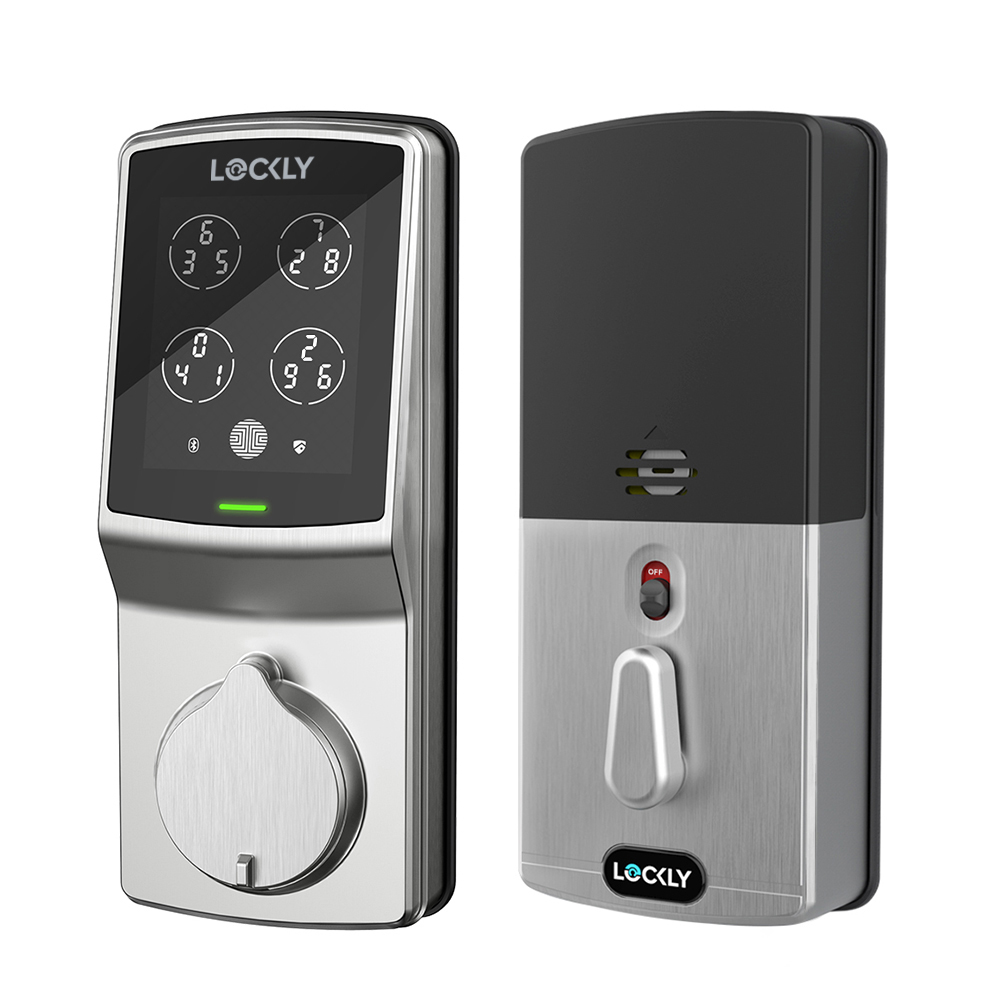
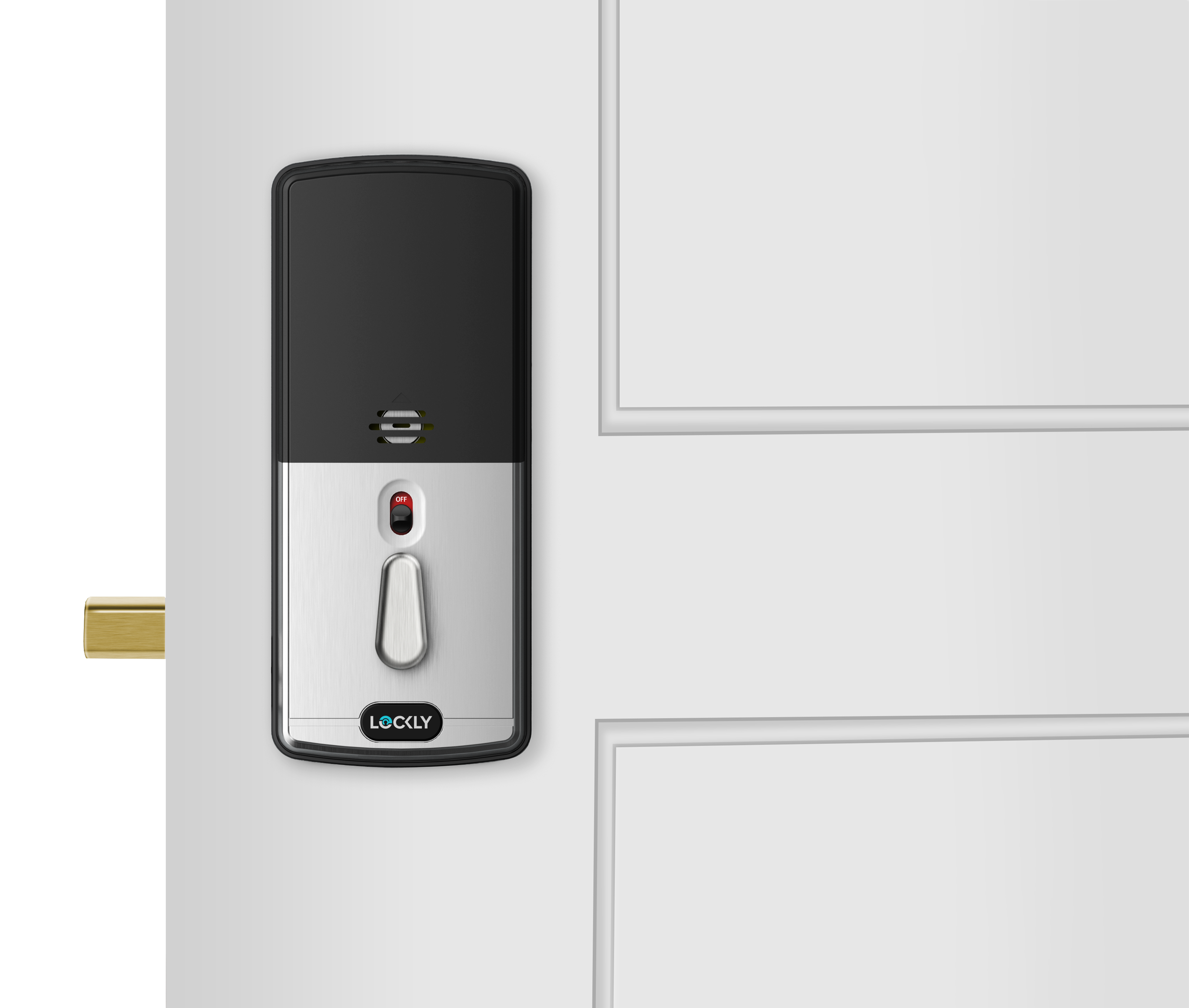
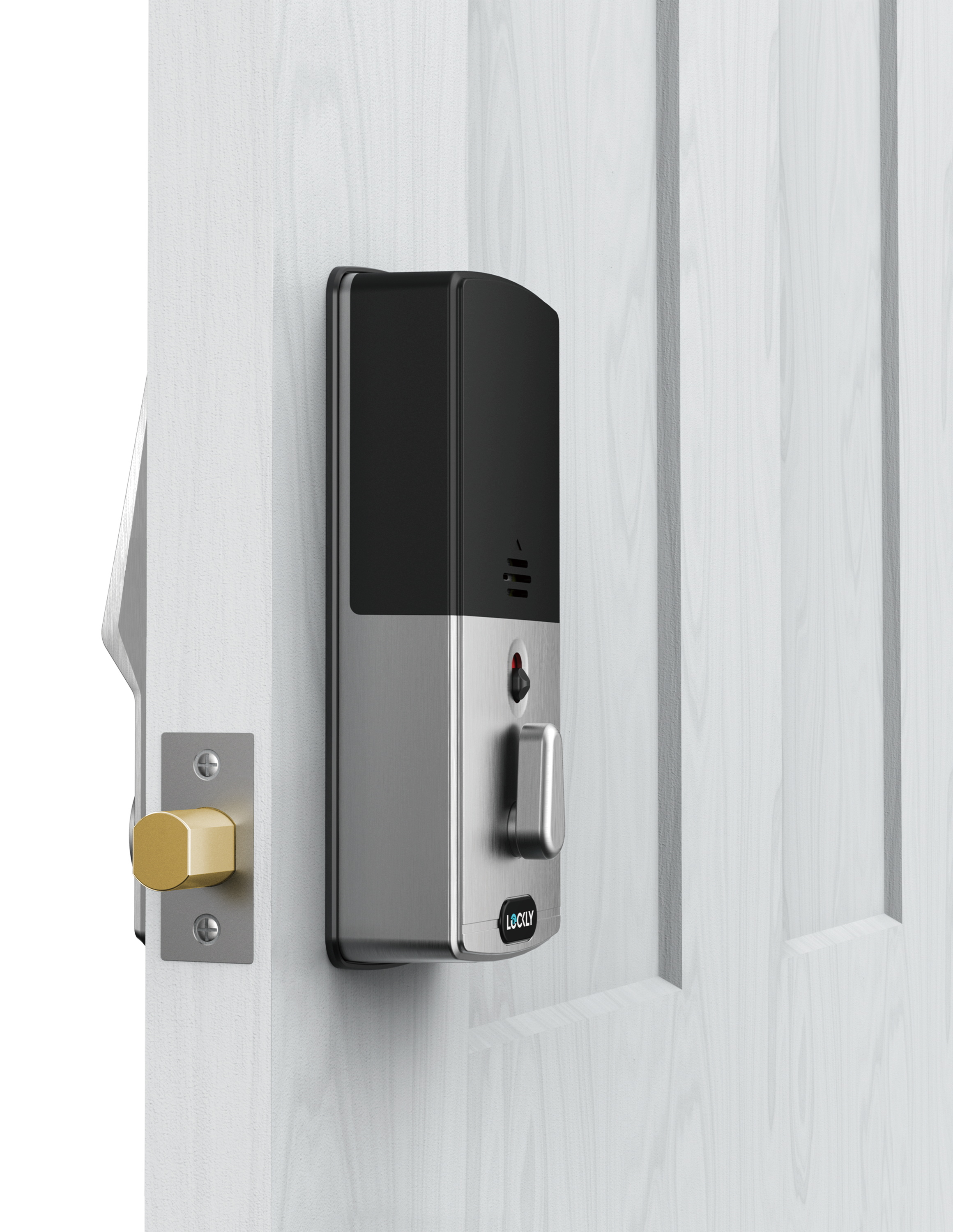
Long Description | Support Patented Hack-Proof Keypad + physical key + Z-Wave™ control Deadbolt smart lock, easy installation is compatible with most standard doors with a thickness of 35mm-50mm. Made of zinc alloy material, the surface is treated with corrosion-resistant hardening, which is strong and durable.The unique Patented Hack-Proof Keypad makes it almost impossible for a peeping person to guess your access codes when you enter them. |
|---|
Brand | LOCKLY |
|---|
Product Identifier | PGD728 ZPU |
|---|
Product Line | LOCKLY GUARD Z-Wave version smart lock is a new member of the flagship product in the LOCKLY smart door lock product line |
|---|
OEM Version | HW: 02 FW: 04.16:01.02 |
|---|
Hardware Platform | ZM5202AU-CME3 |
|---|
Z-Wave Version | 6.84.00 |
|---|
Library Type | END_NODE_ENHANCED_232 |
|---|
Device Type | Lock DT |
|---|
Role Type | ROLE_TYPE_SLAVE_SLEEPING_LISTENING |
|---|
Manufacturer ID | 0x043D |
|---|
Product Type ID | 0x0003 |
|---|
Product ID | 0x0001 |
|---|
User Icon | 0x0300 |
|---|
Installer Icon | 0x0300 |
|---|
Frequency Plans | US: 916.00MHz, 908.40MHz |
|---|
Categories | Locks |
|---|
Countries / Regions | United States of America |
|---|
Supported Command Classes | Identifier | Name | Key | Version |
|---|
COMMAND_CLASS_BASIC_V2 | Basic V2 | 0x20 | 2 | COMMAND_CLASS_CONFIGURATION_V4 | Configuration V4 | 0x70 | 4 | COMMAND_CLASS_DOOR_LOCK_V4 | Door Lock V4 | 0x62 | 4 | COMMAND_CLASS_DOOR_LOCK_LOGGING | Door Lock Logging | 0x4C | 1 | COMMAND_CLASS_NOTIFICATION_V8 | Notification V8 | 0x71 | 8 | COMMAND_CLASS_USER_CODE | User Code | 0x63 | 1 | COMMAND_CLASS_ASSOCIATION_V2 | Association V2 | 0x85 | 2 | COMMAND_CLASS_ASSOCIATION_GRP_INFO | Association Group Information (AGI) | 0x59 | 1 | COMMAND_CLASS_BATTERY | Battery | 0x80 | 1 | COMMAND_CLASS_DEVICE_RESET_LOCALLY | Device Reset Locally | 0x5A | 1 | COMMAND_CLASS_FIRMWARE_UPDATE_MD_V5 | Firmware Update Meta Data V5 | 0x7A | 5 | COMMAND_CLASS_INDICATOR_V3 | Indicator V3 | 0x87 | 3 | COMMAND_CLASS_MANUFACTURER_SPECIFIC_V2 | Manufacturer Specific V2 | 0x72 | 2 | COMMAND_CLASS_MULTI_CHANNEL_ASSOCIATION_V3 | Multi Channel Association V3 | 0x8E | 3 | COMMAND_CLASS_VERSION_V3 | Version V3 | 0x86 | 3 | COMMAND_CLASS_ZWAVEPLUS_INFO_V2 | Z-Wave Plus Info V2 | 0x5E | 2 | COMMAND_CLASS_SECURITY | Security 0 | 0x98 | 1 | COMMAND_CLASS_SECURITY_2 | Security 2 | 0x9F | 1 | COMMAND_CLASS_SUPERVISION | Supervision | 0x6C | 1 | COMMAND_CLASS_TRANSPORT_SERVICE_V2 | Transport Service V2 | 0x55 | 2 | COMMAND_CLASS_POWERLEVEL | Powerlevel | 0x73 | 1 |
|
|---|
S2 Classes | S2_ACCESS_CONTROL |
|---|
Documents | Category | File |
|---|
Manual_English | | Adv_Manual | | Installer_Guide | |
|
|---|
Features | Feature | Values |
|---|
Battery Quantity | | Battery Type | Value |
|---|
AA (Alkaline Battery) |
| Door Lock Type | | Firmware Updatable | Value |
|---|
Updatable by Consumer via Internet |
| Outdoor Use | |
|
|---|
Association Groups | Group Number | Maximum Nodes Supported | End Point ID | Group Name | Profile |
|---|
1 | 5 | 0 | Lifeline | 0x0001 |
|
|---|
Configuration Parameters | Parameter Number | Name | Description | Format | Size | Min Value | Max Value | Default Value |
|---|
1 | Activated Or DeActivated Fp Module | This command is used to control the activated or deactivated state of the fingerprint. When deactivated, all fingerprint access will be blocked | 1 | 1 | 0 | 0 | 0x00 |
|
|---|
Texts | ID | Description | Value |
|---|
1 | Classic Inclusion | 1. Bring the DoorLock within direct range of your controller.
2. Carefully remove the battery compartment cover.
3. Put your Z-Wave controller into inclusion mode.
4. Simply press the Program button to enter programming mode.
5. Select “2HB” to enter hub action menu.
6. Select “AD” and wait doorlock to finish the inclusion. | 2 | Classic Exclusion | 1. Make sure the DoorLock is powered on and located within direct
range of your Z-Wave gateway controller .
2. Put your Z-Wave controller into exclusion mode .
3. Simply press the Program button to enter programming mode.
4. Select “2HB” to enter hub action menu.
5. Select “DE” and wait doorlock to finish the exclusion. | 5 | Factory Reset Procedure | When your network’s primary controller is missing or otherwise
inoperable, you may need to reset the device to factory settings
manually. Tocomplete
the process, make sure your doorlock has not been synced tothe
smart phone, then press and hold the reset button at least 3 sec to
reset the doorlock and Z-Wave module. Also, you can restore the
lock to factory default settings while the lock is synching with the
smartphone.
When executing factory reset, Z-Wave module will issue the following
instructions to smart home controller.
Group:"LIFELINE" group
Instruction: DEVICE_RESET_LOCALLY_NOTIFICATION | 8 | Where to find S2 DSK on product | The QR Code and digits DSK can be found on welcome card inside
the box. After you open the box, you can see it on flap top layer. |
|
|---|
Supported Notification Types | Notification Type | Event / State |
|---|
Access Control | Manual lock operation | Access Control | Manual unlock operation | Access Control | RF lock operation | Access Control | RF unlock operation | Access Control | Keypad lock operation | Access Control | Keypad unlock operation | Access Control | All user codes deleted | Access Control | Single user code deleted | Access Control | New user code added | Access Control | Auto lock locked operation |
|
|---|
Supports NWI | Yes |
|---|
Supports Explorer Frames | Yes |
|---|
Is Flirs | Yes |
|---|
Supports SmartStart | Yes |
|---|
Radio Range Z-Wave (m) | 40 |
|---|