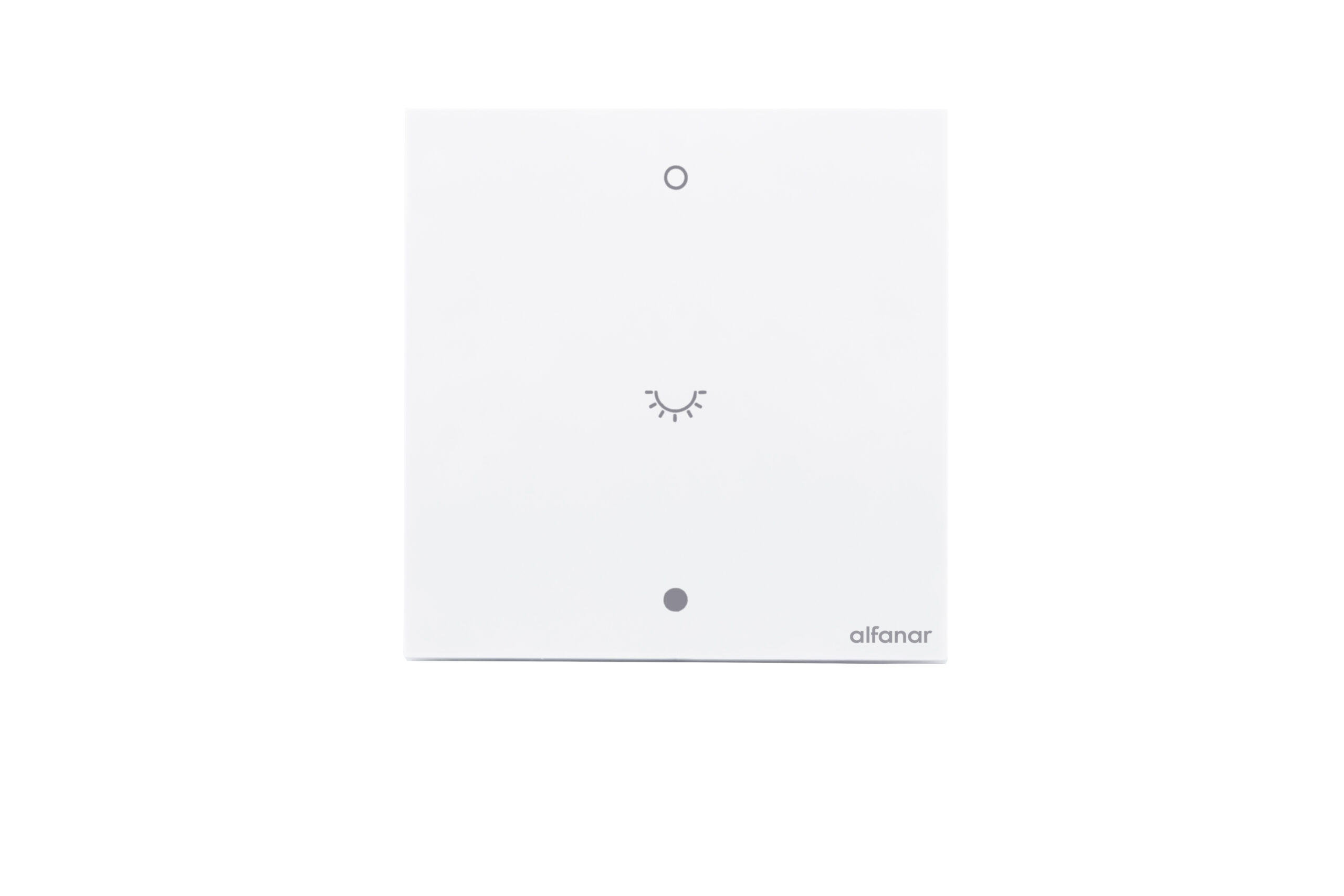
Product Recognition | |
|---|
Certification Number | ZC14-25040515 |
|---|
Name | MASA Smart Dimmer |
|---|
Short Description | The Alfanar MASA Dimmer employs Z-Wave® communication to efficiently control lighting in smart homes and buildings, facilitating seamless automation and convenient remote operation. |
|---|
Long Description | MASA smart dimmers are designed primarily for lighting control applications and can be used with a variety of light sources, including conventional incandescent & LED lamps. Operation can be performed via a physical push (toggle) button or remotely through alfanar Smart Home (mobile application) connected to an alfanar Z-Wave enabled gateway (or alfanar listed gateway).
The dimmer uses Z-Wave 800-series communication technology, operating on a mesh network with AES-128 encryption, ensuring a secure connection with an indoor range of up to 30 meters. |
|---|
Brand | alfanar |
|---|
Product Identifier | SZWRBF196 |
|---|
Product Line | Smart Switch |
|---|
OEM Version | HW: 01 FW: 01.04:02.05:01.03 |
|---|
Hardware Platform | EFR32ZG23A |
|---|
Z-Wave Version | 7.22.0 |
|---|
Library Type | END_NODE_ENHANCED_232 |
|---|
Device Type | Multilevel Switch DT |
|---|
Role Type | ROLE_TYPE_END_NODE_ALWAYS_ON |
|---|
Manufacturer ID | 0x0469 |
|---|
Product Type ID | 0x0004 |
|---|
Product ID | 0x0004 |
|---|
User Icon | 0x1C01 |
|---|
Installer Icon | 0x0601 |
|---|
Frequency Plans | EU: 869.85MHz, 868.40MHz |
|---|
Categories | Dimming Lighting Devices |
|---|
Countries / Regions | Saudi Arabia, United Arab Emirates |
|---|
Supported Command Classes | Identifier | Name | Key | Version |
|---|
COMMAND_CLASS_ASSOCIATION_V2 | Association V2 | 0x85 | 2 | COMMAND_CLASS_ASSOCIATION_GRP_INFO_V3 | Association Group Information (AGI) V3 | 0x59 | 3 | COMMAND_CLASS_DEVICE_RESET_LOCALLY | Device Reset Locally | 0x5A | 1 | COMMAND_CLASS_FIRMWARE_UPDATE_MD_V5 | Firmware Update Meta Data V5 | 0x7A | 5 | COMMAND_CLASS_INDICATOR_V3 | Indicator V3 | 0x87 | 3 | COMMAND_CLASS_MANUFACTURER_SPECIFIC_V2 | Manufacturer Specific V2 | 0x72 | 2 | COMMAND_CLASS_MULTI_CHANNEL_ASSOCIATION_V3 | Multi Channel Association V3 | 0x8E | 3 | COMMAND_CLASS_VERSION_V3 | Version V3 | 0x86 | 3 | COMMAND_CLASS_ZWAVEPLUS_INFO_V2 | Z-Wave Plus Info V2 | 0x5E | 2 | COMMAND_CLASS_SECURITY_2 | Security 2 | 0x9F | 1 | COMMAND_CLASS_SUPERVISION | Supervision | 0x6C | 1 | COMMAND_CLASS_TRANSPORT_SERVICE_V2 | Transport Service V2 | 0x55 | 2 | COMMAND_CLASS_POWERLEVEL | Powerlevel | 0x73 | 1 | COMMAND_CLASS_SWITCH_MULTILEVEL_V4 | Multilevel Switch V4 | 0x26 | 4 | COMMAND_CLASS_BASIC_V2 | Basic V2 | 0x20 | 2 | COMMAND_CLASS_CONFIGURATION_V4 | Configuration V4 | 0x70 | 4 | COMMAND_CLASS_NOTIFICATION_V8 | Notification V8 | 0x71 | 8 | COMMAND_CLASS_SECURITY | Security 0 | 0x98 | 1 |
|
|---|
S2 Classes | S2_AUTHENTICATED, S2_UNAUTHENTICATED |
|---|
Documents | Category | File |
|---|
Adv_Manual | | Manual_English | |
|
|---|
Features | Feature | Values |
|---|
Firmware Updatable | Value |
|---|
Updatable by Consumer by RF |
| Neutral Wire Required | | Switch Load Capacity Volt-Ampere | | Switch Type | | Switch Load Capacity Current | |
|
|---|
Association Groups | Group Number | Maximum Nodes Supported | End Point ID | Group Name | Profile |
|---|
1 | 5 | 0 | Lifeline | 0x0001 |
|
|---|
Configuration Parameters | Parameter Number | Name | Description | Format | Size | Min Value | Max Value | Default Value |
|---|
1 | Over-Temp Protection Threshold | Over-Temp Protection Threshold in °C, set to 0 to disable | 0 | 4 | 0 | 0 | 0x00000064 | 2 | Over-Voltage Protection Threshold | Over-Voltage Protection Threshold in volt, set to 0 to disable | 0 | 4 | 0 | 0 | 0x0000010E | 3 | Minimum Brightness Level | Minimum Brightness Level,1~95 | 1 | 4 | 0 | 0 | 0x0000000F | 4 | Maximum Brightness Level | Maximum Brightness Level,10~95 | 1 | 4 | 0 | 0 | 0x0000005F | 5 | Restore state after power failure | Restore state after power failure, set to 1 to enable | 1 | 1 | 0 | 0 | 0x00 | 6 | Indicator LED Enable /Disable | Indicator LED Enable /Disable, set to 0 to disable | 1 | 1 | 0 | 0 | 0x01 | 7 | LED Indicator Mode | LED Indicator Mode, set to 1 to Locator | 1 | 1 | 0 | 0 | 0x00 | 8 | Factory Reset dimmer | Factory Reset dimmer, set to 0x55 to Restore factory setting | 1 | 1 | 0 | 0 | 0x00 | 9 | Disable Local Control | Disable Local Control, set to 1 to disable local control | 1 | 1 | 0 | 0 | 0x00 | 10 | Disable Remote control | Disable Remote control, set to 1 to disable remote control | 1 | 1 | 0 | 0 | 0x00 | 11 | Enable/Disable the double click | 0:double click disabled, 1:double click enabled | 1 | 1 | 0 | 0 | 0x00 |
|
|---|
Texts | ID | Description | Value |
|---|
8 | Where to find S2 DSK on product | In the LV isolate plate, the user simply needs to disassemble the Rocker to access the DSK. | 1 | Classic Inclusion | 1. Place the device within the direct range of your Z-Wave gateway
2. Power ON the device.
3. Set the main gateway to (Security/Non-Security Mode) and enable the Add/Inclusion mode (refer to the gateway's manual for instructions).
4. Press push button for 3 consecutive clicks.
5. If adding Security S2 Authenticated mode, enter the DSK PIN or scanthe SmartStart QR code
6. The indicator LED will begin blinking(1 second ON & 1 second OFFsimultaneously) until the inclusion process is complete.
7. The Z-Wave gateway will confirm successful inclusion. (Check update in the gateway APP) | 2 | Classic Exclusion | To remove the device from the Z-Wave network:
1. Set the main Z-Wave Gateway into exclusion/remove mode (see thegateway's manual).
2. Press push button for 3 consecutive clicks.
3. The indicator LED will begin blinking (1 second ON & 1 second OFFsimultaneously) until the exclusion process to complete.d.
4. The Z-Wave gateway will confirm successful exclusion.Also, Factory Reset will remove devices from the Z-Wave Network. | 5 | Factory Reset Procedure | To do a factory reset, press any button for 10 consecutive clicks. The indicator LED will blink three times to show the successful Reset |
|
|---|
Supported Notification Types | Notification Type | Event / State |
|---|
Heat Alarm | Heat sensor status: Overheat detected | Power Management | Over-voltage status: Over-voltage detected | System | Heartbeat |
|
|---|
Supports NWI | Yes |
|---|
Supports Explorer Frames | Yes |
|---|
Supports SmartStart | Yes |
|---|
Radio Range Z-Wave (m) | 40 |
|---|