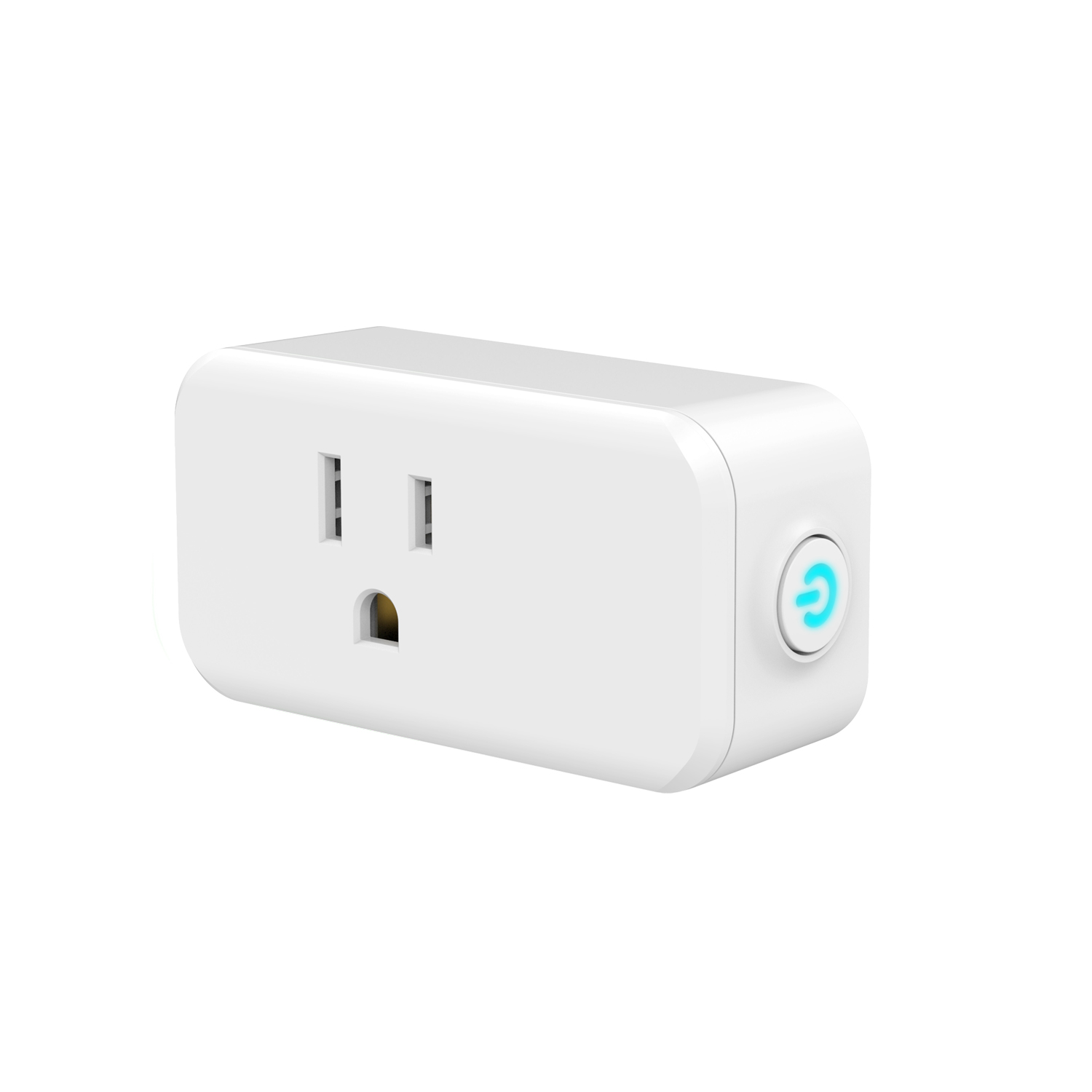
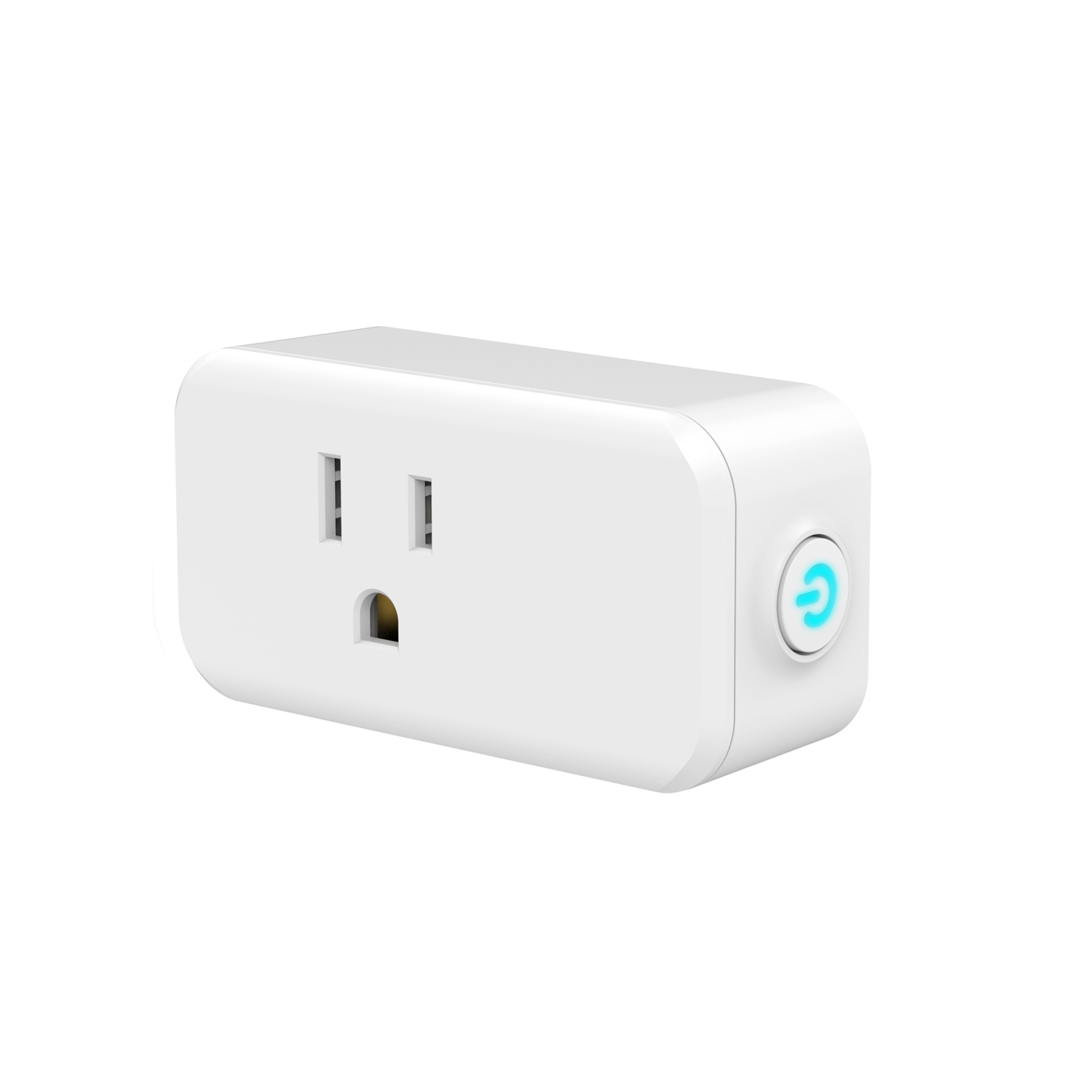
Product Recognition | |
|---|
Certification Number | ZC10-21087048 |
|---|
Name | Mini Smart Plug |
|---|
Short Description | This product can be operated in any Z-Wave™ network with other Z-Wave™ certified devices from other manufacturers. All non-battery operated nodes within the network will act as repeaters regardless of vendor to increase reliability of the network |
|---|
Long Description | This product can be operated in any Z-Wave™ network with other Z-Wave™ certified devices from other manufacturers. All non-battery operated nodes within the network will act as repeaters regardless of vendor to increase reliability of the network.Each module is designed to act as a repeater,which will re-transmit a radio frequency (RF) signal by routing the signal ,around obstacles and radio dead spots to ensure that the signal is received at its intended destination. |
|---|
Product Identifier | N4001 |
|---|
Product Line | Line A |
|---|
OEM Version | HW: 255 FW: 1.255 |
|---|
Hardware Platform | ZM5202 |
|---|
Z-Wave Version | 6.71.01 |
|---|
Library Type | SLAVE_ENHANCED_232 |
|---|
Device Type | On/Off Power Switch |
|---|
Role Type | ROLE_TYPE_SLAVE_ALWAYS_ON |
|---|
Manufacturer ID | 0x0312 |
|---|
Product Type ID | 0xAC01 |
|---|
Product ID | 0x4001 |
|---|
User Icon | 0x0700 |
|---|
Installer Icon | 0x0701 |
|---|
Frequency Plans | US: 916.00MHz, 908.40MHz |
|---|
Categories | All Lighting Devices, On/Off Switches/Devices, Lighting Accessories |
|---|
Countries / Regions | United States of America |
|---|
Supported Command Classes | Identifier | Name | Key | Version |
|---|
COMMAND_CLASS_FIRMWARE_UPDATE_MD_V4 | Firmware Update Meta-Data V4 | 0x7A | 4 | COMMAND_CLASS_POWERLEVEL | Powerlevel | 0x73 | 1 | COMMAND_CLASS_MULTI_CHANNEL_ASSOCIATION_V3 | Multi-Channel Association V3 | 0x8E | 3 | COMMAND_CLASS_SWITCH_BINARY | Switch Binary | 0x25 | 1 | COMMAND_CLASS_CONFIGURATION | Configuration | 0x70 | 1 | COMMAND_CLASS_SECURITY | Security S0 | 0x98 | 1 | COMMAND_CLASS_TRANSPORT_SERVICE_V2 | Transport Service V2 | 0x55 | 2 | COMMAND_CLASS_VERSION_V2 | Version V2 | 0x86 | 2 | COMMAND_CLASS_DEVICE_RESET_LOCALLY | Device Reset Locally | 0x5A | 1 | COMMAND_CLASS_ZWAVEPLUS_INFO_V2 | Z-Wave Plus Info V2 | 0x5E | 2 | COMMAND_CLASS_ASSOCIATION_V2 | Association V2 | 0x85 | 2 | COMMAND_CLASS_ASSOCIATION_GRP_INFO | Association Group Info | 0x59 | 1 | COMMAND_CLASS_NOTIFICATION_V8 | Notification V8 | 0x71 | 8 | COMMAND_CLASS_BASIC_V2 | Basic V2 | 0x20 | 2 | COMMAND_CLASS_SECURITY_2 | Security S2 | 0x9F | 1 | COMMAND_CLASS_SUPERVISION | Supervision | 0x6C | 1 | COMMAND_CLASS_MANUFACTURER_SPECIFIC_V2 | Manufacturer Specific V2 | 0x72 | 2 |
|
|---|
Controlled Command Classes | Identifier | Name | Key | Version |
|---|
COMMAND_CLASS_BASIC_V2 | Basic V2 | 0x20 | 2 |
|
|---|
S2 Classes | S2_UNAUTHENTICATED |
|---|
Documents | Category | Description | File |
|---|
Manual_Primary_Lang | Product Manual | |
|
|---|
Features | Feature | Values |
|---|
Color | | Electric Load Type | Value |
|---|
Incandescent | Fluorescent | LED |
| Firmware Updatable | Value |
|---|
Updatable by Consumer by RF |
| Switch Load Capacity Watts | |
|
|---|
Association Groups | Group Number | Maximum Nodes Supported | End Point ID | Group Name | Description |
|---|
2 | 5 | 0 | BASIC SET | When the output of the N4001 socket is changed, On (0xFF) or Off (0x00). The N4001 will automatically send out a related
b a s i c Osne t(0 cxoFmFm)a onrd. Off (0x00) to its associated group. | 1 | 3 | 0 | Lifeline | Z-Wave Lifeline |
|
|---|
Configuration Parameters | Parameter Number | Name | Description | Format | Size | Min Value | Max Value | Default Value | Parameter Values |
|---|
1 | Status LED | Status LED Configuration | 1 | 1 | 0 | 2 | 0 | From | To | Description |
|---|
0 | 0 | LED on when relay on, LED off when relay off | 1 | 1 | LED on when relay off, LED off when relay on | 2 | 2 | LED Always OFF |
| 2 | Count Down Configuration | Count Down Configuration(The countdown time, the socket closed) | 1 | 2 | 0 | 32767 | 0 | From | To | Description |
|---|
0 | 32767 | Countdown time can be set up for this time |
|
|
|---|
Texts | ID | Description | Value |
|---|
1 | Classic Inclusion | ADD or Remove the N4001 from the existing Z-Wave™ home control network with your primary controller.
---Refer to your primary controller instructions to process the inclusion / exclusion setup procedure.
---When prompted by your primary controller, click the PROG button five times in one second. | 2 | Classic Exclusion | ADD or Remove the N4001 from the existing Z-Wave™ home control network with your primary controller.
---Refer to your primary controller instructions to process the inclusion / exclusion setup procedure.
---When prompted by your primary controller, click the PROG button five times in one second. | 5 | Factory Reset Procedure | MANUAL RESET
---Power off N4001
---keep holding the PROG button
---Power on,Press and keep holding the PROG button for no less than 10 seconds.
Remark : All the setting and data will be permanently deleted.
Please use this procedure only when the network primary controller is missing or otherwise inoperable. |
|
|---|
Supported Notification Types | Notification Type | Event / State |
|---|
Heat Alarm | Heat sensor status: Overheat detected |
|
|---|
Supports NWI | Yes |
|---|
Supports Explorer Frames | Yes |
|---|
Radio Range Z-Wave (m) | 40 |
|---|