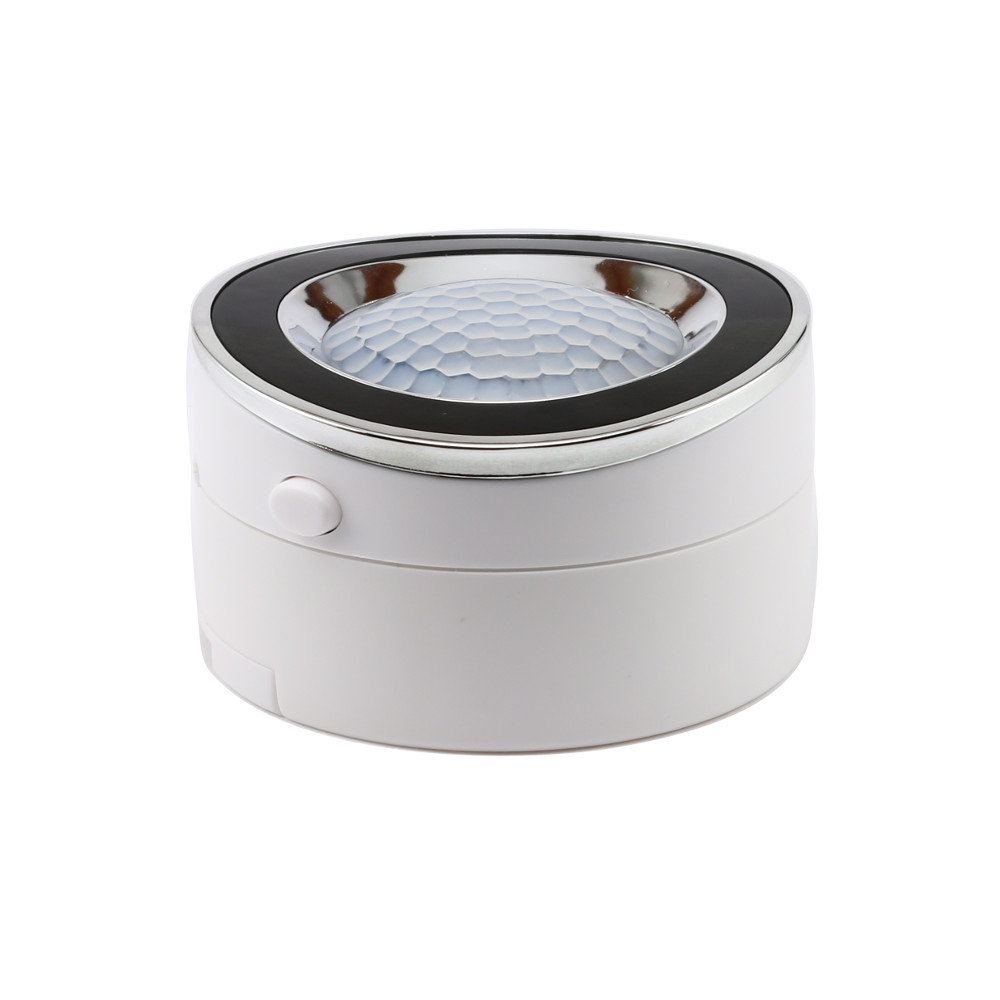
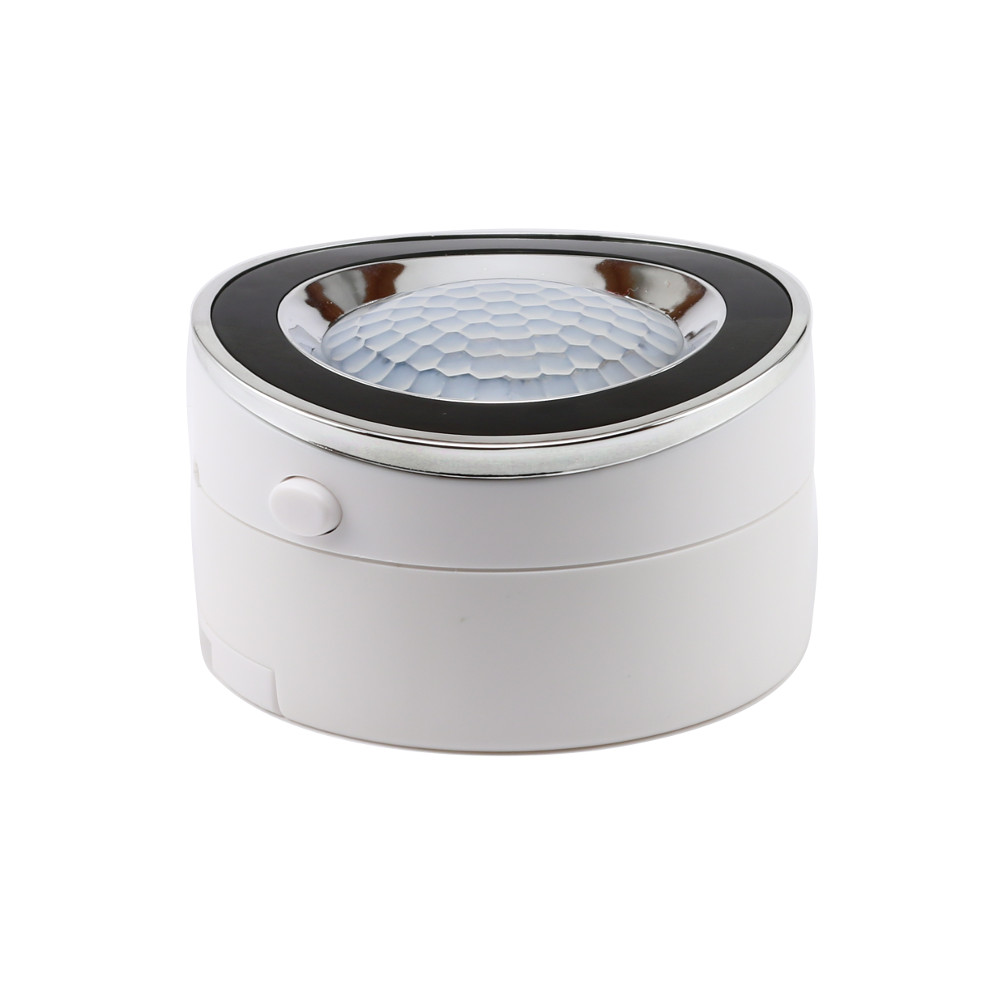
| Product Recognition | |
|---|
| Certification Number | ZC10-16045043 |
|---|
| Name | Motion Sensor |
|---|
| Short Description | 20 feet motion detection and wireless notifications (when included to a Z-Wave gateway controller). Two alternative power sources: 4 AAA batteries (not included) or micro USB cable (DC 5V / 1A). |
|---|
| Long Description | Use this sleek and efficient motion sensor in your DIY security system or for added convenience. Trigger Z-Wave light switches when motion is detected. Receive notifications of unexpected activity while you are away.
Install and add the sensor to your Z-Wave controller in minutes. Enjoy Z-Wave Plus for faster and safer wireless communication. Choose from 2 powers sources: standard AAA batteries or micro USB power adapter.
Detection Radius: 110° / 16-23 feet
Power: DC 5V/1A or 4 AAA (1.2V) batteries
Power Consumption: < 15mA when idle / < 38mA when active
Range: Up to 100 feet line of sight
Operating Temperature: 14 °F to 122 °F
Operating Humidity: ≤ 80%
Installation and Use: Indoor only |
|---|
| Brand | Zooz |
|---|
| Product Identifier | ZSE02 |
|---|
| OEM Version | HW: 1 FW: 0.01 |
|---|
| Hardware Platform | ZM5202 |
|---|
| Z-Wave Version | 6.51.06 |
|---|
| Library Type | SLAVE_ROUTING |
|---|
| Device Type | Notification Sensor |
|---|
| Role Type | ROLE_TYPE_SLAVE_SLEEPING_REPORTING |
|---|
| Manufacturer ID | 0x027A |
|---|
| Product Type ID | 0x0500 |
|---|
| Product ID | 0x0003 |
|---|
| User Icon | 0x0C07 |
|---|
| Installer Icon | 0x0C07 |
|---|
| Frequency Plans | US: 916.00MHz, 908.40MHz |
|---|
| Categories | Sensors |
|---|
| Countries / Regions | United States of America |
|---|
| Documents | |
|---|
| Association Groups | | Group Number | Maximum Nodes Supported | End Point ID | Description |
|---|
| 1 | 5 | 0 | Z-Wave Plus Lifeline |
|
|---|
| Texts | | ID | Description | Value |
|---|
| 1 | Inclusion | 1. Bring the motion sensor within 3 feet from your controller.
2. Put your Z-Wave controller in inclusion mode.
3. Press and release the Z-Wave button on the motion sensor TWICE quickly (to lock and unlock it).
4. A new motion detection device should appear on your controller's dashboard. | | 2 | Exclusion | 1. Bring the motion sensor within 3 feet from your controller.
2. Put your Z-Wave controller in exclusion mode.
3. Press and release the Z-Wave button on the motion sensor TWICE quickly (to lock and unlock it).
4. The device should disappear from your controller's dashboard. | | 4 | Device Wake-Up | Press and release the Z-Wave button on the motion sensor TWICE quickly (to lock and unlock it) to wake the device up for 10 seconds. | | 5 | Factory Reset | If your primary controller is missing or inoperable, you may need to reset the device to factory settings. To complete the reset process manually, please press the Z-Wave SIX TIMES quickly (3 lock-unlock cycles).
NOTE: All previously recorded activity and custom settings will be erased from the device’s memory. |
|
|---|
| Supports NWI | Yes |
|---|
| Supports Explorer Frames | Yes |
|---|