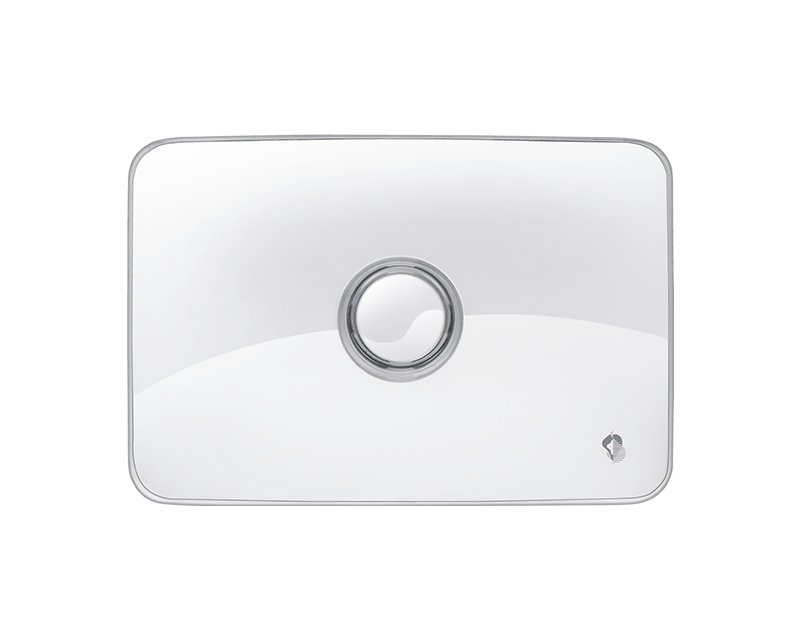
| Product Recognition | |
|---|
| Certification Number | ZC10-15040006 |
|---|
| Name | MyAlert |
|---|
| Short Description | All in one Home Automation Gateway with dongle extention capabilities |
|---|
| Long Description | The MyAlert Gateway connected to our cloud is able to handle most of the home automation use cases : Security, Safety, Energy, heating, confort, lighting, motorization, health and more...
this is white lable gateway easily customizable to corporate needs.
it can embedded 3G, 4G connectivity, Wifi, Bluetooth, Battery back-up, siren, Microphone and speaker. |
|---|
| Brand | M2M Solution |
|---|
| Product Identifier | MyAlert001 |
|---|
| OEM Version | 1 |
|---|
| Hardware Platform | ZM5304 |
|---|
| Z-Wave Version | 6.51.03 |
|---|
| Library Type | CONTROLLER_STATIC |
|---|
| Device Type | Central Controller |
|---|
| Role Type | ROLE_TYPE_CONTROLLER_CENTRAL_STATIC |
|---|
| Manufacturer ID | 0x0195 |
|---|
| Product Type ID | 0x0001 |
|---|
| Product ID | 0x0001 |
|---|
| Frequency Plans | EU: 869.85MHz, 868.40MHz |
|---|
| Categories | All Controllers, Gateway Controller |
|---|
| Countries / Regions | European Union |
|---|
| Controlled Command Classes | | Identifier | Name | Key | Version |
|---|
| COMMAND_CLASS_ASSOCIATION | Association | 0x85 | 1 | | COMMAND_CLASS_ASSOCIATION_GROUP_INFORMATION | Association Group Information V1 | 0x59 | 0 | | COMMAND_CLASS_POWERLEVEL | Powerlevel | 0x73 | 1 | | COMMAND_CLASS_MULTI_CHANNEL | Multi-Channel V1 | 0x60 | 0 | | COMMAND_CLASS_BASIC | Basic | 0x20 | 1 | | COMMAND_CLASS_CRC_16_ENCAP | CRC16 Encapsulation | 0x56 | 1 | | COMMAND_CLASS_SECURITY | Security S0 | 0x98 | 1 | | COMMAND_CLASS_ZWAVEPLUS_INFO | Z-Wave Plus Info | 0x5E | 1 | | COMMAND_CLASS_DEVICE_RESET_LOCALLY | Device Reset Locally | 0x5A | 1 | | COMMAND_CLASS_MANUFACTURER_SPECIFIC | Manufacturer Specific | 0x72 | 1 | | COMMAND_CLASS_VERSION | Version | 0x86 | 1 |
|
|---|
| Documents | |
|---|
| Association Groups | | Group Number | Maximum Nodes Supported | End Point ID | Description |
|---|
| 1 | 3 | 0 | Z-Wave Plus Lifeline |
|
|---|
| Texts | | ID | Description | Value |
|---|
| 24 | Controller Exclusion | We have to go on the Graphical user interface and click on the exclude accessory section linked to the sensor we want to remove. Once done the system will tell the end user the device has been well excluded. | | 23 | Controller Inclusion | We can manage the process through the Graphical USER Interface.
Option 1: The image of the product has been integrated into our GUI and we need to click on it then we need to push the inclusion button. Once done the system will tell the end user the device has been well added.
Option 2: The image of the product is not available and the user will have to click on the icon 'Other Zwave sensor' then push the inclusion button. Once done the system will tell the end user the device has been well added. | | 5 | Factory Reset | On the GUI, we need to go to the Advanced setting screen then on Zwave configuration then push the 'reset' button. |
|
|---|
| Supports NWI | Yes |
|---|
| Supports Explorer Frames | Yes |
|---|