| Product Recognition | |
|---|
| Certification Number | ZC10-15020012 |
|---|
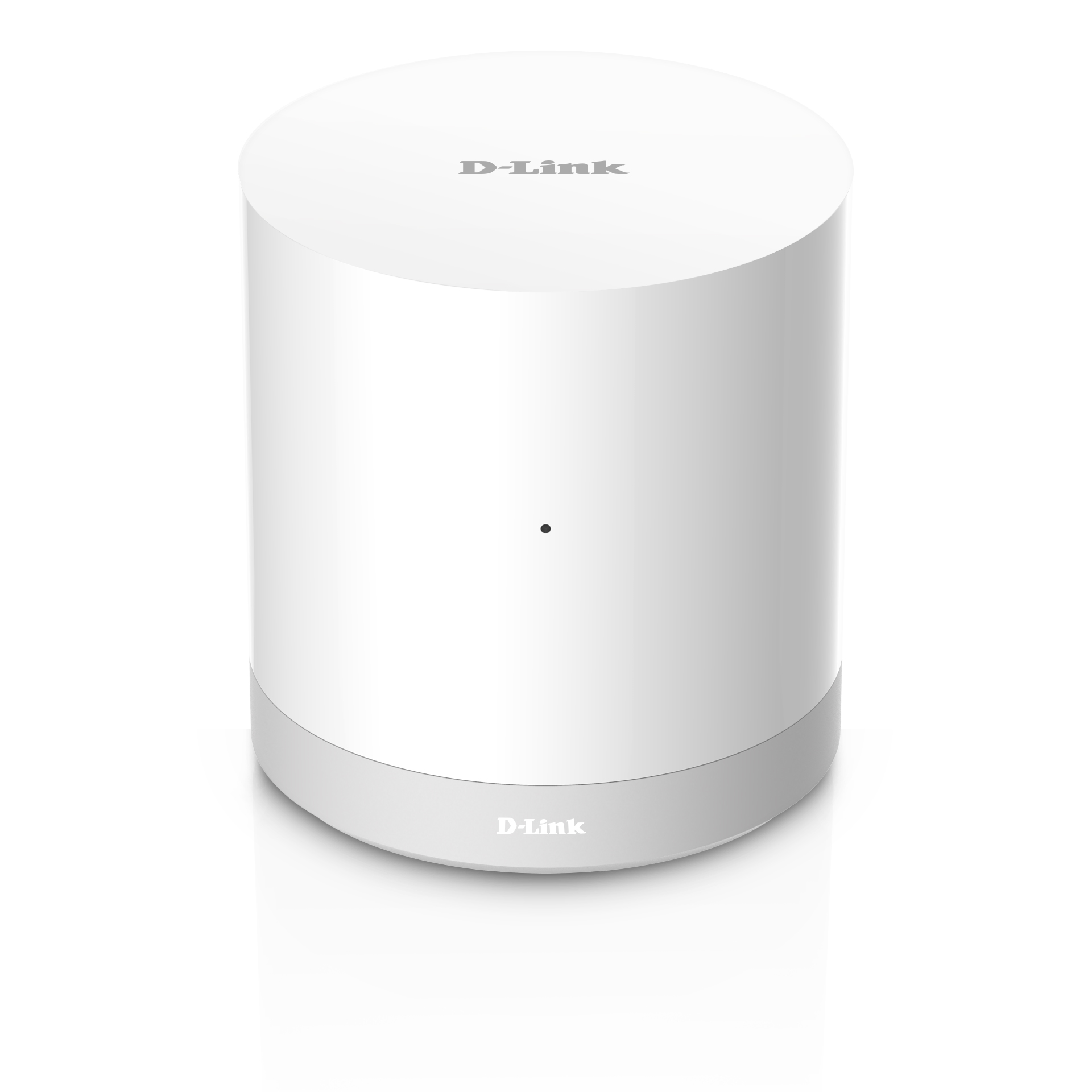
| Name | mydlink® Connected Home Hub |
|---|
| Short Description | The mydlink® Connected Home Hub (DCH-G020) connects to your existing home network providing an easy way to connect your Home Automation battery-powered mydlink Z-Wave devices. |
|---|
| Long Description | The mydlink® Connected Home Hub (DCH-G020) allows you to easily manage your mydlink Home Automation and Security products while the mydlink Home app gives you the control to manage and know your home is safe even when you are not there. The mydlink Hub is designed with Wi-Fi and Z-Wave to connect the full suite of wireless mydlink connected home devices, including battery-powered Z-Wave Open/Close and motion sensors. With the mydlink Hub and mobile app, you can turn your devices on and off, set lighting schedules, and automate the devices you use the most. When your home reacts to you, it’s not magic – but it’s pretty close. |
|---|
| Brand | D-Link Corporation |
|---|
| Product Identifier | DCH-G020 |
|---|
| OEM Version | 01 |
|---|
| Hardware Platform | SD3503 |
|---|
| Z-Wave Version | 6.51.03 |
|---|
| Library Type | CONTROLLER_STATIC |
|---|
| Device Type | Central Controller |
|---|
| Role Type | ROLE_TYPE_CONTROLLER_CENTRAL_STATIC |
|---|
| Manufacturer ID | 0x0108 |
|---|
| Product Type ID | 0x0020 |
|---|
| Product ID | 0x0001 |
|---|
| Frequency Plans | EU: 869.85MHz, 868.40MHz |
|---|
| Categories | All Controllers, Gateway Controller |
|---|
| Countries / Regions | European Union |
|---|
| Controlled Command Classes | | Identifier | Name | Key | Version |
|---|
| COMMAND_CLASS_ASSOCIATION | Association | 0x85 | 1 | | COMMAND_CLASS_ASSOCIATION_GROUP_INFORMATION | Association Group Information V1 | 0x59 | 0 | | COMMAND_CLASS_MULTI_COMMAND | Multi-Command V1 | 0x8F | 0 | | COMMAND_CLASS_MULTI_CHANNEL_ASSOCIATION | Multi-Channel Association V1 | 0x8E | 0 | | COMMAND_CLASS_MULTI_CHANNEL | Multi-Channel V1 | 0x60 | 0 | | COMMAND_CLASS_BATTERY | Battery | 0x80 | 1 | | COMMAND_CLASS_WAKE_UP | Wake Up | 0x84 | 1 | | COMMAND_CLASS_SENSOR_MULTILEVEL | Sensor Multilevel | 0x31 | 1 | | COMMAND_CLASS_BASIC | Basic | 0x20 | 1 | | COMMAND_CLASS_CRC_16_ENCAP | CRC16 Encapsulation | 0x56 | 1 | | COMMAND_CLASS_SECURITY | Security S0 | 0x98 | 1 | | COMMAND_CLASS_ZWAVEPLUS_INFO | Z-Wave Plus Info | 0x5E | 1 | | COMMAND_CLASS_NOTIFICATION | Notification V1 | 0x71 | 0 | | COMMAND_CLASS_MANUFACTURER_SPECIFIC | Manufacturer Specific | 0x72 | 1 | | COMMAND_CLASS_VERSION | Version | 0x86 | 1 |
|
|---|
| Documents | |
|---|
| Association Groups | | Group Number | Maximum Nodes Supported | End Point ID | Description |
|---|
| 1 | 5 | 0 | Z-Wave Plus Lifeline |
|
|---|
| Texts | | ID | Description | Value |
|---|
| 24 | Controller Exclusion | This process is achieved by holding “Wireless button” for 5 seconds on DCH‐G020 or pushing the [Exclude Device]
button on GUI being into the exclusion mode. | | 23 | Controller Inclusion | This process (also known as ""pairing"" and ""adding"") is achieved by pressing “Wireless button” on DCH‐G020 or
pushing the [Include NEW Device] button on GUI being into the inclusion mode. | | 3 | Learn Mode (adding another controller) | Press the [Learn Mode] button on GUI. | | 5 | Factory Reset | Press and hold the “Reset button” for 5 seconds on DCH‐G020 | | 4 | Device Wake-Up | This is not a battery device, always in awake state. | | 6 | Additional Special Features | N/A |
|
|---|
| Supports NWI | Yes |
|---|
| Supports Explorer Frames | Yes |
|---|