
Product Recognition | |
|---|---|
Certification Number | ZC10-15040010 |
Name | NGD00Z |
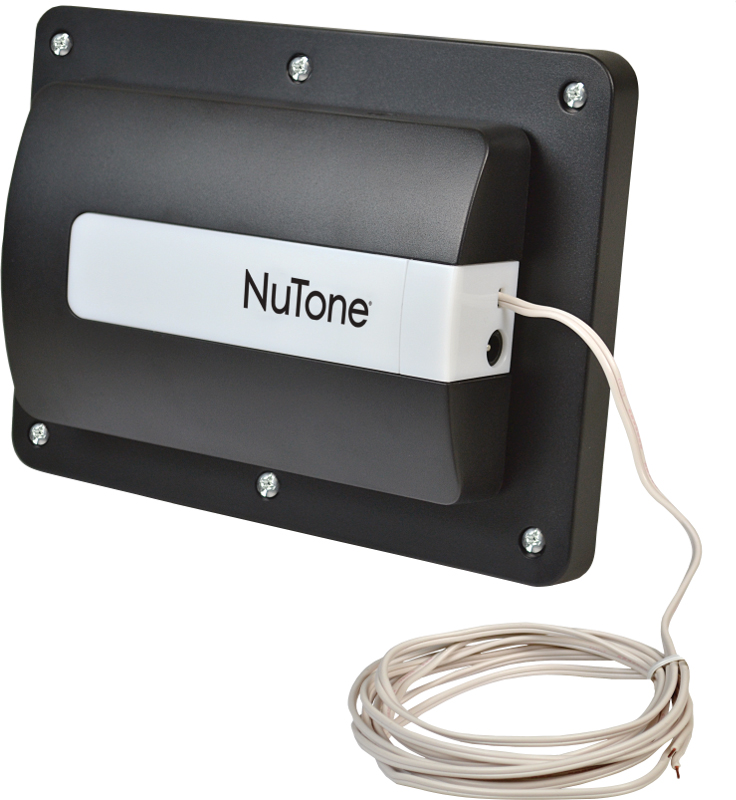
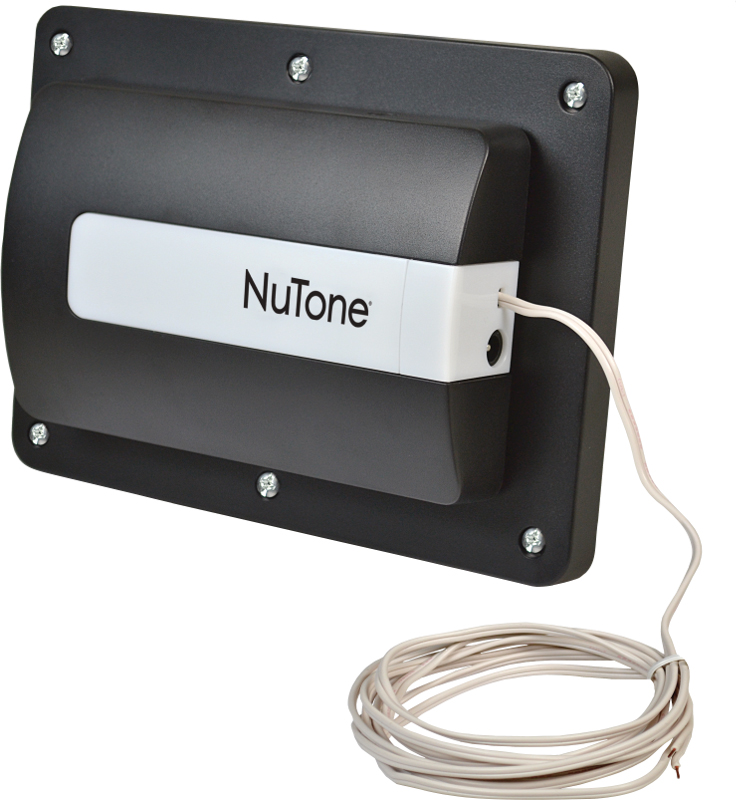
Short Description | The NGD00Z utilizes the Secure Barrier Operator and Command Class allowing the operation of an existing garage door motor from anywhere you have internet access. |
Long Description | Smart Garage Door Controller, Z-Wave Enabled
NGD00Z – Smart Garage Door Controller – Automation for your Garage
• Wirelessly control and monitor your garage door from anywhere with the safest, most secure Z-Wave NuTone Smart Garage Door Controller -- Patent Pending
• Assured safe operation with audible and visual notification prior to Open/Close of the garage door
• Only Smart Garage Door Controller with secure barrier command class encryption eliminating unauthorized access to your home
• Works with virtually all sectional automatic garage door openers manufactured after 1993
• Installs in less than 30 minutes
• Works with other Z-Wave devices in your home to ensure full coverage, reducing and eliminating dead spots in even the largest homes.
• Requires Z-Wave compatible gateway (sold separately)
• Signal (frequency): 908.42MZ
• Up to 100 feet between wireless gateway and/or the closest Z-Wave device
• Network wide inclusion for easy setup |
Brand | NuTone |
Product Identifier | NGD00Z |
OEM Version | 02 |
Hardware Platform | ZM5202 |
Z-Wave Version | 6.51.06 |
Library Type | SLAVE_ENHANCED_232 |
Device Type | Secure Door |
Role Type | ROLE_TYPE_SLAVE_ALWAYS_ON |
Manufacturer ID | 0x014F |
Product Type ID | 0x4744 |
Product ID | 0x3530 |
Frequency Plans | US: 916.00MHz, 908.40MHz |
Categories | Motor Control |
Countries / Regions | United States of America |
Documents | |
Association Groups | |
Texts | |
Supports NWI | Yes |
Supports Explorer Frames | Yes |
Radio Range Z-Wave (m) | 40 |