
Product Recognition | |
|---|---|
Certification Number | ZC10-15090003 |
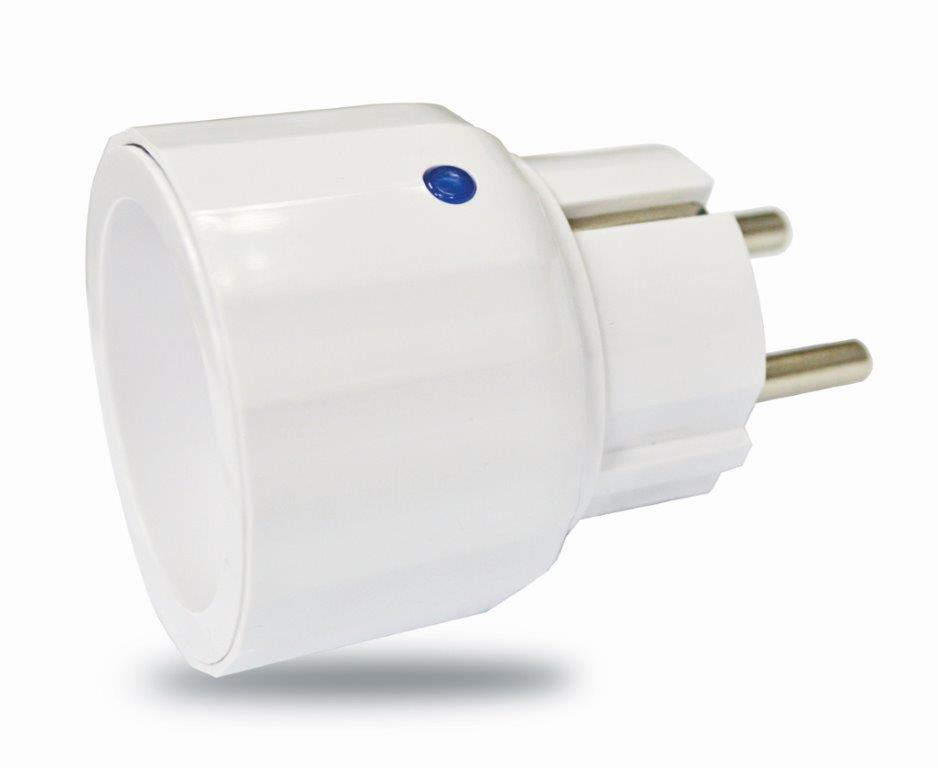
Name | on/off mini plug |
Short Description | The On/Off Mini Plug is a Z-WaveTM enabled device which is fully compatible with any Z-WaveTM enabled network |
Long Description | The On/Off Mini Plug is a Z-WaveTM enabled device which is fully compatible with any Z-WaveTM enabled network. Z-WaveTM enabled devices displaying the Z-WaveTM logo can also be used with it regardless of the manufacturer, and ours can also be used in other manufacturer’s Z-WaveTM enabled networks. Inclusion of this unit on other manufacturer’s Wireless Controller menu allows remote operation of the unit and the connected load.
The On/Off Mini Plug is designed to control the on/off status of appliances load in your house. At 220-240V voltage, this Plug can support up to 1500W resistive. |
Brand | Everspring |
Product Identifier | AN180-2 |
OEM Version | 02 |
Hardware Platform | SD3502 |
Z-Wave Version | 6.51.02 |
Library Type | SLAVE_ENHANCED_232 |
Device Type | On/Off Power Switch |
Role Type | ROLE_TYPE_SLAVE_ALWAYS_ON |
Manufacturer ID | 0x0060 |
Product Type ID | 0x0004 |
Product ID | 0x0007 |
Frequency Plans | EU: 869.85MHz, 868.40MHz |
Categories | All Lighting Devices, On/Off Switches/Devices |
Countries / Regions | European Union |
Controlled Command Classes | |
Documents | |
Association Groups | |
Texts | |
Supports NWI | Yes |
Supports Explorer Frames | Yes |
Radio Range Z-Wave (m) | 40 |