Product Recognition | |
|---|
Certification Number | ZC10-18106269 |
|---|
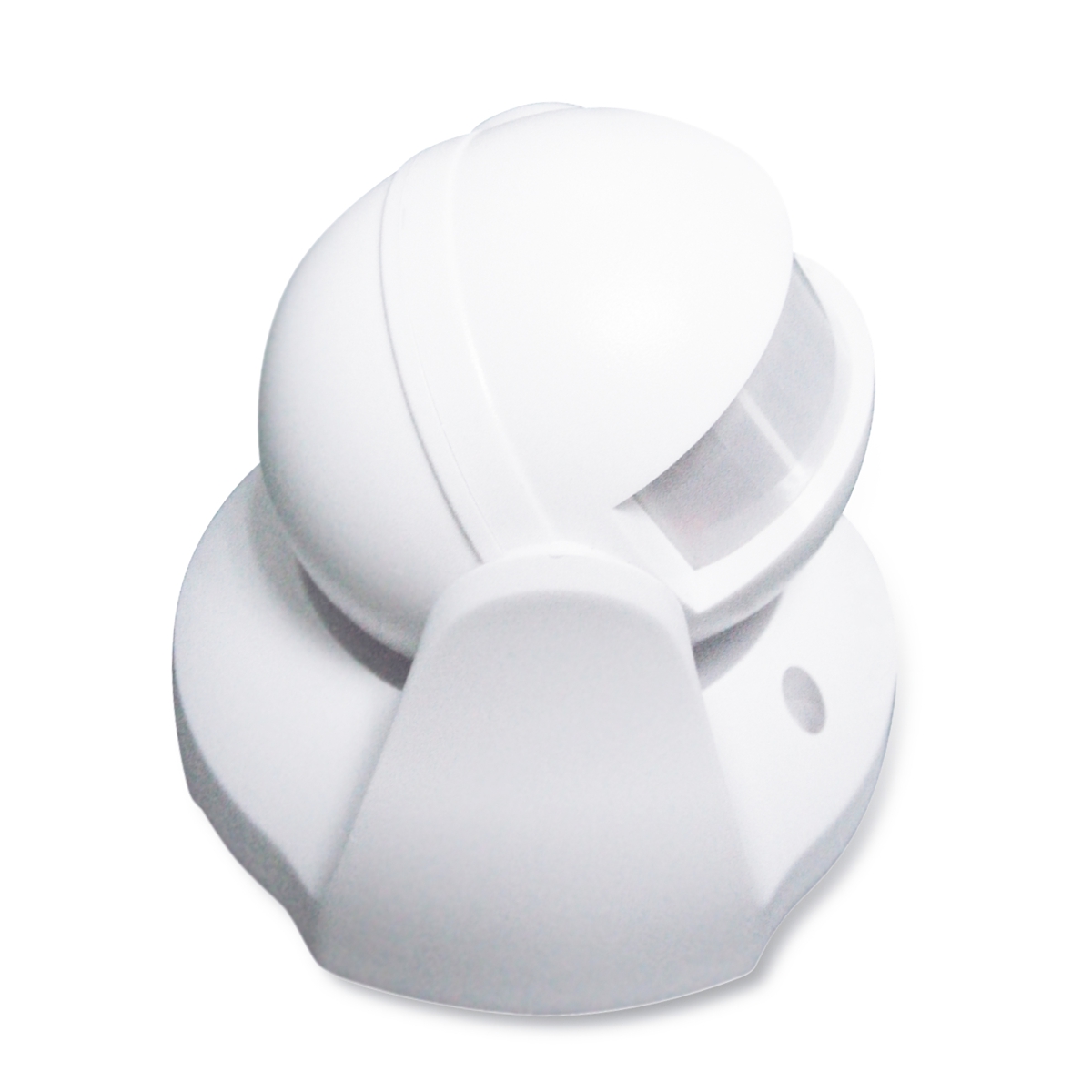
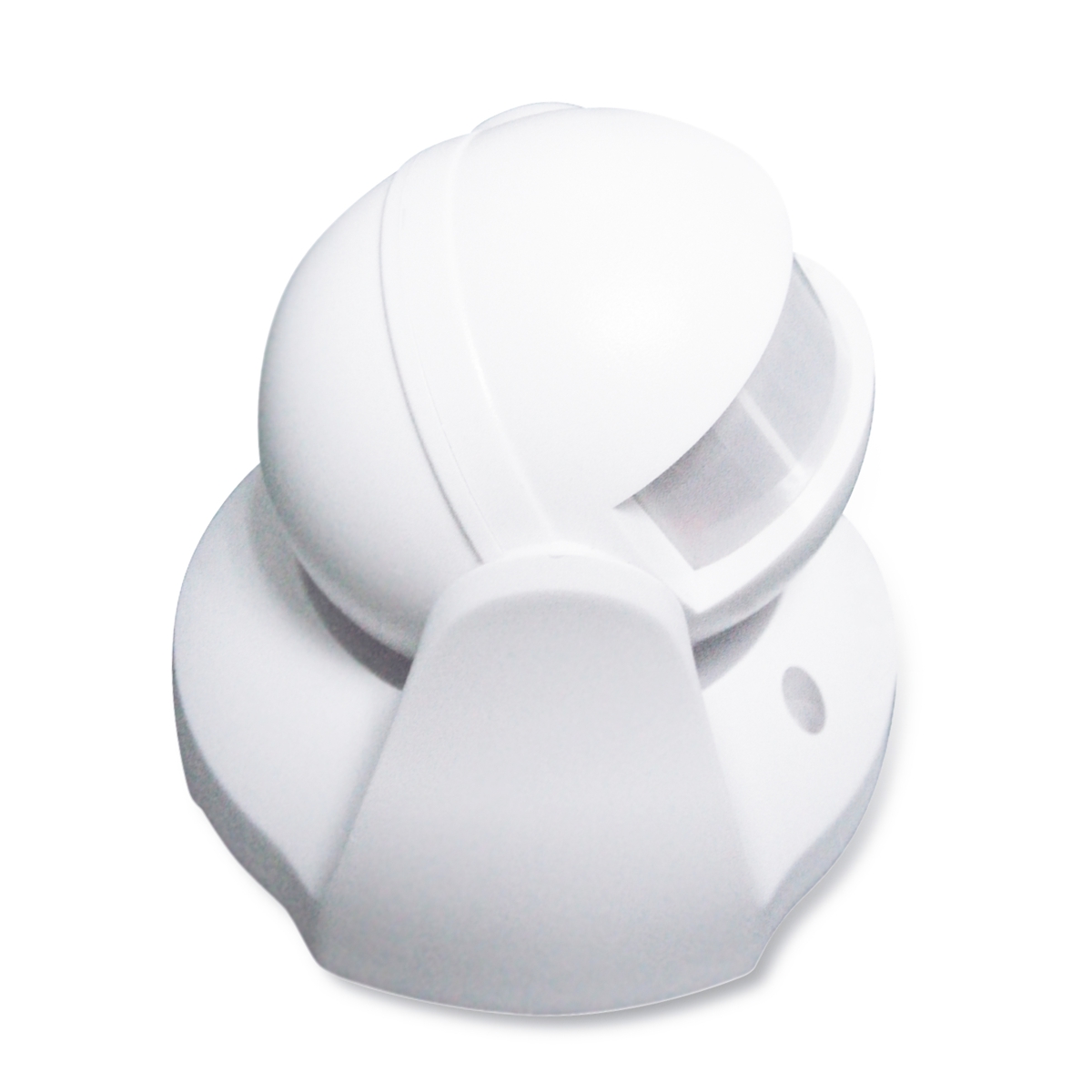
Name | Outdoor Motion Sensor |
|---|
Short Description | Use this S2 Outdoor Motion Sensor for smart light automation by the garage door or your front entrance . |
|---|
Long Description | FEATURES:
- Quick and reliable motion alerts to Z-Wave hub
- Outdoor ready housing (avoid direct sun and rain)
- Set motion time-out and lux trigger at the sensor
- Auto-inclusion for easy set-up
- The latest S2 security and Z-Wave Plus chip
- Powered by common batteries or Micro USB
- Built-in tamper switch for extra security
SPECS:
- Model Number: ZSE29
- Z-Wave Signal Frequency: 908.42 MHz
- Power: 3 x AA (1.5 V) batteries / Micro USB
- Motion Detection: up to 30 feet
- Operating Temperature: -4 – 104 F
- Warm-up time: 1 minute
- Range: Up to 130 feet line of sight
- Installation and Use: Indoor / Outdoor |
|---|
Brand | Zooz |
|---|
Product Identifier | ZSE29 |
|---|
OEM Version | HW: 1 FW: 1.01:01.08 |
|---|
Hardware Platform | SD3502 |
|---|
Z-Wave Version | 6.71.01 |
|---|
Library Type | SLAVE_ENHANCED_232 |
|---|
Device Type | Notification Sensor |
|---|
Role Type | ROLE_TYPE_SLAVE_SLEEPING_REPORTING |
|---|
Manufacturer ID | 0x027A |
|---|
Product Type ID | 0x0001 |
|---|
Product ID | 0x0005 |
|---|
User Icon | 0x0C07 |
|---|
Installer Icon | 0x0C07 |
|---|
Frequency Plans | US: 916.00MHz, 908.40MHz |
|---|
Categories | Sensors |
|---|
Countries / Regions | United States of America |
|---|
Supported Command Classes | Identifier | Name | Key | Version |
|---|
COMMAND_CLASS_FIRMWARE_UPDATE_MD_V4 | Firmware Update Meta-Data V4 | 0x7A | 4 | COMMAND_CLASS_POWERLEVEL | Powerlevel | 0x73 | 1 | COMMAND_CLASS_BATTERY | Battery | 0x80 | 1 | COMMAND_CLASS_SECURITY | Security S0 | 0x98 | 1 | COMMAND_CLASS_TRANSPORT_SERVICE_V2 | Transport Service V2 | 0x55 | 2 | COMMAND_CLASS_VERSION_V2 | Version V2 | 0x86 | 2 | COMMAND_CLASS_WAKE_UP_V2 | Wake Up V2 | 0x84 | 2 | COMMAND_CLASS_DEVICE_RESET_LOCALLY | Device Reset Locally | 0x5A | 1 | COMMAND_CLASS_ZWAVEPLUS_INFO_V2 | Z-Wave Plus Info V2 | 0x5E | 2 | COMMAND_CLASS_ASSOCIATION_V2 | Association V2 | 0x85 | 2 | COMMAND_CLASS_ASSOCIATION_GRP_INFO | Association Group Info | 0x59 | 1 | COMMAND_CLASS_SECURITY_2 | Security S2 | 0x9F | 1 | COMMAND_CLASS_SUPERVISION | Supervision | 0x6C | 1 | COMMAND_CLASS_MANUFACTURER_SPECIFIC_V2 | Manufacturer Specific V2 | 0x72 | 2 | COMMAND_CLASS_NOTIFICATION_V4 | Notification V4 | 0x71 | 4 |
|
|---|
Controlled Command Classes | Identifier | Name | Key | Version |
|---|
COMMAND_CLASS_BASIC | Basic | 0x20 | 1 |
|
|---|
S2 Classes | S2_UNAUTHENTICATED, S2_AUTHENTICATED |
|---|
Documents | Category | Description | File |
|---|
Manual_Primary_Lang | Product or Owner's Manual | |
|
|---|
Features | Feature | Values |
|---|
Battery Quantity | | Battery Type | | Color | | Firmware Updatable | Value |
|---|
Updatable by Consumer by RF |
| Outdoor Use | | Sensors | Value |
|---|
Motion/No Motion (Binary) |
| Supported Notification Types | |
|
|---|
Association Groups | Group Number | Maximum Nodes Supported | End Point ID | Description |
|---|
1 | 1 | 0 | Z-Wave Plus Lifeline | 2 | 4 | 0 | PIR Control |
|
|---|
Texts | ID | Description | Value |
|---|
1 | Inclusion | AUTO-INCLUSION:
1. Initiate inclusion (pairing) in the app (or web interface). Not Sure how? ask@getzooz.com. If you’re using an S2 hub, it may ask you to enter the DSK key printed on the back cover sticker to complete secure inclusion.
2. Insert the batteries or the USB adapter board. The LED indicator
will start blinking and the sensor will join the network Automatically.
MANUAL INCLUSION:
Put your Z-Wave hub into inclusion mode and click the tamper switch 3 times quickly. | 2 | Exclusion | 1. Bring the sensor within direct range of your Z-Wave
gateway (hub).
2. Put the Z-Wave hub into exclusion mode (not sure
how to do that? ask@getzooz.com).
3. Press and release the tamper switch 3 times quickly.
4. Your hub will confirm exclusion and the sensor will
disappear from your controller's device list. | 5 | Factory Reset | When your network’s primary controller is missing or otherwise inoperable, you may need to reset the device to factory settings manually. In order to complete the process, make sure the sensor is powered, then CLICKCLICK-CLICK-CLICK’N’HOLD the tamper switch for AT LEAST 5 SECONDS. The LED indicator will turn off to
indicate successful reset. The sensor will then enter auto-inclusion mode for 4 minutes.
NOTE: All previously recorded activity and custom settings will be erased from the device’s memory. | 4 | Device Wake-Up | The sensor’s wake-up interval is set to 4 hours by default to save battery life. Use the Wake Up Command Class to adjust the interval (in seconds, working in 600s intervals, with 600 as min and 86400 as max values).
During wake-up, the sensor turns the Z-Wave radio on for 10 seconds to receive communication from the hub. Long wake-up interval will not affect how often the sensor reports motion to your hub. | 6 | Additional Special Features | LUX and motion retrigger set directly at the sensor, no advanced configuration needed.
Outdoor-ready. |
|
|---|
Supported Notification Types | Notification Type | Event / State |
|---|
Home Security | (Refer to parameters): State idle |
|
|---|
Supported Multilevel Sensors | Multilevel Sensor Type |
|---|
General purpose |
|
|---|
Supports NWI | Yes |
|---|
Supports Explorer Frames | Yes |
|---|