Product Recognition | |
|---|
Certification Number | ZC10-17025418 |
|---|
Name | P-M-O |
|---|
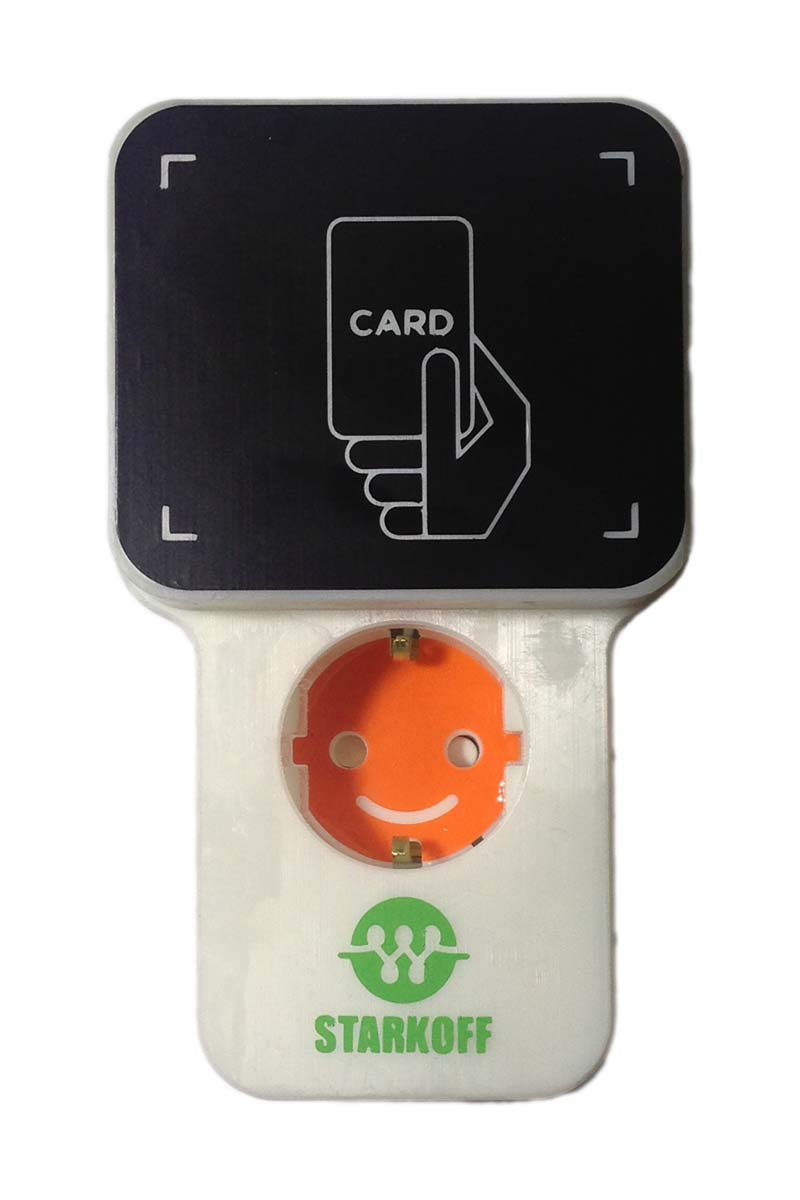
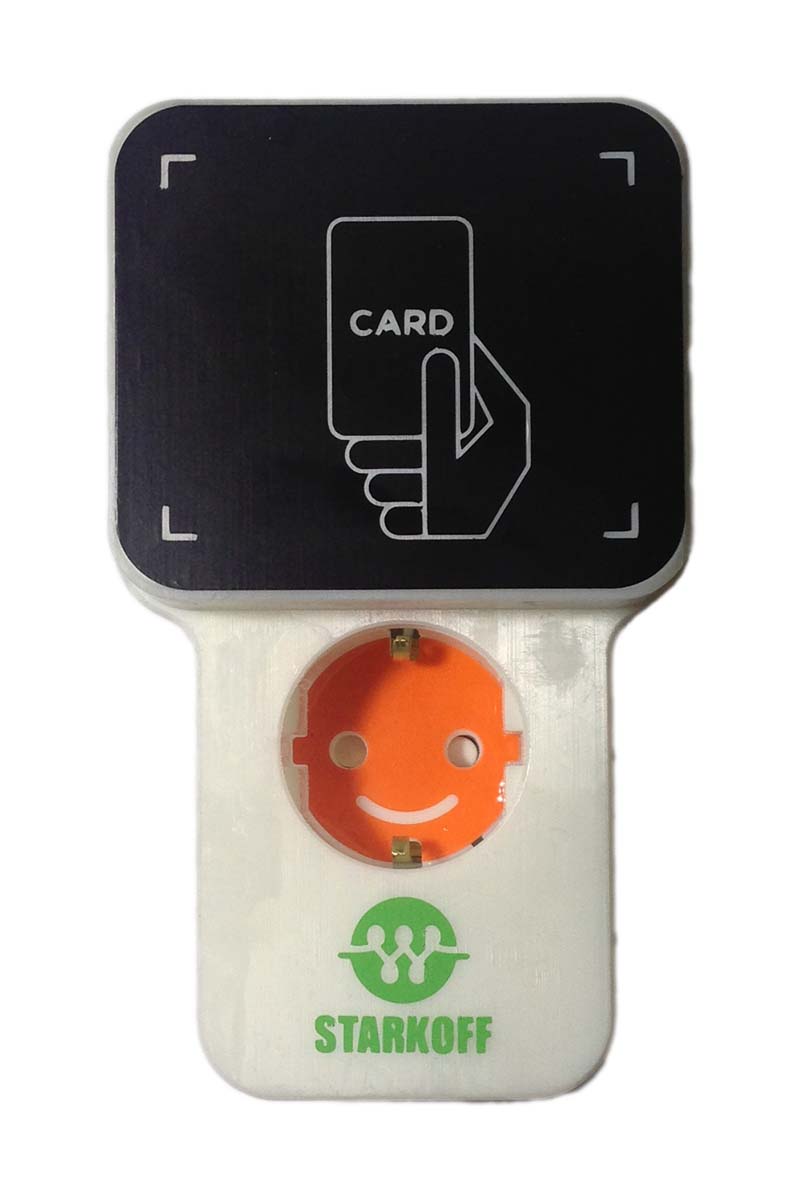
Short Description | P-M-O is a power measurement device that can turn on / off the power. |
|---|
Long Description | P-M-O is a Power Meter Outlet that can control On / Off remotely.
You can completely replace your regular outlet.
You can connect home appliances such as home lamps, TVs, and others.
The power status can be remotely controlled, and the LED indication changes according to the power status. |
|---|
Brand | DeepSense |
|---|
Product Identifier | RPB11647BSB |
|---|
OEM Version | HW: 18 FW: 1.31 |
|---|
Hardware Platform | ZM5101 |
|---|
Z-Wave Version | 6.61.00 |
|---|
Library Type | SLAVE_ENHANCED_232 |
|---|
Device Type | On/Off Power Switch |
|---|
Role Type | ROLE_TYPE_SLAVE_ALWAYS_ON |
|---|
Manufacturer ID | 0x0259 |
|---|
Product Type ID | 0x0003 |
|---|
Product ID | 0x0002 |
|---|
User Icon | 0x0700 |
|---|
Installer Icon | 0x0702 |
|---|
Frequency Plans | KR: 920.90MHz, 921.70MHz, 923.10MHz |
|---|
Categories | Energy Meters, All Lighting Devices, On/Off Switches/Devices |
|---|
Countries / Regions | Republic of Korea |
|---|
Supported Command Classes | Identifier | Name | Key | Version |
|---|
COMMAND_CLASS_SWITCH_BINARY_V2 | Switch Binary V2 | 0x25 | 2 | COMMAND_CLASS_POWERLEVEL | Powerlevel | 0x73 | 1 | COMMAND_CLASS_SWITCH_ALL | Switch All | 0x27 | 1 | COMMAND_CLASS_BASIC | Basic | 0x20 | 1 | COMMAND_CLASS_SENSOR_MULTILEVEL_V4 | Sensor Multilevel V4 | 0x31 | 4 | COMMAND_CLASS_VERSION_V2 | Version V2 | 0x86 | 2 | COMMAND_CLASS_DEVICE_RESET_LOCALLY | Device Reset Locally | 0x5A | 1 | COMMAND_CLASS_ZWAVEPLUS_INFO_V2 | Z-Wave Plus Info V2 | 0x5E | 2 | COMMAND_CLASS_ASSOCIATION_V2 | Association V2 | 0x85 | 2 | COMMAND_CLASS_ASSOCIATION_GRP_INFO | Association Group Info | 0x59 | 1 | COMMAND_CLASS_MANUFACTURER_SPECIFIC_V2 | Manufacturer Specific V2 | 0x72 | 2 | COMMAND_CLASS_METER_V2 | Meter V2 | 0x32 | 2 |
|
|---|
Documents | Category | Description | File |
|---|
Manual_Primary_Lang | Product or Owner's Manual | |
|
|---|
Features | Feature | Values |
|---|
Sensors | | Supported Meter Type | | Switch Load Capacity Volt-Ampere | | Color | | Switch Load Capacity Watts | | Switch Load Capacity Current | |
|
|---|
Association Groups | Group Number | Maximum Nodes Supported | End Point ID | Description |
|---|
1 | 1 | 0 | Z-Wave Plus Lifeline |
|
|---|
Texts | ID | Description | Value |
|---|
2 | Exclusion | When the controller is in remove mode, press and hold the button for 3 seconds until the RED LED indicator flashes. When the P-M-O unit is disconnected from the Z-Wave network, the RED LED indicator will be toggled every second. | 1 | Inclusion | When the controller is in add mode, press and hold the button for 3 seconds until the RED LED indicator blinks. | 5 | Factory Reset | Press and hold button for 10 seconds until green and red led indicators blink.
P-M-O will be initialized and send a device reset locally notification to the controller. Use this function only if the primary controller is lost or otherwise inoperable. |
|
|---|
Supported / Controlled Meter Types | Meter Type | Rate Type | Description |
|---|
Electric meter | Import | Electric Meter Consumption |
|
|---|
Supported Multilevel Sensors | Multilevel Sensor Type |
|---|
Power |
|
|---|
Supports NWI | Yes |
|---|
Supports Explorer Frames | Yes |
|---|
Radio Range Z-Wave (m) | 40 |
|---|