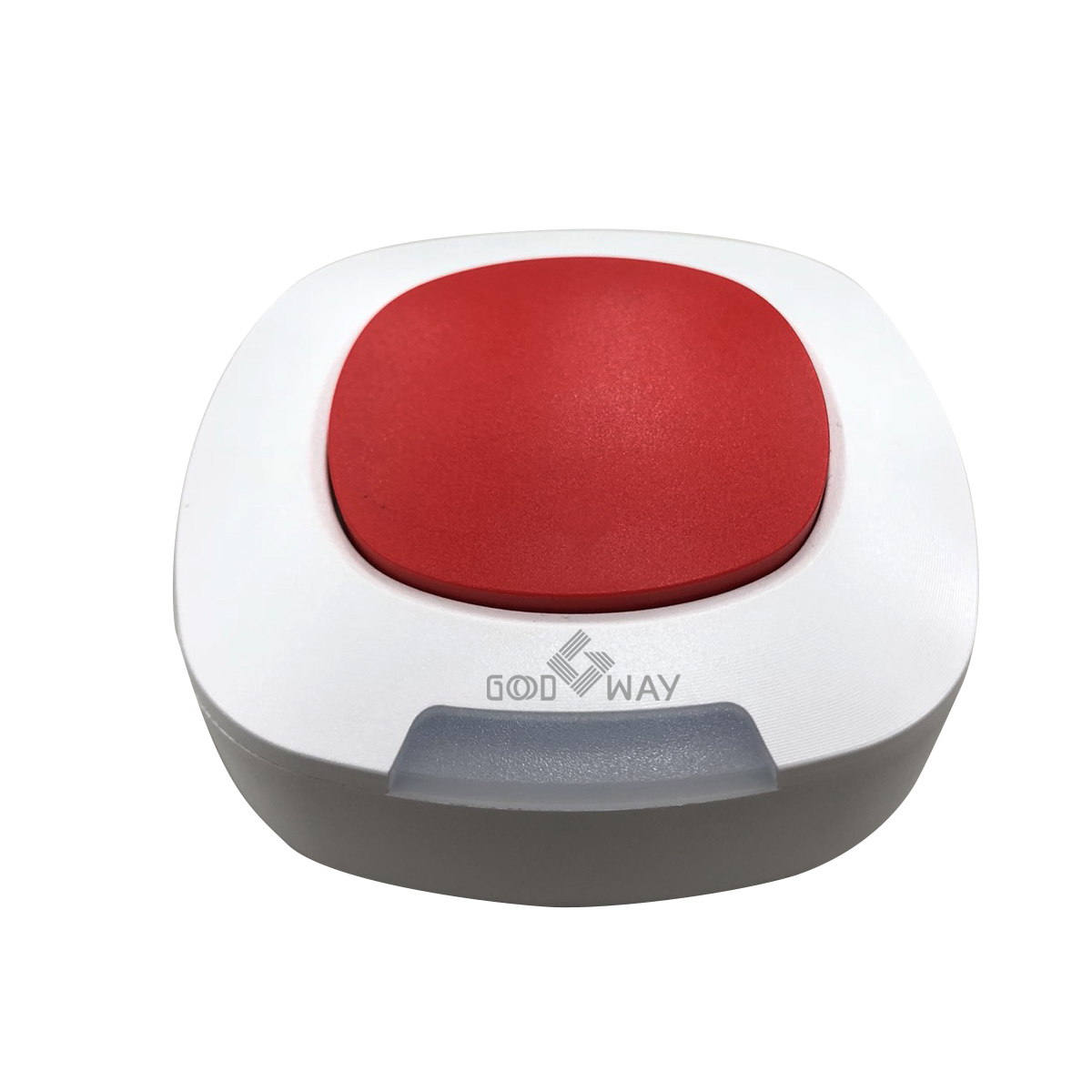
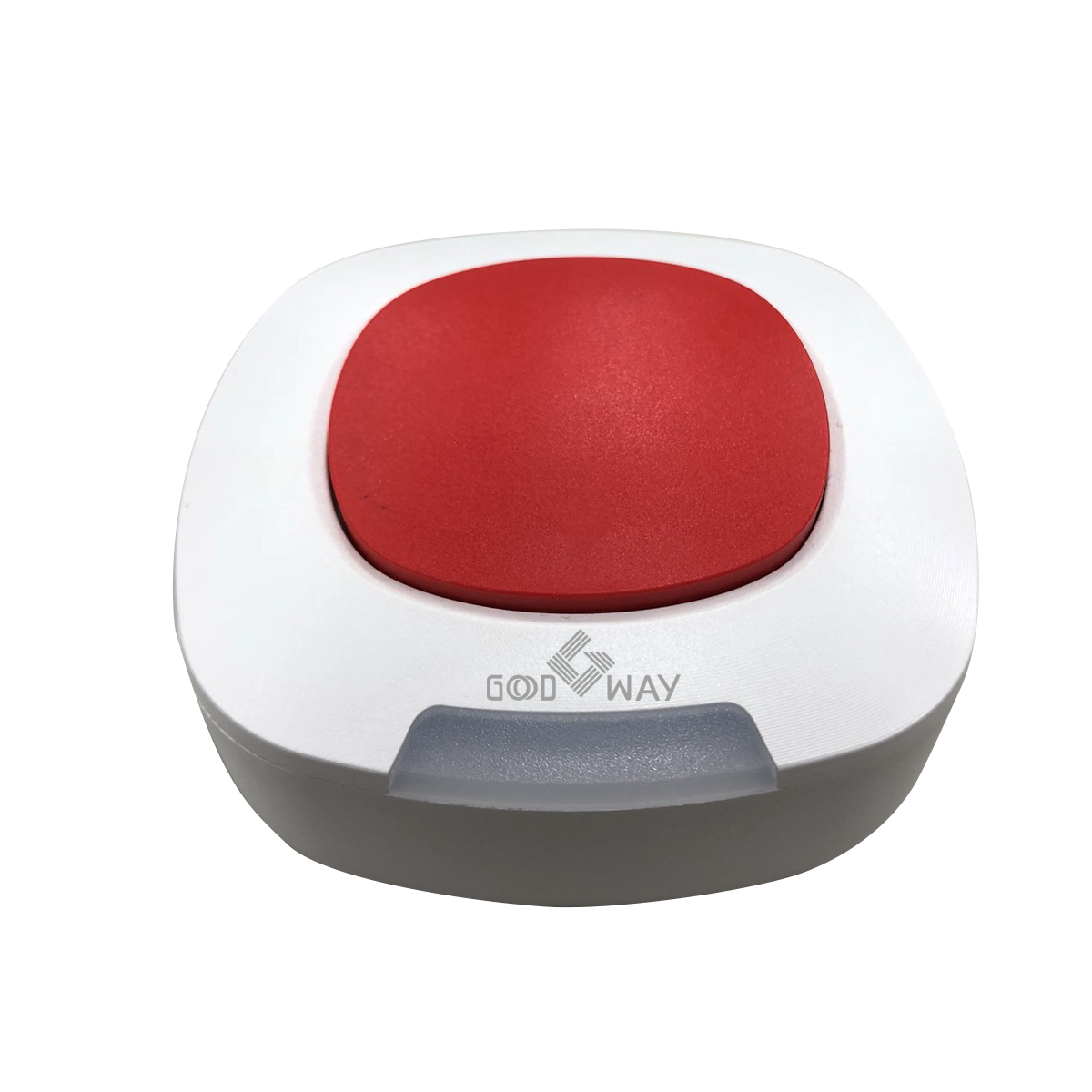
Product Recognition | |
|---|
Certification Number | ZC10-18116296 |
|---|
Name | Panic Button |
|---|
Short Description | The Panic Button is a wireless switch designed to control the Panic or Scene status of other associated devices through the Z-Wave controller. |
|---|
Long Description | The Panic Button is a wireless switch designed to control the Panic or Scene status of other associated devices through the Z-Wave controller. After receiving the signals emitted by the Panic Button, the Z-Wave controller can then give commands or operate according to its own settings. Its great compatibility with Z-Wave products makes it suitable for smart home cloud based gateway. |
|---|
Brand | Good Way Technology, Co., Ltd |
|---|
Product Identifier | TR1B120Z1 |
|---|
OEM Version | HW: 1 FW: 1.00 |
|---|
Hardware Platform | ZM5101 |
|---|
Z-Wave Version | 6.81.01 |
|---|
Library Type | SLAVE_ENHANCED_232 |
|---|
Device Type | Notification Sensor |
|---|
Role Type | ROLE_TYPE_SLAVE_SLEEPING_REPORTING |
|---|
Manufacturer ID | 0x0068 |
|---|
Product Type ID | 0x0003 |
|---|
Product ID | 0x0016 |
|---|
User Icon | 0x0C07 |
|---|
Installer Icon | 0x0C07 |
|---|
Frequency Plans | JP: 922.50MHz, 923.90MHz, 926.30MHz |
|---|
Categories | Sensors |
|---|
Countries / Regions | Japan |
|---|
Supported Command Classes | Identifier | Name | Key | Version |
|---|
COMMAND_CLASS_FIRMWARE_UPDATE_MD_V4 | Firmware Update Meta-Data V4 | 0x7A | 4 | COMMAND_CLASS_POWERLEVEL | Powerlevel | 0x73 | 1 | COMMAND_CLASS_MULTI_CHANNEL_ASSOCIATION_V3 | Multi-Channel Association V3 | 0x8E | 3 | COMMAND_CLASS_BATTERY | Battery | 0x80 | 1 | COMMAND_CLASS_CONFIGURATION | Configuration | 0x70 | 1 | COMMAND_CLASS_SECURITY | Security S0 | 0x98 | 1 | COMMAND_CLASS_TRANSPORT_SERVICE_V2 | Transport Service V2 | 0x55 | 2 | COMMAND_CLASS_WAKE_UP_V2 | Wake Up V2 | 0x84 | 2 | COMMAND_CLASS_DEVICE_RESET_LOCALLY | Device Reset Locally | 0x5A | 1 | COMMAND_CLASS_ZWAVEPLUS_INFO_V2 | Z-Wave Plus Info V2 | 0x5E | 2 | COMMAND_CLASS_ASSOCIATION_V2 | Association V2 | 0x85 | 2 | COMMAND_CLASS_ASSOCIATION_GRP_INFO | Association Group Info | 0x59 | 1 | COMMAND_CLASS_NOTIFICATION_V8 | Notification V8 | 0x71 | 8 | COMMAND_CLASS_SECURITY_2 | Security S2 | 0x9F | 1 | COMMAND_CLASS_VERSION_V3 | Version V3 | 0x86 | 3 | COMMAND_CLASS_SUPERVISION | Supervision | 0x6C | 1 | COMMAND_CLASS_MANUFACTURER_SPECIFIC_V2 | Manufacturer Specific V2 | 0x72 | 2 |
|
|---|
Controlled Command Classes | Identifier | Name | Key | Version |
|---|
COMMAND_CLASS_BASIC_V2 | Basic V2 | 0x20 | 2 |
|
|---|
S2 Classes | S2_UNAUTHENTICATED, S2_AUTHENTICATED |
|---|
Documents | Category | Description | File |
|---|
Manual_Primary_Lang | Product or Owner's Manual | |
|
|---|
Features | Feature | Values |
|---|
Supported Notification Types | | Battery Quantity | | Battery Type | | Firmware Updatable | Value |
|---|
Updatable by Manufacturer |
|
|
|---|
Association Groups | Group Number | Maximum Nodes Supported | End Point ID | Description |
|---|
1 | 5 | 0 | "Lifeline",Lifeline group, association with 5 nodes. | 2 | 5 | 0 | “Basic set”, ON/OFF group, association with 5 nodes. |
|
|---|
Configuration Parameters | Parameter Number | Name | Description | Format | Size | Min Value | Max Value | Default Value | Parameter Values |
|---|
1 | LED Light up Time | 1~100:LED light up 1 ~ 100 Seconds. 127:always on | 0 | 1 | 0 | 0 | 127 | From | To | Description |
|---|
127 | 127 | always on | 1 | 100 | LED light up |
| 2 | Buzzer beep times | 0 : Disable 1~100: Sound 1~100 beeps (0.5s on, 0.5s off) 127: Continue beep till cancel trigger | 0 | 1 | 0 | 0 | 127 | From | To | Description |
|---|
0 | 0 | Buzzer Disable | 1 | 100 | Sound beep delay time | 127 | 127 | Continue beep till cancel trigger |
|
|
|---|
Texts | ID | Description | Value |
|---|
1 | Inclusion | Push the button three times in 1.5 seconds.
When inclusion successful, the LED will be RED blink three times. | 2 | Exclusion | Push the button three times in 1.5 seconds.
When exclusion successful, the LED will be RED blink three times. And the LED will be red blinking for 30 seconds at one blink per two seconds. The device is now waiting to inclusion. | 4 | Device Wake-Up | The Z-Wave Panic Button wakes up by wake up timer or presses the physical button once, it will send Wakeup Notification Command to the node ID that requires to be reported and stay awake for 10 seconds, if no WAKE_UP_NO_MORE_INFORMATION command is received. | 5 | Factory Reset | Push the button three times in 1.5 seconds and hold the third push for 10 seconds till the LED is red blinking. When reset is successful, the device is set to factory default and now waiting to inclusion
Please use this procedure only when the network primary controller is missing or otherwise inoperable. |
|
|---|
Supported Notification Types | Notification Type | Event / State |
|---|
Home Security | (Refer to parameters): State idle |
|
|---|
Supports NWI | Yes |
|---|
Supports Explorer Frames | Yes |
|---|
Supports SmartStart | Yes |
|---|
Radio Range Z-Wave (m) | 40 |
|---|