Product Recognition | |
|---|
Certification Number | ZC10-18096247 |
|---|
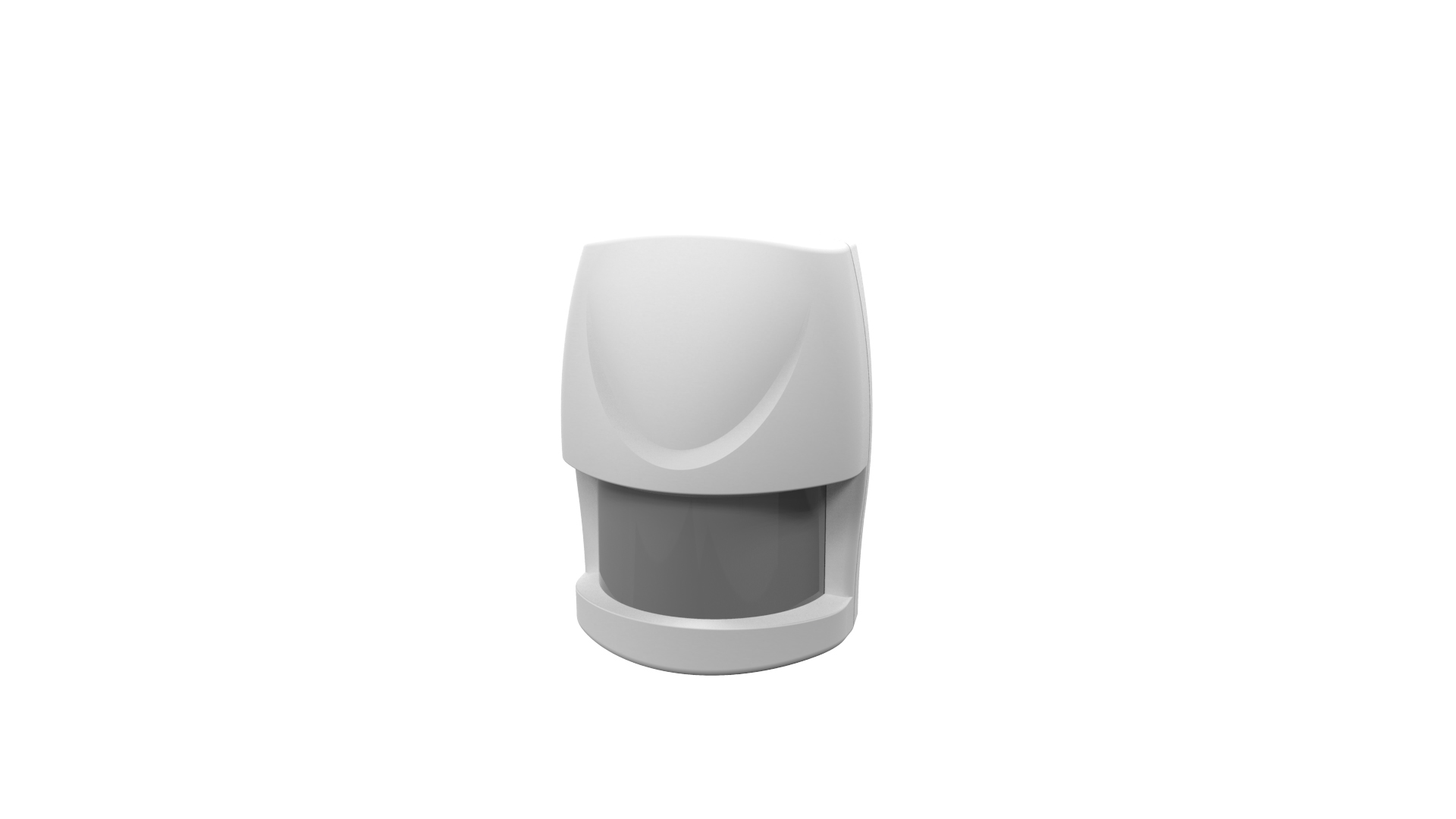
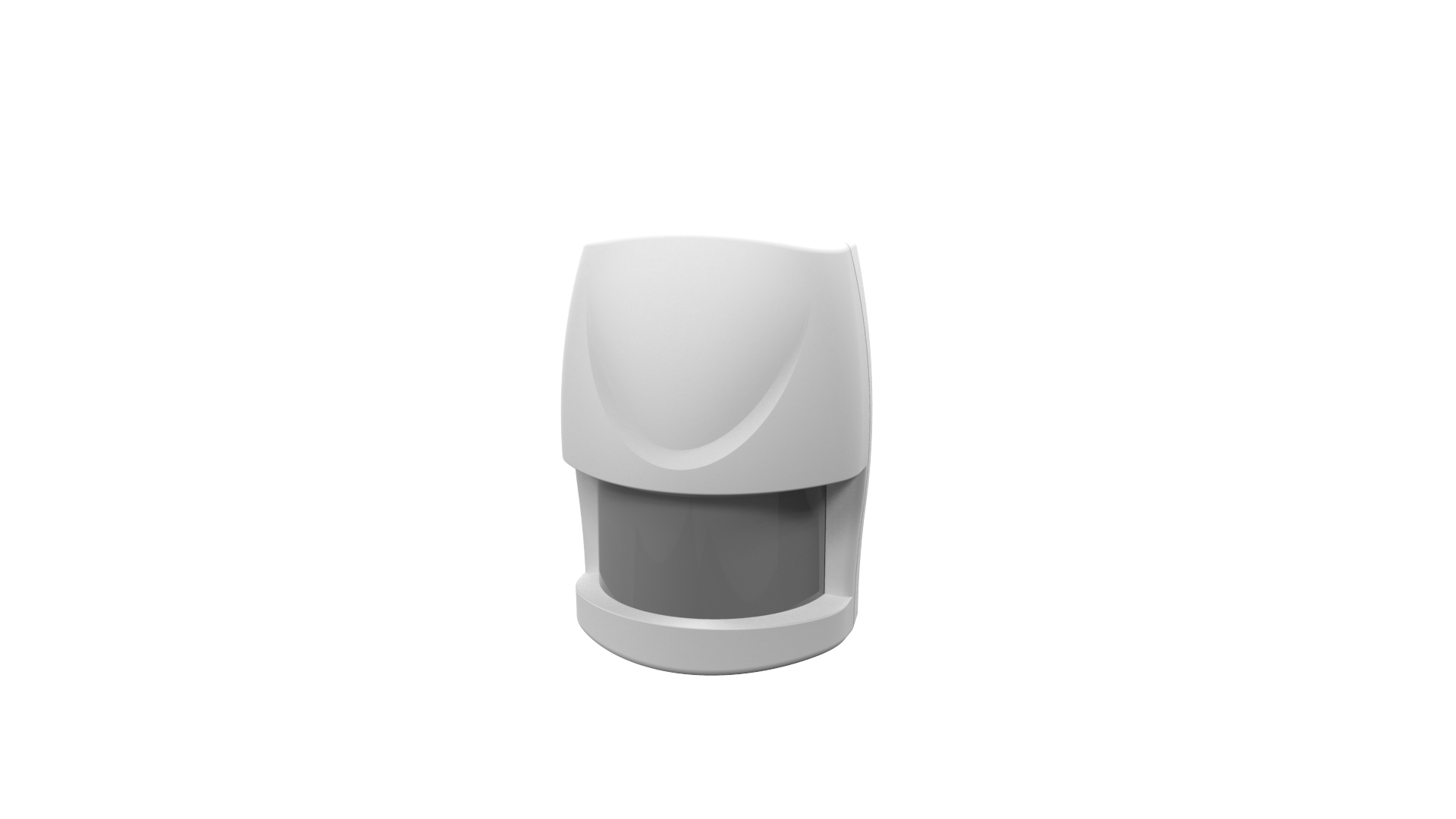
Name | PIR Motion Sensor |
|---|
Short Description | AXIS T8341-EUR PIR Motion Sensor is a wireless sensor which provides motion detection both day and night. |
|---|
Long Description | AXIS T8341-EUR PIR Motion Sensor is a wireless sensor which provides motion detection both day and night. With its support for wireless input/output connectivity, the PIR motion sensor can communicate wirelessly with AXIS M5065 PTZ Network camera or other connected Z-Wave Plus® controllers, creating a small security solution with less cabling. Thanks to its integrated wireless I/O connectivity, AXIS T8341-EUR enables flexible installation as the sensor can easily be moved and adapted to your needs. |
|---|
Brand | Axis Communications |
|---|
Product Identifier | T8341-EUR |
|---|
OEM Version | HW: 1 FW: 1.00:00.05 |
|---|
Hardware Platform | SD3502 |
|---|
Z-Wave Version | 6.71.01 |
|---|
Library Type | SLAVE_ENHANCED_232 |
|---|
Device Type | Notification Sensor |
|---|
Role Type | ROLE_TYPE_SLAVE_SLEEPING_REPORTING |
|---|
Manufacturer ID | 0x0364 |
|---|
Product Type ID | 0x0002 |
|---|
Product ID | 0x0001 |
|---|
User Icon | 0x0C07 |
|---|
Installer Icon | 0x0C07 |
|---|
Frequency Plans | EU: 869.85MHz, 868.40MHz |
|---|
Categories | Sensors |
|---|
Countries / Regions | European Union |
|---|
Supported Command Classes | Identifier | Name | Key | Version |
|---|
COMMAND_CLASS_FIRMWARE_UPDATE_MD_V4 | Firmware Update Meta-Data V4 | 0x7A | 4 | COMMAND_CLASS_POWERLEVEL | Powerlevel | 0x73 | 1 | COMMAND_CLASS_BATTERY | Battery | 0x80 | 1 | COMMAND_CLASS_CONFIGURATION | Configuration | 0x70 | 1 | COMMAND_CLASS_SECURITY | Security S0 | 0x98 | 1 | COMMAND_CLASS_TRANSPORT_SERVICE_V2 | Transport Service V2 | 0x55 | 2 | COMMAND_CLASS_VERSION_V2 | Version V2 | 0x86 | 2 | COMMAND_CLASS_WAKE_UP_V2 | Wake Up V2 | 0x84 | 2 | COMMAND_CLASS_DEVICE_RESET_LOCALLY | Device Reset Locally | 0x5A | 1 | COMMAND_CLASS_ZWAVEPLUS_INFO_V2 | Z-Wave Plus Info V2 | 0x5E | 2 | COMMAND_CLASS_ASSOCIATION_V2 | Association V2 | 0x85 | 2 | COMMAND_CLASS_ASSOCIATION_GRP_INFO | Association Group Info | 0x59 | 1 | COMMAND_CLASS_SECURITY_2 | Security S2 | 0x9F | 1 | COMMAND_CLASS_SUPERVISION | Supervision | 0x6C | 1 | COMMAND_CLASS_MANUFACTURER_SPECIFIC_V2 | Manufacturer Specific V2 | 0x72 | 2 | COMMAND_CLASS_NOTIFICATION_V4 | Notification V4 | 0x71 | 4 |
|
|---|
Controlled Command Classes | Identifier | Name | Key | Version |
|---|
COMMAND_CLASS_BASIC | Basic | 0x20 | 1 |
|
|---|
S2 Classes | S2_UNAUTHENTICATED, S2_AUTHENTICATED |
|---|
Documents | Category | Description | File |
|---|
Manual_Primary_Lang | Product or Owner's Manual | |
|
|---|
Features | Feature | Values |
|---|
Supported Notification Types | | Battery Quantity | | Battery Type | | Color | | Firmware Updatable | Value |
|---|
Updatable by Consumer via Internet |
|
|
|---|
Association Groups | Group Number | Maximum Nodes Supported | End Point ID | Description |
|---|
1 | 1 | 0 | Association with 1 node. | 2 | 4 | 0 | Association with 4 nodes. |
|
|---|
Configuration Parameters | Parameter Number | Name | Description | Format | Size | Min Value | Max Value | Default Value | Parameter Values |
|---|
4 | Re-trigger interval setting | The configuration parameter used to adjust the re-trigger interval after the detector has been triggered as configuration parameter #4. No response will be made during this interval if a movement is detected. The time interval can be set between 5 seconds to 3,600 seconds. | 0 | 2 | 0 | 0 | 180 | From | To | Description |
|---|
5 | 3600 | Re-trigger interval can be set 5~3600 seconds. |
| 1 | Basic set level | When a Basic Set Command is sent and contains a value, the receiver will process it. For example, a lamp module would receive a Basic Set command which determines the dim level. | 0 | 1 | 0 | 0 | 99 | From | To | Description |
|---|
1 | 99 | Basic set level can be set 1~99. |
| 3 | Sensitivity level | For optimal efficiency, it is recommended to test the detector’s response to movements from the farthest end of the coverage area when you use it for the first time. If movements cannot be detected accurately, simply adjust the sensitivity level with the Configuration Parameter #3. This parameter can be configured with a value from 1 to 10, where 1 means low sensitivity and 10 means highest sensitivity. | 0 | 1 | 0 | 0 | 6 | From | To | Description |
|---|
1 | 10 | Sensitivity level can be set 1~10. |
|
|
|---|
Texts | ID | Description | Value |
|---|
2 | Exclusion | Manual exclusion
1. Use a screwdriver to detach the battery cover.
2. Press the tamper switch 3 times within 1.5 seconds to put the unit into learning (inclusion/exclusion) mode.
3. The exclusion process should be completed when the LED stops blinking
4. Refit the battery cover. | 5 | Factory Reset | 1. Press the tamper switch 3 times within 1.5 seconds to put the device into exclusion mode.
2. Within 1 second of step 1, press the tamper switch again and hold until LED is off (about 5 seconds).
3. Node ID is excluded. The device reverts to factory default state and will be in auto-inclusion mode for 4 minutes.
(This procedure should only be used when the controller is not
responding.) | 4 | Device Wake-Up | After the detector has been included into a Z-Wave network it will go to sleep, but it will send a wake-up notification command
to the controller periodically at a preset period . The motion detector will stay awake for at least 10 seconds and then go back to
sleep to conserve battery life. | 1 | Inclusion | Auto inclusion
1. Use a screwdriver to detach the battery cover.
2. Put the AXIS M5065 camera (or other Z-Wave controller) into inclusion mode.
3. Insert 1 CR123 3V batteries into the battery compartment with the correct polarity. The LED on the device should turn ON
4. Enter PIN number into the Z-Wave controller. The PIN number can be found on the device. See where in the installation
guide.
5. The inclusion process should be completed when the LED stops blinking
6. Perform test before you refit the battery cover. See How to test the Z-Wave Device.
Manual inclusion
1. Use a screwdriver to detach the battery cover.
2. Put the AXIS M5065 camera (or other Z-Wave controller) into inclusion mode.
3. Insert 1 CR123 3V batteries into the battery compartment with the correct polarity. The LED on the device should turn ON
4. Press the tamper switch 3 times within 1.5 seconds to put the unit into learning (inclusion/exclusion) mode.
5. Enter PIN number into the Z-Wave controller. The PIN number can be found on the device. See where in the installation
guide.
6. The inclusion process should be completed when the LED stops blinking.
7. Perform test before you refit the battery cover. See How to test the Z-Wave Device. |
|
|---|
Supported Notification Types | Notification Type | Event / State |
|---|
Home Security | (Refer to parameters): State idle |
|
|---|
Supports NWI | Yes |
|---|
Supports Explorer Frames | Yes |
|---|
Radio Range Z-Wave (m) | 40 |
|---|