Product Recognition | |
|---|
Certification Number | ZC10-16125355 |
|---|
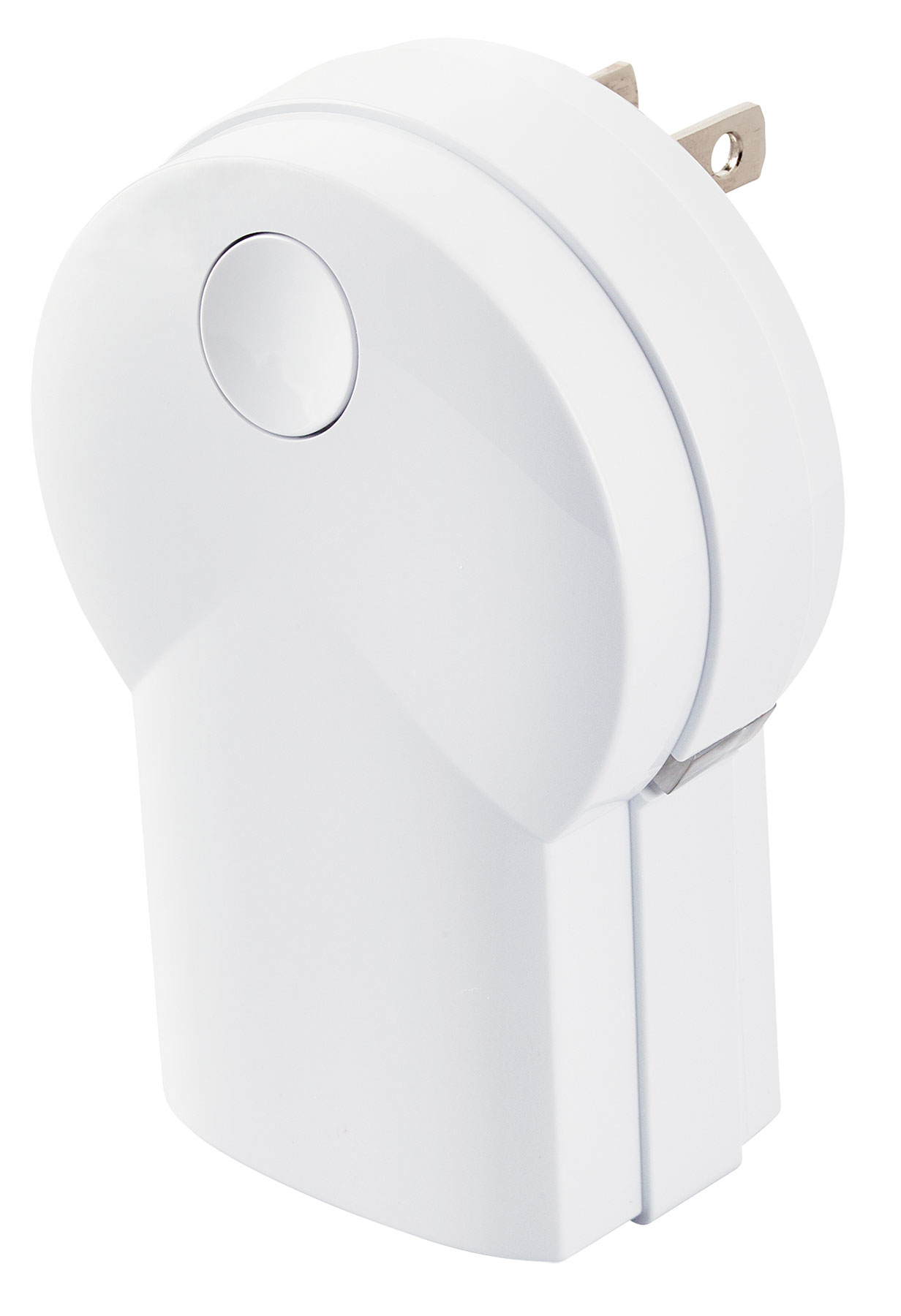
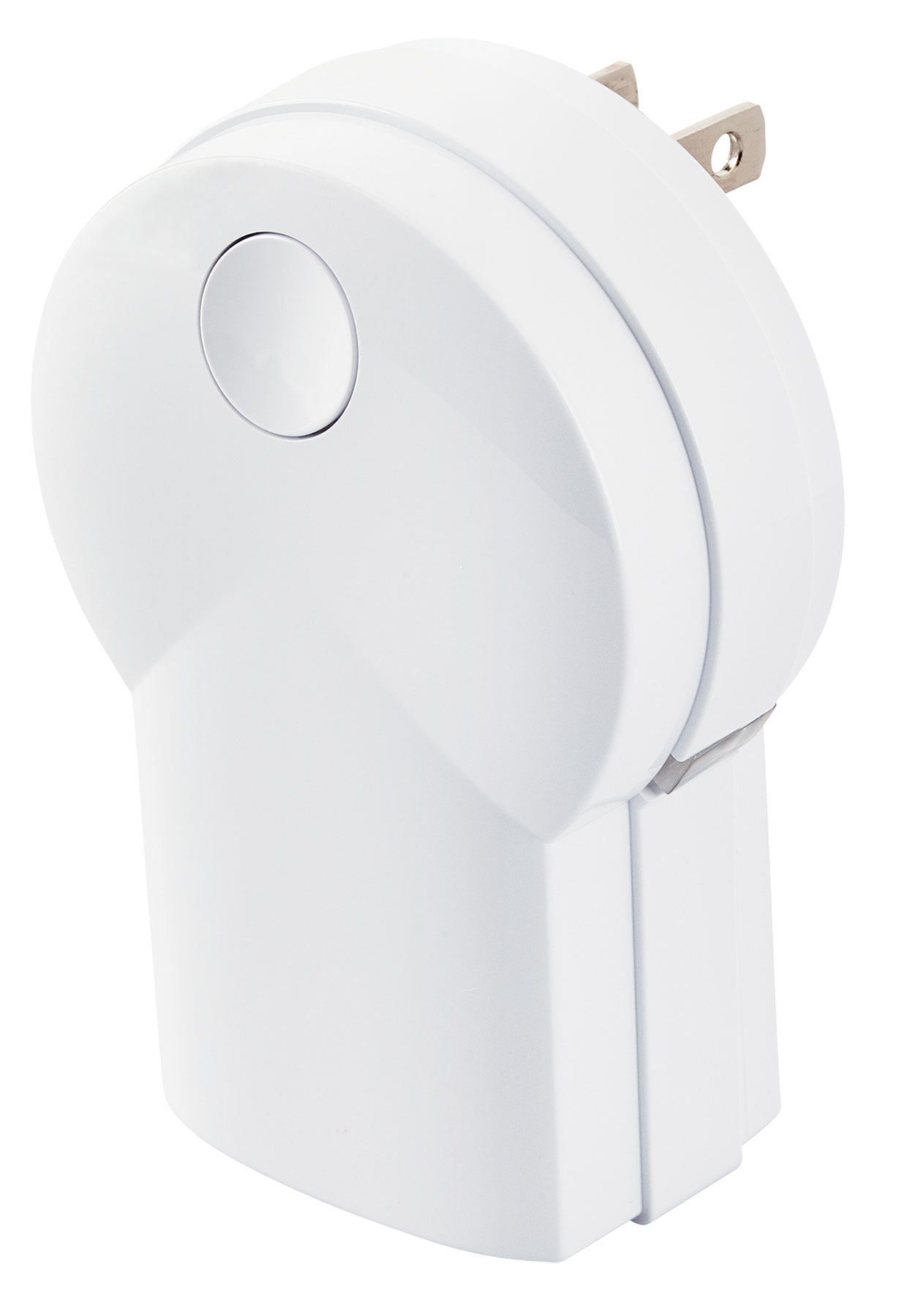
Name | PS15EMZ5-1 |
|---|
Short Description | Plug in device that automates the operation of most household devices; lights and appliances. Includes a long-life LED nightlight, Energy Monitoring capability, inadvertent activation protection and Over The Air upgradable. |
|---|
Long Description | The PS15EMZ5-1 is a plug in the wall device designed to automate the operation of most household devices, from lights to small household appliances. Supporting Energy Monitoring the PS15EMZ5-1 will provide both a visual indication of the amount of energy the connected device is using, and also transmit this information to the Z-Wave hub for tracking purposes. The long life LEDs will also act as a night light that your hub can turn off during daylight hours. The integrated button can be used to turn the connected device on / off, but it can also be temporarily disabled to eliminate the inadvertent operation of the device. With Over The Air upgrading supported, this device can be seamlessly updated to the most recent firmware and features. |
|---|
Brand | GoControl |
|---|
Product Identifier | PS15EMZ5-1 |
|---|
OEM Version | HW: 4 FW: 1.27 |
|---|
Hardware Platform | ZM5101 |
|---|
Z-Wave Version | 6.51.08 |
|---|
Library Type | SLAVE_ENHANCED_232 |
|---|
Device Type | On/Off Power Switch |
|---|
Role Type | ROLE_TYPE_SLAVE_ALWAYS_ON |
|---|
Manufacturer ID | 0x014F |
|---|
Product Type ID | 0x5053 |
|---|
Product ID | 0x3531 |
|---|
User Icon | 0x0701 |
|---|
Installer Icon | 0x0701 |
|---|
Frequency Plans | US: 916.00MHz, 908.40MHz |
|---|
Categories | Energy Meters, All Lighting Devices, On/Off Switches/Devices |
|---|
Countries / Regions | United States of America |
|---|
Documents | Category | Description | File |
|---|
Manual_Primary_Lang | Product or Owner's Manual | |
|
|---|
Features | Feature | Values |
|---|
Color | | Firmware Updatable | Value |
|---|
Updatable by Consumer by RF |
| Switch Load Capacity Current | | Z-Wave Scene Type | Value |
|---|
Scene & Central Scene |
|
|
|---|
Association Groups | Group Number | Maximum Nodes Supported | End Point ID | Description |
|---|
1 | 5 | 0 | Z-Wave Plus Lifeline |
|
|---|
Configuration Parameters | Parameter Number | Name | Description | Format | Size | Min Value | Max Value | Default Value | Parameter Values |
|---|
2 | LED Intensity | You can set the intensity of the LED to fi t the environment the PS15EMZ5-1 is being used in from off to full brightness. | 0 | 1 | 0 | 0 | 99 | From | To | Description |
|---|
0 | 99 | 0 = OFF 1 = Very dim 99 = Full Brightness |
| 3 | Night Light | Control the function of the LED on the when the load attached is turned ON or OFF. | 0 | 1 | 0 | 0 | 1 | From | To | Description |
|---|
0 | 1 | 0 = LED ON when the load is on and OFF when the load is off. 1 = LED OFF when the load is on, and ON when the load is off |
| 11 | Power Monitoring | When turned off, the PS15EMZ5-1 will no longer illuminate the LED to indicate any energy use and periodic reports to the hub on energy use will also be turned off. | 0 | 1 | 0 | 0 | 1 | From | To | Description |
|---|
0 | 1 | 0 = Power monitoring OFF. 1 = Power monitoring ON |
|
|
|---|
Texts | ID | Description | Value |
|---|
1 | Inclusion | Adding to a network:
Refer to your Controller operating instructions to add this switch under the command of the Wireless Controller.
1. With your Controller in Discovery or Add Mode, tap the button on the face of the
outlet. The LED will blink slowly when in ADD Mode.
2. You should see an indication on your Controller that the “device was added” to the
network and the LED will stop blinking.
3. The device will appear in the list of Switches. It should display as a switch.
If the Controller/Gateway shows the addition failed, repeat Steps 1-3. | 2 | Exclusion | Removing from a network:
The PS15EMZ5-1 can be removed from the network by the Controller/Gateway. Refer to the Controller operating instructions for details.
1. Set the Controller into Removal Mode and follow its instruction to delete the
PS15EMZ5-1 from the Controller.
2. Remove the switch by tapping the button on the face of the outlet 2 times. The LED
will begin blinking slowly for 10 seconds indicating that it has been removed.
3. You should see an indication on your Controller that the “device was removed” from
the network. | 5 | Factory Reset | To Reset Unit (If Required):
In the event that your primary Controller is lost or otherwise inoperable, to reset the
PS15EMZ5-1 and clear all network information, follow these steps:
1. Tap the button on the face of the outlet fi ve (5) times.
2. Press and hold the button for 15 seconds. The LED will increasingly blink faster to
indicate that a Reset is taking place.
3. LED will turn off when reset is complete. |
|
|---|
Supports NWI | Yes |
|---|
Supports Explorer Frames | Yes |
|---|