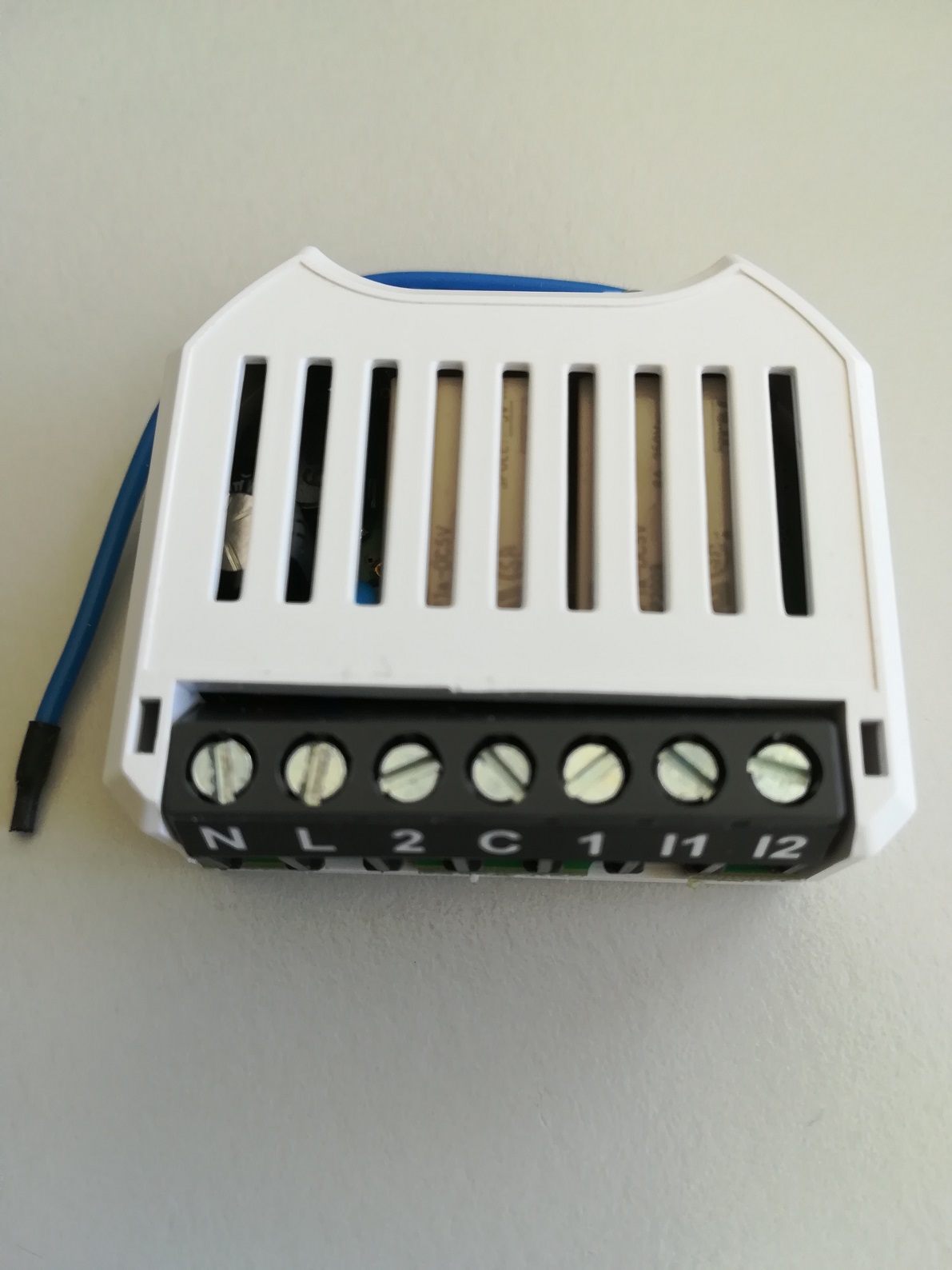
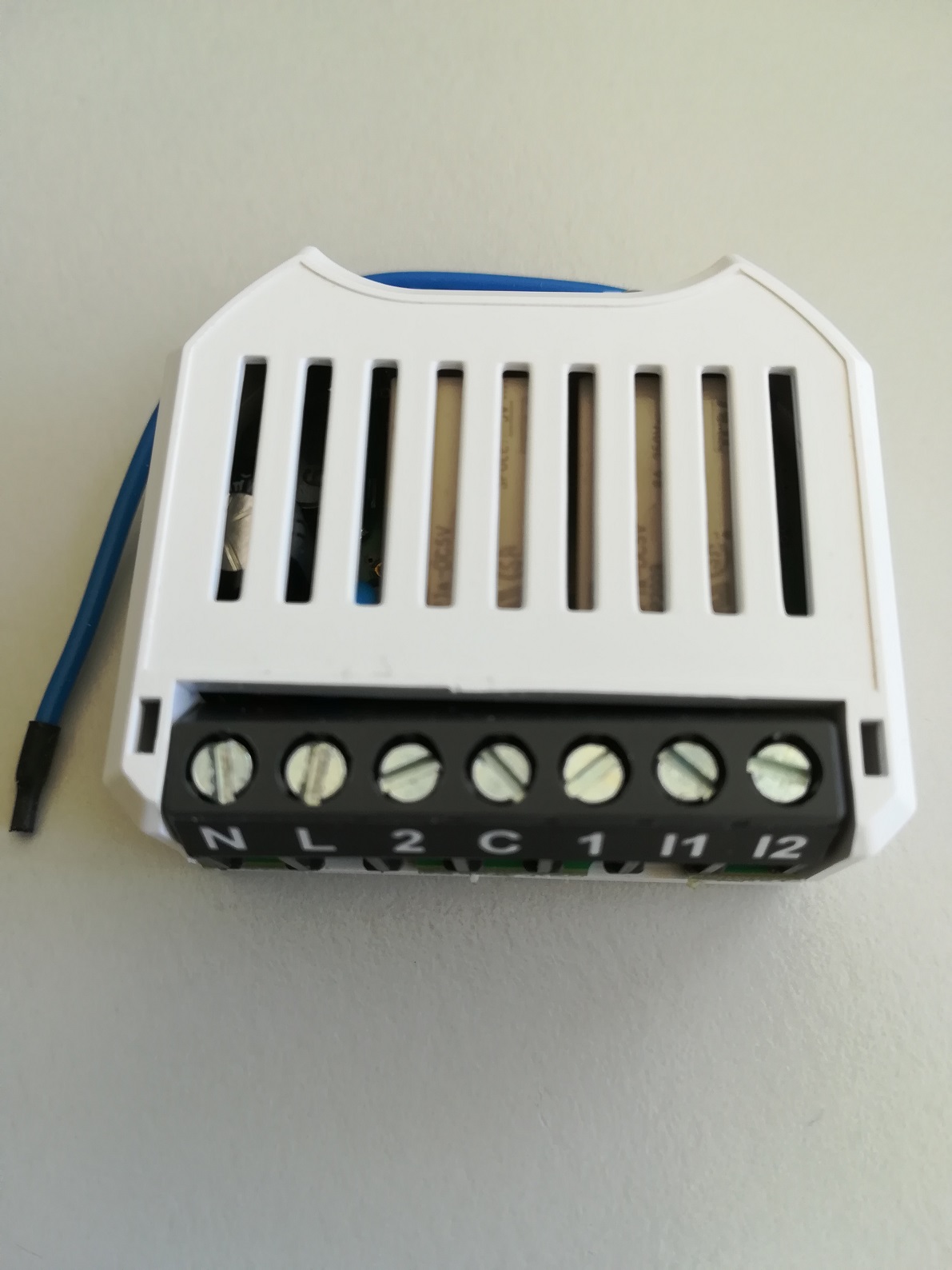
Product Recognition | |
|---|
Certification Number | ZC10-19086712 |
|---|
Name | Radio Switch Dual |
|---|
Short Description | The myTEM Radio Switch Dual is a universal, Z-Wave compatible wall or ceiling switch (ON/OFF) and is used to control two electrical devices. The power and energy con-sumption of the connected devices are measured. Two additional digital inputs and the programmable be-havior to the wireless commands allow flexible use in the house. |
|---|
Long Description | The myTEM Radio Switch Dual is a universal, Z-Wave compatible wall or ceiling switch (ON/OFF) and is used to control two electrical devices (e.g. roller shutters, window blinds, lamps, fans, etc.). The power and energy con-sumption of the connected devices are measured.
Two additional digital inputs and the programmable be-havior to the wireless commands allow flexible use in the house. At the same time, the device also serves as a Z-Wave repeater to improve range and stability of the Z-Wave network.
The device is intended for installation in a flush-mounted box, e.g. behind light switches or sockets. |
|---|
Brand | myTEM SmartHome |
|---|
Product Identifier | MTSWI-100-WL |
|---|
OEM Version | HW: 1 FW: 1.00 |
|---|
Hardware Platform | ZM5101 |
|---|
Z-Wave Version | 6.71.03 |
|---|
Library Type | SLAVE_ENHANCED_232 |
|---|
Device Type | On/Off Power Switch |
|---|
Role Type | ROLE_TYPE_SLAVE_ALWAYS_ON |
|---|
Manufacturer ID | 0x034E |
|---|
Product Type ID | 0x0001 |
|---|
Product ID | 0x0007 |
|---|
User Icon | 0x0704 |
|---|
Installer Icon | 0x0704 |
|---|
Frequency Plans | EU: 869.85MHz, 868.40MHz |
|---|
Categories | All Lighting Devices, On/Off Switches/Devices |
|---|
Countries / Regions | European Union |
|---|
Supported Command Classes | Identifier | Name | Key | Version |
|---|
COMMAND_CLASS_SENSOR_BINARY | Sensor Binary | 0x30 | 1 | COMMAND_CLASS_CONFIGURATION_V4 | Configuration V4 | 0x70 | 4 | COMMAND_CLASS_FIRMWARE_UPDATE_MD_V4 | Firmware Update Meta-Data V4 | 0x7A | 4 | COMMAND_CLASS_SWITCH_BINARY_V2 | Switch Binary V2 | 0x25 | 2 | COMMAND_CLASS_POWERLEVEL | Powerlevel | 0x73 | 1 | COMMAND_CLASS_MULTI_CHANNEL_ASSOCIATION_V3 | Multi-Channel Association V3 | 0x8E | 3 | COMMAND_CLASS_APPLICATION_STATUS | Application Status | 0x22 | 1 | COMMAND_CLASS_BASIC | Basic | 0x20 | 1 | COMMAND_CLASS_TRANSPORT_SERVICE_V2 | Transport Service V2 | 0x55 | 2 | COMMAND_CLASS_ZWAVEPLUS_INFO_V2 | Z-Wave Plus Info V2 | 0x5E | 2 | COMMAND_CLASS_ASSOCIATION_V2 | Association V2 | 0x85 | 2 | COMMAND_CLASS_MULTI_CHANNEL_V4 | Multi-Channel V4 | 0x60 | 4 | COMMAND_CLASS_ASSOCIATION_GRP_INFO_V3 | Association Group Information V3 | 0x59 | 3 | COMMAND_CLASS_NOTIFICATION_V8 | Notification V8 | 0x71 | 8 | COMMAND_CLASS_SECURITY_2 | Security S2 | 0x9F | 1 | COMMAND_CLASS_METER_V5 | Meter V5 | 0x32 | 5 | COMMAND_CLASS_VERSION_V3 | Version V3 | 0x86 | 3 | COMMAND_CLASS_SUPERVISION | Supervision | 0x6C | 1 | COMMAND_CLASS_MANUFACTURER_SPECIFIC_V2 | Manufacturer Specific V2 | 0x72 | 2 |
|
|---|
S2 Classes | S2_UNAUTHENTICATED, S2_AUTHENTICATED |
|---|
Documents | Category | Description | File |
|---|
Manual_Primary_Lang | Product or Owner's Manual | |
|
|---|
Features | Feature | Values |
|---|
Loads Controlled | | Firmware Updatable | Value |
|---|
Updatable by Consumer by RF |
| Supported Meter Type | | Supported Notification Types | Value |
|---|
Power Management | System |
| Switch Load Capacity Current | | Switch Load Capacity Volt-Ampere | | Electric Load Type | Value |
|---|
Incandescent | ELV (Electronic) | Inductive (e.g. Motor) |
| Switch Load Capacity Watts | |
|
|---|
Association Groups | Group Number | Maximum Nodes Supported | End Point ID | Description |
|---|
1 | 5 | 0 | Z-Wave Plus Lifeline
System / Heartbeat; sent periodically (see Configuration Parameter Heartbeat)
Power Mangement / Power has been applied; sent after Powerup and Reset
Meter / Kilowatt; sent periodically and when values changes (see configuration parameter Send Interval Power and Minimum Delta Power Send)
Meter / Kilowatt hours; sent periodically and when values changes (see configuration parameter Send Interval Energy and Minimum Delta Energy Send) | 2 | 5 | 0 | Binary Switch Report; sent when the output 1 changes state | 3 | 5 | 0 | Binary Switch Report; sent when the output 2 changes state | 4 | 5 | 0 | Binary Sensor Report; sent when the input 1 changes state | 5 | 5 | 0 | Binary Sensor Report; sent when the input 2 changes state |
|
|---|
Configuration Parameters | Parameter Number | Name | Description | Format | Size | Min Value | Max Value | Default Value | Parameter Values |
|---|
8 | Send Interval Energy Output 2 | Period with which the energy of output 2 is sent by a Meter Report. | 0 | 2 | 1 | 120 | 5 | From | To | Description |
|---|
1 | 120 | Interval energy [min] |
| 7 | Minimum Delta Power Send Output 1 | When the power of output 1 changes this anount the energy value is sent by a Meter Report. | 0 | 2 | 1 | 100 | 5 | From | To | Description |
|---|
1 | 100 | Minimum dleta power [%] |
| 3 | Phase shift - cosines (phi) | Together with the mesured current and the Main Voltage configuration parameter the Phase shift configruation parameter is used to calculate the power of the oututs. | 0 | 2 | 0 | 100 | 100 | From | To | Description |
|---|
0 | 100 | Phase shift [0.01] |
| 10 | Send Interval Power Output 2 | Period with which the power of output 2 is sent by a Meter Report. | 0 | 2 | 1 | 120 | 5 | From | To | Description |
|---|
1 | 120 | Interval power [min] |
| 9 | Minimum Delta Energy Output 2 | When the energy of output 2 changes this anount the energy value is sent by a Meter Report. | 1 | 2 | 1 | 50000 | 2000 | From | To | Description |
|---|
1 | 50000 | Minimum delta energy [0.001 kWh] |
| 4 | Send Interval Energy Output 1 | Period with which the energy of output 1 is sent by a Meter Report. | 0 | 2 | 1 | 120 | 5 | From | To | Description |
|---|
1 | 120 | Interval energy [min] |
| 6 | Send Interval Power Output 1 | Period with which the power of output 1 is sent by a Meter Report. | 0 | 2 | 1 | 120 | 5 | From | To | Description |
|---|
1 | 120 | Interval power [min] |
| 11 | Minimum Delta Power Send Output 2 | When the power of output 2 changes this anount the energy value is sent by a Meter Report. | 0 | 2 | 1 | 100 | 5 | From | To | Description |
|---|
1 | 100 | Minimum delta power [%] |
| 5 | Minimum Delta Energy Send Output 1 | When the energy of output 1 changes this anount the energy value is sent by a Meter Report. | 1 | 2 | 1 | 50000 | 2000 | From | To | Description |
|---|
1 | 50000 | Minimum delta energy [0.001 kWh] |
| 1 | Heartbeat rate | If the notification System Heartbeat is on, a notification report System Heartbeat is sent periodically every 60 minutes (default value). | 0 | 2 | 1 | 1440 | 60 | From | To | Description |
|---|
1 | 1440 | Heartbeat rate [min] |
|
|
|---|
Texts | ID | Description | Value |
|---|
5 | Factory Reset | If the myTEM Radio Switch Dual shows status “Add”, the
“Remove” can be performed with any controller in the
network or with the help of a new controller. However it is
recommended to use the primary controller of the previous
network unless it is no longer available or damaged.
“Remove” deletes the memory chip, including all Z-Wave
network and custom configuration settings. | 1 | Inclusion | Automatic inclusion (“Add”)
The device supports the so-called auto-inclusion. To use this function the device must be in factory default.
1. Activate the “Add” mode on your controller.
2. Turn on the power and the unit starts in its own “Add” mode for 30 seconds. If the connection is successful, the device registers on the controller.
When the device is in the “Add” mode, the LED flashes green. When finished, the new status is:
Add: The LED lights up briefly in green
Remove: The LED lights up briefly in red
Manual inclusion (“Add”)
1. Activate the “Add” ” mode on your controller.
2. When 110 – 230 VAC is used, press a button connected to input I1 or I2 four times in quick succession to start include (“Add”). If a switch is used instead of the button, it must be changed accordingly eight times.
3. Alternatively, when 24 VDC is used, you can press the small lever (T) four times in quick succession with a pen to start “Add”.
When the device is in the “Add” mode, the LED flashes green. When finished, the new status is:
Add: The LED lights up briefly in green
Remove: The LED lights up briefly in red | 2 | Exclusion | Manual exclusion (“Remove”)
1. Activate the “Remove” mode on your controller.
2. When 110 – 230 VAC is used, press a button connected to input I1 or I2 four times in quick succession to start exclude (“Remove”). If a switch is used instead of the button, it must be changed accordingly eight times.
3. Alternatively, when 24 VDC is used, you can press the small lever (T) four times in quick succession with a pen to start “Remove”.
When the device is in the “Remove” mode, the LED flashes
red. When finished, the new status is:
Add: The LED lights up briefly in green
Remove: The LED lights up briefly in red |
|
|---|
Supported / Controlled Meter Types | Meter Type | Rate Type | Description |
|---|
Electric meter | Import | Electric Meter Consumption |
|
|---|
Supported Notification Types | Notification Type | Event / State |
|---|
Power Management | (Refer to parameters): State idle | System | (Refer to parameters): State idle |
|
|---|
Supports NWI | Yes |
|---|
Supports Explorer Frames | Yes |
|---|
Radio Range Z-Wave (m) | 40 |
|---|