Product Recognition | |
|---|
Certification Number | ZC12-19080008 |
|---|
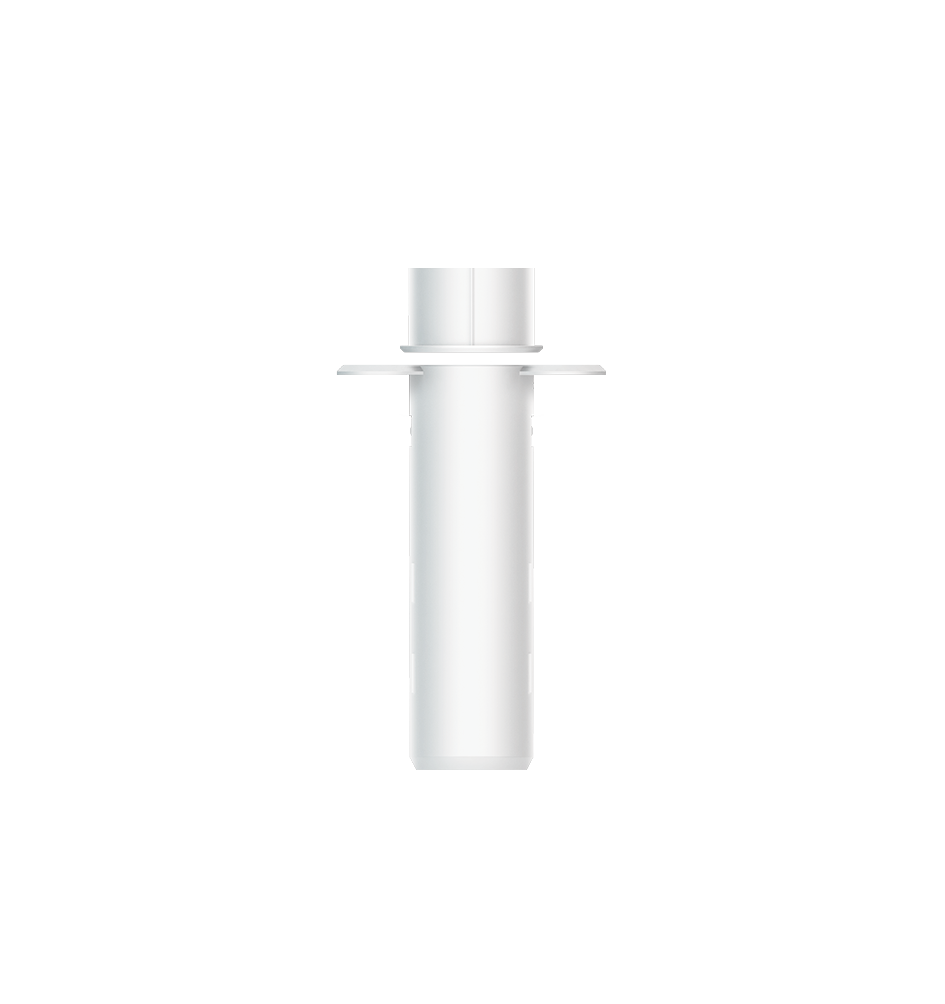
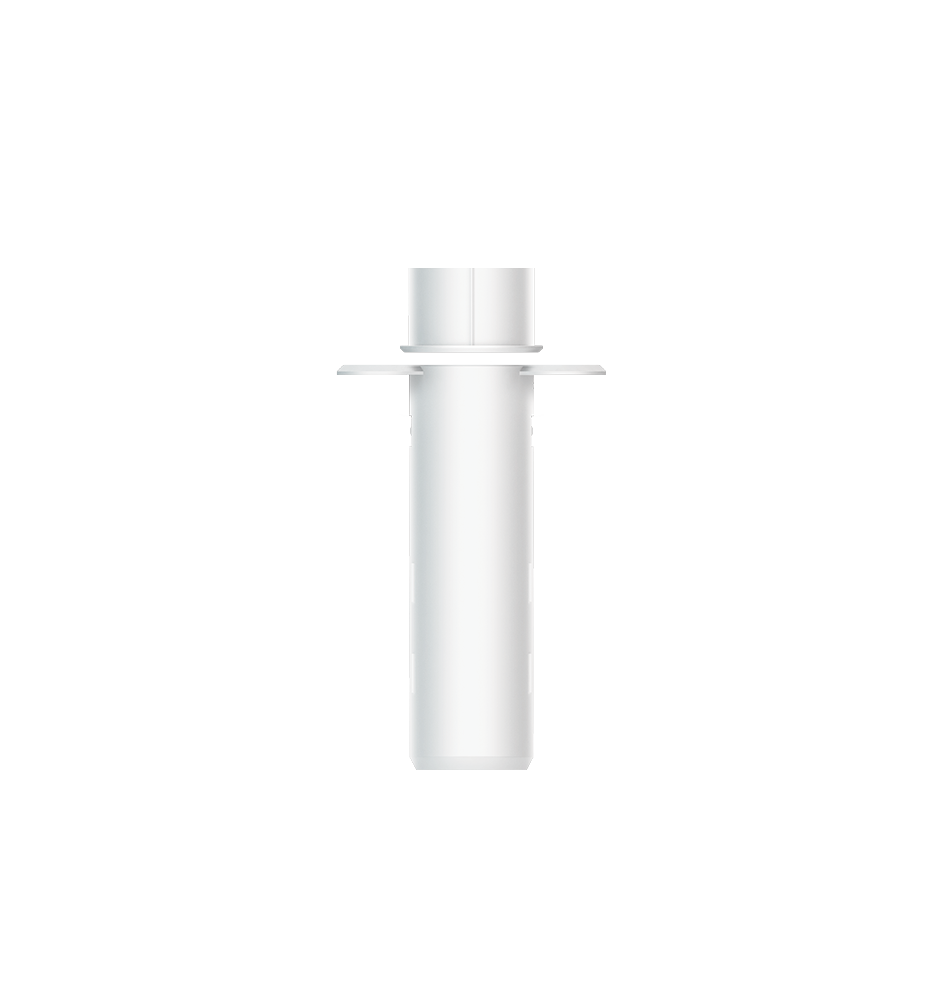
Name | Recessed Door Sensor 7 |
|---|
Short Description | It can be embedded inside the wooden door or window. Used to send out notification or control other device when Magnet is away or near. |
|---|
Long Description | 1. Can be embedded inside the wooden door or window.
2. Used to send out notification via Group 1 (Lifeline) when Magnet is away or near.
3. Used to control other Z-Wave device directly via Group 2.
4. Support SmartStart, which makes inclusion more convenient.
5. Support S2, which makes it more secure and reliable. |
|---|
Brand | Aeotec |
|---|
Product Identifier | ZW187-C |
|---|
Product Line | Z-Wave Plus v2 Line |
|---|
OEM Version | HW: 187 FW: 1.01 |
|---|
Hardware Platform | ZGM130 |
|---|
Z-Wave Version | 7.11.00 |
|---|
Library Type | SLAVE_ENHANCED_232 |
|---|
Device Type | Notification Sensor |
|---|
Role Type | ROLE_TYPE_SLAVE_SLEEPING_REPORTING |
|---|
Manufacturer ID | 0x0371 |
|---|
Product Type ID | 0x0002 |
|---|
Product ID | 0x00BB |
|---|
User Icon | 0x0C06 |
|---|
Installer Icon | 0x0C06 |
|---|
Frequency Plans | EU: 869.85MHz, 868.40MHz |
|---|
Categories | Sensors, Security Add-Ons |
|---|
Countries / Regions | European Union |
|---|
Supported Command Classes | Identifier | Name | Key | Version |
|---|
COMMAND_CLASS_CONFIGURATION_V4 | Configuration V4 | 0x70 | 4 | COMMAND_CLASS_POWERLEVEL | Powerlevel | 0x73 | 1 | COMMAND_CLASS_MULTI_CHANNEL_ASSOCIATION_V3 | Multi-Channel Association V3 | 0x8E | 3 | COMMAND_CLASS_INDICATOR_V3 | Indicator V3 | 0x87 | 3 | COMMAND_CLASS_BATTERY | Battery | 0x80 | 1 | COMMAND_CLASS_APPLICATION_STATUS | Application Status | 0x22 | 1 | COMMAND_CLASS_SECURITY | Security S0 | 0x98 | 1 | COMMAND_CLASS_SENSOR_BINARY_V2 | Sensor Binary V2 | 0x30 | 2 | COMMAND_CLASS_TRANSPORT_SERVICE_V2 | Transport Service V2 | 0x55 | 2 | COMMAND_CLASS_WAKE_UP_V2 | Wake Up V2 | 0x84 | 2 | COMMAND_CLASS_DEVICE_RESET_LOCALLY | Device Reset Locally | 0x5A | 1 | COMMAND_CLASS_ZWAVEPLUS_INFO_V2 | Z-Wave Plus Info V2 | 0x5E | 2 | COMMAND_CLASS_ASSOCIATION_V2 | Association V2 | 0x85 | 2 | COMMAND_CLASS_FIRMWARE_UPDATE_MD_V5 | Firmware Update Meta-Data V5 | 0x7A | 5 | COMMAND_CLASS_ASSOCIATION_GRP_INFO_V3 | Association Group Information V3 | 0x59 | 3 | COMMAND_CLASS_NOTIFICATION_V8 | Notification V8 | 0x71 | 8 | COMMAND_CLASS_SECURITY_2 | Security S2 | 0x9F | 1 | COMMAND_CLASS_VERSION_V3 | Version V3 | 0x86 | 3 | COMMAND_CLASS_SUPERVISION | Supervision | 0x6C | 1 | COMMAND_CLASS_MANUFACTURER_SPECIFIC_V2 | Manufacturer Specific V2 | 0x72 | 2 |
|
|---|
S2 Classes | S2_UNAUTHENTICATED, S2_AUTHENTICATED |
|---|
Documents | Category | Description | File |
|---|
Manual_English | Product Manual in English | | Adv_Manual | Advanced Information Product Manual | | Manual_Primary_Lang | Product Manual | |
|
|---|
Features | Feature | Values |
|---|
Battery Quantity | | Battery Type | | Firmware Updatable | Value |
|---|
Updatable by Consumer by RF |
| Color | |
|
|---|
Association Groups | Group Number | Maximum Nodes Supported | End Point ID | Group Name | Profile | Description |
|---|
2 | 5 | 0 | On/Off control (Access) | 0x7106 | Issue Basic Set when Magnet is away or near. (The Basic Set Value is determined by Configuration Parameter 3)
| 1 | 5 | 0 | Lifeline | 0x0001 | Lifeline group. (1) Device Reset Locally Notification: Issued when Factory Reset is performed. (2) Battery Report: Issued periodically to report the current battery level; Issued when battery becomes low. (3) Sensor Binary Report: Issued when Magnet is away or near. (4) Notification Report (Type=0x06; Event=0x16): Issued when sensor state is changed to be Open Status. (5) Notification Report (Type=0x06; Event=0x17): Issued when sensor state is changed to be Close Status. (6) Notification Report (Type=0x08; Event=0x01): Issued when battery voltage change exceeds 20%. (7) Notification Report (Type=0x09; Event=0x04;Param=0x55): Issued when reset due to Watch-Dog Timeout. |
|
|---|
Configuration Parameters | Parameter Number | Name | Description | Format | Size | Min Value | Max Value | Default Value | Parameter Values | Flag Advanced |
|---|
2 | Sensor Reports | Reverse Sensor Reports (both Sensor Binary Report and Notification Report.) | 2 | 1 | 0 | 1 | 0 |
Warning: Undefined variable $field_object in /nas/content/live/zwaprodcatalog/wp-content/themes/hello-elementor-child/single-z-wave-product.php on line 98
From | To | Description |
|---|
0 | 0 | Open Status when Magnet is away, Close Status when magnet is near. | 1 | 1 | Close Status when Magnet is away, Open Status when magnet is near. |
| | 101 | Timed battery report | Set how often battery is reported in minutes. | 2 | 2 | 1 | 14400 | 70 | From | To | Description |
|---|
1 | 14400 | Set how often battery is reported in minutes. |
| | 1 | Binary Sensor Report | Enable/Disable Binary Sensor Report. Allow for backward compatibility to report Binary if Notification Report cannot be used for status changes. | 2 | 1 | 0 | 1 | 0 | From | To | Description |
|---|
0 | 0 | Disable. Sensor Binary Report will NOT be issued via Lifeline when Magnet is away or near. | 1 | 1 | Enable. Sensor Binary Report will be issued via Lifeline when Magnet is away or near. |
| | 81 | Led Indicator | Control LED Indicator. Determine whether the LED flash or not when sending Basic Set, Sensor Binary Report, Notification Report (Access Control) or Wake Up Notification. | 2 | 1 | 0 | 3 | 3 | From | To | Description |
|---|
0 | 0 | Completely disable LED. | 1 | 1 | LED quickly flashes only when sending Basic Set, Sensor Binary Report or Notification Report (Access Control). | 2 | 2 | LED activates only when sending Wake Up Notification. | 3 | 3 | LED quickly flashes when sending Basic Set, Sensor Binary Report or Notification Report (Access Control), and activates when sending Wake Up Notification. |
| | 4 | Application Layer Retry | Configure retry number and wait time. The device supports an application retry mechanism when the application of the device has detected a transmission error when Basic Set, Sensor Binary Report or Notification Report (Access Control) message is sent out but fails to result in an ACK or a Supervision Report. | 2 | 2 | 0 | 1535 | 0 | From | To | Description |
|---|
0 | 1535 | The Byte 1 is used to configure the number of retries. The valid value is 0-5. 0 means disable retry. The Byte 2 is used to configure the wait time between retries. The valid value is 0-255. Unit is 100ms. |
| Yes | 3 | Association Group 2 Settings | Configure the Basic Set value. Determine the Basic Set value to control other Z-Wave devices directly when Magnet is away or near. | 2 | 1 | 0 | 6 | 1 | From | To | Description |
|---|
0 | 0 | Disable completely. | 1 | 1 | Send Basic SET 0xFF when Magnet is away, and send Basic SET 0x00 when Magnet is near. | 2 | 2 | Send Basic SET 0x00 when Magnet is away, and send Basic Set 0xFF when Magnet is near. | 3 | 3 | Only send Basic SET 0xFF when Magnet is away. | 4 | 4 | Only send Basic SET 0x00 when Magnet is near. | 5 | 5 | Only send Basic SET 0x00 when Magnet is away. | 6 | 6 | Only send Basic SET 0xFF when Magnet is near. |
| |
|
|---|
Texts | ID | Description | Value |
|---|
5 | Factory Reset Procedure | If the primary controller is missing or inoperable, you may need to reset the device to factory settings.
Make sure the product is powered. To complete the reset process manually, press and hold the Action Button for at least 20s, and Factory Reset is performed when released. The LED will become slow fade-in fade-out red color, which indicates the reset operation is successful. Contact us for further support if needed.
Note:
1. This procedure should only be used when the primary controller is missing or inoperable.
2. Factory Reset will:
(a) Remove the product from Z-Wave network;
(b) Delete the Association setting;
(c) Restore the configuration settings to the default. | 8 | Where to find S2 DSK on product | There is no DSK on the product. In Section Used in this guide, there is a picture showing where the QR and PIN are, as well as a Note saying "QR Code used for SmartStart inclusion. DSK Code can be found on packaging. Do not remove or damage them." | 2 | Classic Exclusion | 1. Set your Z-Wave Controller into its 'Remove Device' mode in order to remove the product from your Z-Wave system. Refer to the Controller's manual if you are unsure of how to perform this step.
2. Make sure the product is powered.
3. Single-click Action Button; LED will become flash red color for 5 seconds, which indicates entering exclusion mode.
4. If the exclusion is successful, LED will change to the default unpaired state which is slow fade-in fade-out red color.
5. Should its LED extinguish without slow fade-in fade-out red color, it indicates the exclusion is unsuccessful. Contact us for further support if needed. | 4 | Wake-Up Procedure | When re-power on, Wake Up Notification will be issued, and the Wake Up destination is according to the Wake Up Interval Set. The Wake Up period starts when the node issues a Wake Up Notification and it ends either 10 seconds after the last received/transmitted frame or at the reception of a Wake Up No More Information Command by the Wake Up destination.
If press and hold the Action Button for 2s and release the Action Button when the LED becomes slow pulsing Red color, Wake Up Notification will also be issued, and the Wake Up destination is according to the Wake Up Interval Set. It will stay awake for 10 minutes after issuing Wake Up Notification, or goes into sleep immediately if receives Wake Up No More Information. | 1 | Classic Inclusion | 1. Press the sensor latch with a slotting screwdriver to remove the lid of the sensor.
2. Squeeze the sides of the sensor casing to alleviate pressure on the chipboard; slide the chipboard out.
3. Remove the Pull Tab to engage the pre-installed battery. The sensor’s LED will fade the color red in and out for a few seconds to indicate that it’s powered on.
4. Set your gateway into its 'add device' mode. Refer to its manual if you are unsure of how to perform this step. Then press Recessed Door Sensor 7's Action Button once; its LED will blink.
If your gateway supports S2 security, and you want your device to use this higher level of security, please enter the first 5 digits of the DSK into the gateway's interface when prompted. Refer to the gateway's manual if you are unsure how to perform this step. Do not lose the DSK or remove it from the product or package.
5. When Recessed Door Sensor 7 successfully joins your Z-Wave network its LED will turn solid red for 10 minutes and then off. If fails, its LED turns slow fade-in fade-out red color. Repeat the above steps and please contact us for further support if needed.
6. Squeeze the sides of the sensor casing lightly again and re-insert the chipboard as it was. Re-attach the lid. |
|
|---|
Supported Notification Types | Notification Type | Event / State |
|---|
Access Control | Door state: Window/door is open | Access Control | Door state: Window/door is closed | Power Management | Power status: Power has been applied | System | SW status: System software failure (manufacturer proprietary failure code provided) |
|
|---|
Supports NWI | Yes |
|---|
Supports Explorer Frames | Yes |
|---|
Supports SmartStart | Yes |
|---|
Radio Range Z-Wave (m) | 40 |
|---|