| Product Recognition | |
|---|
| Certification Number | ZC12-21030192 |
|---|
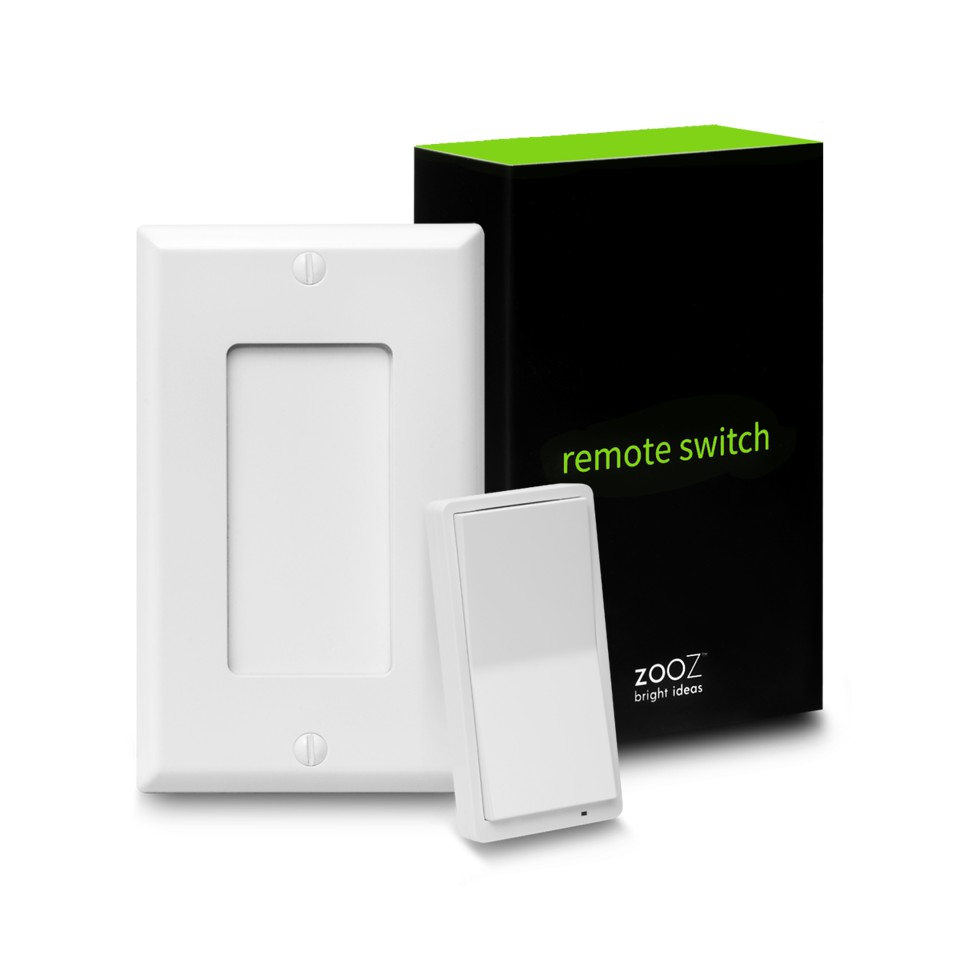
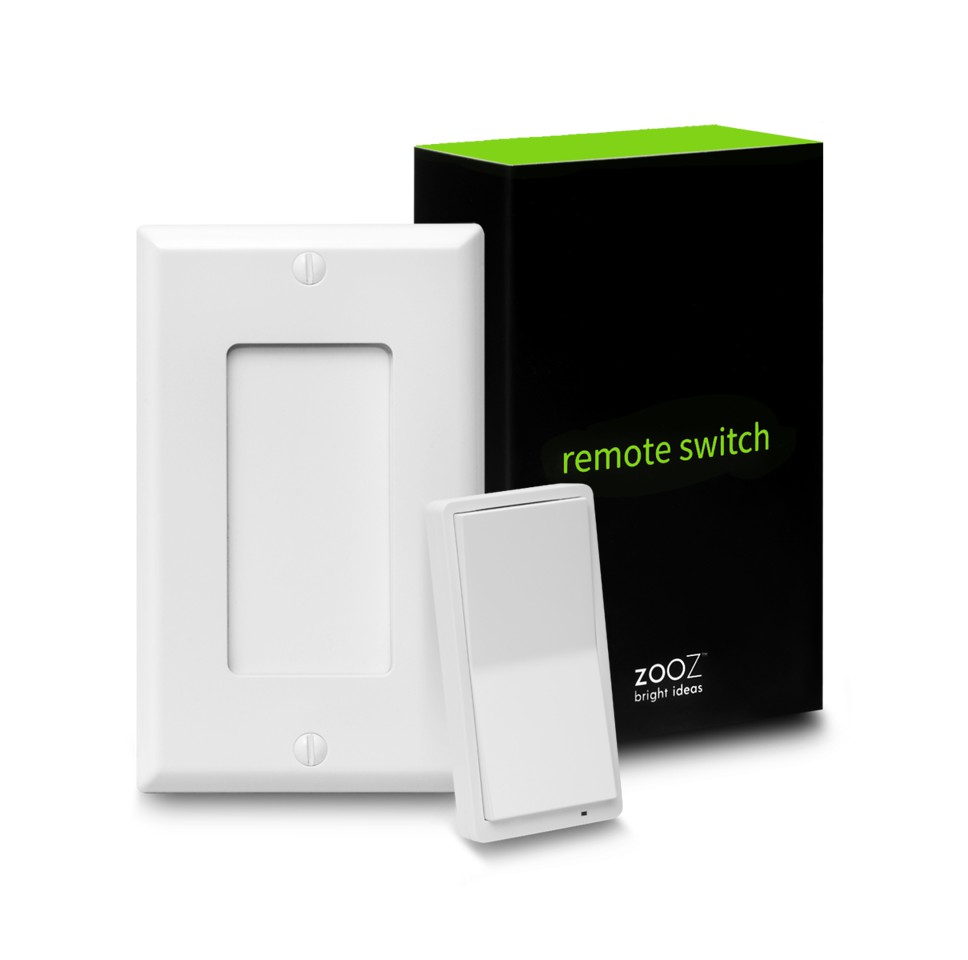
| Name | REMOTE SWITCH |
|---|
| Short Description | It's a Z-Wave Remote Control that looks like a wall switch! Install it in a standard switch box or stick it to a wall for handy control. |
|---|
| Long Description | FEATURES:
- Control other Z-Wave devices and enable scenes with a click of a button
- Classic paddle switch look and size + magnetic base
- Install in your electrical switch box or mount anywhere on a wall with just adhesive tape
- The latest 700 chip with S2 and SmartStart support
- Powered by batteries, no wires needed
SPECS:
- Model Number: ZEN34
- Z-Wave Signal Frequency: 908.42 MHz
- Power: 2 x CR2032 batteries
- Operating Temperature: 32 – 104° F
- Range: Up to 250 feet line of sight
- Installation and Use: Indoor Only |
|---|
| Brand | Zooz |
|---|
| Product Identifier | ZEN34 |
|---|
| Product Line | Line A |
|---|
| OEM Version | HW: 1 FW: 1.00 |
|---|
| Hardware Platform | ZGM130 |
|---|
| Z-Wave Version | 7.13.6 |
|---|
| Library Type | SLAVE_ENHANCED_232 |
|---|
| Device Type | Central Scene Device |
|---|
| Role Type | ROLE_TYPE_SLAVE_SLEEPING_REPORTING |
|---|
| Manufacturer ID | 0x027A |
|---|
| Product Type ID | 0x7000 |
|---|
| Product ID | 0xF001 |
|---|
| User Icon | 0x0A00 |
|---|
| Installer Icon | 0x0A00 |
|---|
| Frequency Plans | US: 916.00MHz, 908.40MHz |
|---|
| Categories | All Controllers, Handheld Controller |
|---|
| Countries / Regions | United States of America |
|---|
| Supported Command Classes | | Identifier | Name | Key | Version |
|---|
| COMMAND_CLASS_CONFIGURATION_V4 | Configuration V4 | 0x70 | 4 | | COMMAND_CLASS_POWERLEVEL | Powerlevel | 0x73 | 1 | | COMMAND_CLASS_ASSOCIATION_V3 | Association V3 | | 0 | | COMMAND_CLASS_MULTI_CHANNEL_ASSOCIATION_V4 | Multi-Channel Association V4 | | 0 | | COMMAND_CLASS_INDICATOR_V3 | Indicator V3 | 0x87 | 3 | | COMMAND_CLASS_BATTERY | Battery | 0x80 | 1 | | COMMAND_CLASS_TRANSPORT_SERVICE_V2 | Transport Service V2 | 0x55 | 2 | | COMMAND_CLASS_WAKE_UP_V2 | Wake Up V2 | 0x84 | 2 | | COMMAND_CLASS_DEVICE_RESET_LOCALLY | Device Reset Locally | 0x5A | 1 | | COMMAND_CLASS_ZWAVEPLUS_INFO_V2 | Z-Wave Plus Info V2 | 0x5E | 2 | | COMMAND_CLASS_FIRMWARE_UPDATE_MD_V5 | Firmware Update Meta-Data V5 | 0x7A | 5 | | COMMAND_CLASS_ASSOCIATION_GRP_INFO_V3 | Association Group Information V3 | 0x59 | 3 | | COMMAND_CLASS_SECURITY_2 | Security S2 | 0x9F | 1 | | COMMAND_CLASS_VERSION_V3 | Version V3 | 0x86 | 3 | | COMMAND_CLASS_CENTRAL_SCENE_V3 | Central Scene V3 | 0x5B | 3 | | COMMAND_CLASS_SUPERVISION | Supervision | 0x6C | 1 | | COMMAND_CLASS_MANUFACTURER_SPECIFIC_V2 | Manufacturer Specific V2 | 0x72 | 2 |
|
|---|
| S2 Classes | S2_UNAUTHENTICATED, S2_AUTHENTICATED |
|---|
| Documents | |
|---|
| Features | | Feature | Values |
|---|
| Battery Quantity | | | Battery Type | | | Color | | | Firmware Updatable | | Value |
|---|
| Updatable by Consumer by RF |
| | Z-Wave Scene Type | |
|
|---|
| Association Groups | | Group Number | Maximum Nodes Supported | End Point ID | Group Name | Description |
|---|
| 1 | 1 | 0 | Lifeline | Lifeline Communication to the hub. | | 2 | 5 | 0 | Group 2 | Basic set to Group 2. | | 3 | 5 | 0 | Group 3 | Switch multilevel to Group 3. |
|
|---|
| Configuration Parameters | | Parameter Number | Name | Description | Format | Size | Min Value | Max Value | Default Value | Parameter Values |
|---|
| 2 | LED Indicator Color for the Upper paddle | Choose the LED indicator color for the upper paddle remote control triggers | 2 | 1 | 0 | 6 | 1 | | From | To | Description |
|---|
| 4 | 4 | magenta | | 6 | 6 | cyan | | 5 | 5 | yellow | | 3 | 3 | red | | 2 | 2 | green | | 1 | 1 | blue | | 0 | 0 | white |
| | 3 | LED Indicator Color for the Lower Paddle | Choose the LED indicator color for the lower paddle remote control triggers | 2 | 1 | 0 | 6 | 0 | | From | To | Description |
|---|
| 6 | 6 | cyan | | 5 | 5 | yellow | | 4 | 4 | magenta | | 3 | 3 | red | | 2 | 2 | green | | 1 | 1 | blue | | 0 | 0 | white |
| | 1 | LED Indicator Mode | Choose the LED indicator mode for your Remote Switch. | 2 | 1 | 0 | 3 | 1 | | From | To | Description |
|---|
| 3 | 3 | LED always on in color specified under parameter 3 | | 0 | 0 | LED always off | | 1 | 1 | LED on when button is pressed to indicate scene activation or association command (LED blinks once for single tap, twice for double tap, etc.) | | 2 | 2 | LED always on in color specified under parameter 2 |
|
|
|---|
| Texts | | ID | Description | Value |
|---|
| 8 | Where to find S2 DSK on product | Under Z-Wave Control > Add device (page 2) | | 1 | Classic Inclusion | Put your Z-Wave hub into inclusion mode and click the upper paddle 6 times quickly. The LED indicator
will blink blue during the process and light up green once added successfully. It will light up red if failed. | | 2 | Classic Exclusion | 1. Bring the Remote Switch within direct range of your Z-Wave gateway (hub).
2. Put the Z-Wave hub into exclusion mode (not sure how to do that? ask@getzooz.com).
3. Click the lower paddle 6 times very quickly
4. Your hub will confirm exclusion and the device will disappear from your controller's device list. | | 4 | Wake-Up Procedure | You will need to wake the Remote Switch up when changing any advanced settings or assigning any new
scenes or actions to it. Click the upper paddle 7 times as quickly as possible to wake the device up. The LED
indicator will stay on solid blue during wake-up and will turn off when the device turns the Z-Wave radio off
again. | | 5 | Factory Reset Procedure | When your network’s primary controller is missing or otherwise inoperable, you may need to reset the device
to factory settings manually. In order to complete the process, make sure the device is powered, then tap-tap-
tap’and’hold the upper paddle. The LED indicator will blink red 5 times to indicate successful reset. | | 6 | Other Special Features | Magnetic switch box base and matching wall plate included. |
|
|---|
| Supports NWI | Yes |
|---|
| Supports Explorer Frames | Yes |
|---|
| Supports SmartStart | Yes |
|---|