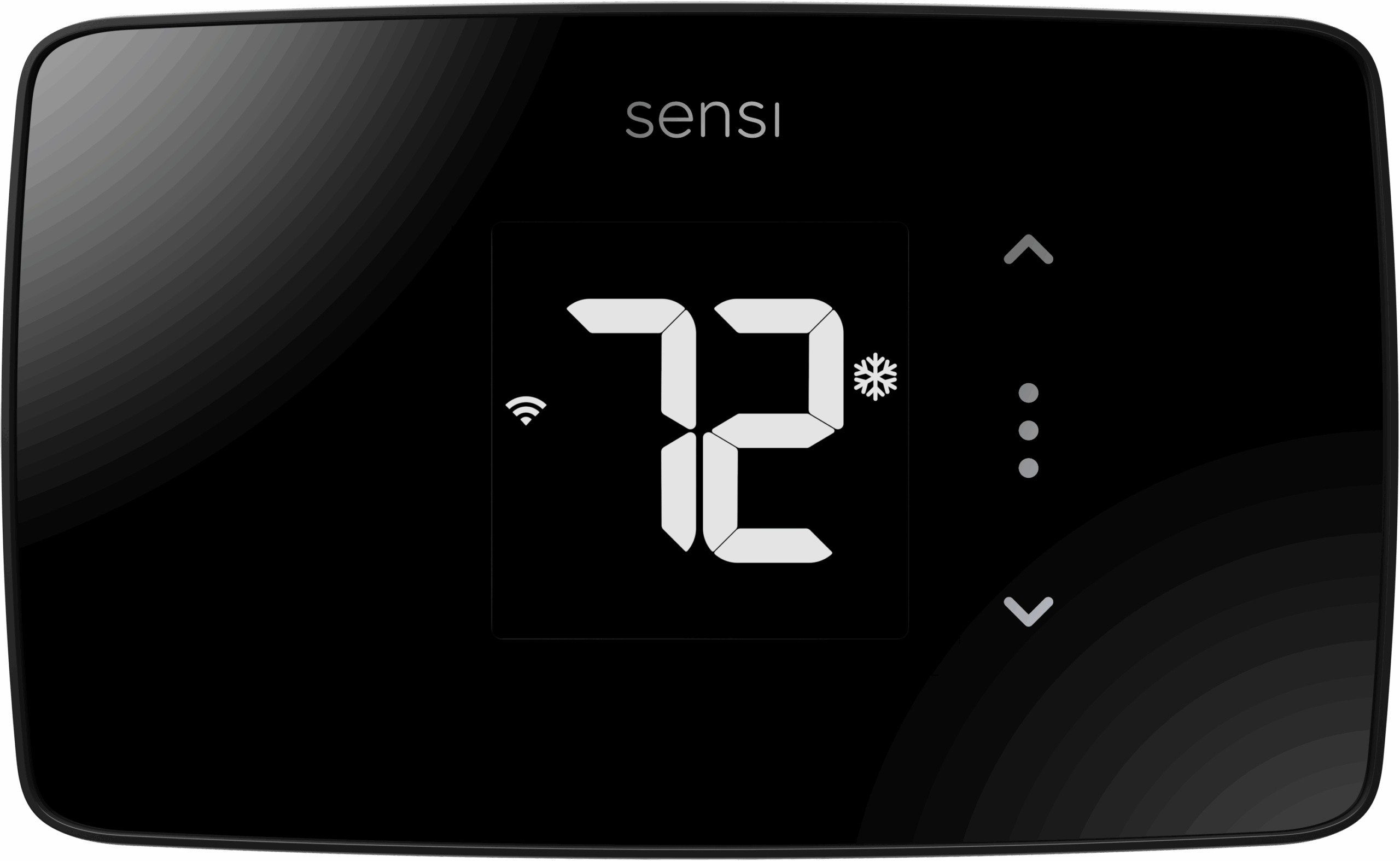
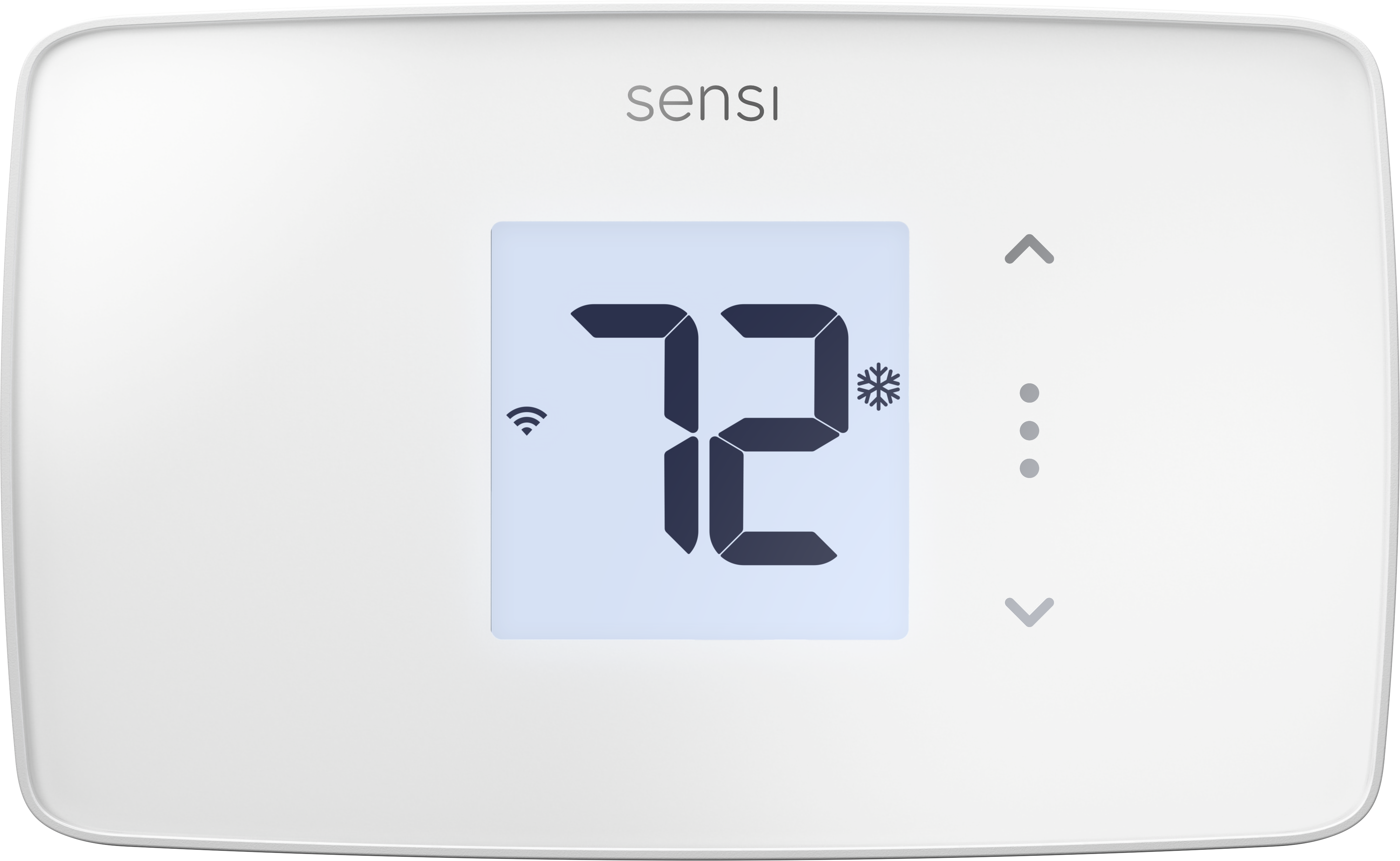
Product Recognition | |
|---|
Certification Number | ZC14-25120561 |
|---|
Name | Sensi Lite Z-Wave Smart Thermostat |
|---|
Short Description | Sensi Lite Z-Wave® smart thermostat upgrades home comfort with quick installation, sleek design, intuitive controls, trusted quality, energy savings, and privacy—simple, modern, and secure. |
|---|
Description | Bring connected comfort to your home with the Sensi Lite Z-Wave® Thermostat. Designed to work seamlessly within your Z-Wave smart home network, the Sensi Lite Z-Wave Thermostat delivers precise comfort control and trusted performance in a clean, modern design. Installation is quick and simple—no common wire required for most residential HVAC systems—and setup through your preferred Z-Wave hub makes integration effortless. Once connected, the thermostat communicates directly with your Z-Wave system, enabling centralized control, automation, and coordination with other smart home devices such as sensors, lighting, and energy management systems. Flexible scheduling and intuitive temperature controls make it easy to balance comfort and efficiency every day. Built on decades of HVAC control expertise, Sensi combines reliable performance with the flexibility of the Z-Wave ecosystem. Whether used as a standalone thermostat or as part of a larger connected home, the Sensi Lite Z-Wave Thermostat offers the simplicity, quality, and compatibility homeowners and pros can count on. |
|---|
Brand | Sensi |
|---|
Brand Owner | Copeland |
|---|
Identifier | 1F76U-22Z |
|---|
Product Line | Sensi Lite |
|---|
OEM Version | HW: 01 FW: 10.23:03.00 |
|---|
Hardware Platform | EFR32ZG23B |
|---|
Z-Wave Version | 7.23.2 |
|---|
Library Type | END_NODE_ENHANCED_232 |
|---|
Device Type | Thermostat DT |
|---|
Role Type | ROLE_TYPE_END_NODE_SLEEPING_LISTENING |
|---|
Manufacturer ID | 0x046B |
|---|
Product Type ID | 0x0004 |
|---|
Product ID | 0x0002 |
|---|
User Icon | 0x1200 |
|---|
Installer Icon | 0x1200 |
|---|
Radio Range Z-Wave (m) | 40 |
|---|
Frequency Plans | US: 916.00MHz, 908.40MHz |
|---|
Categories | Thermostats |
|---|
Countries / Regions | United States of America, Canada |
|---|
Supported Command Classes | Identifier | Name | Key | Version |
|---|
COMMAND_CLASS_BASIC_V2 | Basic V2 | 0x20 | 2 | COMMAND_CLASS_SENSOR_MULTILEVEL_V11 | Multilevel Sensor V11 | 0x31 | 11 | COMMAND_CLASS_THERMOSTAT_FAN_MODE_V5 | Thermostat Fan Mode V5 | 0x44 | 5 | COMMAND_CLASS_THERMOSTAT_MODE_V3 | Thermostat Mode V3 | 0x40 | 3 | COMMAND_CLASS_THERMOSTAT_SETPOINT_V3 | Thermostat Setpoint V3 | 0x43 | 3 | COMMAND_CLASS_ASSOCIATION_V2 | Association V2 | 0x85 | 2 | COMMAND_CLASS_ASSOCIATION_GRP_INFO_V3 | Association Group Information (AGI) V3 | 0x59 | 3 | COMMAND_CLASS_BATTERY | Battery | 0x80 | 1 | COMMAND_CLASS_DEVICE_RESET_LOCALLY | Device Reset Locally | 0x5A | 1 | COMMAND_CLASS_FIRMWARE_UPDATE_MD_V5 | Firmware Update Meta Data V5 | 0x7A | 5 | COMMAND_CLASS_INDICATOR_V3 | Indicator V3 | 0x87 | 3 | COMMAND_CLASS_MANUFACTURER_SPECIFIC_V2 | Manufacturer Specific V2 | 0x72 | 2 | COMMAND_CLASS_MULTI_CHANNEL_ASSOCIATION_V3 | Multi Channel Association V3 | 0x8E | 3 | COMMAND_CLASS_VERSION_V3 | Version V3 | 0x86 | 3 | COMMAND_CLASS_ZWAVEPLUS_INFO_V2 | Z-Wave Plus Info V2 | 0x5E | 2 | COMMAND_CLASS_SECURITY | Security 0 | 0x98 | 1 | COMMAND_CLASS_SECURITY_2 | Security 2 | 0x9F | 1 | COMMAND_CLASS_SUPERVISION | Supervision | 0x6C | 1 | COMMAND_CLASS_TRANSPORT_SERVICE_V2 | Transport Service V2 | 0x55 | 2 | COMMAND_CLASS_POWERLEVEL | Powerlevel | 0x73 | 1 |
|
|---|
S2 Classes | S2_AUTHENTICATED, S2_UNAUTHENTICATED |
|---|
Documents | Category | File |
|---|
Manual_English | |
|
|---|
Features | Feature | Values |
|---|
Battery Quantity | | Battery Type | | Thermostat HVAC Systems Supported | Value |
|---|
Single Stage | Multi Stage | Heat Pump | Dual Fuel | Heat Only | Cool Only |
| Thermostat Modes | Value |
|---|
Heat | Cool | Auto | Auxiliary/Emergency Heat |
| Thermostat Power Source | Value |
|---|
Battery | Power Stealing (hard-wired 24V) |
|
|
|---|
Association Groups | Group Number | Maximum Nodes Supported | End Point ID | Group Name | Profile |
|---|
1 | 1 | 0 | Lifeline | 0x0001 |
|
|---|
Texts | ID | Description | Value |
|---|
8 | Where to find S2 DSK on product | QR code (located on welcome card and back of thermostat) | 1 | Classic Inclusion | Entering Inclusion Mode:
To add the thermostat to the hub
1 Upon boot up, scan the QR code (located on welcome card and back of thermostat) or enter pin.
2 Hold the three dots button for 4 seconds to enter the inclusion mode screen.
3 Toggle the radio from “OFF” to “ON” using either the up or down buttons. Press the three dots button to confirm.
4 Thermostat enters inclusion mode, connects to hub | 2 | Classic Exclusion | Entering Exclusion Mode:
To remove the thermostat from the hub
1 Hold the three dots button for 4 seconds to enter homeowner menu.
2 Press three dots button to cycle through screens to get to exclusion screen (third screen in the menu).
3 Toggle radio off, from “ON” to “OFF” icon using the up or down buttons. Press menu button.
4 Thermostat enters exclusion mode, disconnects from hub. | 5 | Factory Reset Procedure | Factory Reset
To perform a factory reset, hold all three buttons (3 dots, up, down) until all segments on the LCD turn on. Factory reset will clear all network credentials. Please note that the thermostat credentials will need cleared from the hub before re-connecting.
Note: Please use this procedure only when the network’s primary controler is missing or otherwise inoperable. |
|
|---|
Supported Multilevel Sensors | Multilevel Sensor Type |
|---|
Air temperature |
|
|---|
Supports NWI | Yes |
|---|
Supports Explorer Frames | Yes |
|---|
Is Flirs | Yes |
|---|
Supports SmartStart | Yes |
|---|