Product Recognition | |
|---|
Certification Number | ZC10-18096228 |
|---|
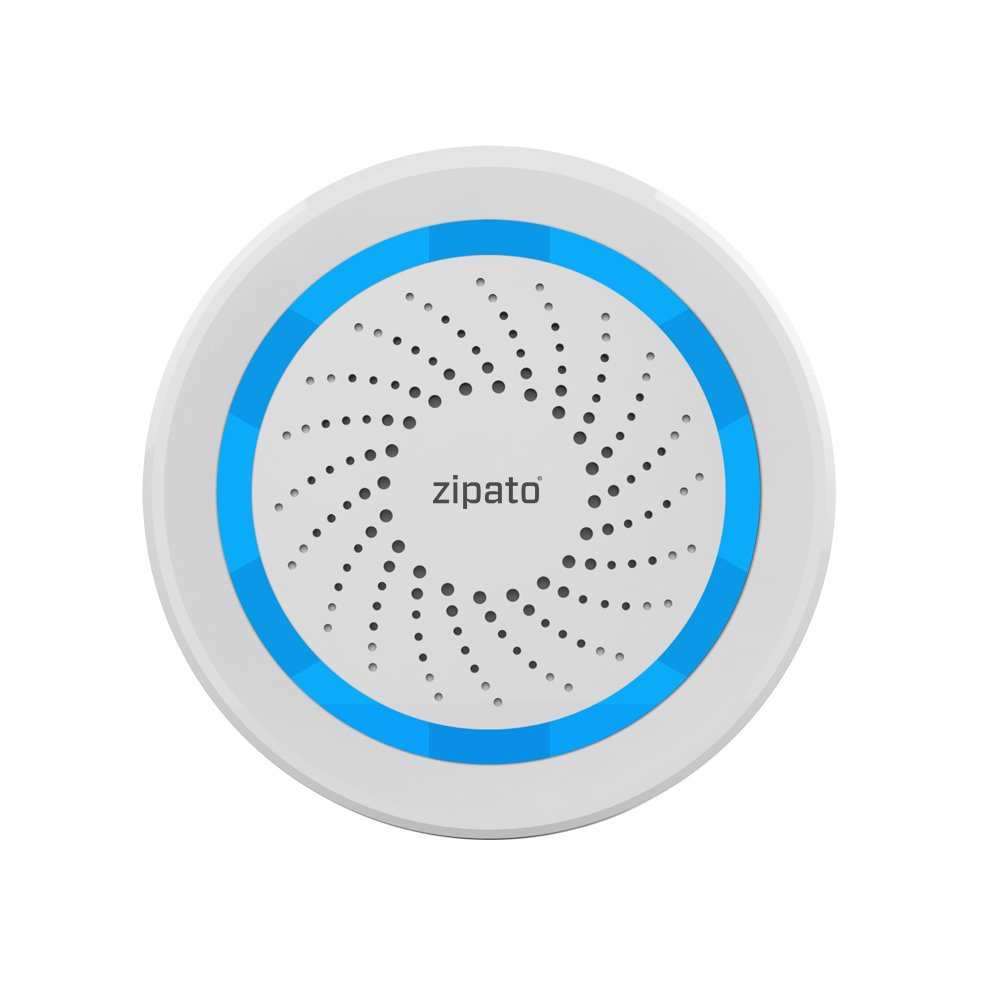
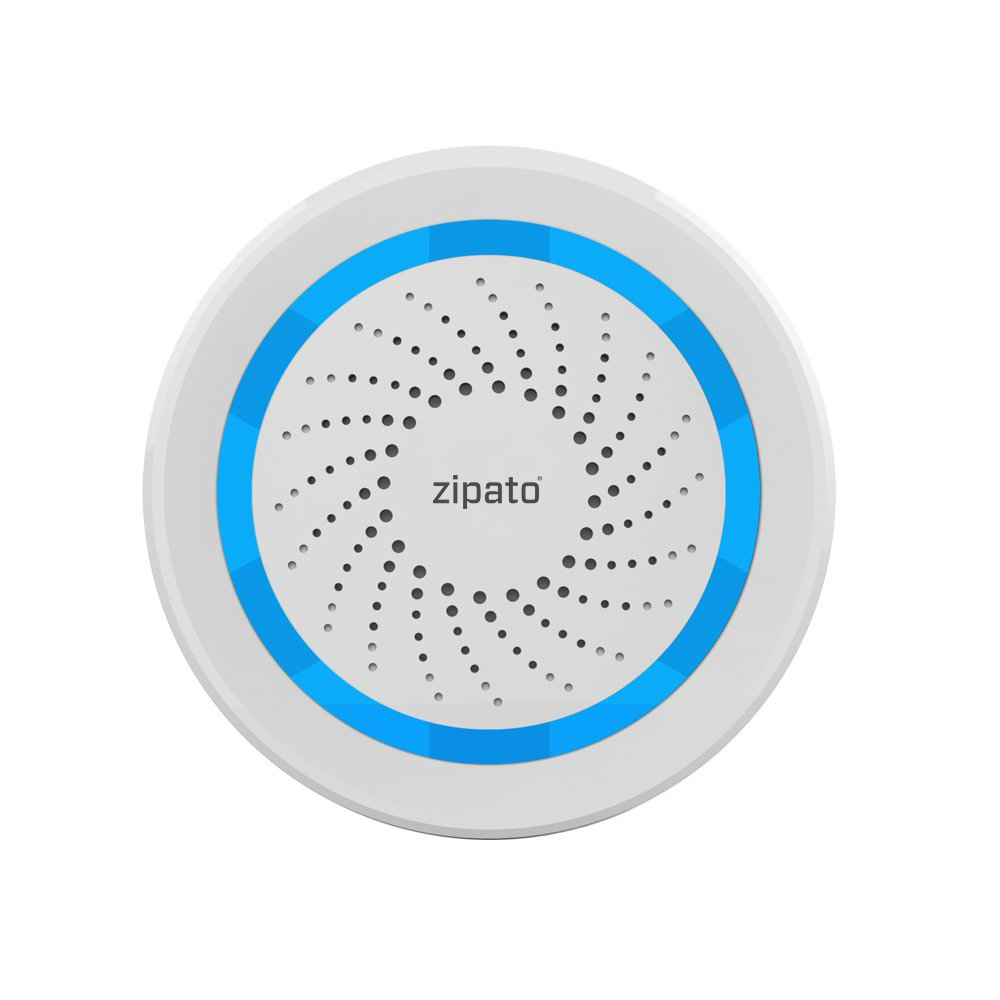
Name | Siren alarm EU |
|---|
Short Description | Multi sound siren which can be used with any Z-Wave gateway. |
|---|
Long Description | Alerts you if an intruder tries to get into your home through your doors or windows.
· Set the siren and warning light to turn on when unexpected activity is detected.
· Set up the siren so that it’s triggered automatically by your sensors and camera. Get smart alerts when doors or windows are opened unexpectedly or when motion is detected. |
|---|
Brand | Zipato |
|---|
Product Identifier | ne-nas-ab02z.eu |
|---|
OEM Version | HW: 96 FW: 2.17 |
|---|
Hardware Platform | ZM5202 |
|---|
Z-Wave Version | 6.81.01 |
|---|
Library Type | SLAVE_ROUTING |
|---|
Device Type | Siren |
|---|
Role Type | ROLE_TYPE_SLAVE_SLEEPING_LISTENING |
|---|
Manufacturer ID | 0x0131 |
|---|
Product Type ID | 0x0003 |
|---|
Product ID | 0x1083 |
|---|
User Icon | 0x0F00 |
|---|
Installer Icon | 0x0F00 |
|---|
Frequency Plans | EU: 869.85MHz, 868.40MHz |
|---|
Categories | Security Add-Ons, Security Systems |
|---|
Countries / Regions | European Union |
|---|
Supported Command Classes | Identifier | Name | Key | Version |
|---|
COMMAND_CLASS_POWERLEVEL | Powerlevel | 0x73 | 1 | COMMAND_CLASS_MULTI_CHANNEL_ASSOCIATION_V3 | Multi-Channel Association V3 | 0x8E | 3 | COMMAND_CLASS_BATTERY | Battery | 0x80 | 1 | COMMAND_CLASS_SWITCH_BINARY | Switch Binary | 0x25 | 1 | COMMAND_CLASS_CONFIGURATION | Configuration | 0x70 | 1 | COMMAND_CLASS_INDICATOR | Indicator | 0x87 | 1 | COMMAND_CLASS_TRANSPORT_SERVICE_V2 | Transport Service V2 | 0x55 | 2 | COMMAND_CLASS_DEVICE_RESET_LOCALLY | Device Reset Locally | 0x5A | 1 | COMMAND_CLASS_ZWAVEPLUS_INFO_V2 | Z-Wave Plus Info V2 | 0x5E | 2 | COMMAND_CLASS_ASSOCIATION_V2 | Association V2 | 0x85 | 2 | COMMAND_CLASS_ASSOCIATION_GRP_INFO | Association Group Info | 0x59 | 1 | COMMAND_CLASS_NOTIFICATION_V8 | Notification V8 | 0x71 | 8 | COMMAND_CLASS_BASIC_V2 | Basic V2 | 0x20 | 2 | COMMAND_CLASS_SECURITY_2 | Security S2 | 0x9F | 1 | COMMAND_CLASS_VERSION_V3 | Version V3 | 0x86 | 3 | COMMAND_CLASS_SUPERVISION | Supervision | 0x6C | 1 | COMMAND_CLASS_MANUFACTURER_SPECIFIC_V2 | Manufacturer Specific V2 | 0x72 | 2 |
|
|---|
S2 Classes | S2_UNAUTHENTICATED |
|---|
Documents | Category | Description | File |
|---|
Manual_Primary_Lang | Product or Owner's Manual | |
|
|---|
Features | Feature | Values |
|---|
Supported Notification Types | | Battery Quantity | | Battery Type | |
|
|---|
Association Groups | Group Number | Maximum Nodes Supported | End Point ID | Description |
|---|
1 | 5 | 0 | Z-Wave Plus Lifeline, reports relay’s status to just one device, Z-wave network’s main controller by default. It’s not recommended to modify settings of this association group. | 2 | 5 | 0 | is assigned to the siren status - ON/OFF. Allows for sending a controlled command to the associated device whenever the Indoor siren is turned ON (or OFF). |
|
|---|
Configuration Parameters | Parameter Number | Name | Description | Format | Size | Min Value | Max Value | Default Value | Parameter Values |
|---|
1 | Configure alarm volume | This parameter defines the output volume when siren plays alarm. Doorbell alarm volume has three settings, Low (Parameter is set to ‘1’), Middle (Parameter is set to ‘2’), High (Parameter is set to ‘3’). The default value is ‘2’. | 0 | 1 | 0 | 0 | 2 | From | To | Description |
|---|
1 | 3 | Low, Middle, High |
| 2 | Configure alarm duration time | This Parameter defines the alarm duration time when siren receives an alarm sensor notification report or an alarm command from controller. Siren duration time has three settings: 30 seconds (Parameter is set to ‘1’), 1 minute (Parameter is set to ‘2’), 5 minute (Parameter is set to ‘3’). The default value is ‘2’. | 0 | 1 | 0 | 0 | 2 | From | To | Description |
|---|
1 | 3 | 30 sec, 1 min, 5 min |
| 6 | Configure doorbell music index | This parameter defines the doorbell music index so siren can play different music when an alarm occurs. There are 10 different music compositions for user selection. | 0 | 1 | 0 | 0 | 10 | From | To | Description |
|---|
1 | 10 | Sound types |
| 5 | Configure alarm sound index | This parameter defines the alarm sound index so siren can play different sound when an alarm occurs. There are 10 different sounds for user selection. | 0 | 1 | 0 | 0 | 9 | From | To | Description |
|---|
1 | 10 | Sound types |
| 3 | Configuring doorbell music duration time | This parameter defines the doorbell music duration time when siren receives a door/window sensor notification report or an alarm command (BASIC_SET =0x02) from a controller. The doorbell music will be played always if this parameter is set to ‘0’. The doorbell music will not be played if this parameter is set to ‘-1’. Other values are the doorbell music playing duration time. Unit: Time. | 0 | 1 | 0 | 0 | 1 | From | To | Description |
|---|
0 | 127 | Duration |
| 4 | Configure doorbell music volume | This parameter defines the output volume when siren plays doorbell music. Doorbell music volume has three settings: Low (Parameter is set to ‘1’), Middle (Parameter is set to ‘2’), High (Parameter is set to‘3’). The default value is ‘2’. | 0 | 1 | 0 | 0 | 2 | From | To | Description |
|---|
1 | 3 | Low, Middle, High |
|
|
|---|
Texts | ID | Description | Value |
|---|
5 | Factory Reset | Reset procedure will remove all information on the Z-Wave network or Z-Wave controller and restore the sensor to factory default settings. Please use this procedure only when the network primary controller is missing or otherwise inoperable.
1) Remove the sensor’s cover
2) Make sure the sensor is connected to power source
3) Press the code button for 10 seconds, LED will flash blue for 3 seconds
4) Release the code button
Note:
When the siren is being restored to factory settings, please make sure power source is connected. | 6 | Additional Special Features | 1. Configure alarm volume
This parameter defines the output volume when siren plays alarm. Doorbell alarm volume has three settings, Low (Parameter is set to ‘1’), Middle (Parameter is set to ‘2’), High (Parameter is set to ‘3’). The default value is ‘2’.
2. Configure alarm duration time
This Parameter defines the alarm duration time when siren receives an alarm sensor notification report or an alarm command from controller. Siren duration time has three settings: 30 seconds (Parameter is set to ‘1’), 1 minute (Parameter is set to ‘2’), 5 minute (Parameter is set to ‘3’). The default value is ‘2’.
3. Configuring doorbell music duration time
This parameter defines the doorbell music duration time when siren receives a door/window sensor notification report or an alarm command (BASIC_SET =0x02) from a controller. The doorbell music will be played always if this parameter is set to ‘0’. The doorbell music will not be played if this parameter is set to ‘255’. Other values are the doorbell music playing duration time. Unit: Time.
4. Configure doorbell music volume
This parameter defines the output volume when siren plays doorbell music. Doorbell music volume has three settings: Low (Parameter is set to ‘1’), Middle (Parameter is set to ‘2’), High (Parameter is set to‘3’). The default value is ‘2’.
5. Configure alarm sound index
This parameter defines the alarm sound index so siren can play different sound when an alarm occurs. There are 10 different sounds for user selection.
6. Configure doorbell music index
This parameter defines the doorbell music index so siren can play different music when an alarm occurs. There are 10 different music compositions for user selection.
Note The alarm sounds are very loud and can damage your hearing. During acoustic alarm, please keep sufficient distance to the siren and protect your hearing.
Battery check command
Users can also inquire the battery status of the siren by sending BATTERY_GET command. Once the siren receives the command, it will return BATTERY_ REPORT command. The siren will send BATTERY_ LEVEL=0xFF command to the Z-Wave Controller to inform that the siren is in dead battery status, otherwise BATTERY_LEVEL value range is 0% to 100%.
Command Classes
This Sensor supports Command Classes as Below:
* COMMAND_CLASS_ZWAVEPLUS_INFO (V2)
* COMMAND_CLASS_VERSION (V2)
* COMMAND_CLASS_MANUFACTURER_SPECIFIC (V2) * COMMAND_CLASS_DEVICE_RESET_LOCALLY (V1) * COMMAND_CLASS_POWERLEVEL (V1)
* COMMAND_CLASS_BATTERY (V1)
* COMMAND_CLASS_ASSOCIATION (V2)
* COMMAND_CLASS_ASSOCIATION_GRP_INFO (V1) * COMMAND_CLASS_WAKE_UP (V2)
* COMMAND_CLASS_SWITCH_BINARY (V1)
* COMMAND_CLASS_NOTIFICATION (V4)
* COMMAND_CLASS_CONFIGURATION (V1) | 1 | Inclusion | The indoor siren can be included to the Z-Wave network by pressing the code button.
1) Disassemble the siren and insert the battery into
the siren. Make sure the device is located within
the direct range of the controller.
2) Set the controller into the inclusion mode (see
main controller’s operating manual).
3) Quickly triple click the code button, LED light will
flash red for 5 times.
4) The Indoor siren will be detected and included
in the Z-Wave network.
5) Wait for the main controller to configure the siren.
SMART START. This product also supports Z-Wave Smart Start option which enables easier inclusion. QR code for SmartStart inclusion is printed on the battery cover. SmartStart option is only possible when network controller is also supporting SmartStart. | 2 | Exclusion | 1) Make sure the siren is connected to power source. 2) Set the main controller into the exclusion mode
(see main controller’s operating manual).
3) Quickly triple click the code button, LED light
will flash red for 5 times
4) Wait for the main controller to remove the sensor. |
|
|---|
Supported Notification Types | Notification Type | Event / State |
|---|
Siren | (Refer to parameters): State idle | Siren | Siren status: Siren active | Siren | Unknown event/state |
|
|---|
Supports NWI | Yes |
|---|
Supports Explorer Frames | Yes |
|---|
Is Flirs | Yes |
|---|
Supports SmartStart | Yes |
|---|
Radio Range Z-Wave (m) | 40 |
|---|