Product Recognition | |
|---|
Certification Number | ZC10-16105257 |
|---|
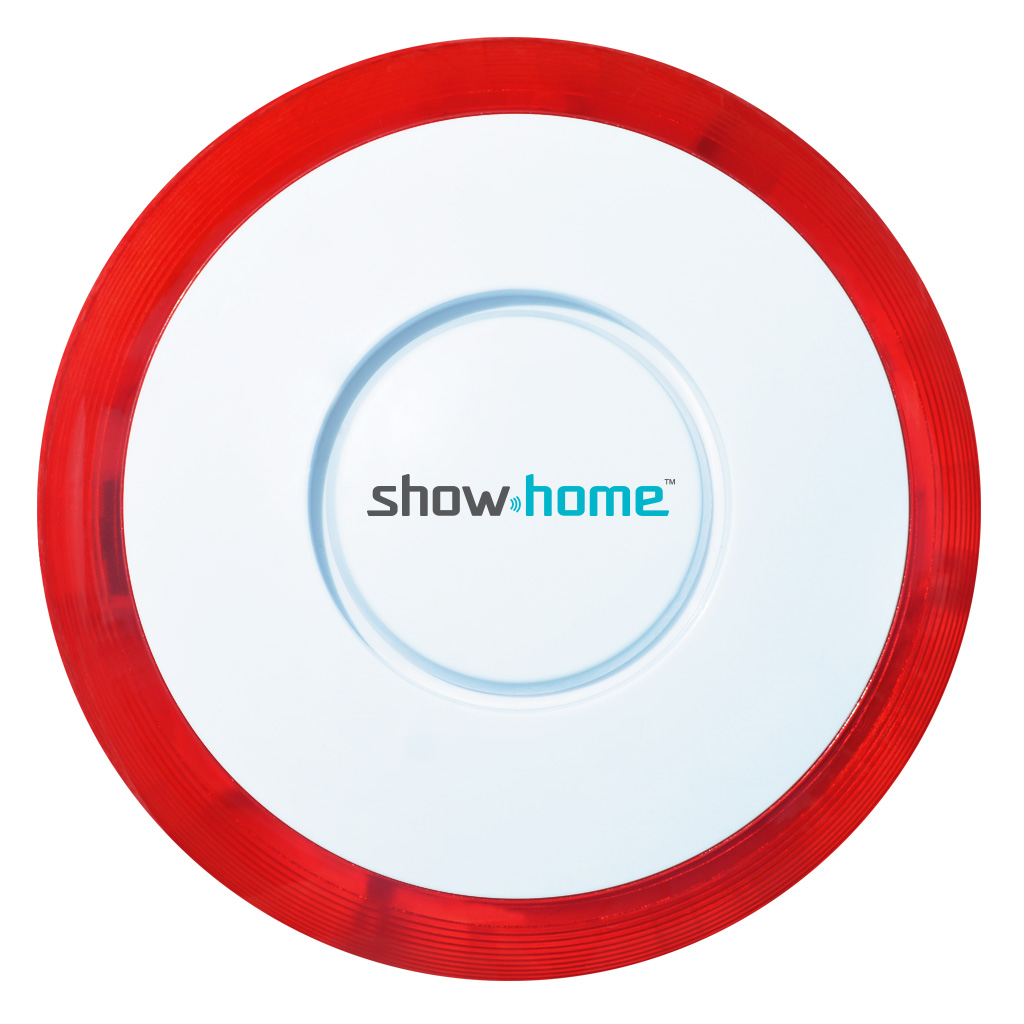
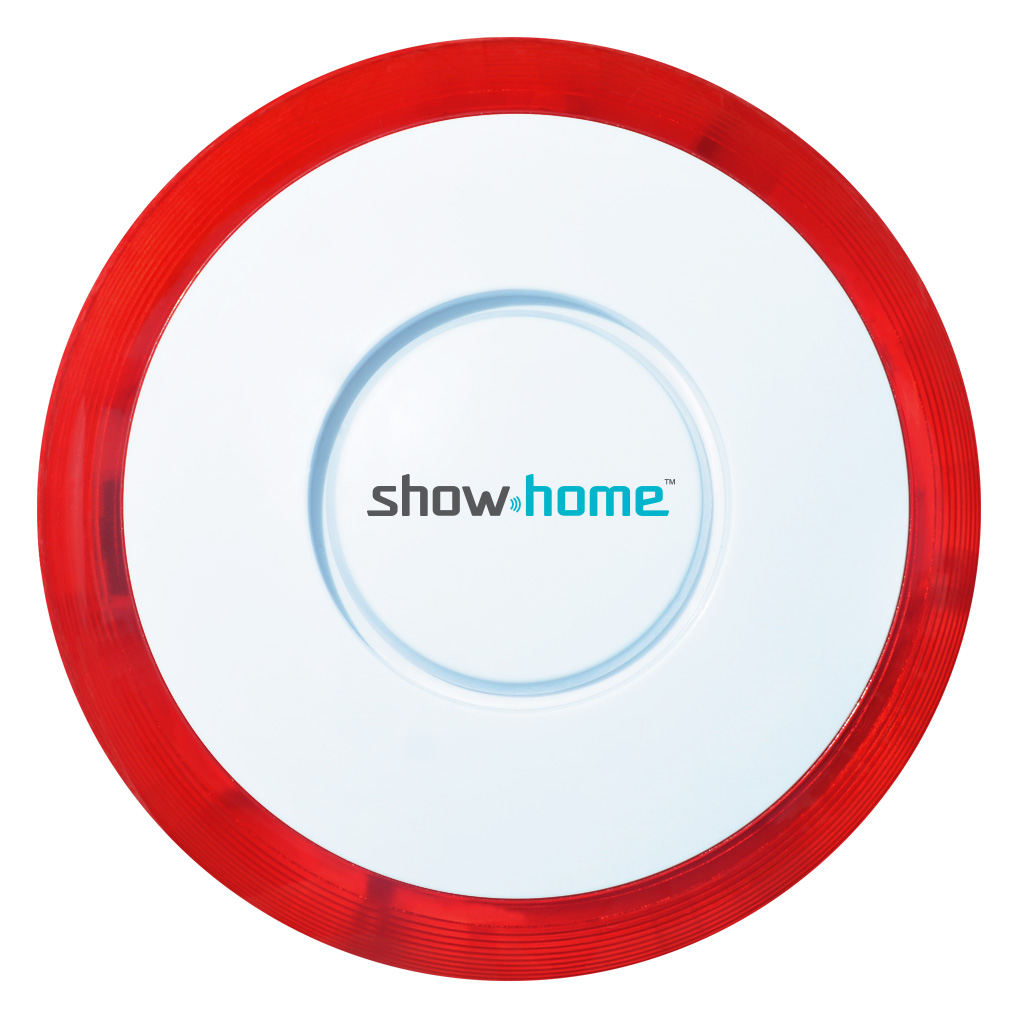
Name | Siren Box |
|---|
Short Description | Siren Box will emit a loud siren after it receives an alert. |
|---|
Long Description | This Box is designed to be used in areas where there is a need for a loud alarm, or security system. After triggered, the box will emit a loud siren until there is no longer power or the user stops the trigger signal. |
|---|
Brand | show home |
|---|
Product Identifier | ZW15 |
|---|
OEM Version | HW: 1 FW: 20.15 |
|---|
Hardware Platform | ZM5202 |
|---|
Z-Wave Version | 6.51.06 |
|---|
Library Type | SLAVE_ROUTING |
|---|
Device Type | Siren |
|---|
Role Type | ROLE_TYPE_SLAVE_SLEEPING_LISTENING |
|---|
Manufacturer ID | 0x015D |
|---|
Product Type ID | 0x4000 |
|---|
Product ID | 0x0F1C |
|---|
User Icon | 0x0F00 |
|---|
Installer Icon | 0x0F00 |
|---|
Frequency Plans | US: 916.00MHz, 908.40MHz |
|---|
Categories | Security Add-Ons |
|---|
Countries / Regions | United States of America |
|---|
Documents | Category | Description | File |
|---|
Manual_Primary_Lang | Product or Owner's Manual | |
|
|---|
Features | Feature | Values |
|---|
Battery Type | | Color | | Switch Type | | Battery Quantity | |
|
|---|
Association Groups | Group Number | Maximum Nodes Supported | End Point ID | Description |
|---|
1 | 5 | 0 | Z-Wave Plus Lifeline |
|
|---|
Texts | ID | Description | Value |
|---|
5 | Factory Reset | Press and hold ADD Button for at least 3 seconds while you insert batteries.
Please use this procedure only in the event that the network primary controller is missing or otherwise inoperable | 1 | Inclusion | 1. Follow the instructions for your Z-Wave certified controller to include a device to
the Z-Wave network.
2. Once the controller is ready to include your device, triple click the ADD
Button to include it in the network.
3. Once your controller has confirmed that the device has been included, refresh the
Z-Wave network to optimize performance. | 2 | Exclusion | 1. Follow the instructions for your Z-Wave certified controller to exclude a device
from the Z-Wave network.
2. Once the controller is ready to Exclude your device, triple click the ADD Button
to exclude it from the network. |
|
|---|
Supports NWI | Yes |
|---|
Supports Explorer Frames | Yes |
|---|
Is Flirs | Yes |
|---|
Radio Range Z-Wave (m) | 40 |
|---|