Product Recognition | |
|---|
Certification Number | ZC10-17095784 |
|---|
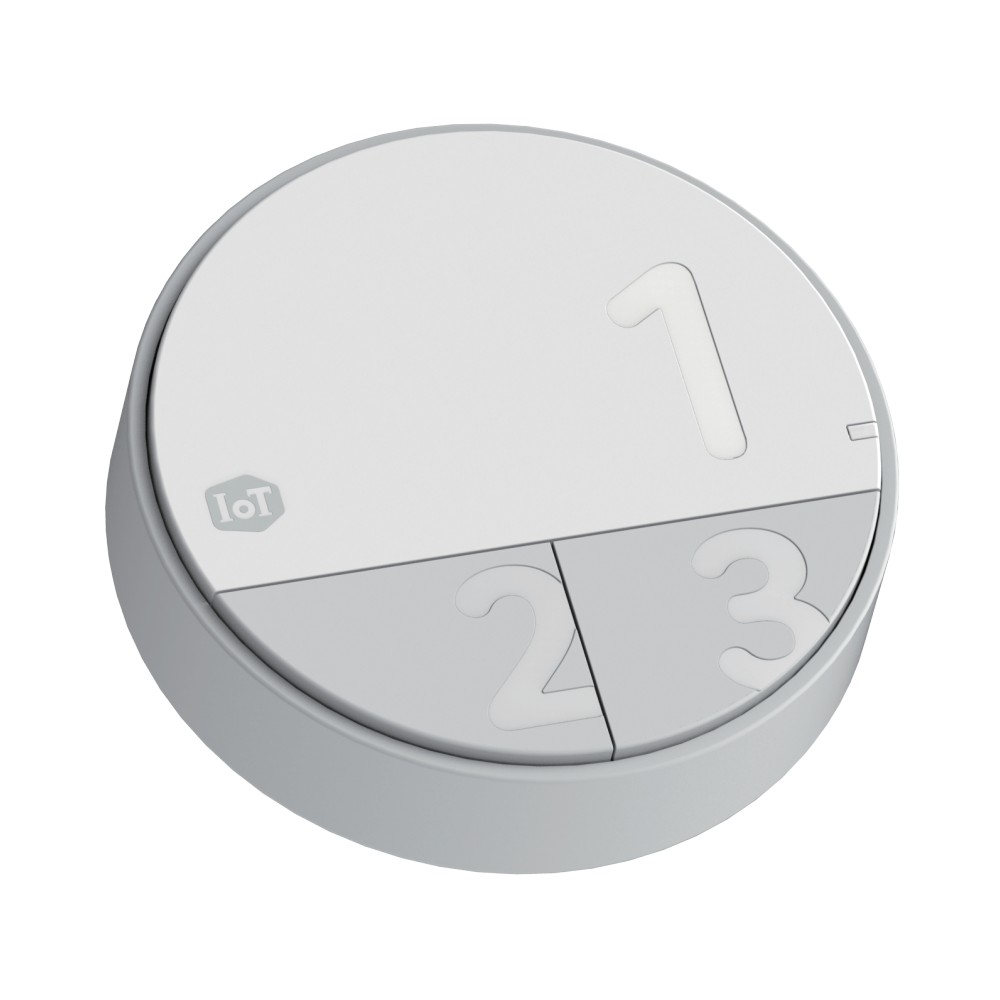
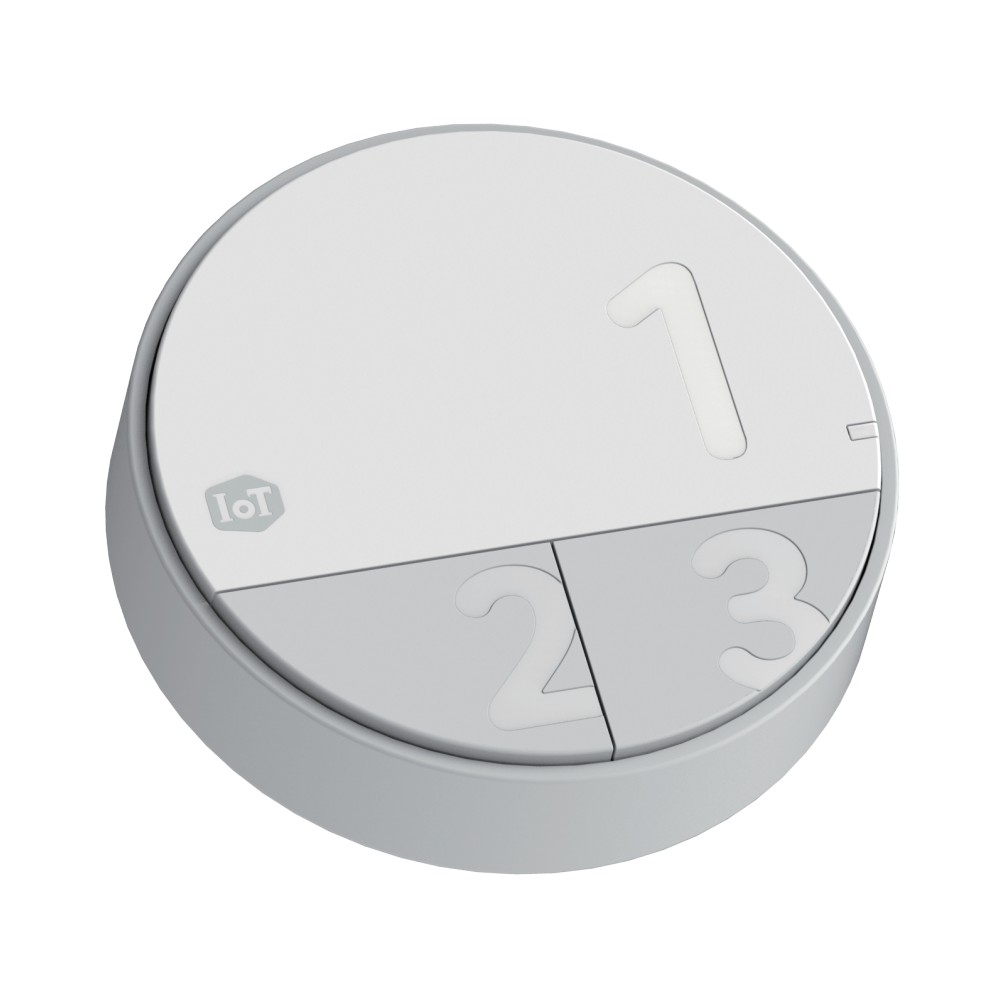
Name | Smart Button |
|---|
Short Description | Smart Button is a button device which extends the world of Z-Wave network. |
|---|
Long Description | Smart Button enables prompt access to the pre-defined operations such as turning all lights off, sending emergency notification to family members, and welcoming guests and so on. |
|---|
Brand | LG U+ |
|---|
Product Identifier | IBDK-01 |
|---|
OEM Version | HW: 1 FW: 39.40 |
|---|
Hardware Platform | ZM5101 |
|---|
Z-Wave Version | 6.71.01 |
|---|
Library Type | SLAVE_ENHANCED_232 |
|---|
Device Type | Wall Controller |
|---|
Role Type | ROLE_TYPE_SLAVE_SLEEPING_REPORTING |
|---|
Manufacturer ID | 0x014d |
|---|
Product Type ID | 0x0054 |
|---|
Product ID | 0x0001 |
|---|
User Icon | 0x1600 |
|---|
Installer Icon | 0x1600 |
|---|
Frequency Plans | KR: 920.90MHz, 921.70MHz, 923.10MHz |
|---|
Categories | All Lighting Devices, All Controllers, Handheld Controller, Lighting Accessories |
|---|
Countries / Regions | Republic of Korea |
|---|
Supported Command Classes | Identifier | Name | Key | Version |
|---|
COMMAND_CLASS_FIRMWARE_UPDATE_MD_V4 | Firmware Update Meta-Data V4 | 0x7A | 4 | COMMAND_CLASS_POWERLEVEL | Powerlevel | 0x73 | 1 | COMMAND_CLASS_BATTERY | Battery | 0x80 | 1 | COMMAND_CLASS_TRANSPORT_SERVICE_V2 | Transport Service V2 | 0x55 | 2 | COMMAND_CLASS_VERSION_V2 | Version V2 | 0x86 | 2 | COMMAND_CLASS_WAKE_UP_V2 | Wake Up V2 | 0x84 | 2 | COMMAND_CLASS_DEVICE_RESET_LOCALLY | Device Reset Locally | 0x5A | 1 | COMMAND_CLASS_ZWAVEPLUS_INFO_V2 | Z-Wave Plus Info V2 | 0x5E | 2 | COMMAND_CLASS_ASSOCIATION_V2 | Association V2 | 0x85 | 2 | COMMAND_CLASS_ASSOCIATION_GRP_INFO | Association Group Info | 0x59 | 1 | COMMAND_CLASS_SECURITY_2 | Security S2 | 0x9F | 1 | COMMAND_CLASS_CENTRAL_SCENE_V3 | Central Scene V3 | 0x5B | 3 | COMMAND_CLASS_SUPERVISION | Supervision | 0x6C | 1 | COMMAND_CLASS_MANUFACTURER_SPECIFIC_V2 | Manufacturer Specific V2 | 0x72 | 2 |
|
|---|
Controlled Command Classes | Identifier | Name | Key | Version |
|---|
COMMAND_CLASS_SUPERVISION | Supervision | 0x6C | 1 |
|
|---|
S2 Classes | S2_UNAUTHENTICATED |
|---|
Documents | Category | Description | File |
|---|
Manual_Primary_Lang | Product or Owner's Manual | |
|
|---|
Features | Feature | Values |
|---|
Battery Quantity | | Battery Type | | Firmware Updatable | Value |
|---|
Updatable by Consumer by RF |
|
|
|---|
Association Groups | Group Number | Maximum Nodes Supported | End Point ID | Description |
|---|
1 | 5 | 0 | Z-Wave Plus Lifeline |
|
|---|
Texts | ID | Description | Value |
|---|
23 | Controller Inclusion | 0. Put Controller into inclusion mode
1. Open battery cover
2. Press and hold the button there
3. LED is turned on after 5 seconds
4. Release the button when the LED is turned on | 24 | Controller Exclusion | 0. Put Controller into exclusion mode
1. Open battery cover
2. Press and hold the button there
3. LED is turned on after 5 seconds
4. Release the button when the LED is turned on | 5 | Factory Reset | Please excute this reset procedure only when the primary controller is missing or inoperable.
1. Open battery cover.
2. Press and hold the button there
3. LED is turned on after 5 seconds. Keep holding.
4. LET starts blinking after 10 seconds.
5. Release the button when the LED blinks | 4 | Device Wake-Up | 1. Open battery cover.
2. Press and hold the button there |
|
|---|
Supports NWI | Yes |
|---|
Supports Explorer Frames | Yes |
|---|