Product Recognition | |
|---|
Certification Number | ZC10-15060018 |
|---|
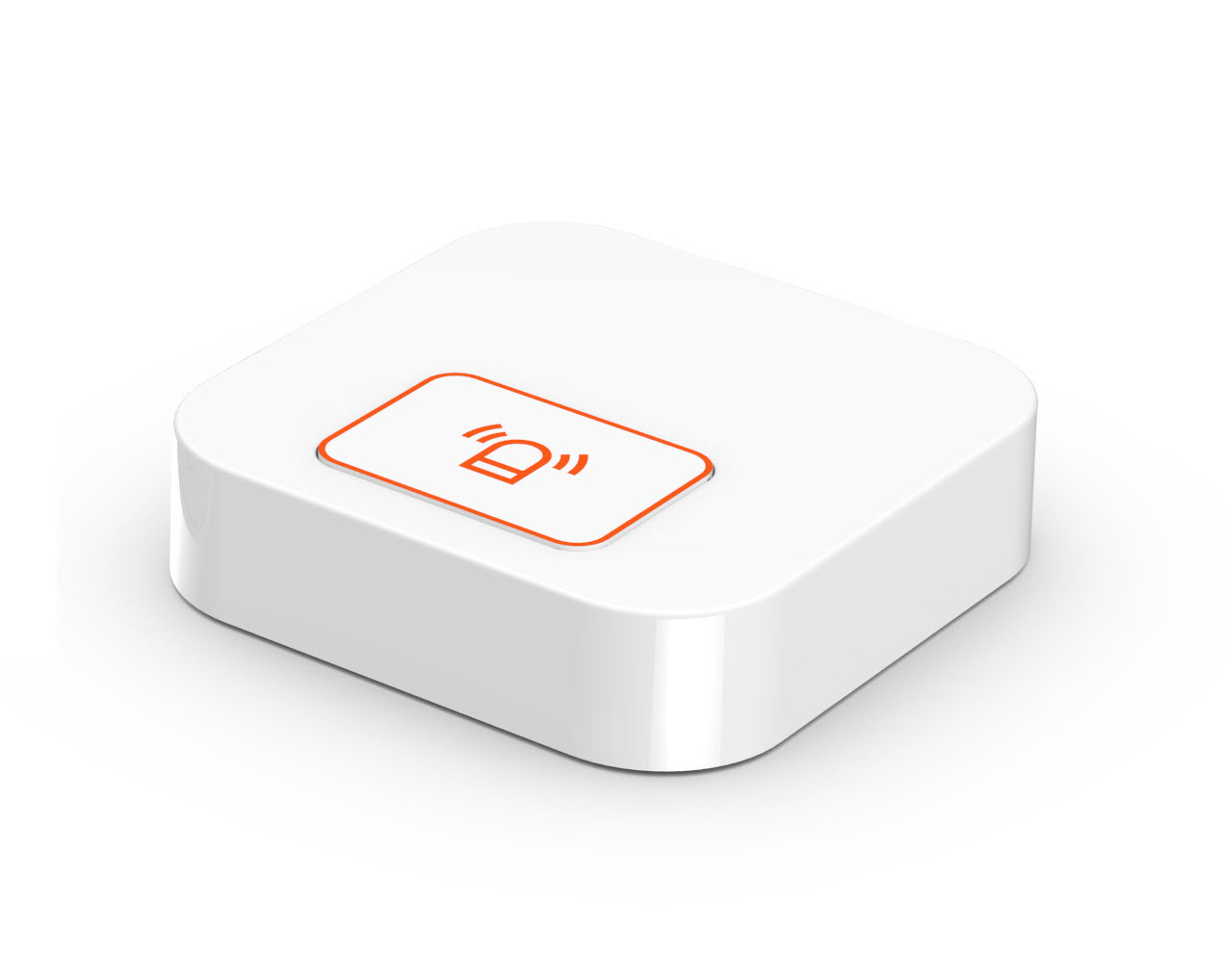
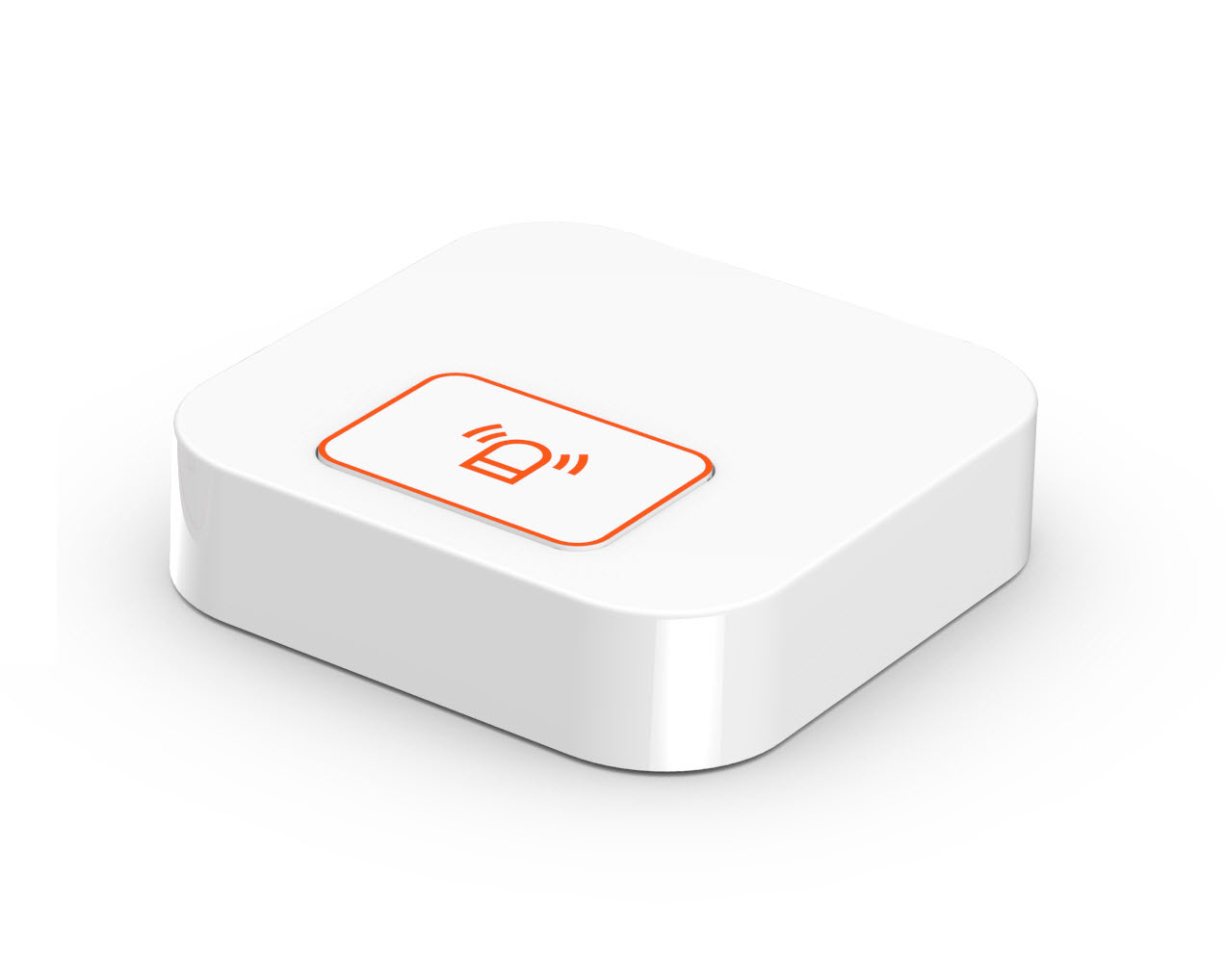
Name | SMART BUTTON |
|---|
Short Description | Smart Button |
|---|
Long Description | Set up as door lock unlock or alarm panic button or to control other devices |
|---|
Brand | SAMSUNG SDS |
|---|
Product Identifier | SHP-TB100Z |
|---|
OEM Version | 01 |
|---|
Hardware Platform | ZM5101 |
|---|
Z-Wave Version | 6.51.06 |
|---|
Library Type | SLAVE_ENHANCED_232 |
|---|
Device Type | Notification Sensor |
|---|
Role Type | ROLE_TYPE_SLAVE_SLEEPING_REPORTING |
|---|
Manufacturer ID | 0x022E |
|---|
Product Type ID | 0x0003 |
|---|
Product ID | 0x0003 |
|---|
Frequency Plans | KR: 920.90MHz, 921.70MHz, 923.10MHz |
|---|
Categories | Sensors, All Lighting Devices |
|---|
Countries / Regions | Republic of Korea |
|---|
Documents | Category | Description | File |
|---|
Manual_Primary_Lang | Product or Owner's Manual | |
|
|---|
Association Groups | Group Number | Maximum Nodes Supported | End Point ID | Description |
|---|
1 | 5 | 0 | - Lifeline between controller and SHP-TB100Z
- Supported command classes
: Battery report, Notification report, and Device Reset Locally notification
- Maximum supported nodes are 5 |
|
|---|
Texts | ID | Description | Value |
|---|
5 | Factory Reset | Please use this procedure only in the event that the network primary controller is missing or otherwise inoperable
Press a Func_Button for 10 seconds in SHP-TB100Z
- If Factory Reset Process is successful, LED is Blinking 1 time in SHP-TB100Z
- Device Reset Locally notification is Transmitted | 4 | Device Wake-Up | - press a Func_Button | 1 | Inclusion | - Click [Add] icon in Z-Wave PC Controller Program
- Press a Func_Button 1 time in SHP-TB100Z (Smart Button)
- If Inclusion Process is successful, LED is Blinking 3 times in SHP-TB100Z | 2 | Exclusion | - Click [Remove] icon in Z-Wave PC Controller Program
- Press a Func_Button 3 times quickly in SHP-TB100Z
- If Exclusion Process is successful, LED is Blinking 5 times in SHP-TB100Z |
|
|---|
Supports NWI | Yes |
|---|
Supports Explorer Frames | Yes |
|---|
Radio Range Z-Wave (m) | 40 |
|---|