Product Recognition | |
|---|
Certification Number | ZC10-20076947 |
|---|
Name | Smart LED dimmer Z-Wave 250W |
|---|
Short Description | ECO-DIM.10 Z-Wave is a smart module dimmer for LED lights. |
|---|
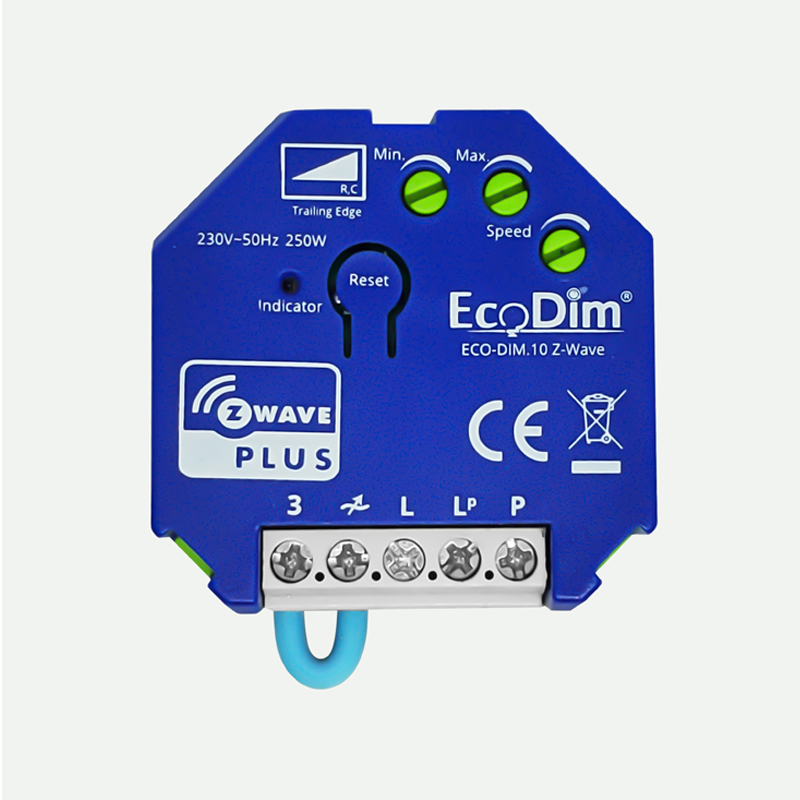
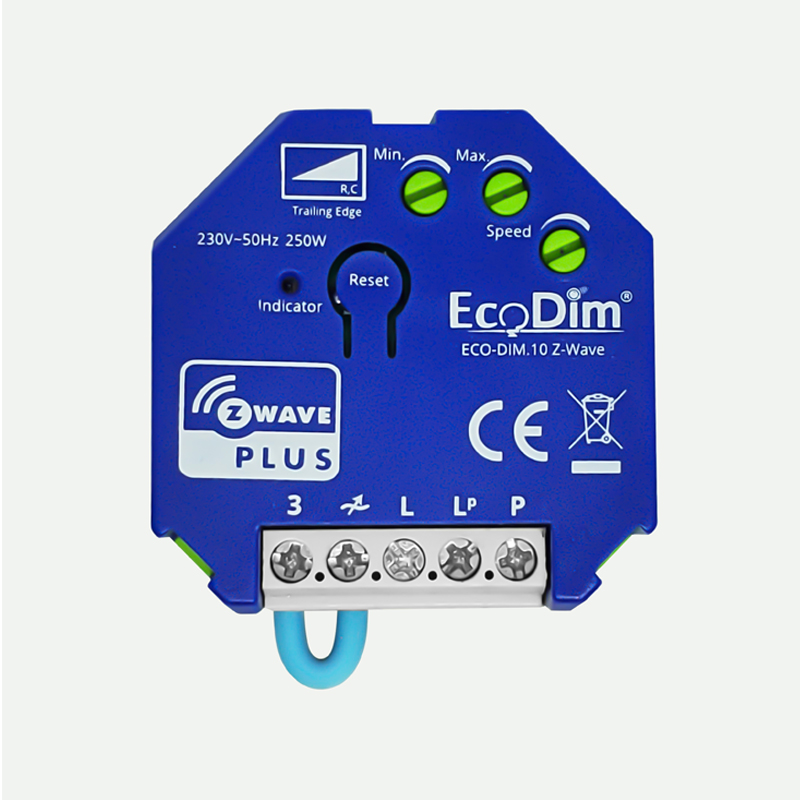
Long Description | ECO-DIM.10 Z-Wave is a smart module dimmer for LED lights. The dimmer module has a range of 250W LED and beside LED lights also able to dim 230V halogen and incandescent bulds, dimable LED-drivers and electronic transfomers.
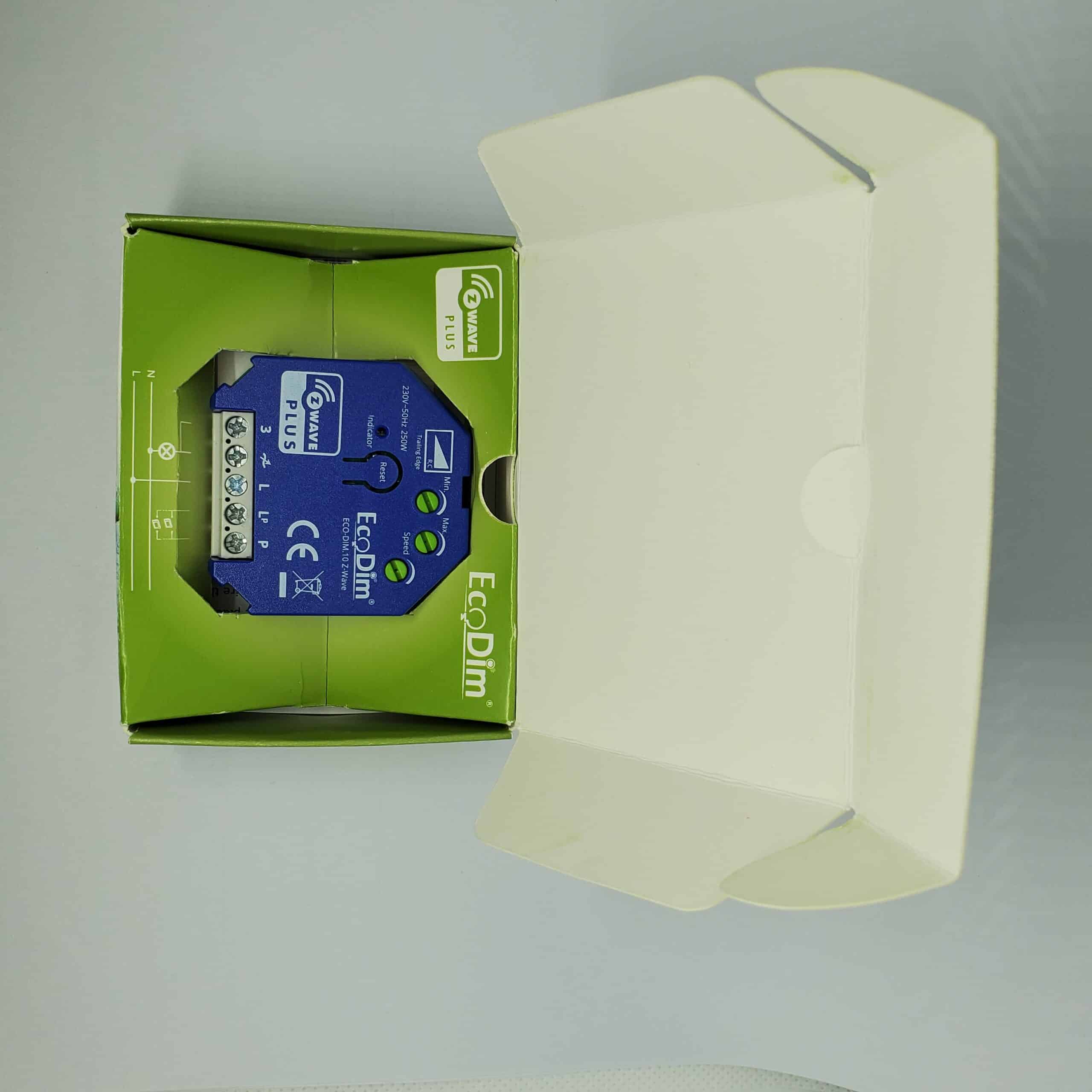
The minimum and maximum light level of the dimmer can be adjusted by the MIN and MAX potentiometer, also the speed of dimming by a pulse switch is adjustable by the SPEED potentiometer. The ECO-DIM.10 is protected against overload and interference signals.
For the installation of the ECO-DIM.10 Z-Wave you only need two wires, three wire installation (with extra neutral wire) is available, but not required.
It is suitable for all smarthome systems based on Z-Wave (plus) protocol. The smart dimmer module is compatible with 95% of all dimmable LED lights. |
|---|
Brand | EcoDim BV |
|---|
Product Identifier | ECO-DIM.10 Z-Wave |
|---|
Product Line | LED Dimmer |
|---|
OEM Version | HW: 1 FW: 1.10 |
|---|
Hardware Platform | ZM5101 |
|---|
Z-Wave Version | 6.81.03 |
|---|
Library Type | SLAVE_ENHANCED_232 |
|---|
Device Type | Light Dimmer Switch |
|---|
Role Type | ROLE_TYPE_SLAVE_ALWAYS_ON |
|---|
Manufacturer ID | 0x0431 |
|---|
Product Type ID | 0x0202 |
|---|
Product ID | 0x0002 |
|---|
User Icon | 0x0600 |
|---|
Installer Icon | 0x0600 |
|---|
Frequency Plans | EU: 869.85MHz, 868.40MHz |
|---|
Categories | All Lighting Devices, Dimming Lighting Devices, Lighting Accessories |
|---|
Countries / Regions | European Union |
|---|
Supported Command Classes | Identifier | Name | Key | Version |
|---|
COMMAND_CLASS_SWITCH_MULTILEVEL | Switch Multilevel | 0x26 | 1 | COMMAND_CLASS_FIRMWARE_UPDATE_MD_V4 | Firmware Update Meta-Data V4 | 0x7A | 4 | COMMAND_CLASS_POWERLEVEL | Powerlevel | 0x73 | 1 | COMMAND_CLASS_BASIC | Basic | 0x20 | 1 | COMMAND_CLASS_CONFIGURATION | Configuration | 0x70 | 1 | COMMAND_CLASS_SECURITY | Security S0 | 0x98 | 1 | COMMAND_CLASS_TRANSPORT_SERVICE_V2 | Transport Service V2 | 0x55 | 2 | COMMAND_CLASS_VERSION_V2 | Version V2 | 0x86 | 2 | COMMAND_CLASS_DEVICE_RESET_LOCALLY | Device Reset Locally | 0x5A | 1 | COMMAND_CLASS_ZWAVEPLUS_INFO_V2 | Z-Wave Plus Info V2 | 0x5E | 2 | COMMAND_CLASS_ASSOCIATION_V2 | Association V2 | 0x85 | 2 | COMMAND_CLASS_METER_V3 | Meter V3 | 0x32 | 3 | COMMAND_CLASS_ASSOCIATION_GRP_INFO | Association Group Info | 0x59 | 1 | COMMAND_CLASS_SECURITY_2 | Security S2 | 0x9F | 1 | COMMAND_CLASS_SUPERVISION | Supervision | 0x6C | 1 | COMMAND_CLASS_MANUFACTURER_SPECIFIC_V2 | Manufacturer Specific V2 | 0x72 | 2 |
|
|---|
Controlled Command Classes | Identifier | Name | Key | Version |
|---|
COMMAND_CLASS_SWITCH_MULTILEVEL | Switch Multilevel | 0x26 | 1 | COMMAND_CLASS_BASIC | Basic | 0x20 | 1 |
|
|---|
S2 Classes | S2_UNAUTHENTICATED, S2_AUTHENTICATED |
|---|
Documents | Category | File | Description |
|---|
Image_Product_Supplemental_4 | | | Image_Product_Supplemental_5 | | | Manual_Primary_Lang | | Product Manual in English, German and Dutch |
|
|---|
Features | Feature | Values |
|---|
Communications Protocol | Value |
|---|
Manufacturer Proprietary Protocol |
| Firmware Updatable | Value |
|---|
Updatable by Consumer by RF |
| Switch Load Capacity Watts | | Switch Type | Value |
|---|
Decorator Paddle Push |
|
|
|---|
Association Groups | Group Number | Maximum Nodes Supported | End Point ID | Group Name | Profile | Description |
|---|
1 | 5 | 0 | lifeline | 0x0001 | The ASSIC of Lifeline: 4C 69 66 65 6C 69 6E 65
1. When press and hold down “Reset” button for
4S to reset the dimmer, send "Device Reset
Locally Notification CC" to associated devices of
this group to report factory reset information.
2. When load state changes, send "Switch
Multilevel Report CC" to associated devices of
this group. | 2 | 5 | 0 | Basic Set | 0x2001 | Basic Set: 42 61 73 69 63 20 53 65 74
1. Short press the knob turn on the dimmer
Sends Basic Set(0xFF) to associated devices
2. Short press the knob turn off the dimmer
Sends Basic Set(0x00) to associated devices | 3 | 5 | 0 | Switch Multilevel | 0x2002 | Switch Multilevel: 53 77 69 74 63 68 20 4D 75 6C
74 69 6C 65 76 65 6C
1. “Anti-Clockwise the knob” Sends Switch
Multilevel Set(to decrease the brightness and
keep associated devices in sync with this device)
to associated devices
2. “Clockwise the knob” Sends Switch Multilevel
Set(to increase the brightness and keep
associated devices in sync with this device) to
associated devices | 4 | 5 | 0 | External Button | 0x2003 | External Button: 45 78 74 65 72 6E 61 6C 20 42
75 74 74 6F 6E
1. External Button hold send Switch Multilevel
Start Level Change (Switchover dimmer
Up/Down)
2. External Button release send Switch Multilevel
Stop Level Change |
|
|---|
Configuration Parameters | Parameter Number | Name | Description | Format | Size | Min Value | Max Value | Default Value | Parameter Values |
|---|
1 | State After Power Restored | he state the switch should return to once power is restored after power failure. 0 - Off. 1 - On. 2 - Returns to level before Power Outage | 1 | 1 | 0 | 2 | 0 | From | To | Description |
|---|
0 | 0 | Off | 1 | 1 | On | 2 | 2 | Returns to level before Power Outage |
| 2 | Notification when Load status change | The Dimmer will send notification to associated device (Group Lifeline) when the status of Dimmer load is changed. 0 - The function is disabled. 1 - Send Switch Multilevel Report. 2- Send Switch Multilevel Report only when Load status is not changed by Z-WAVE Command | 0 | 1 | 0 | 2 | 1 | From | To | Description |
|---|
0 | 0 | The function is disabled | 1 | 1 | Send Switch Multilevel Report . | 2 | 2 | Send Switch Multilevel Report only when Load status is not changed by Z-WAVE Command |
| 3 | Default dimming speed | Valid value, unit is second. 0-100 0 - Instanly. 1 - Fast. … 100 - Slow. | 1 | 1 | 0 | 100 | 5 | From | To | Description |
|---|
0 | 0 | instantly | 1 | 1 | fast | 100 | 100 | slow |
| 5 | Enable or Disable external switch to pair network | Enable or Disable external switch to pair network. 0 - Disable. 1 - Enable. | 1 | 1 | 0 | 1 | 1 | From | To | Description |
|---|
0 | 0 | Disable | 1 | 1 | Enable |
| 6 | Setting dimming way | Setting dimming way. 0 - Linear dimming. 1 - Logarithmic dimming. | 1 | 1 | 0 | 1 | 0 | From | To | Description |
|---|
0 | 0 | Linear dimming | 1 | 1 | Logarithmic dimming |
| 8 | Setting delay time when turn off | Setting delay time when turn off, unit is second. Values reads: From: 1; To: 60; Description: Amount of time in seconds after which the light turns off | 1 | 1 | 0 | 60 | 0 | From | To | Description |
|---|
0 | 0 | the light turns off immediately | 1 | 60 | Amount of time in seconds after which the light turns off |
| 7 | Setting default brightness when turn on the dimmer from off status. | Setting default brightness when turn on the dimmer from off status. Setting of 0 means that the dimmer will use parameter 1. From 0; To: 99; Description: Default brightness percentage | 1 | 1 | 0 | 99 | 0 | From | To | Description |
|---|
0 | 0 | the default brightness is 1% | 1 | 99 | Default brightness percentage (where 99% = 100% brightness) |
|
|
|---|
Texts | ID | Description | Value |
|---|
3 | Controller Learn Mode | 1. Power on the dimmer controller, press and hold down the reset button for over 4 seconds, it will set the dimmer
controller into inclusion mode.25 seconds timeout if there is no reply from the Z-Wave primary controller, repeat the operation.
2. The dimmer controller will be added to the Z-Wave network. | 23 | Controller Classic Inclusion | 1. Set primary controller/gateway into inclusion mode (If you don’t know how to do this, Please refer to your
primary controller’s manual on how to turn your controller into inclusion mode).
2. Power on the dimmer controller, press and hold down the reset button for over 4 seconds, it will set the dimmer
controller into inclusion mode.25 seconds timeout if there is no reply from the Z-Wave primary controller, repeat
the operation.
3. The dimmer controller will be added to the Z-Wave network. | 24 | Controller Classic Exclusion | 1. Set primary controller/gateway into exclusion mode (If you don’t know how to do this, Please refer to your
primary controller’s manual on how to turn your controller into exclusion mode).
2. Power on the dimmer controller again, it will set the dimmer controller into exclusion mode (The dimmer
controller already exists a Z-Wave network). 25 seconds timeout if there is no reply from the Z-Wave primary
controller, repeat the operation.
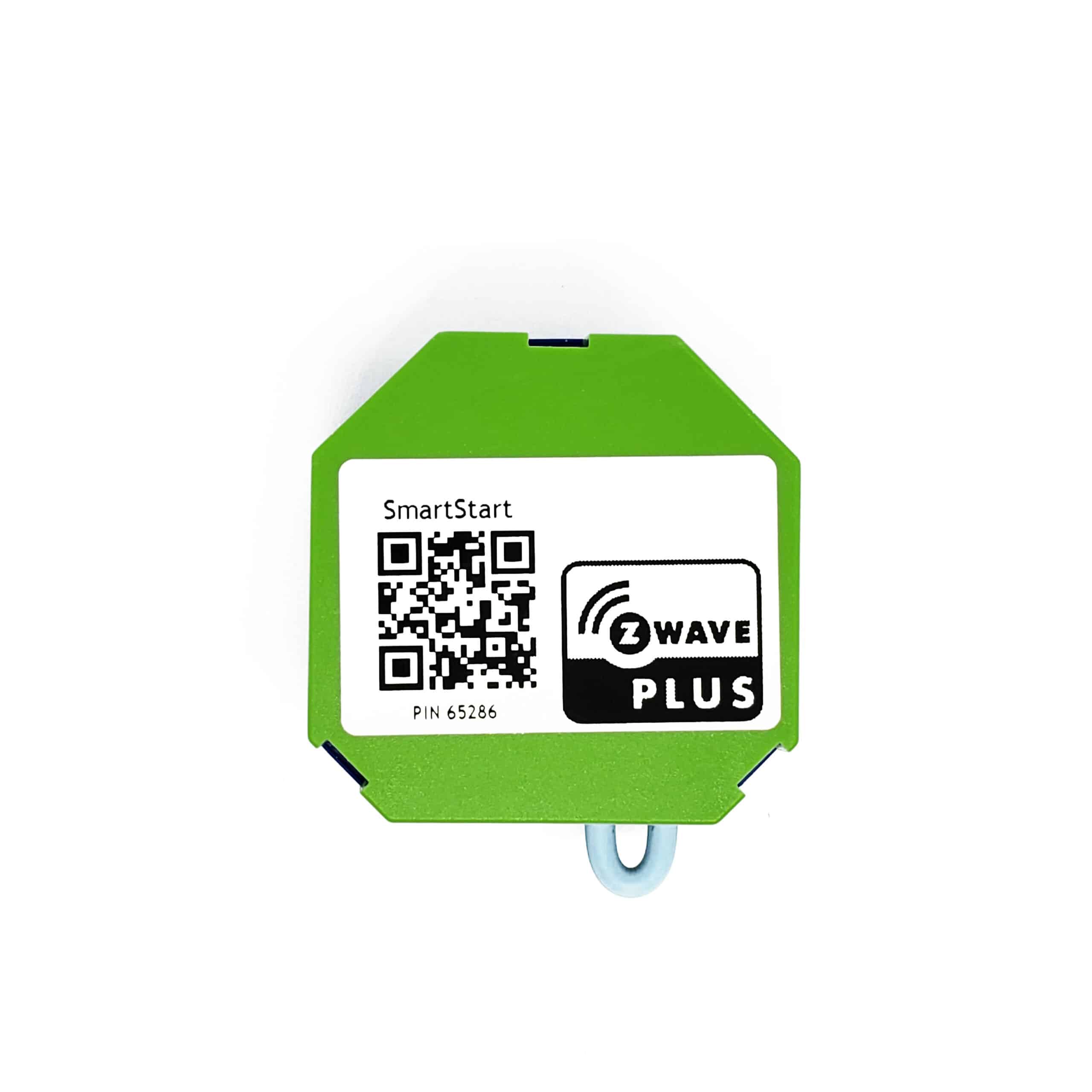
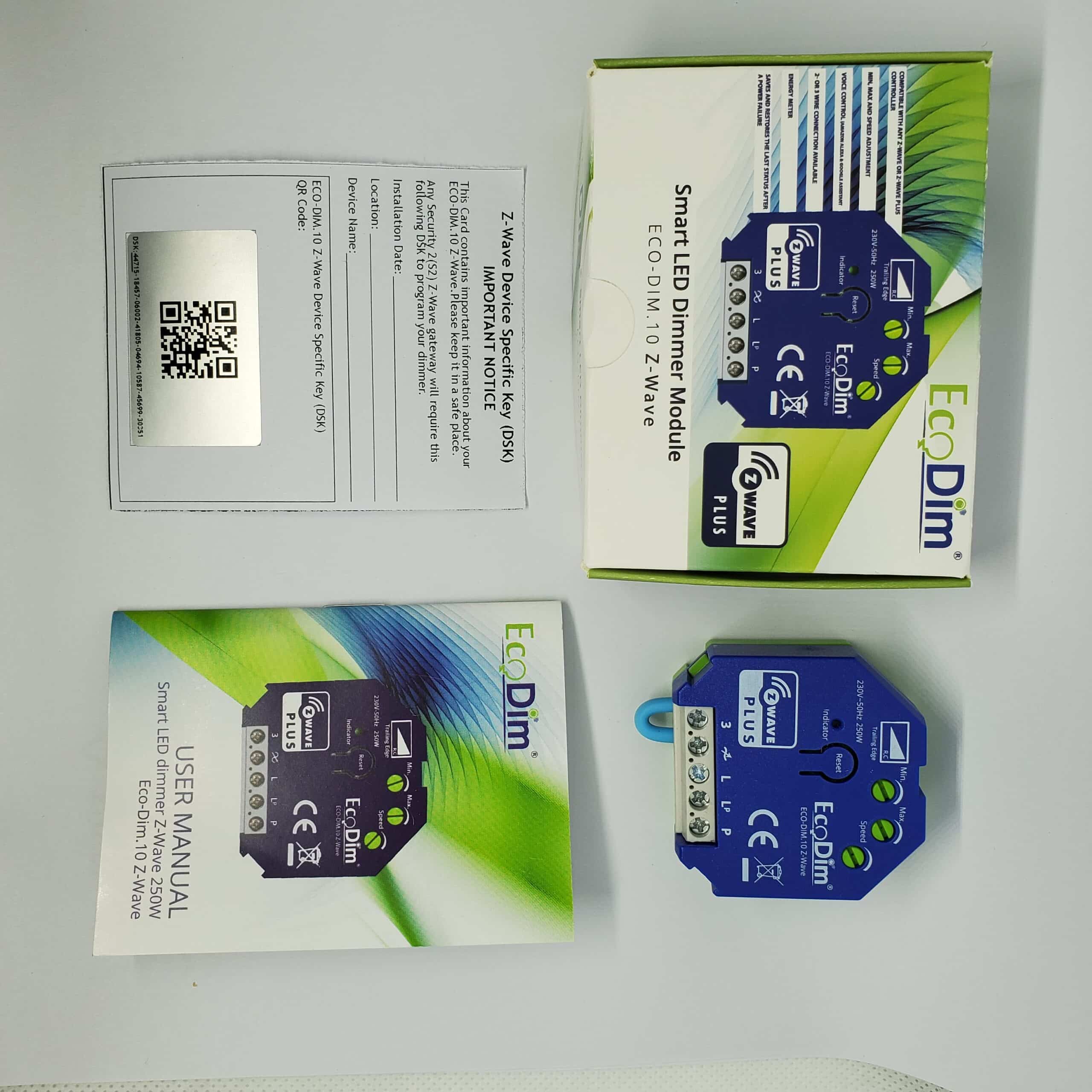
3. The dimmer controller will be removed from the Z-Wave network. | 8 | Where to find S2 DSK on product | The Dimmer has a DSK string, you can key in first five digit to increment SmartStart process, or you can scan QR code. The QR code can be found on the Dimmer controller or in the box.
Ex: 65286-19008-32952-20593- 44872-18102-41266-46651 | 1 | Classic Inclusion | 1. Remove the device from previous Z-Wave network if it has already been added to, otherwise pairing mode will be fail.
2. Double Press the reset button.
3. The indicator will start blinking blue and stay solid for 10s when pairing succeed, timeout 15mins. | 2 | Classic Exclusion | Method 1. From your Z-Wave hub interface, choose to delete or reset
the device as instructed.
Method 2. Remove from the Device, see below instructions.
1). Press the reset button for 3 times.
2). The indicator will start blinking purple and stay solid for 10s when remove done, timeout 3mins. | 5 | Factory Reset Procedure | 1. Press the reset button for 5s.
2. When the Indicator stay in Red for 10s, reset finished | 6 | Other Special Features | 1) Min./Max./Dimming Speed adjustment
For the SMART dimmer to work optimally or suitable for your preference, you can adjust the brightness at the Min. and Max. level and also the dimming speed with the MIN./MAX./Dimming Speed adjustment.
- MIN adjustment: Switch on the lights. When the lights are on, insert a screwdriver in MIN and turn to the left. When the light becomes unsteady, turn slightly back to the right so that the light remains steady.
- MAX adjustment: Switch on the lights. When the lights are on, insert a screwdriver in MAX and turn to the right. When the light becomes unsteady, turn slightly back to the left so that the light remains steady.
- Dimming Speed adjustment: Insert a screwdriver in Speed, clockwise to increase the dimming speed when you push the momentary switch, vice versa. |
|
|---|
Supported / Controlled Meter Types | Meter Type | Rate Type | Description |
|---|
Electric meter | Import | Electric Meter Consumption |
|
|---|
Supports NWI | Yes |
|---|
Supports Explorer Frames | Yes |
|---|
Supports SmartStart | Yes |
|---|
Radio Range Z-Wave (m) | 40 |
|---|