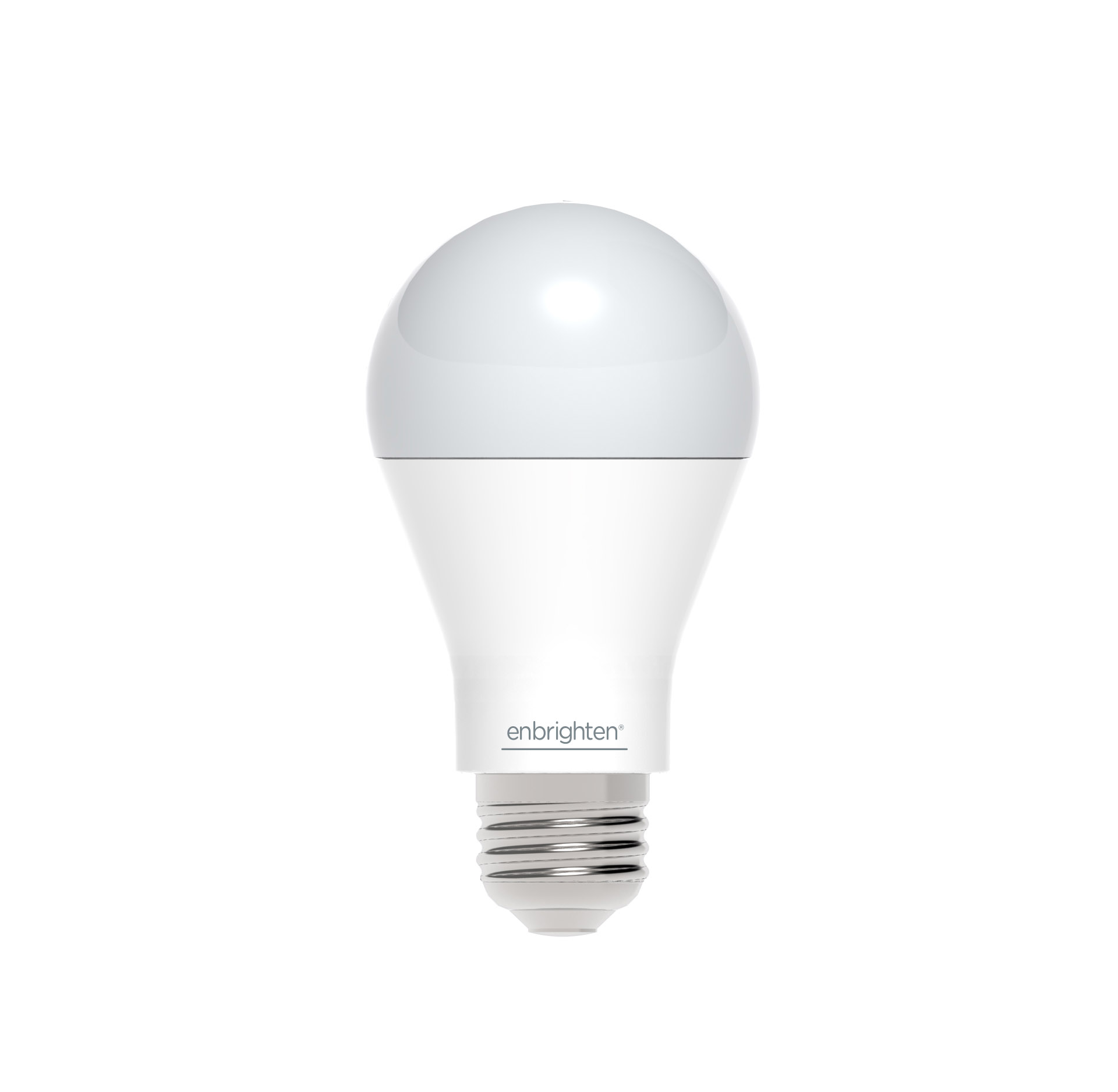
Product Recognition | |
|---|
Certification Number | ZC10-16095215 |
|---|
Name | Smart LED Light Bulb |
|---|
Short Description | Smart LED light bulb with Z-Wave radio. Fully dimmable, 60W equivalent, consumes 9W of power, A19 screw in bulb with frosted soft light |
|---|
Long Description | Smart LED light bulb with Z-Wave radio.
- Control lights remotely and save energy
- Compatible with smart home systems supporting Z-Wave
- 60 Watt equivalent light (750 lumens)
- Consumes only 9 watts of power
- 2700K soft light with frosted glass
- Instant ON and fully dimmable
- Functions as a Z-Wave signal repeater
- Very simple to include in your network
- Z-Wave Plus certified |
|---|
Brand | Enbrighten |
|---|
Product Identifier | 35931 |
|---|
OEM Version | HW: 1 FW: 5.32 |
|---|
Hardware Platform | ZM5202 |
|---|
Z-Wave Version | 6.51.08 |
|---|
Library Type | SLAVE_ENHANCED_232 |
|---|
Device Type | Light Dimmer Switch |
|---|
Role Type | ROLE_TYPE_SLAVE_ALWAYS_ON |
|---|
Manufacturer ID | 0x0063 |
|---|
Product Type ID | 0x4C42 |
|---|
Product ID | 0x3031 |
|---|
User Icon | 0x0006 |
|---|
Installer Icon | 0x0006 |
|---|
Frequency Plans | US: 916.00MHz, 908.40MHz |
|---|
Categories | All Lighting Devices, Dimming Lighting Devices |
|---|
Countries / Regions | United States of America |
|---|
Supported Command Classes | Identifier | Name | Key | Version |
|---|
COMMAND_CLASS_SWITCH_MULTILEVEL | Switch Multilevel | 0x26 | 1 | COMMAND_CLASS_POWERLEVEL | Powerlevel | 0x73 | 1 | COMMAND_CLASS_SWITCH_ALL | Switch All | 0x27 | 1 | COMMAND_CLASS_BASIC | Basic | 0x20 | 1 | COMMAND_CLASS_CONFIGURATION | Configuration | 0x70 | 1 | COMMAND_CLASS_VERSION_V2 | Version V2 | 0x86 | 2 | COMMAND_CLASS_DEVICE_RESET_LOCALLY | Device Reset Locally | 0x5A | 1 | COMMAND_CLASS_ZWAVEPLUS_INFO_V2 | Z-Wave Plus Info V2 | 0x5E | 2 | COMMAND_CLASS_ASSOCIATION_V2 | Association V2 | 0x85 | 2 | COMMAND_CLASS_ASSOCIATION_GRP_INFO | Association Group Info | 0x59 | 1 | COMMAND_CLASS_FIRMWARE_UPDATE_MD_V2 | Firmware Update Meta-Data V2 | 0x7A | 2 | COMMAND_CLASS_MANUFACTURER_SPECIFIC_V2 | Manufacturer Specific V2 | 0x72 | 2 |
|
|---|
Documents | Category | Description | File |
|---|
Manual_Primary_Lang | Product or Owner's Manual | |
|
|---|
Features | Feature | Values |
|---|
Z-Wave Scene Type | | Color | | Firmware Updatable | Value |
|---|
Updatable by Manufacturer |
|
|
|---|
Association Groups | Group Number | Maximum Nodes Supported | End Point ID | Description |
|---|
1 | 5 | 0 | Z-Wave Plus Lifeline |
|
|---|
Texts | ID | Description | Value |
|---|
1 | Inclusion | 1. Turn Off power to the light bulb socket
2. Screw in the light bulb
3. Place your network controller into inclusion mode by following the controller manufacturer's instructions
4. Turn On power to the light bulb. If successful, the LED light bulb will flash twice to indicate successful inclusion.
5. If the controller/gateway shows it was a fail, repeat the procedure.
Note: If Inclusion still fails after the 2nd attempt, you need to first RESET the dt Smart Bulb before repeating the above steps. | 2 | Exclusion | 1. Turn off power to the light bulb socket
2. Follow the network controller instruction to place your network controller into exclusion mode to remove the dt light bulb from the network.
3. After being prompted by the network controller, turn On power to the light bulb. If successful, the LED light bulb will flash twice to indicate successful exclusion. | 5 | Factory Reset | You may manually reset the light bulb as follows:
1. Flick the wall switch “OFF-ON” 4 times within 4 seconds.
2. The dt Smart Bulb will flash twice after Reset is successful.
Use this procedure only in the event that the network primary controller is lost or otherwise inoperable. |
|
|---|
Supports NWI | Yes |
|---|
Supports Explorer Frames | Yes |
|---|
Radio Range Z-Wave (m) | 40 |
|---|