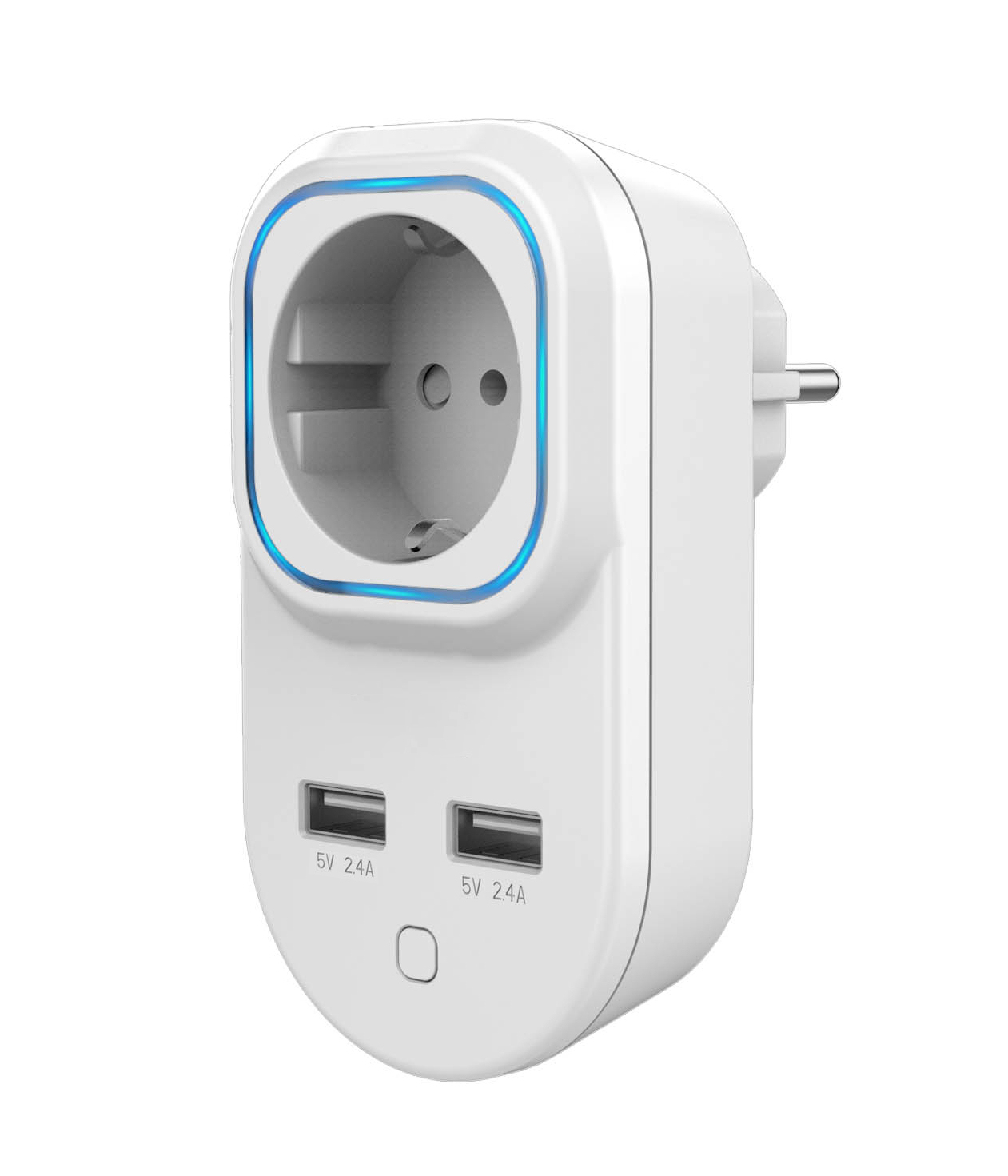
Product Recognition | |
|---|
Certification Number | ZC10-16075153 |
|---|
Name | Smart Plug |
|---|
Short Description | Smart plug is a Z-Wave Switch plugin module specifically used to enable Z-Wave command and control (on/off) of any plug-in tool. |
|---|
Long Description | Smart plug is a Z-Wave Switch plugin module specifically used to enable Z-Wave command and control (on/off) of any plug-in tool. It can report wattage consumption or kWh energy usage, and can indicate the power level with a RGB LED.
Smart Plug is also a security Z-Wave device and supports the Over The Air (OTA) feature for the product’s firmware upgrade . |
|---|
Brand | Hank |
|---|
Product Identifier | HKZW-SO05 |
|---|
OEM Version | HW: 1 FW: 1.00 |
|---|
Hardware Platform | ZM5101 |
|---|
Z-Wave Version | 6.51.08 |
|---|
Library Type | SLAVE_ENHANCED_232 |
|---|
Device Type | On/Off Power Switch |
|---|
Role Type | ROLE_TYPE_SLAVE_ALWAYS_ON |
|---|
Manufacturer ID | 0x0208 |
|---|
Product Type ID | 0x0100 |
|---|
Product ID | 0x000A |
|---|
User Icon | 0x0700 |
|---|
Installer Icon | 0x0700 |
|---|
Frequency Plans | EU: 869.85MHz, 868.40MHz |
|---|
Categories | Energy Meters, All Lighting Devices, On/Off Switches/Devices |
|---|
Countries / Regions | European Union |
|---|
Documents | Category | Description | File |
|---|
Manual_Primary_Lang | Product or Owner's Manual | |
|
|---|
Features | Feature | Values |
|---|
Color | | Supported Meter Type | | Firmware Updatable | Value |
|---|
Updatable by Consumer by RF |
| Switch Load Capacity Current | |
|
|---|
Association Groups | Group Number | Maximum Nodes Supported | End Point ID | Description |
|---|
1 | 5 | 0 | Z-Wave Plus Lifeline |
|
|---|
Texts | ID | Description | Value |
|---|
1 | Inclusion | 1) Connect the power supply.
2) Set the Z-Wave network main controller into inclusion mode (see Z-Wave network controller operating manual).
3) Triple click the Z-button or power up the device , RGB LED indicator should blink fast in blue.
4) Smart Plug should be recognized and included into the Z-Wave network. | 5 | Factory Reset | 1) Insert the Plug into a socket,
2) Press and hold the Z button for more than 20 seconds,
3) If holding time more than 20seconds, the RGB LED indicator will keep yellow for 2 seconds, which means resetting is completed.
Use this procedure only in the event that the network primary controller is missing or otherwise inoperable. | 2 | Exclusion | 1) Insert the Plug into a socket.
2) Set the Z-Wave network controller into the exclusion mode (see Z-Wave controller operating manual).
3) Triple click the Z button.
4) RGB LED indicator will blink orange till the removing process is completed, than the indicator will keep orange for 3 seconds. |
|
|---|
Supported / Controlled Meter Types | Meter Type | Rate Type | Description |
|---|
Electric meter | Import | Electric Meter Consumption |
|
|---|
Supports NWI | Yes |
|---|
Supports Explorer Frames | Yes |
|---|

-scaled.jpg)