| Product Recognition | |
|---|
| Certification Number | ZC10-17045561 |
|---|
| Name | Smart Plug-In Module (1 Channel) |
|---|
| Short Description | Smart Plug-In Module (1 Channel) |
|---|
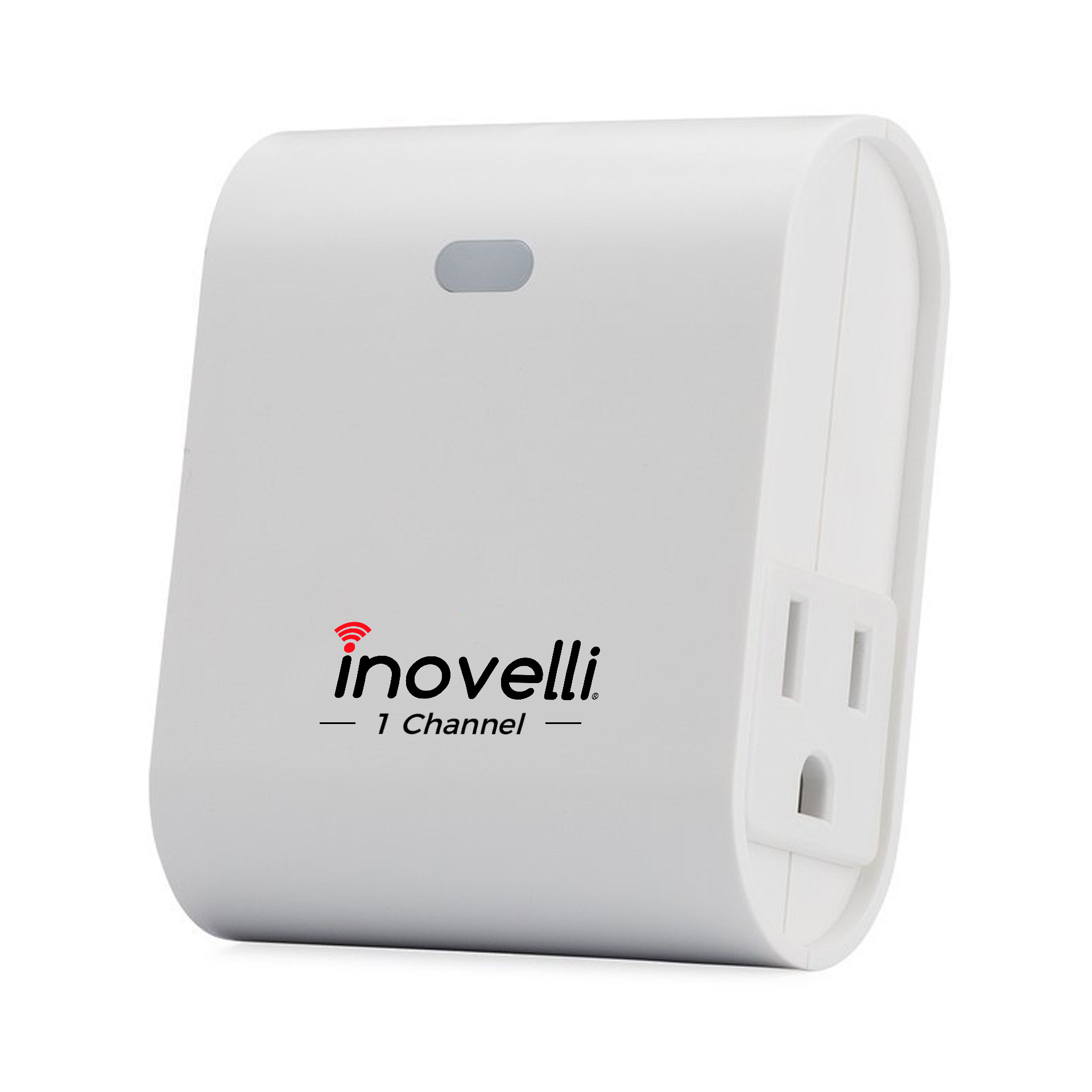
| Long Description | Inovelli's Smart Plug-In On/Off Module + Repeater has the ability to turn on and off appliances, lights, and more from anywhere in the world. In addition to the outlet, the smart plug acts as a Z-Wave signal repeater, which amplifies your Z-Wave signal, growing the capabilities of your network.
This smart plug is one of the smallest plugs on the market (3.5"x2.5"x1.5") and has 1 Z-Wave Outlet on the side of the device and an "Always On" (non-smart outlet) on the other side, allowing for easy fit in compact places. Simplifying lives, one smart home product at a time... that's Inovelli. |
|---|
| Brand | Inovelli |
|---|
| Product Identifier | NZW36 |
|---|
| OEM Version | HW: 0 FW: 20.15 |
|---|
| Hardware Platform | ZM5202 |
|---|
| Z-Wave Version | 6.51.06 |
|---|
| Library Type | SLAVE_ROUTING |
|---|
| Device Type | On/Off Power Switch |
|---|
| Role Type | ROLE_TYPE_SLAVE_ALWAYS_ON |
|---|
| Manufacturer ID | 0x0312 |
|---|
| Product Type ID | 0xB211 |
|---|
| Product ID | 0x241C |
|---|
| User Icon | 0x0700 |
|---|
| Installer Icon | 0x0701 |
|---|
| Frequency Plans | US: 916.00MHz, 908.40MHz |
|---|
| Categories | All Lighting Devices, On/Off Switches/Devices |
|---|
| Countries / Regions | United States of America |
|---|
| Supported Command Classes | | Identifier | Name | Key | Version |
|---|
| COMMAND_CLASS_POWERLEVEL | Powerlevel | 0x73 | 1 | | COMMAND_CLASS_SWITCH_BINARY | Switch Binary | 0x25 | 1 | | COMMAND_CLASS_BASIC | Basic | 0x20 | 1 | | COMMAND_CLASS_VERSION_V2 | Version V2 | 0x86 | 2 | | COMMAND_CLASS_DEVICE_RESET_LOCALLY | Device Reset Locally | 0x5A | 1 | | COMMAND_CLASS_ZWAVEPLUS_INFO_V2 | Z-Wave Plus Info V2 | 0x5E | 2 | | COMMAND_CLASS_ASSOCIATION_V2 | Association V2 | 0x85 | 2 | | COMMAND_CLASS_ASSOCIATION_GRP_INFO | Association Group Info | 0x59 | 1 | | COMMAND_CLASS_MANUFACTURER_SPECIFIC_V2 | Manufacturer Specific V2 | 0x72 | 2 |
|
|---|
| Documents | | Category | Description | File |
|---|
| Manual_Primary_Lang | Product or Owner's Manual | NZW36 Manual.pdf |
|
|---|
| Features | | Feature | Values |
|---|
| Switch Load Capacity Current | | | Neutral Wire Required | | | Switch Type | | | Color | | | IP (Ingress Protection) Rated | | | Firmware Updatable | | Value |
|---|
| Updatable by Professional/Technician |
| | Switch Load Capacity Watts | | | Electric Load Type | | Value |
|---|
| Incandescent | | Fluorescent | | LED |
|
|
|---|
| Association Groups | | Group Number | Maximum Nodes Supported | End Point ID | Description |
|---|
| 1 | 5 | 0 | The association group supports five nodes and lifeline function |
|
|---|
| Texts | | ID | Description | Value |
|---|
| 1 | Inclusion | 1. Follow the instructions for your Z-Wave certified controller to include a device to the Z-Wave network.
2. Once the controller is ready to Include your device, press the center button 3-5 times within 3 seconds.
3. Once your controller has confirmed that the device has been included, refresh the Z-Wave network to optimize performance.
4. The device is associated in the same group when it included in setting process.
Now you can control your Z-Wave device according to groups, scenes, schedules and automation programmed.
** NOTE: If your product does not include at first, try moving the module closer to the HUB and try again -- you can move to your final location when complete
For setup instructions for your specific HUB (ie: SmartThings, Wink, Vera, etc) please go to: www.inovelli.com/nzw36-setup | | 2 | Exclusion | 1. Follow the instructions for your Z-Wave certified controller to exclude a device from the Z-Wave network.
2. Once the controller is ready to Exclude your device, press the center button 3-5 times within 3 seconds to exclude it from the network. | | 5 | Factory Reset | Use controller to remove device from network will reset it to factory default.
""Use this procedure only in the event that the network primary controller is missing or otherwise inoperable."" |
|
|---|
| Supports NWI | Yes |
|---|
| Supports Explorer Frames | Yes |
|---|

.jpg)