Product Recognition | |
|---|
Certification Number | ZC10-17105820 |
|---|
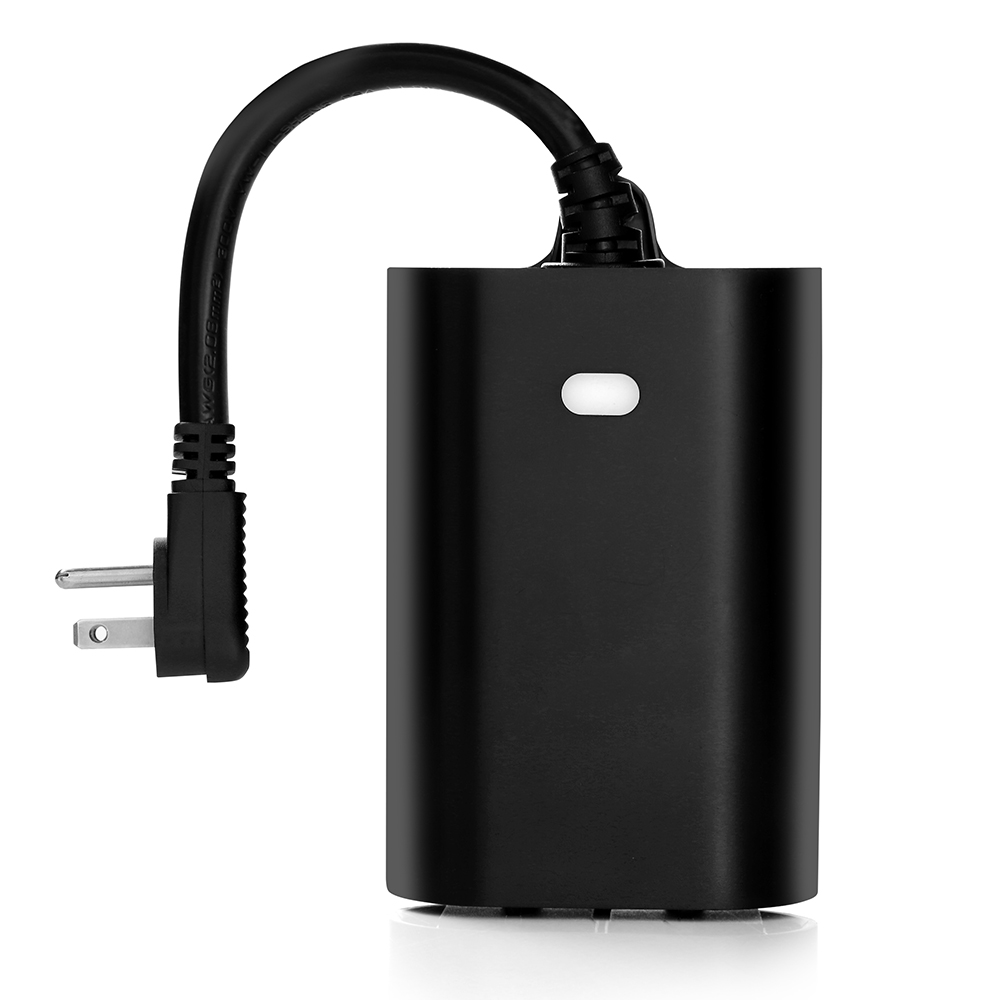
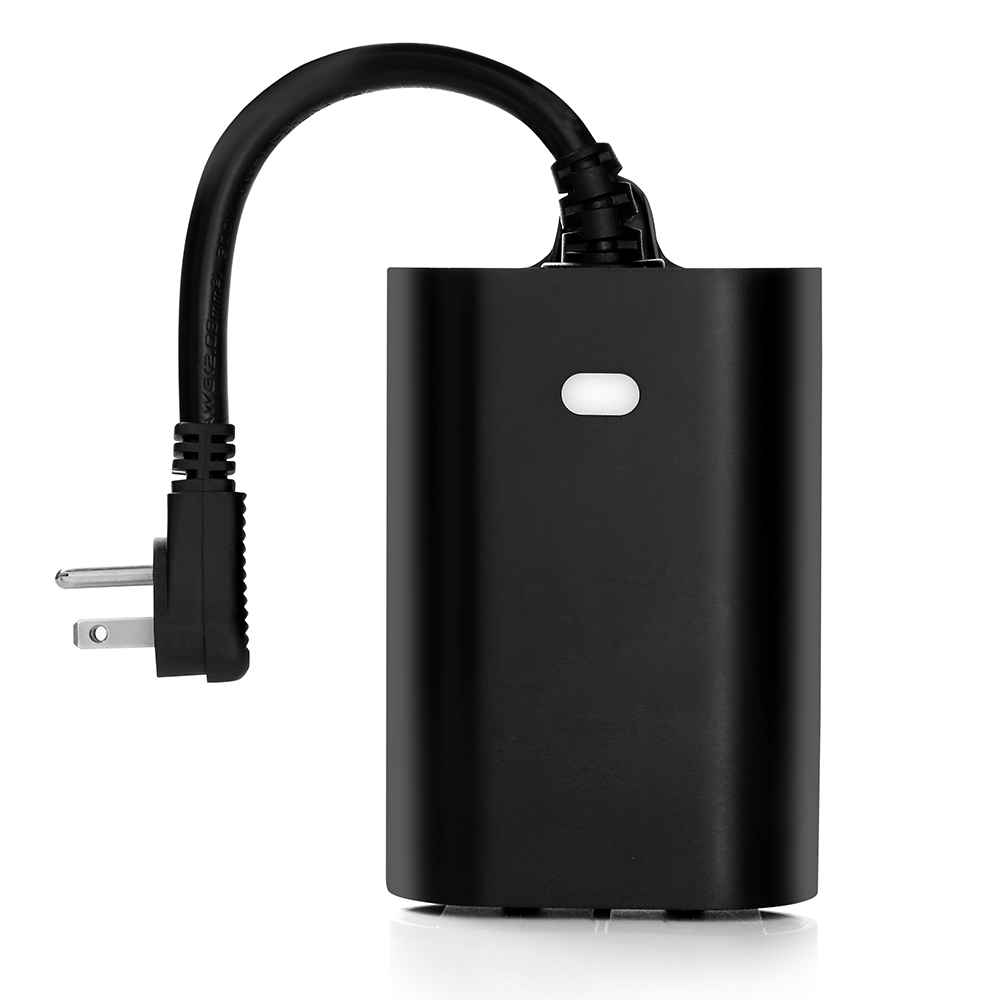
Name | Smart Plug Switch |
|---|
Short Description | Outdoor smart plug with a Z-Wave enabled outlet and an, "Always On" outlet. IP65 rated. |
|---|
Long Description | Inovelli's Outdoor Smart Plug-In On/Off Module + Repeater has the ability to turn on and off appliances, lights, and more from anywhere in the world. In addition to the outlet, the smart plug acts as a Z-Wave signal repeater, which amplifies your Z-Wave signal, growing the capabilities of your network.
This smart plug also is IP65 rated for outdoor use and has 1 Z-Wave Outlet and an "Always On" (non-smart outlet), allowing you to have a remote controlled switch while not losing a non-smart outlet. Simplifying lives, one smart home product at a time... that's Inovelli. |
|---|
Brand | Inovelli |
|---|
Product Identifier | NZW96 |
|---|
OEM Version | HW: 0 FW: 20.15 |
|---|
Hardware Platform | ZM5202 |
|---|
Z-Wave Version | 6.51.06 |
|---|
Library Type | SLAVE_ROUTING |
|---|
Device Type | On/Off Power Switch |
|---|
Role Type | ROLE_TYPE_SLAVE_ALWAYS_ON |
|---|
Manufacturer ID | 0x015D |
|---|
Product Type ID | 0x6000 |
|---|
Product ID | 0x6000 |
|---|
User Icon | 0x0700 |
|---|
Installer Icon | 0x0701 |
|---|
Frequency Plans | US: 916.00MHz, 908.40MHz |
|---|
Categories | All Lighting Devices, On/Off Switches/Devices |
|---|
Countries / Regions | United States of America |
|---|
Supported Command Classes | Identifier | Name | Key | Version |
|---|
COMMAND_CLASS_POWERLEVEL | Powerlevel | 0x73 | 1 | COMMAND_CLASS_SWITCH_BINARY | Switch Binary | 0x25 | 1 | COMMAND_CLASS_BASIC | Basic | 0x20 | 1 | COMMAND_CLASS_VERSION_V2 | Version V2 | 0x86 | 2 | COMMAND_CLASS_DEVICE_RESET_LOCALLY | Device Reset Locally | 0x5A | 1 | COMMAND_CLASS_ZWAVEPLUS_INFO_V2 | Z-Wave Plus Info V2 | 0x5E | 2 | COMMAND_CLASS_ASSOCIATION_V2 | Association V2 | 0x85 | 2 | COMMAND_CLASS_ASSOCIATION_GRP_INFO | Association Group Info | 0x59 | 1 | COMMAND_CLASS_MANUFACTURER_SPECIFIC_V2 | Manufacturer Specific V2 | 0x72 | 2 |
|
|---|
Documents | Category | Description | File |
|---|
Manual_Primary_Lang | Product or Owner's Manual | |
|
|---|
Features | |
|---|
Association Groups | Group Number | Maximum Nodes Supported | End Point ID | Description |
|---|
1 | 5 | 0 | Z-Wave Plus Lifeline |
|
|---|
Configuration Parameters | Parameter Number | Name | Description | Format | Size | Min Value | Max Value | Default Value | Parameter Values |
|---|
1 | LED Invert/Off | This will change the status of the LED light on the front of the plug. You can invert the LED or disable it. Default state of the LED is that when the plug is turned on, the LED is turned on. | 0 | 1 | 0 | 0 | 0 | From | To | Description |
|---|
1 | 1 | Plug On / LED Off | 2 | 2 | LED Disabled | 0 | 0 | Plug On / LED On |
| 2 | Auto Shut-off | This will allow you to input an auto-shut-off timer. Example would be if you want your plug to always turn off after 3 hours regardless. The range is 0-36000 seconds. | 0 | 1 | 0 | 0 | 0 | From | To | Description |
|---|
0 | 0 | Disabled |
|
|
|---|
Texts | ID | Description | Value |
|---|
1 | Inclusion | Primary inclusion method is via, ""Auto-Inclusion"". Start the inclusion process on your HUB/Gateway and then plug in the device. You will have 30 seconds before the device times out. The backup method is pressing the button on the front 5 times within 1 second. | 2 | Exclusion | Press the front button 5 times within 1 second. | 5 | Factory Reset | Please use your controller to remove the device from the network. To factory reset, hold down the manual button (A) for five (5) seconds when powered on. However, please only use this method if your controller is missing or inoperable. | 6 | Additional Special Features | Remembers last power state, high temperature protection, invert LED, disable LED, automatic shutoff after x seconds |
|
|---|
Supports NWI | Yes |
|---|
Supports Explorer Frames | Yes |
|---|