| Product Recognition | |
|---|
| Certification Number | ZC10-17085720 |
|---|
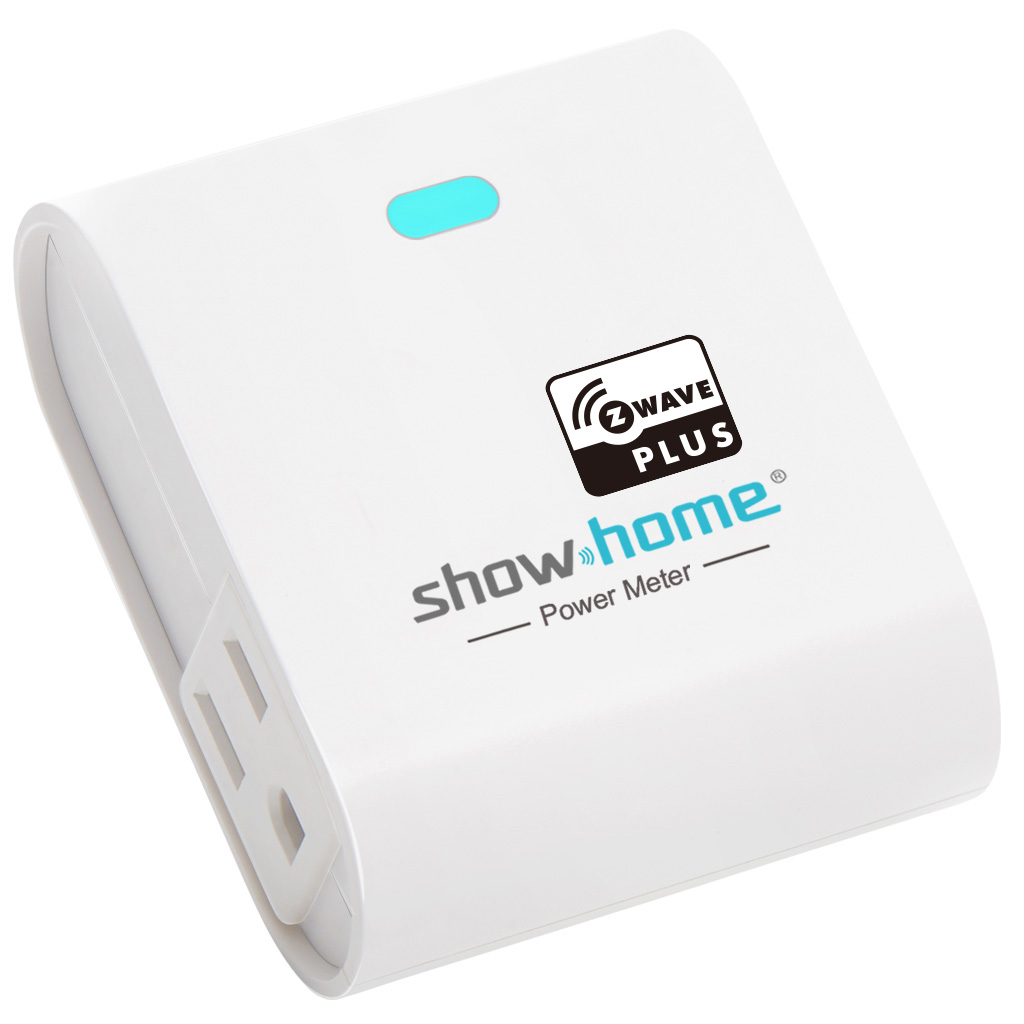
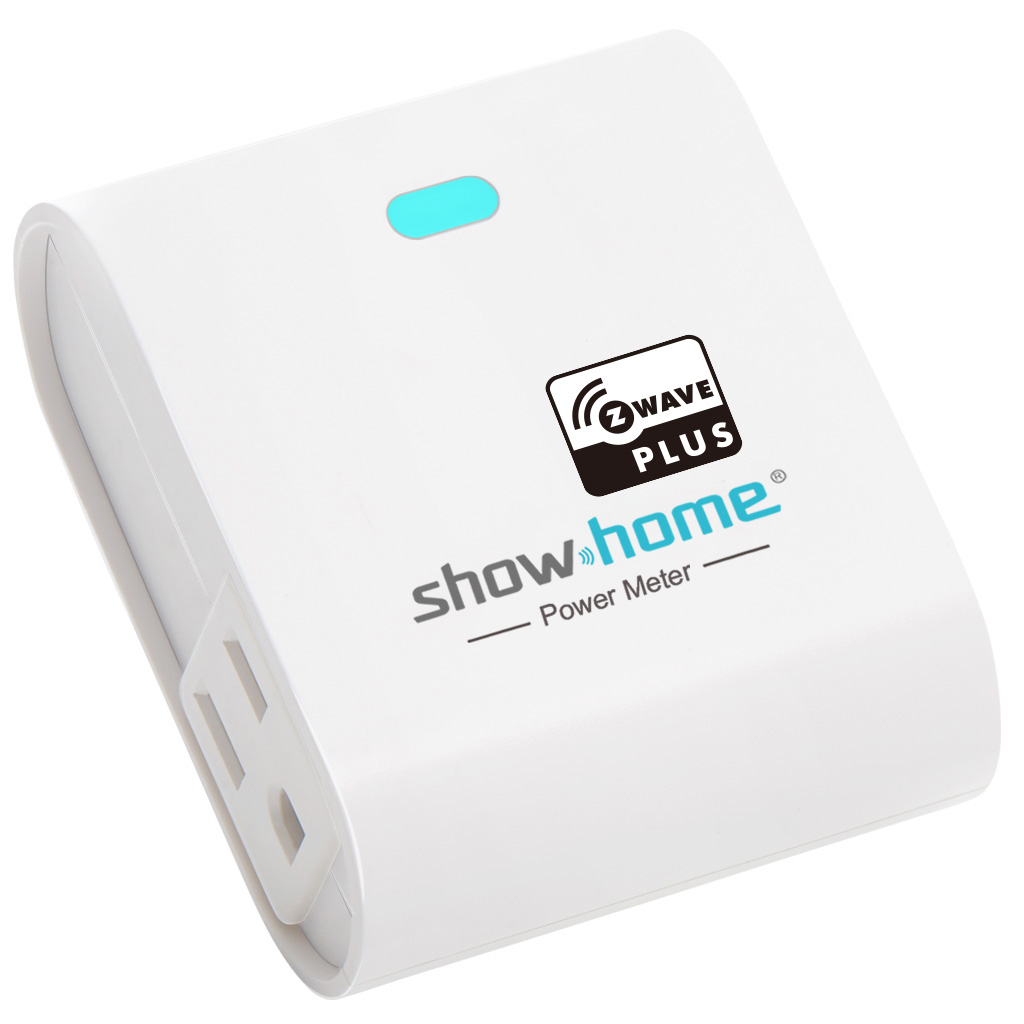
| Name | Smart Plug(built-in energy meter) |
|---|
| Short Description | Smart Plug with energy meter |
|---|
| Long Description | This smart plug provides one Z-Wave outlet with power and send out the consumption data for remote controller through Z-Wave gateway for internet of thing service and can be configured in Z-Wave sensor network, if Z-Wave certified controller features remote access, you can now control your device from your mobile phone devices. And get summary data for daily/month power or energy used for this load while installed an App on your mobile. Manual On/Off by push button on front. The outlet has maximum load for 600W Incandescent or 1200W resistive. |
|---|
| Brand | show home |
|---|
| Product Identifier | ZW38 |
|---|
| OEM Version | 1.1.2 |
|---|
| Hardware Platform | ZM5202 |
|---|
| Z-Wave Version | 6.51.06 |
|---|
| Library Type | SLAVE_ROUTING |
|---|
| Device Type | On/Off Power Switch |
|---|
| Role Type | ROLE_TYPE_SLAVE_ALWAYS_ON |
|---|
| Manufacturer ID | 0x015D |
|---|
| Product Type ID | 0x1215 |
|---|
| Product ID | 0x261C |
|---|
| User Icon | 0x0700 |
|---|
| Installer Icon | 0x0701 |
|---|
| Frequency Plans | US: 916.00MHz, 908.40MHz |
|---|
| Categories | Energy Meters, All Lighting Devices, On/Off Switches/Devices |
|---|
| Countries / Regions | United States of America |
|---|
| Documents | |
|---|
| Features | | Feature | Values |
|---|
| Supported Meter Type | | | Switch Load Capacity Watts | | | Neutral Wire Required | | | Color | | | Electric Load Type | | Value |
|---|
| Incandescent | | Fluorescent | | LED |
| | Switch Load Capacity Current | | | Switch Type | | Value |
|---|
| Push Button with Indicator |
|
|
|---|
| Association Groups | | Group Number | Maximum Nodes Supported | End Point ID | Description |
|---|
| 1 | 5 | 0 | Z-Wave Plus Lifeline |
|
|---|
| Texts | | ID | Description | Value |
|---|
| 1 | Inclusion | 1. Follow the instructions for your Z-Wave certified controller to exclude
a device from the Z-Wave network.
2. Once the controller is ready to Exclude your device, press up and
release the button to exclude it from the network. | | 2 | Exclusion | 1. Follow the instructions for your Z-wave certified controller to exclude a device
from the Z-wave network.
2. Once the controller is ready to Exclude your device, press up and release the
toggle to exclude it from the network.
Note: | | 5 | Factory Reset | Press and hold the top button for at least 3 seconds while you plug the smart switch into a receptacle.
""Use this procedure only in the event that the network primary controller is missing or otherwise inoperable"" |
|
|---|
| Supported / Controlled Meter Types | | Meter Type | Rate Type | Description |
|---|
| Electric meter | Import | Electric Meter Consumption |
|
|---|
| Supports NWI | Yes |
|---|
| Supports Explorer Frames | Yes |
|---|