Product Recognition | |
|---|
Certification Number | ZC14-22100151 |
|---|
Name | Smart Roller Shutter 7 |
|---|
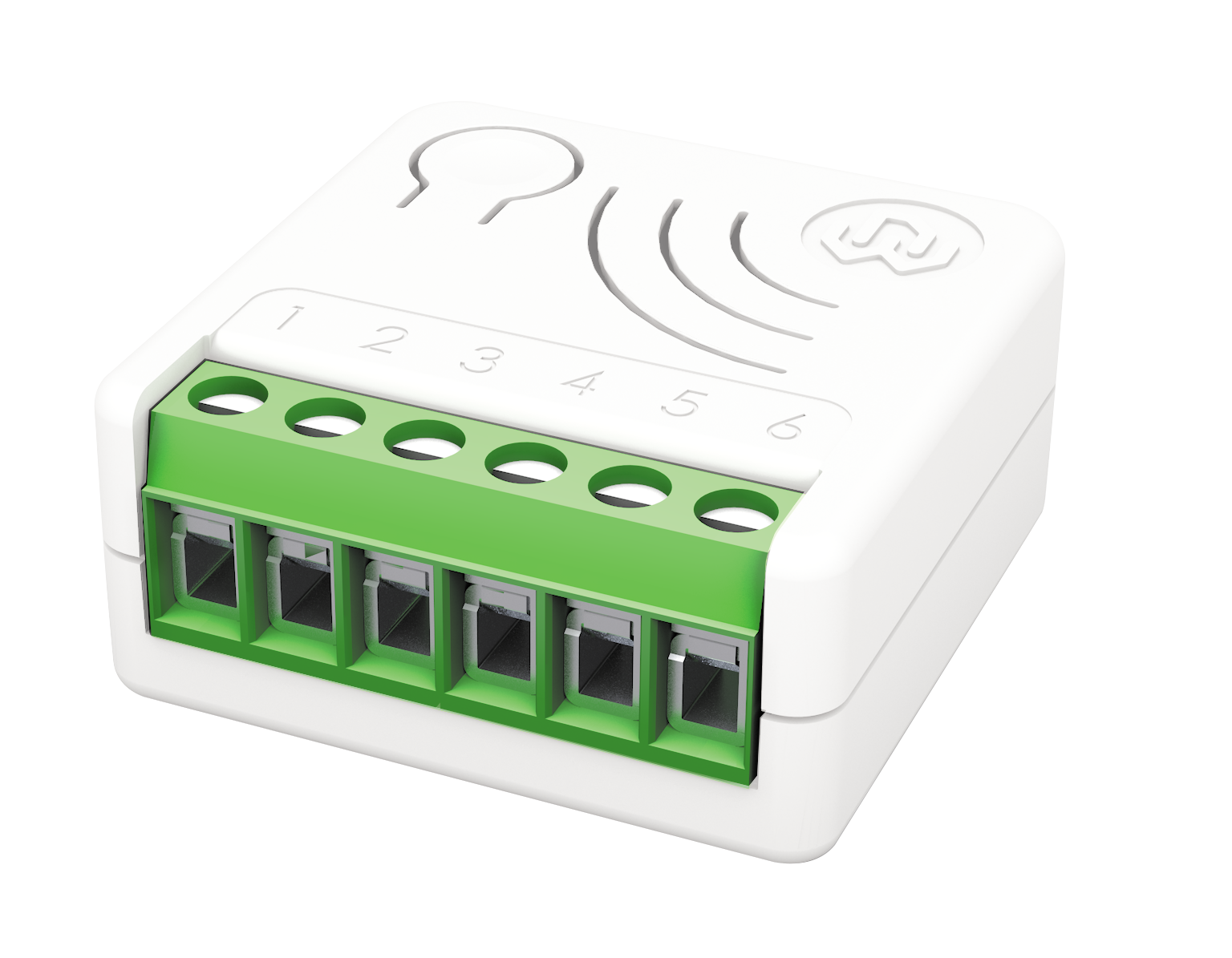
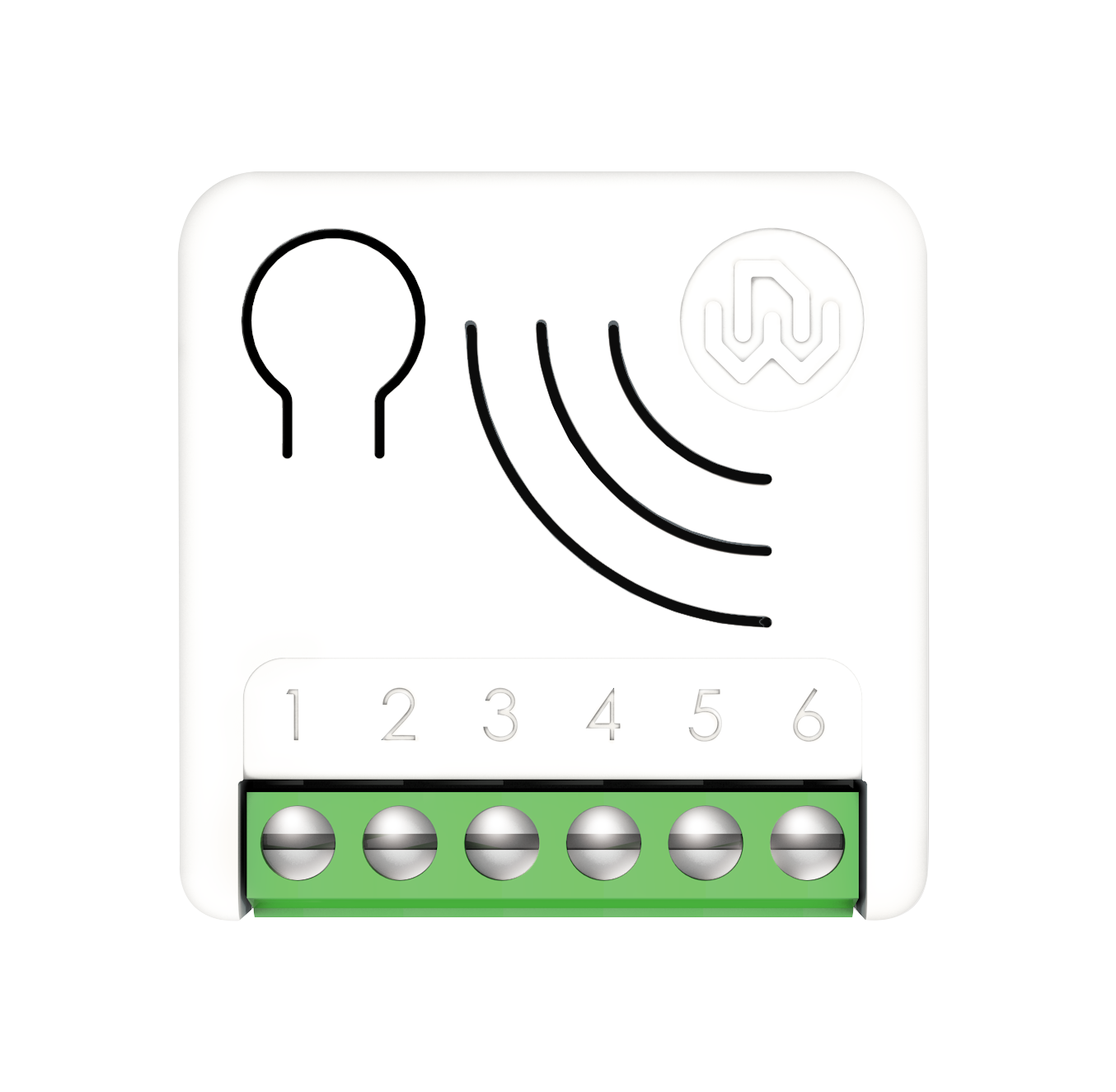
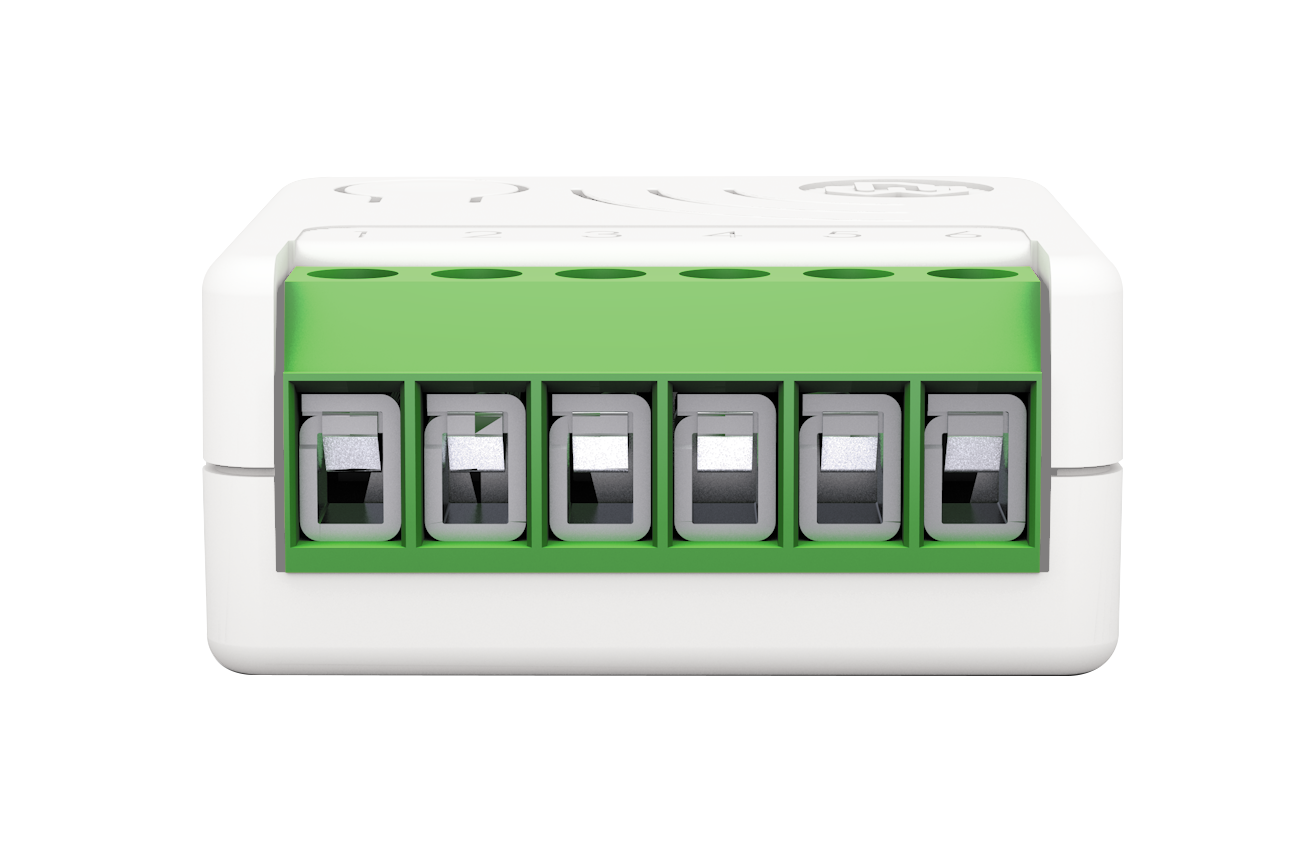
Short Description | Smart Roller Shutter 7 is an "in wall device", for the multilevel control of roller shutter motors. It can accurately control the opening and closing of blinds, curtains, shutters, venetian blinds as requested by the user through local commands or remotely. |
|---|
Long Description | An "in wall device", for the multilevel control of roller shutter motors, completely configurable so that it can adapt to the most varied customers’ needs, while being ready for use without needing additional configurations in order to operate.
After an initial calibration procedure, thanks to a proprietary algorithm, the device is able to identify the exact position of the roller shutter without using external sensors. During the operation, a continuous and automatic control of the limit switches allows maintaining the calibration. In the absence of a power source, the system runs a self-repositioning procedure that restores calibration.
New Z-Wave™ serie 700, SmartStart and S2 security.
The device is equipped with contact protection technology (Zero Crossing).
The unique feature Offline Setup Mode allows to configure some parameters without using any user interface. This feature enables the professional user to setup the main features of the device in the field even if the device is not included in a Z-Wave™ Network. When the device will be included in the network all these configuration parameters will be maintained.
As a constantly powered node, the device will act as repeater in order to increase the reliability of the network.
This device is a security enabled Z-Wave Plus™ product
The system supports over-the-air firmware updates that do not require the device to be removed from its location.
The system includes an RGB LED indicator that shows the device’s status during installation
Power supply: 110 – 230 VAC±10% 50/60 Hz
Maximum load: 1200 Watt
Temperature Limitation: 105°C
Work Temperature: -10° to 40°C
Maximum distance: Up to 100 m outdoors – up to 40 m indoor
Dimensions: 37x37x17 mm
Power consumption: < 230 mW in standby mode; < 500 mW when motor is moving |
|---|
Brand | WiDom |
|---|
Product Identifier | UMS700 |
|---|
Product Line | Z-Wave 700 Product |
|---|
OEM Version | HW: 01 FW: 02.01 |
|---|
Hardware Platform | ZGM130S037HGN2 / ZGM130S037HGN1 |
|---|
Z-Wave Version | 7.16.3 |
|---|
Library Type | END_NODE_ENHANCED_232 |
|---|
Device Type | Window Covering DT |
|---|
Role Type | ROLE_TYPE_SLAVE_ALWAYS_ON |
|---|
Manufacturer ID | 0x0149 |
|---|
Product Type ID | 0x0004 |
|---|
Product ID | 0x000d |
|---|
User Icon | 0x1a00 |
|---|
Installer Icon | 0x1a00 |
|---|
Frequency Plans | EU: 869.85MHz, 868.40MHz |
|---|
Categories | On/Off Switches/Devices, Motor Control |
|---|
Countries / Regions | Algeria, Armenia, Bahrain, European Union, Cyprus, Moldova, Egypt, French Guiana, Georgia, Iraq, Jordan, Kazakhstan, Kuwait, Lebanon, Libya, Maldives, Mauritius, Nigeria, Oman, Philippines, Qatar, Saudi Arabia, South Africa, Turkmenistan, United Arab Emirates, ZU, Yemen |
|---|
Supported Command Classes | Identifier | Name | Key | Version |
|---|
COMMAND_CLASS_ASSOCIATION_V2 | Association V2 | 0x85 | 2 | COMMAND_CLASS_ASSOCIATION_GRP_INFO_V3 | Association Group Information (AGI) V3 | 0x59 | 3 | COMMAND_CLASS_DEVICE_RESET_LOCALLY | Device Reset Locally | 0x5A | 1 | COMMAND_CLASS_FIRMWARE_UPDATE_MD_V5 | Firmware Update Meta Data V5 | 0x7A | 5 | COMMAND_CLASS_INDICATOR_V3 | Indicator V3 | 0x87 | 3 | COMMAND_CLASS_MANUFACTURER_SPECIFIC_V2 | Manufacturer Specific V2 | 0x72 | 2 | COMMAND_CLASS_MULTI_CHANNEL_ASSOCIATION_V3 | Multi Channel Association V3 | 0x8E | 3 | COMMAND_CLASS_VERSION_V3 | Version V3 | 0x86 | 3 | COMMAND_CLASS_ZWAVEPLUS_INFO_V2 | Z-Wave Plus Info V2 | 0x5E | 2 | COMMAND_CLASS_SECURITY_2 | Security 2 | 0x9F | 1 | COMMAND_CLASS_SUPERVISION | Supervision | 0x6C | 1 | COMMAND_CLASS_TRANSPORT_SERVICE_V2 | Transport Service V2 | 0x55 | 2 | COMMAND_CLASS_POWERLEVEL | Powerlevel | 0x73 | 1 | COMMAND_CLASS_WINDOW_COVERING | Window Covering | 0x6A | 1 | COMMAND_CLASS_SWITCH_MULTILEVEL_V4 | Multilevel Switch V4 | 0x26 | 4 | COMMAND_CLASS_BASIC_V2 | Basic V2 | 0x20 | 2 | COMMAND_CLASS_CONFIGURATION_V4 | Configuration V4 | 0x70 | 4 | COMMAND_CLASS_APPLICATION_STATUS | Application Status | 0x22 | 1 |
|
|---|
S2 Classes | S2_AUTHENTICATED, S2_UNAUTHENTICATED |
|---|
Documents | Category | Description | File |
|---|
Manual_English | Updated version of the manual. The following changes have been applied:
Parameter 38 has been removed
Parameter 37: size has been changed to 1
Supported Command Classes paragraph has been updated | |
|
|---|
Association Groups | Group Number | Maximum Nodes Supported | End Point ID | Group Name | Profile |
|---|
1 | 8 | 0 | Lifeline | 0x0001 | 2 | 8 | 0 | Follow me | 0x2000 | 3 | 8 | 0 | Control by switch | 0x2002 |
|
|---|
Configuration Parameters | Parameter Number | Name | Description | Format | Size | Min Value | Max Value | Default Value |
|---|
2 | ON_FAVORITE_LEVEL | The On level reached when the Up Button received a double click. Valid value range:50-99 | 1 | 1 | 0 | 0 | 0x50 | 3 | OFF_FAVORITE_LEVEL | The Off level reached when the Down Button received a double click. Valid value range 0-49 | 1 | 1 | 0 | 0 | 0x14 | 23 | INVERTION_TIMEOUT | Time in thousandth of a second after which the movement direction can be changed. Valid value range 500-3.000 | 1 | 4 | 0 | 0 | 0x000001f4 | 24 | LIMIT_SWITCH_TIMEOUT | Time in thousandth of a second for recognizing that the limit switch has been reached. Valid value range 1000-5.000 | 1 | 4 | 0 | 0 | 0x000009c4 | 25 | FINE_CALIBRATION | Adjustment in Percentage value of the 50% position after the initial calibration. Valid value range 50-150 | 1 | 1 | 0 | 0 | 0x64 | 61 | INVERT_MOVEMENT | Can be used to invert the motor direction. (0: not inverted, 1:inverted) | 2 | 1 | 0 | 0 | 0x00 |
|
|---|
Texts | ID | Description | Value |
|---|
8 | Where to find S2 DSK on product | page 5 - When adding Smart Serie 7 devices to a Z-Wave™ network with a controller supporting Security 2 Authenticated (S2), the PIN code of the Z-Wave™ Device Specific Key (DSK) is required. The unique DSK code is printed on the product label. The first five digits of the key are highlighted and underlined to help the user identify the PIN code. | 1 | Classic Inclusion | Page 4 - All Smart Serie 7 devices are compatible with all Z-Wave™/Z-Wave Plus™ certified controllers. The devices support both the Network Wide Inclusion mechanism (which offers the ability to be included in a network, even if the device is not directly connected to the controller) and Normal Inclusion.
By default, the inclusion procedure starts in Normal Inclusion mode and after a short timeout the procedure continues in Network Wide Inclusion mode that lasts for about 20 Seconds.
Only a controller can add the device into the network. After activating the inclusion function by the controller, the device can be added by setting it in Learn Mode. | 2 | Classic Exclusion | Page 5 -Only a controller can remove the device from the network. After activating the exclusion function by the controller, the device can be removed by setting it in Learn Mode.
The procedure of exclusion can be activated by Removing a node from the Z-Wave™ network and executing 1 or 3 click on the integrated button; as soon as the exclusion initiates, the LED indicator starts a sequence of RED-BLUE blinks. The device is excluded from the network when the LED status indicator is solid RED and the App_status in the interface is OK. | 5 | Factory Reset Procedure | The device can be reset to the original factory settings with 6 consecutive clicks on the integrated button.
After the reset is completed, the device will reboot and a RED solid led is showed.
Please use this procedure only when the network primary controller is missing or otherwise inoperable.
INFO: If the reset is performed while the device is still part of a network, it notifies the other devices that it has been removed (Device Reset Locally Notification). | 6 | Other Special Features | Offline setup Mode
The device has a unique feature that allows to configure some parameters without using any user interface. This feature enables the professional user to setup the main features of the device in the field even if the device is not included in a Z-Wave™ Network. When the device will be included in the network all these configuration parameters will be maintained.
Favorite positions
The system can set two favorite positions: one for the upward movements (opening movements) Favorite level for ON position, the other for the downward movements (closing movements) Favorite level for OFF position.
Calibration
Defines the status of the calibration procedure. By default, the calibration starts in automatic mode as soon as a movement command has been set by external switch or by Z-Wave™ network. |
|
|---|
Supports NWI | Yes |
|---|
Supports Explorer Frames | Yes |
|---|
Supports SmartStart | Yes |
|---|
Radio Range Z-Wave (m) | 40 |
|---|