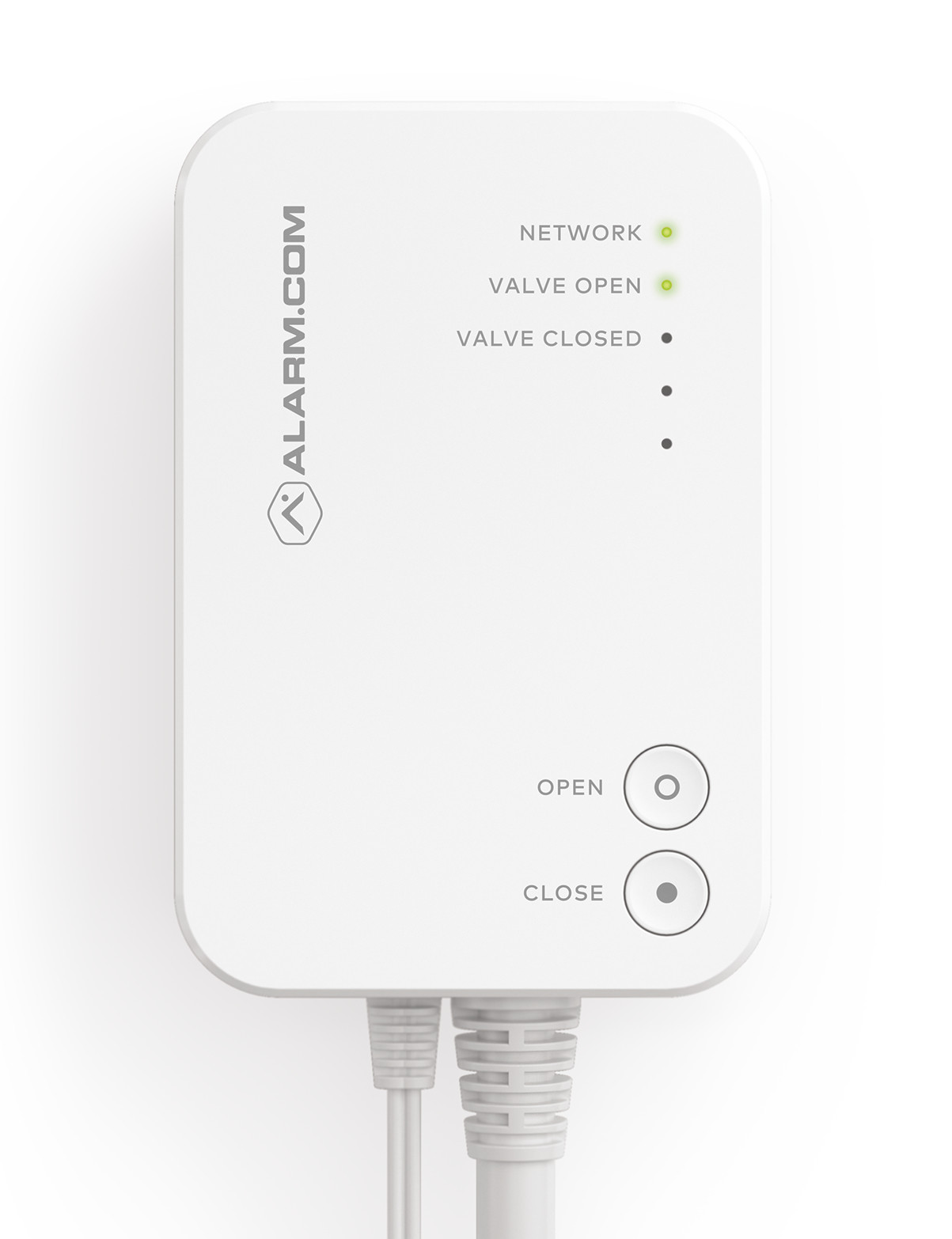
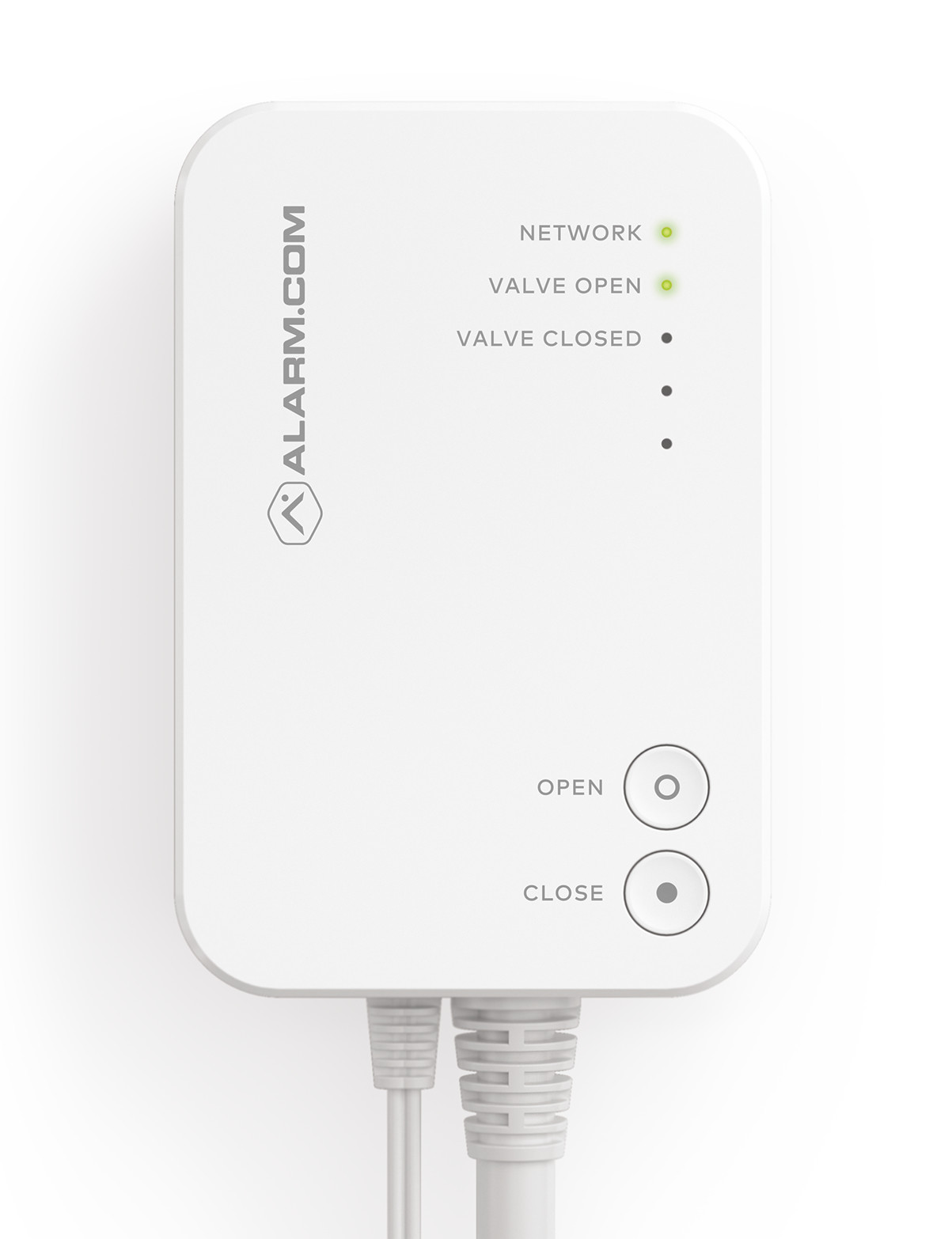
Product Recognition | |
|---|
Certification Number | ZC10-19096761 |
|---|
Name | Smart Water Valve |
|---|
Short Description | Z-Wave controlled water valve. |
|---|
Long Description | Z-Wave controlled water valve for home water supply. |
|---|
Brand | Alarm.com |
|---|
Product Identifier | ADC-SWV100 |
|---|
OEM Version | HW: 1 FW: 1.14:01.00 |
|---|
Hardware Platform | ZM5202 |
|---|
Z-Wave Version | 6.81.03 |
|---|
Library Type | SLAVE_ENHANCED_232 |
|---|
Device Type | Valve |
|---|
Role Type | ROLE_TYPE_SLAVE_ALWAYS_ON |
|---|
Manufacturer ID | 0x0190 |
|---|
Product Type ID | 0x0007 |
|---|
Product ID | 0x0002 |
|---|
User Icon | 0x1500 |
|---|
Installer Icon | 0x1500 |
|---|
Frequency Plans | US: 916.00MHz, 908.40MHz |
|---|
Categories | Water Valves & Irrigation |
|---|
Countries / Regions | United States of America |
|---|
Supported Command Classes | Identifier | Name | Key | Version |
|---|
COMMAND_CLASS_POWERLEVEL | Powerlevel | 0x73 | 1 | COMMAND_CLASS_CLOCK | Clock | 0x81 | 1 | COMMAND_CLASS_SWITCH_BINARY | Switch Binary | 0x25 | 1 | COMMAND_CLASS_BASIC | Basic | 0x20 | 1 | COMMAND_CLASS_CONFIGURATION | Configuration | 0x70 | 1 | COMMAND_CLASS_TRANSPORT_SERVICE_V2 | Transport Service V2 | 0x55 | 2 | COMMAND_CLASS_VERSION_V2 | Version V2 | 0x86 | 2 | COMMAND_CLASS_DEVICE_RESET_LOCALLY | Device Reset Locally | 0x5A | 1 | COMMAND_CLASS_ZWAVEPLUS_INFO_V2 | Z-Wave Plus Info V2 | 0x5E | 2 | COMMAND_CLASS_ASSOCIATION_V2 | Association V2 | 0x85 | 2 | COMMAND_CLASS_ASSOCIATION_GRP_INFO | Association Group Info | 0x59 | 1 | COMMAND_CLASS_SECURITY_2 | Security S2 | 0x9F | 1 | COMMAND_CLASS_SUPERVISION | Supervision | 0x6C | 1 | COMMAND_CLASS_FIRMWARE_UPDATE_MD_V3 | Firmware Update Meta-Data V3 | 0x7A | 3 | COMMAND_CLASS_MANUFACTURER_SPECIFIC_V2 | Manufacturer Specific V2 | 0x72 | 2 |
|
|---|
S2 Classes | S2_UNAUTHENTICATED, S2_AUTHENTICATED |
|---|
Documents | Category | Description | File |
|---|
Manual_Primary_Lang | Product or Owner's Manual | |
|
|---|
Features | Feature | Values |
|---|
Firmware Updatable | Value |
|---|
Updatable by Manufacturer |
| Color | |
|
|---|
Association Groups | Group Number | Maximum Nodes Supported | End Point ID | Description |
|---|
1 | 4 | 0 | Z-Wave Plus Lifeline |
|
|---|
Configuration Parameters | Parameter Number | Name | Description | Format | Size | Min Value | Max Value | Default Value | Parameter Values |
|---|
69 | Device Reset (Write only) | A write of 0x0B36 to this configuration parameter will cause the Smart Water Valve to reset. | 0 | 2 | 0 | 0 | 0 | From | To | Description |
|---|
2870 | 2870 | Magic Number Reset Value |
|
|
|---|
Texts | ID | Description | Value |
|---|
1 | Inclusion | 1) Put Z-Wave controller into Add mode. See Z-Wave controller documentation for further information.
2) Press the NETWORKING button on the side of the control unit. The Z-Wave LED will begin to blink.
3) The valve has been successfully added to the network when the Z-Wave LED becomes solid. | 2 | Exclusion | 1) Put Z-Wave controller into Remove mode. See Z-Wave controller documentation for further documentation.
2) Press the NETWORKING button on the side of the control unit. The Z-Wave LED will begin to blink.
3) The valve has been successfully removed from the network when the Z-Wave LED is no longer flashing or illuminated. | 5 | Factory Reset | NOTE: Device reset will reset EEPROM, configuration parameters, Z-Wave chip and forcibly clear the Smart Water Valve’s Z-Wave Node Identification. Please use this procedure only when the network primary controller is missing or otherwise inoperable.
1) Press and hold the NETWORKING button on the side of the control unit 5 seconds. The LEDs will blink rapidly for 5 seconds.
2) If there are nodes in the “Lifeline” association group, the LEDs will blink slower until all nodes are notified using a Device Reset Locally Report.
3) Once the device has been reset, the LEDs will return to their normal state. |
|
|---|
Supports NWI | Yes |
|---|
Supports Explorer Frames | Yes |
|---|
Supports SmartStart | Yes |
|---|
Radio Range Z-Wave (m) | 40 |
|---|