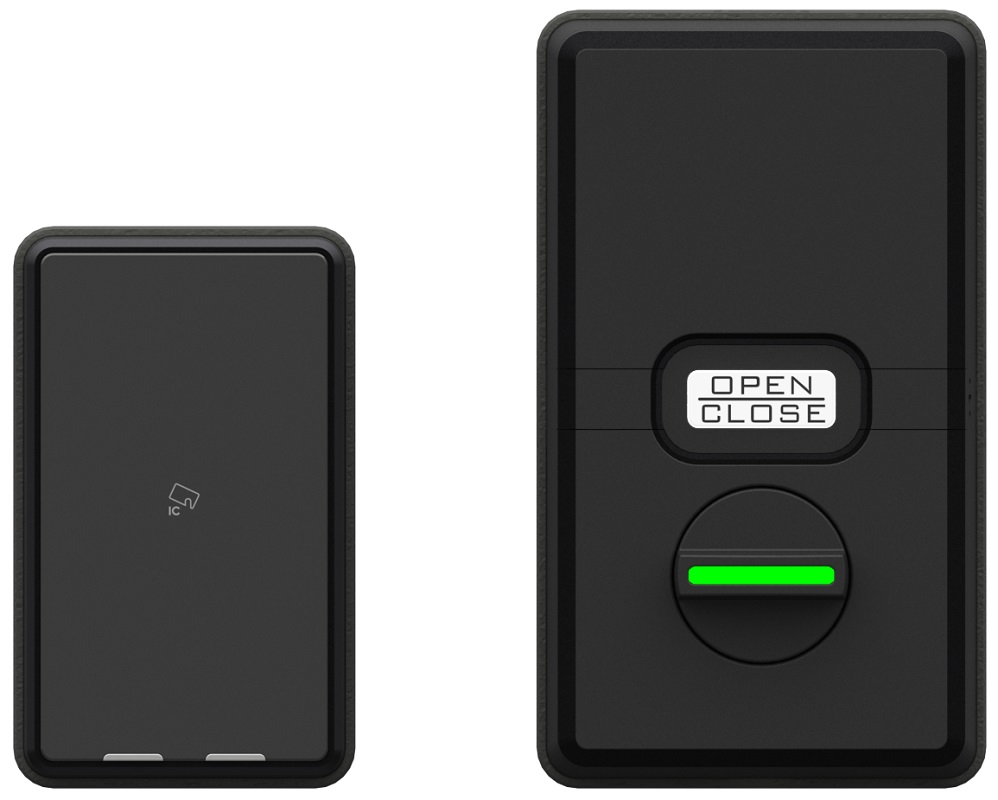
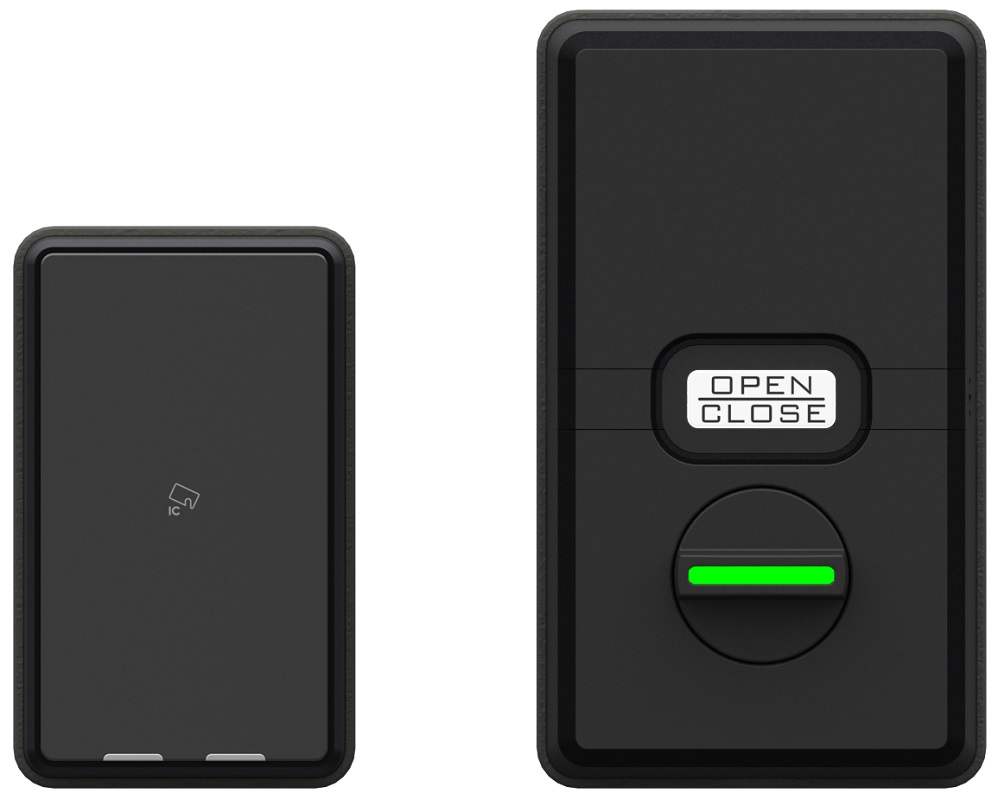
Product Recognition | |
|---|
Certification Number | ZC12-20110130 |
|---|
Name | SmartLock |
|---|
Short Description | This product "ZSL10" can remotely lock and unlock the door and check the status by remote control. |
|---|
Long Description | This product "ZSL10" can remotely lock and unlock the door and check the status by remote control. |
|---|
Brand | Atsumi Electric Co.,Ltd. |
|---|
Product Identifier | ZSL10 |
|---|
Product Line | ATSUMI |
|---|
OEM Version | HW: 1 FW: 4.01:01.67:01.35 |
|---|
Hardware Platform | ZGM130 |
|---|
Library Type | SLAVE_ENHANCED_232 |
|---|
Device Type | Lock |
|---|
Role Type | ROLE_TYPE_SLAVE_SLEEPING_LISTENING |
|---|
Manufacturer ID | 0x0427 |
|---|
Product Type ID | 0x0004 |
|---|
Product ID | 0x0001 |
|---|
User Icon | 0x0300 |
|---|
Installer Icon | 0x0300 |
|---|
Frequency Plans | JP: 922.50MHz, 923.90MHz, 926.30MHz |
|---|
Categories | Locks |
|---|
Countries / Regions | Japan |
|---|
Supported Command Classes | Identifier | Name | Key | Version |
|---|
COMMAND_CLASS_CONFIGURATION_V4 | Configuration V4 | 0x70 | 4 | COMMAND_CLASS_POWERLEVEL | Powerlevel | 0x73 | 1 | COMMAND_CLASS_USER_CODE | User Code | 0x63 | 1 | COMMAND_CLASS_DOOR_LOCK_V4 | Door Lock V4 | | 0 | COMMAND_CLASS_MULTI_CHANNEL_ASSOCIATION_V3 | Multi-Channel Association V3 | 0x8E | 3 | COMMAND_CLASS_INDICATOR_V3 | Indicator V3 | 0x87 | 3 | COMMAND_CLASS_BATTERY | Battery | 0x80 | 1 | COMMAND_CLASS_SECURITY | Security S0 | 0x98 | 1 | COMMAND_CLASS_TRANSPORT_SERVICE_V2 | Transport Service V2 | 0x55 | 2 | COMMAND_CLASS_VERSION_V2 | Version V2 | 0x86 | 2 | COMMAND_CLASS_DEVICE_RESET_LOCALLY | Device Reset Locally | 0x5A | 1 | COMMAND_CLASS_ZWAVEPLUS_INFO_V2 | Z-Wave Plus Info V2 | 0x5E | 2 | COMMAND_CLASS_ASSOCIATION_V2 | Association V2 | 0x85 | 2 | COMMAND_CLASS_FIRMWARE_UPDATE_MD_V5 | Firmware Update Meta-Data V5 | 0x7A | 5 | COMMAND_CLASS_ASSOCIATION_GRP_INFO_V3 | Association Group Information V3 | 0x59 | 3 | COMMAND_CLASS_BASIC_V2 | Basic V2 | 0x20 | 2 | COMMAND_CLASS_DOOR_LOCK_LOGGING | Door Lock Logging | 0x4C | 1 | COMMAND_CLASS_SECURITY_2 | Security S2 | 0x9F | 1 | COMMAND_CLASS_MANUFACTURER_SPECIFIC | Manufacturer Specific | 0x72 | 1 | COMMAND_CLASS_SUPERVISION | Supervision | 0x6C | 1 |
|
|---|
S2 Classes | S2_ACCESS_CONTROL |
|---|
Documents | Category | Description | File |
|---|
Manual_Primary_Lang | Product Manual in English | |
|
|---|
Features | Feature | Values |
|---|
Battery Quantity | | Battery Type | Value |
|---|
AA type(alkaline or lithium) |
| Door Lock Type | |
|
|---|
Association Groups | Group Number | Maximum Nodes Supported | End Point ID | Group Name | Profile | Description |
|---|
1 | 5 | 0 | Lifeline | 0x0001 | The number of supported groups is 1 ”Lifeline”.
The number of supportable nodes is 1 unit. |
|
|---|
Configuration Parameters | |
|---|
Texts | ID | Description | Value |
|---|
8 | Where to find S2 DSK on product | QR code and Full DSK is located inside the battery box of IN-BODY and on the packing box. | 1 | Classic Inclusion | Set the controller in “Add(Inclusion)” mode.
For the operation procedure, see the instruction manual of the controller.
Press the SET button for about 5 seconds to start the registration operation and the O / C button will blink blue and beeps twice.
Inclusion takes about 1 minute. Please confirm the inclusion is complete.
After that, it flashes red, but this is not related to the success / failure of inclusion. | 2 | Classic Exclusion | Set the controller in “Remove(Exclusion)” mode.
For the operation procedure, see the instruction manual of the controller.
Press the SET button for about 5 seconds to start the registration operation and the O / C button will blink blue and beeps twice. Please confIrm the inclusion is complete.
After that, it flashes red, but this is not related to the success / failure of inclusion. | 5 | Factory Reset Procedure | Use this procedure only in the event that the primary controller is lost.
The controller information are cleared.
The lock settings and user information do not change.
Press the SET button three times in two seconds to start the reset operation and the O/C button will blink red and beeps. | 4 | Wake-Up Procedure | none |
|
|---|
Supports NWI | Yes |
|---|
Supports Explorer Frames | Yes |
|---|
Is Flirs | Yes |
|---|
Supports SmartStart | Yes |
|---|
Radio Range Z-Wave (m) | 40 |
|---|