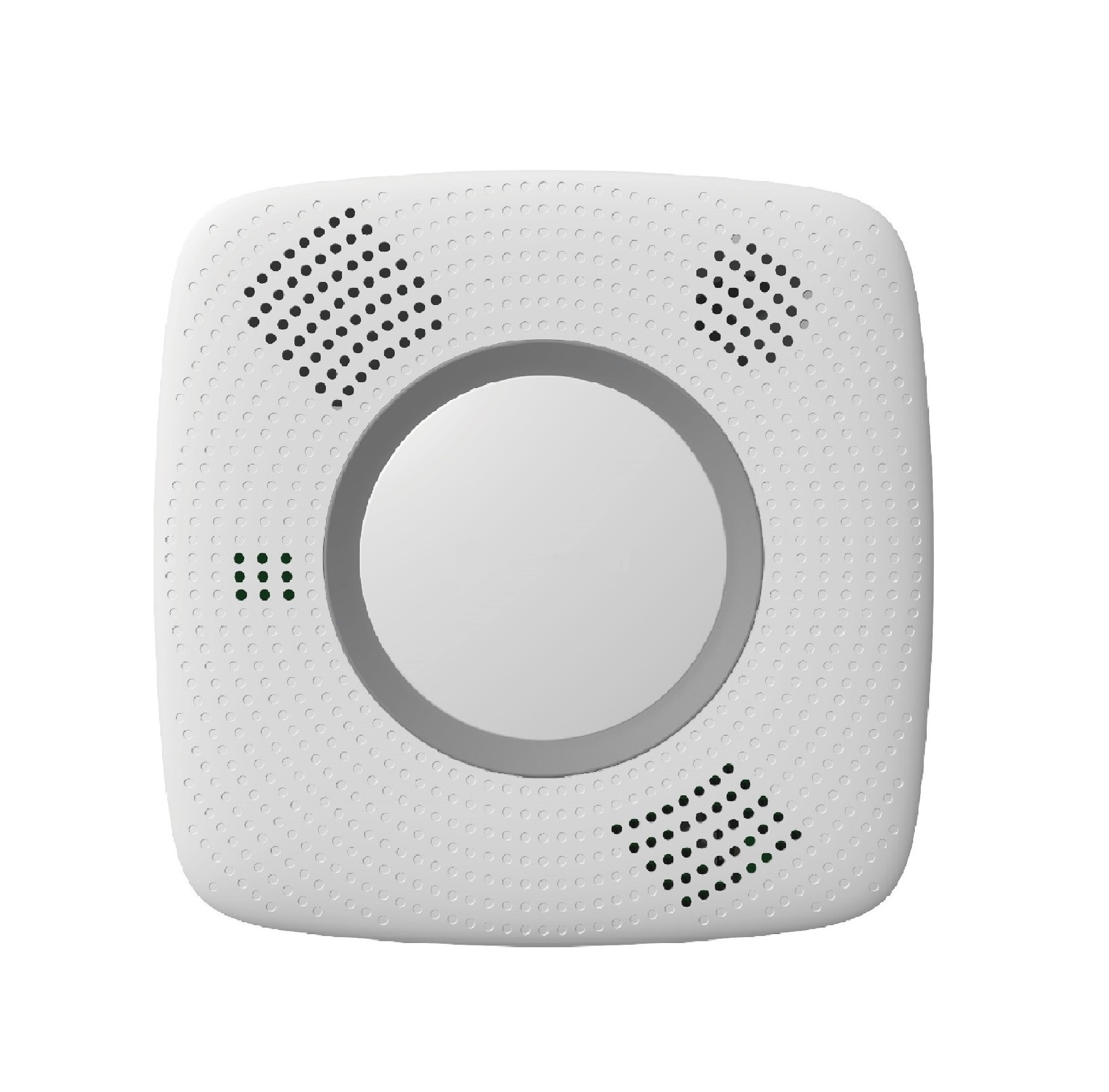
Product Recognition | |
|---|
Certification Number | ZC10-19106769 |
|---|
Name | Smoke and Carbon Monoxide Detector |
|---|
Short Description | SDCO-1-AC is a Z-Wave Smoke and Carbon Monoxide Detector with temperature, humidity, and heat detection, as well as voice prompts and allows access to the “S2 Unauthenticated” class. |
|---|
Long Description | SDCO-1-AC is capable of sending wireless signals to the Z-Wave gateway/control panel upon detection of smoke particles or Carbon Monoxide. The device is also serially connected with other sensors in the Z-Wave gateway to serve as an extra siren. When any other sensor in the Z-Wave network is activated and sends an alarm signal, the Smoke Detector will also raise alarm with its built-in buzzer as a siren to help sound warning (for serial connection models). |
|---|
Brand | Climax Technology |
|---|
Product Identifier | SDCO-1-AC |
|---|
Product Line | Z-Wave Accessories |
|---|
OEM Version | HW: 255 FW: 3.08 |
|---|
Hardware Platform | ZM5202 |
|---|
Z-Wave Version | 6.81.03 |
|---|
Library Type | SLAVE_ENHANCED_232 |
|---|
Device Type | Notification Sensor |
|---|
Role Type | ROLE_TYPE_SLAVE_ALWAYS_ON |
|---|
Manufacturer ID | 0x018E |
|---|
Product Type ID | 0x0003 |
|---|
Product ID | 0x0015 |
|---|
User Icon | 0x0C01 |
|---|
Installer Icon | 0x0C01 |
|---|
Frequency Plans | EU: 869.85MHz, 868.40MHz |
|---|
Categories | Sensors |
|---|
Countries / Regions | European Union |
|---|
Supported Command Classes | Identifier | Name | Key | Version |
|---|
COMMAND_CLASS_FIRMWARE_UPDATE_MD_V4 | Firmware Update Meta-Data V4 | 0x7A | 4 | COMMAND_CLASS_POWERLEVEL | Powerlevel | 0x73 | 1 | COMMAND_CLASS_MULTI_CHANNEL_ASSOCIATION_V3 | Multi-Channel Association V3 | 0x8E | 3 | COMMAND_CLASS_BATTERY | Battery | 0x80 | 1 | COMMAND_CLASS_TRANSPORT_SERVICE_V2 | Transport Service V2 | 0x55 | 2 | COMMAND_CLASS_DEVICE_RESET_LOCALLY | Device Reset Locally | 0x5A | 1 | COMMAND_CLASS_ZWAVEPLUS_INFO_V2 | Z-Wave Plus Info V2 | 0x5E | 2 | COMMAND_CLASS_ASSOCIATION_V2 | Association V2 | 0x85 | 2 | COMMAND_CLASS_ASSOCIATION_GRP_INFO | Association Group Info | 0x59 | 1 | COMMAND_CLASS_NOTIFICATION_V8 | Notification V8 | 0x71 | 8 | COMMAND_CLASS_SECURITY_2 | Security S2 | 0x9F | 1 | COMMAND_CLASS_SENSOR_MULTILEVEL_V11 | Sensor Multilevel V11 | 0x31 | 11 | COMMAND_CLASS_VERSION_V3 | Version V3 | 0x86 | 3 | COMMAND_CLASS_SUPERVISION | Supervision | 0x6C | 1 | COMMAND_CLASS_MANUFACTURER_SPECIFIC_V2 | Manufacturer Specific V2 | 0x72 | 2 |
|
|---|
Controlled Command Classes | Identifier | Name | Key | Version |
|---|
COMMAND_CLASS_BASIC_V2 | Basic V2 | 0x20 | 2 |
|
|---|
S2 Classes | S2_UNAUTHENTICATED |
|---|
Documents | Category | Description | File |
|---|
Manual_Primary_Lang | Product Manual | |
|
|---|
Features | Feature | Values |
|---|
Firmware Updatable | Value |
|---|
Updatable by Consumer by RF |
| Battery Type | | Battery Quantity | |
|
|---|
Association Groups | Group Number | Maximum Nodes Supported | End Point ID | Group Name | Profile | Description |
|---|
1 | 1 | 0 | Lifeline | 0x0000 | Battery CC (COMMAND_CLASS_BATTERY)
Notification CC,V8 (COMMAND_CLASS_NOTIFICATION)
Sensor Multilevel CC, V11 (COMMAND_CLASS_SENSOR_MULTILEVEL)
Device Reset Locally CC (COMMAND_CLASS_DEVICE_RESET_LOCALLY)
| 2 | 1 | 0 | Basic set | 0x0000 | When the Smoke Detector is active, it will send Basic Set (0xFF) in Group 2.
When the Smoke Detector is restored, it will send Basic Set (0x00) in Group 2.
|
|
|---|
Texts | ID | Description | Value |
|---|
1 | Classic Inclusion | 1. Put the Z-Wave gateway or control panel into Inclusion mode (please refer to the Z-Wave gateway or control panel manual).
2. Within 1.5 seconds, press the button 3 times.
3. Refer to the operation manual of the Z-Wave gateway or control panel to complete the inclusion process.
4. If the sensor has already been included into another Z-Wave Gateway/Control Panel, or if the sensor is unable to be included into the current Z-Wave Gateway/Control Panel, please exclude it first (see Exclusion) before attempting to include it into the current Z-Wave Gateway/Control Panel. | 2 | Classic Exclusion | The SDCO must be removed from existing Z-Wave network before being included into another.
1. Put the Z-Wave gateway or control panel into Exclusion mode (please refer to the Z-Wave gateway or control panel manual).
2. Within 1.5 seconds, press the button 3 times and the SDCO will be removed from the Z-Wave network. | 4 | Wake-Up Procedure | Role Type: Always On Slave (AOS) | 5 | Factory Reset Procedure | (Only use factory reset when network Control Panel/Gateway is missing or inoperable).
#. Press and hold the button of the SDCO for 20 seconds. Release the button when you hear 3 beeps to perform factory reset. |
|
|---|
Supported Notification Types | Notification Type | Event / State |
|---|
Smoke Alarm | (Refer to parameters): State idle | Smoke Alarm | Sensor status: Smoke detected | Smoke Alarm | Alarm status: Smoke alarm test | Smoke Alarm | Alarm status: Alarm silenced | CO Alarm | (Refer to parameters): State idle | CO Alarm | Sensor status: Carbon monoxide detected | CO Alarm | Alarm status: Alarm silenced | Heat Alarm | (Refer to parameters): State idle | Heat Alarm | Heat sensor status: Overheat detected | Heat Alarm | Alarm status: Alarm silenced | Home Security | (Refer to parameters): State idle | Home Security | Cover status: Tampering, product cover removed | Power Management | Mains status: AC mains disconnected | Power Management | Mains status: AC mains re-connected |
|
|---|
Supported Multilevel Sensors | Multilevel Sensor Type |
|---|
Air temperature | Humidity | Carbon monoxide (CO) level | Smoke density |
|
|---|
Supports NWI | Yes |
|---|
Supports Explorer Frames | Yes |
|---|
Radio Range Z-Wave (m) | 40 |
|---|

.jpg)