
| Product Recognition | |
|---|
| Certification Number | ZC10-14080007 |
|---|
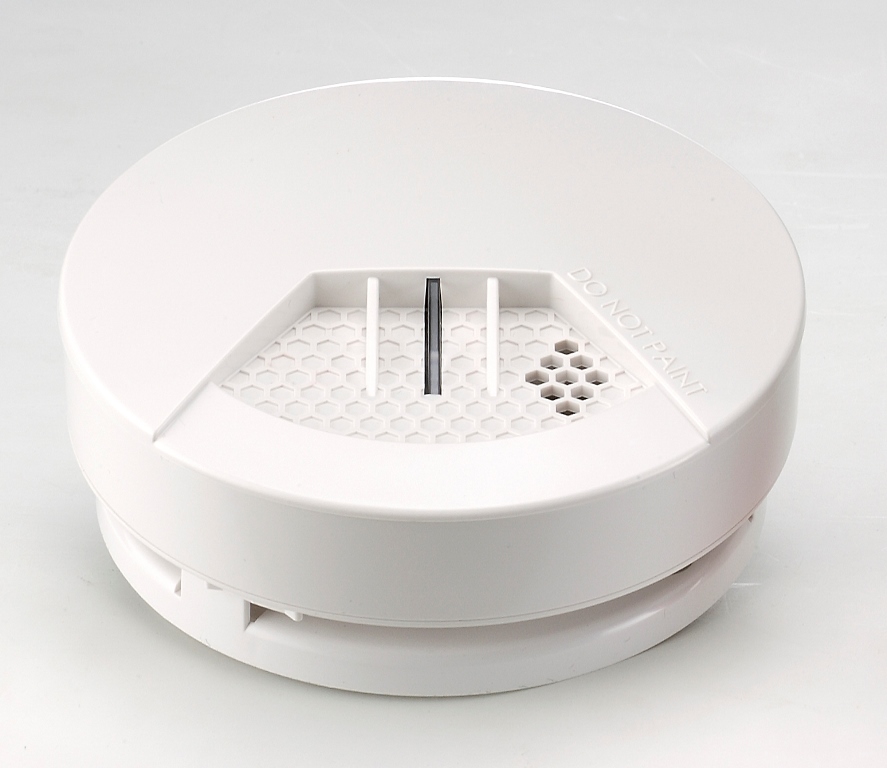
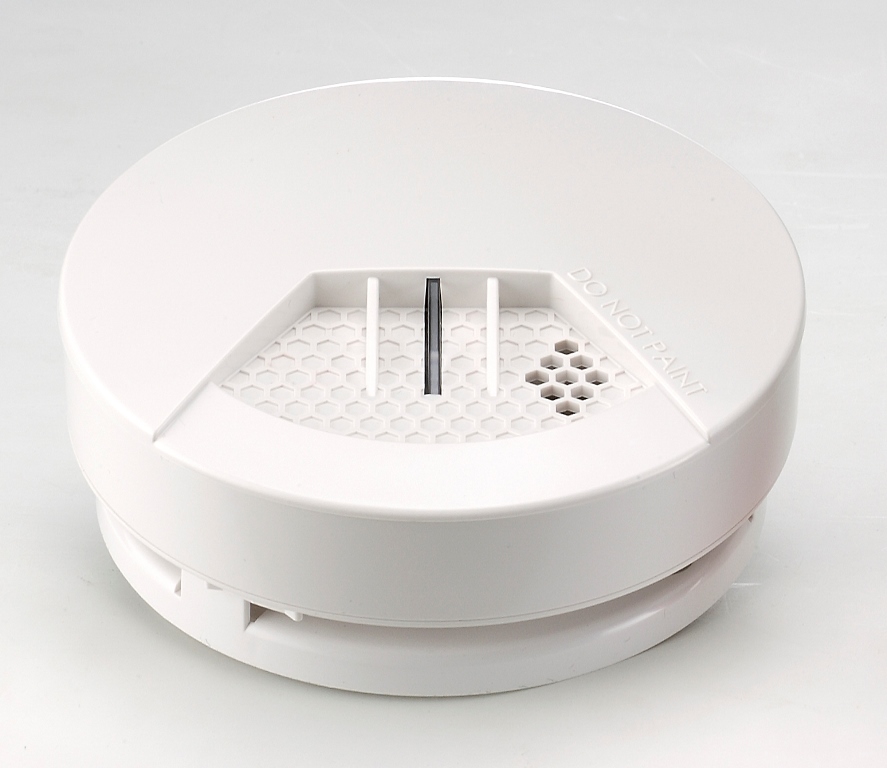
| Name | Smoke Detector |
|---|
| Short Description | The ZS6102EU-5 is a Z-WAVE enabled smoke detector. |
|---|
| Long Description | The ZS6102EU-5 is a Z-WAVE enabled smoke detector which is designed to sense smoke that comes into the detector's chamber and send Z-WAVE signal and warning sound (with audibility as 85dB at 3m) if it detects a certain density of smoke. The detector is battery operated and includes the ability to detects the battery level and will report an alert signal if the battery is under certain low level. The sensitivity of its sensor is meet both UL217 and EN14604 standard. The ZS6102EU-5 also supports its firmware could updated over Z-WAVE network. |
|---|
| Brand | Vision |
|---|
| Product Identifier | ZS6102EU-5 |
|---|
| OEM Version | 02 |
|---|
| Hardware Platform | ZM5202 |
|---|
| Z-Wave Version | 6.51.01 |
|---|
| Library Type | SLAVE_ENHANCED_232 |
|---|
| Device Type | Notification Sensor |
|---|
| Role Type | ROLE_TYPE_SLAVE_SLEEPING_LISTENING |
|---|
| Manufacturer ID | 0x0109 |
|---|
| Product Type ID | 0x2004 |
|---|
| Product ID | 0x0404 |
|---|
| Frequency Plans | EU: 869.85MHz, 868.40MHz |
|---|
| Categories | Sensors |
|---|
| Countries / Regions | European Union |
|---|
| Documents | |
|---|
| Association Groups | | Group Number | Maximum Nodes Supported | End Point ID | Description |
|---|
| 1 | 5 | 0 | Z-Wave Plus Lifeline |
|
|---|
| Texts | | ID | Description | Value |
|---|
| 1 | Inclusion | Put the Z-Wave™ Interface Controller into “inclusion” mode, and following its instruction to add the ZS6102-5 to your controller. To get in the “inclusion” mode, the distance between detector and controller is suggested to be in one meter. Press the program switch of ZS6102-5 for 1 second at least to be included. After setting, the LED Setting Lighting should go off, if not, please try again. (Please refer to the user manual to understand the program switch location) | | 2 | Exclusion | Put the Z-Wave™ Interface Controller into “exclusion” mode, and following its instruction to delete the ZS6102-5 from your controller. Press the program switch of ZS6102-5 for 1 second at least to be excluded. The red LED setting light will flash continuously in Exclusion condition. (Please refer to the user manual to understand the program switch location) | | 4 | Device Wake-Up | ZS6102-5 will wake up automatically every second. | | 6 | Additional Special Features | ZS6102-5 supports FLiRs function | | 5 | Factory Reset | ZS6102-5 will reset back to the factory default value after being excluded from the network. |
|
|---|
| Supports NWI | Yes |
|---|
| Supports Explorer Frames | Yes |
|---|
| Is Flirs | Yes |
|---|