Product Recognition | |
|---|
Certification Number | ZC10-16015007 |
|---|
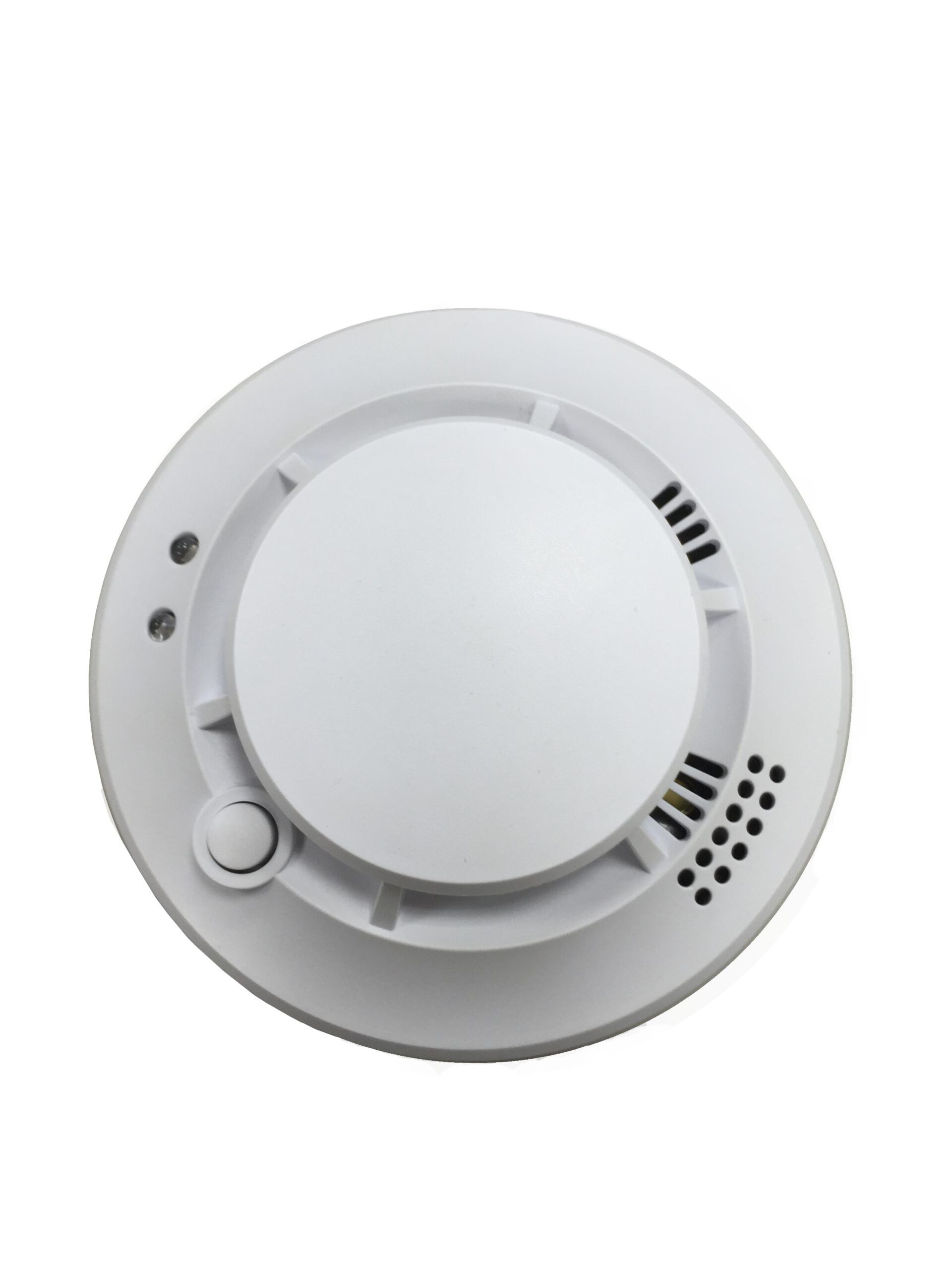
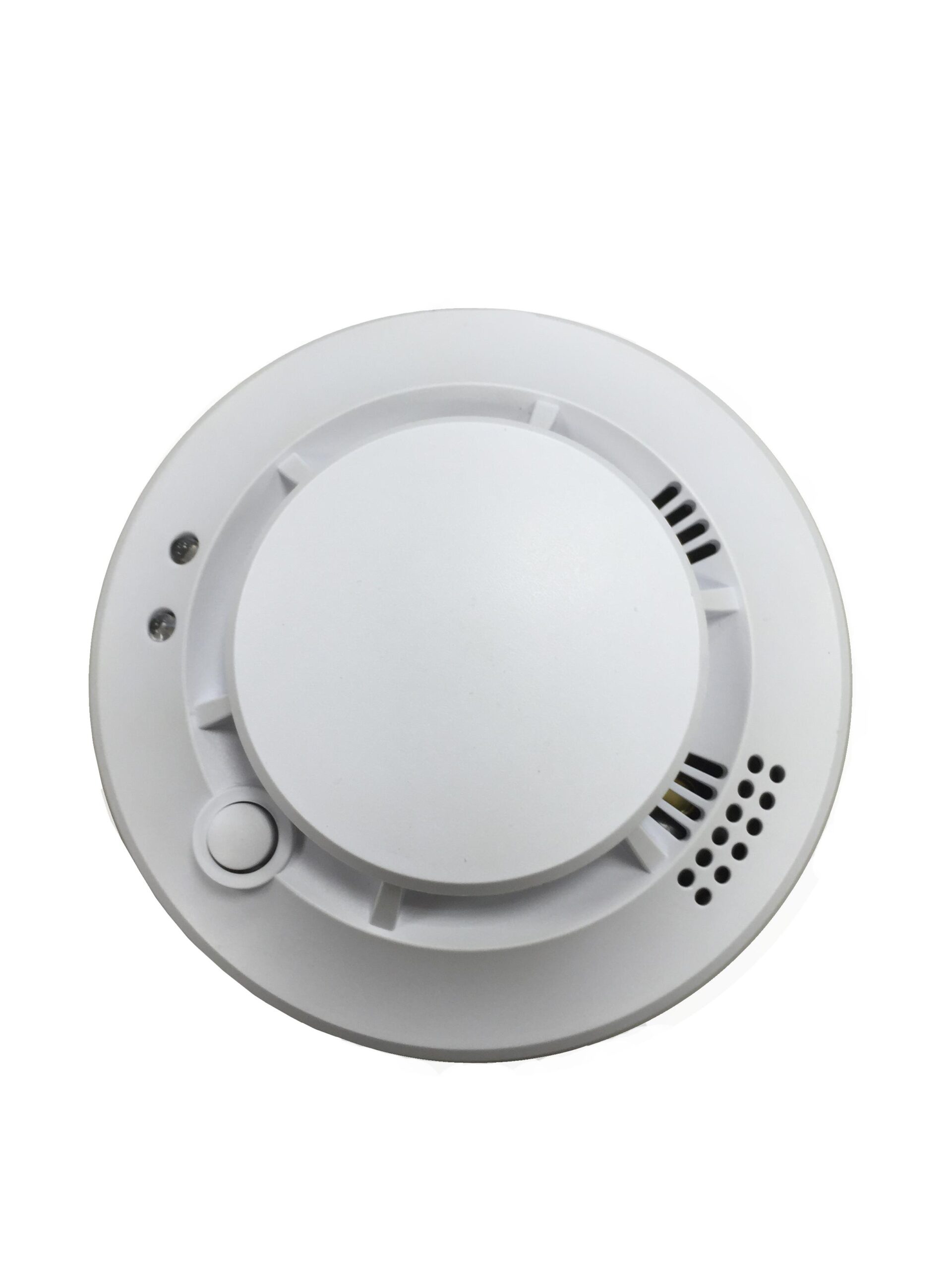
Name | Smoke Detector |
|---|
Short Description | The SD-16ZW is a Z-Wave smoke detector with a built-in siren to sound audible alerts when alarms occur. |
|---|
Long Description | The SD-16ZW is a Z-Wave smoke detector with a built-in siren to sound audible alerts when alarms occur. The SD-16ZW triggers alarms by using latest optical chamber technology to detect harmful smoke particles enter its detection chamber. |
|---|
Brand | Climax Technology |
|---|
Product Identifier | SD-16ZW |
|---|
OEM Version | HW: 1 FW: 1.03:01.02 |
|---|
Hardware Platform | ZM5202 |
|---|
Z-Wave Version | 6.51.06 |
|---|
Library Type | SLAVE_ENHANCED_232 |
|---|
Device Type | Notification Sensor |
|---|
Role Type | ROLE_TYPE_SLAVE_SLEEPING_REPORTING |
|---|
Manufacturer ID | 0x018E |
|---|
Product Type ID | 0x0003 |
|---|
Product ID | 0x0004 |
|---|
User Icon | 0x0C 0x01 |
|---|
Installer Icon | 0x0C 0x01 |
|---|
Frequency Plans | US: 916.00MHz, 908.40MHz |
|---|
Categories | Sensors |
|---|
Countries / Regions | United States of America |
|---|
Controlled Command Classes | Identifier | Name | Key | Version |
|---|
COMMAND_CLASS_BASIC | Basic | 0x20 | 1 |
|
|---|
Documents | Category | Description | File |
|---|
Manual_Primary_Lang | Product or Owner's Manual | |
|
|---|
Association Groups | Group Number | Maximum Nodes Supported | End Point ID | Description |
|---|
1 | 1 | 0 | Notification CC,V4 (COMMAND_CLASS_NOTIFICATION)
Battery CC (COMMAND_CLASS_BASIC)
Device Reset Locally CC
| 2 | 5 | 0 | Basic CC, v2 (COMMAND_CLASS_BASIC) | 3 | 5 | 0 | Notification CC,V4 (COMMAND_CLASS_NOTIFICATION) |
|
|---|
Texts | ID | Description | Value |
|---|
2 | Exclusion | The Smoke Detector must be removed from existing Z-Wave network before being included into another. There are two methods available to exclude a device.
Exclusion Mode
-Put the Z-Wave gateway or control panel into Exclusion mode (please refer to the Z-Wave gateway or control panel manual).
-Within 1.5 seconds, press the Function button 3 times and the Smoke Detector will be removed from the Z-Wave network. | 5 | Factory Reset | (Only use factory reset when network Control Panel/Gateway is missing or inoperable).
-Press and hold the Function Button of the Smoke Detector for 10 seconds to factory reset. | 1 | Inclusion | This product can be included and operated in any Z-Wave network with other Z-Wave certified devices from other manufactures and/or other applications. All non-battery operated nodes within the network will act as repeaters regardless of vendor to increase reliability of the network.
-Put the Z-Wave gateway or control panel into Inclusion or Learning mode (please refer to the Z-Wave gateway or control panel manual).
-Within 1.5 seconds, press the Function button 3 times. The Smoke Detector will emit a 2-tone beep and the LED will turn on for ~2 seconds.
-Refer to the operation manual of the Z-Wave gateway or control panel to complete the learn-in process.
-If the sensor has already been included (learnt) into another Z-Wave Gateway/Control Panel, or if the sensor is unable to be learnt into the current Z-Wave Gateway/Control Panel, please exclude it first (see Exclusion) before attempting to include it into the current Z-Wave Gateway/Control Panel.
-When the 1-minute warming period is over, the Smoke Detector will start calibration process. | 4 | Device Wake-Up | This function uses the Z-Wave Wake Up Command Class. The Wake Up Command Class allows the battery-powered Smoke Detector to notify the Control Panel/Gateway that it is awake and ready to receive any queued commands. The wake up time is programmed automatically according to Control Panel’s setting when The Smoke Detector is included. The recommended setting of the wake up time is 60 minutes above. |
|
|---|
Supports NWI | Yes |
|---|
Supports Explorer Frames | Yes |
|---|
Radio Range Z-Wave (m) | 40 |
|---|