Product Recognition | |
|---|
Certification Number | ZC10-16045042 |
|---|
Name | SRAC-23ZW |
|---|
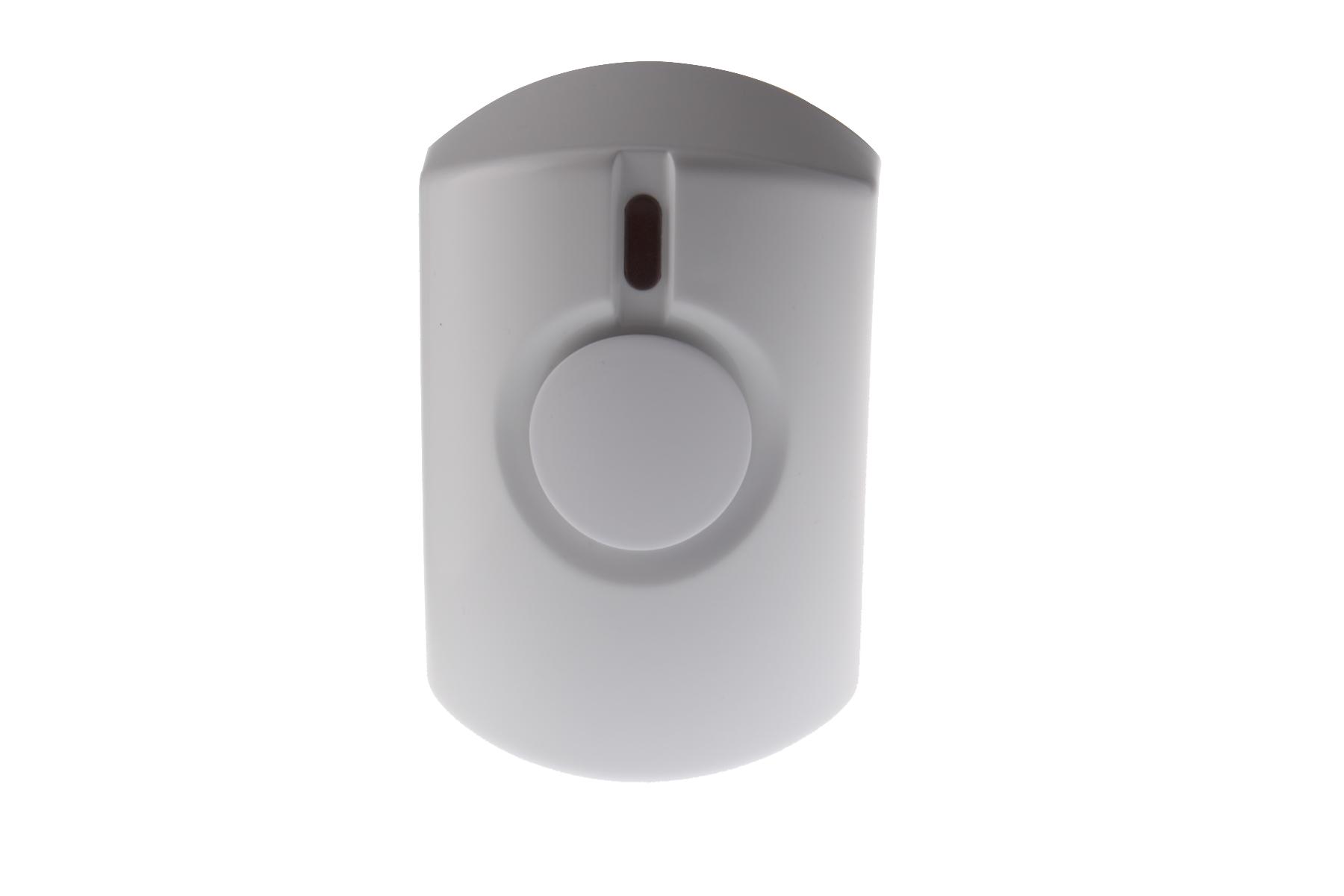
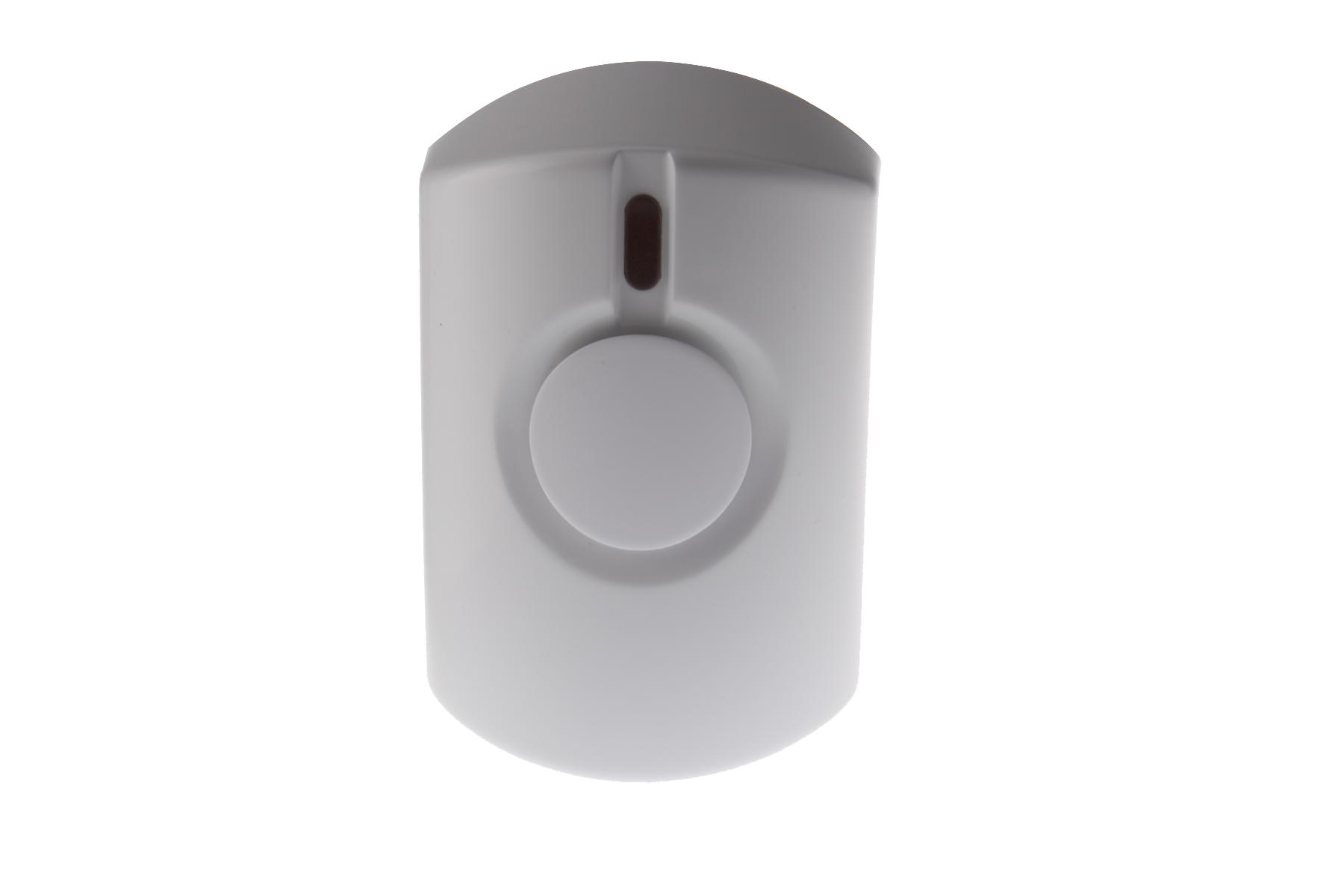
Short Description | The SRAC-23ZW Series introduces AC-powered indoor sirens that plug into any standard power outlets. |
|---|
Long Description | The SRAC-23ZW Series introduces AC-powered indoor sirens that plug into any standard power outlets.The SRAC-23ZW and SRAC-23ZW models provide rechargeable battery backup. The SRAC-23ZW also functions as a Z-Wave repeater to extend a security system's wireless communication range |
|---|
Brand | Climax Technology |
|---|
Product Identifier | SRAC-23ZW |
|---|
OEM Version | HW: 1 FW: 1.27 |
|---|
Hardware Platform | ZM5202 |
|---|
Z-Wave Version | 6.51.06 |
|---|
Library Type | SLAVE_ENHANCED_232 |
|---|
Device Type | Siren |
|---|
Role Type | ROLE_TYPE_SLAVE_ALWAYS_ON |
|---|
Manufacturer ID | 0x018E |
|---|
Product Type ID | 0x0002 |
|---|
Product ID | 0x0001 |
|---|
User Icon | 0x0F00 |
|---|
Installer Icon | 0x0F00 |
|---|
Frequency Plans | EU: 869.85MHz, 868.40MHz |
|---|
Categories | Security Add-Ons |
|---|
Countries / Regions | European Union |
|---|
Documents | Category | Description | File |
|---|
Manual_Primary_Lang | Product or Owner's Manual | |
|
|---|
Association Groups | Group Number | Maximum Nodes Supported | End Point ID | Description |
|---|
1 | 5 | 0 | Group 1 for “LifeLine”:
Binary Switch CC (SWITCH_BINARY_REPORT)
Notification CC,V4 (COMMAND_CLASS_NOTIFICATION)
Battery CC (COMMAND_CLASS_BASIC)
Device Reset Locally CC
|
|
|---|
Texts | ID | Description | Value |
|---|
2 | Exclusion | The Siren must be removed from existing Z-Wave network before being included into another. There are two methods available to exclude a device.
Exclusion Mode
-Put the Z-Wave gateway or control panel into Exclusion mode (please refer to the Z-Wave gateway or control panel manual).
-Within 1.5 seconds, press the Test Button 3 times and the Siren will be removed from the Z-Wave network. | 1 | Inclusion | This product can be included and operated in any Z-Wave network with other Z-Wave certified devices from other manufactures and/or other applications. All non-battery operated nodes within the network will act as repeaters regardless of vendor to increase reliability of the network.
-Plug the Siren into a power socket.
-The LED indicator will flash twice.
-Put the Z-Wave gateway or control panel into Inclusion or Learning mode (please refer to the Z-Wave gateway or control panel manual).
-Within 1.5 seconds, press the Test Button 3 times.
-Refer to the operation manual of the Z-Wave gateway or control panel to complete the learn-in process.
-If the Siren was included successfully, it will emit 1 long beep and the LED will flash once.
-If the device has already been included (learnt) into another Z-Wave Gateway/Control Panel, or if the device is unable to be learnt into the current Z-Wave Gateway/Control Panel, please exclude it first (see Exclusion) before attempting to include it into the current Z-Wave Gateway/Control Panel. | 5 | Factory Reset | Factory Reset
(Only use factory reset when network Control Panel/Gateway is missing or inoperable).
-Press and hold the Test Button of the Siren for ~10 seconds until the LED starts to flash (twice) to factory reset. The siren will also emit 2 short beeps. |
|
|---|
Supports NWI | Yes |
|---|
Supports Explorer Frames | Yes |
|---|
Radio Range Z-Wave (m) | 40 |
|---|