Product Recognition | |
|---|
Certification Number | ZC10-18046085 |
|---|
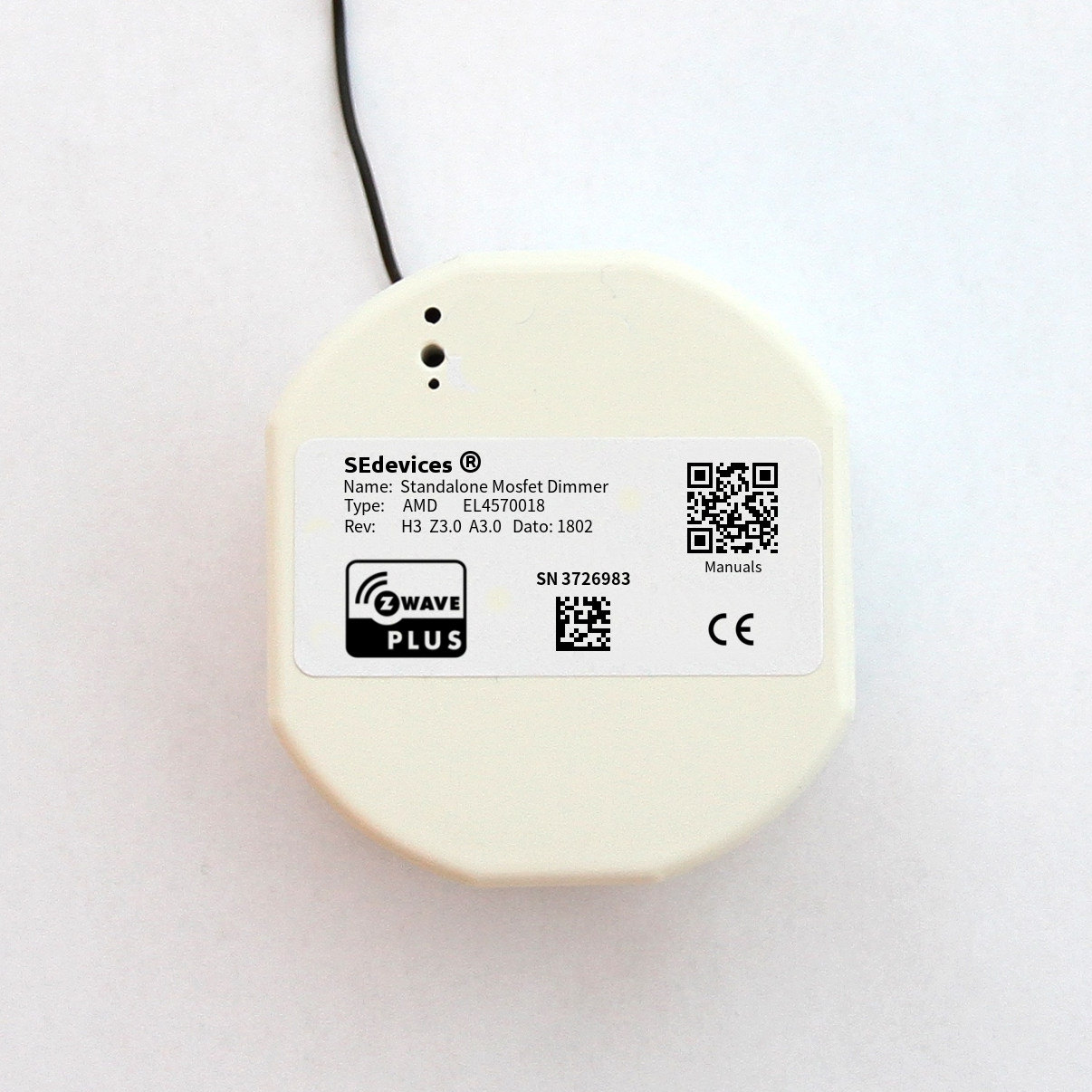
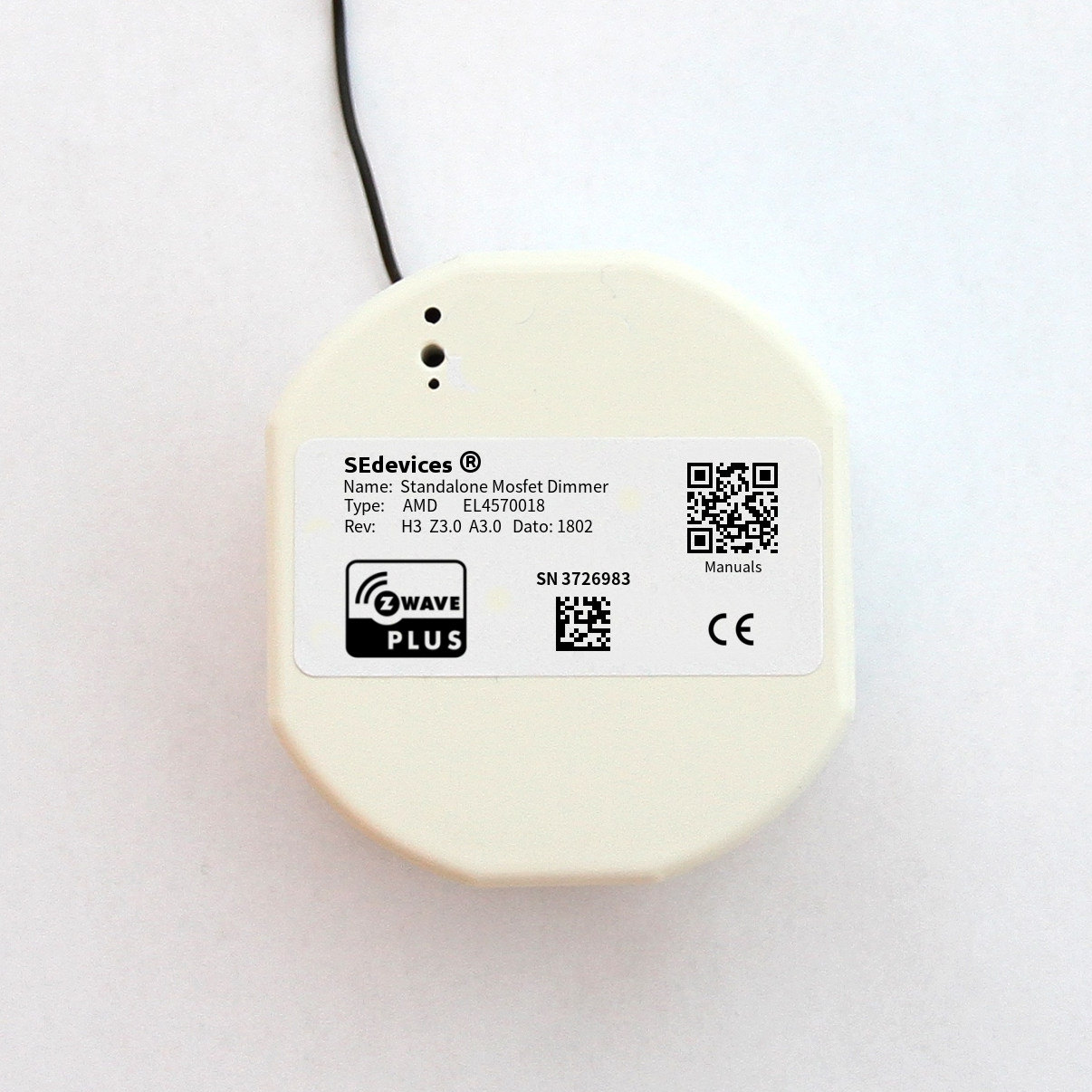
Name | Standalone Mosfet Dimmer |
|---|
Short Description | Standalone Mosfet Dimmer (300W) for concealed in-wall monunting |
|---|
Long Description | The Standalone Mosfet Dimmer is a mosfet dimmer for concealed in-wall mounting. The device is exclusively Z-Wave controllable, which can handle dimmable loads up to 300W. The dimmer can operate in both Leading and Tailing Edge mode, which makes it capable of controlling most dimmable Lights on the market. All dimmer properties are configurable, making it possible to accurately customize the dimmer to the properies of the controlled Light Fixtures.
The device supports power measurement, reporting both instant and accumulated power consumption over time. |
|---|
Brand | SE Devices |
|---|
Product Identifier | AMD |
|---|
OEM Version | HW: 30 FW: 3.00:03.00 |
|---|
Hardware Platform | ZM5202 |
|---|
Z-Wave Version | 6.71.01 |
|---|
Library Type | SLAVE_ENHANCED_232 |
|---|
Device Type | Light Dimmer Switch |
|---|
Role Type | ROLE_TYPE_SLAVE_ALWAYS_ON |
|---|
Manufacturer ID | 0x024F |
|---|
Product Type ID | 0x0003 |
|---|
Product ID | 0x1012 |
|---|
User Icon | 0x0600 |
|---|
Installer Icon | 0x0600 |
|---|
Frequency Plans | EU: 869.85MHz, 868.40MHz |
|---|
Categories | All Lighting Devices, Dimming Lighting Devices |
|---|
Countries / Regions | European Union |
|---|
Supported Command Classes | Identifier | Name | Key | Version |
|---|
COMMAND_CLASS_SWITCH_MULTILEVEL | Switch Multilevel | 0x26 | 1 | COMMAND_CLASS_FIRMWARE_UPDATE_MD_V4 | Firmware Update Meta-Data V4 | 0x7A | 4 | COMMAND_CLASS_SENSOR_MULTILEVEL_V5 | Sensor Multilevel V5 | 0x31 | 5 | COMMAND_CLASS_POWERLEVEL | Powerlevel | 0x73 | 1 | COMMAND_CLASS_MULTI_CHANNEL_ASSOCIATION_V3 | Multi-Channel Association V3 | 0x8E | 3 | COMMAND_CLASS_BASIC | Basic | 0x20 | 1 | COMMAND_CLASS_CONFIGURATION | Configuration | 0x70 | 1 | COMMAND_CLASS_SECURITY | Security S0 | 0x98 | 1 | COMMAND_CLASS_TRANSPORT_SERVICE_V2 | Transport Service V2 | 0x55 | 2 | COMMAND_CLASS_DEVICE_RESET_LOCALLY | Device Reset Locally | 0x5A | 1 | COMMAND_CLASS_ZWAVEPLUS_INFO_V2 | Z-Wave Plus Info V2 | 0x5E | 2 | COMMAND_CLASS_ASSOCIATION_V2 | Association V2 | 0x85 | 2 | COMMAND_CLASS_ASSOCIATION_GRP_INFO | Association Group Info | 0x59 | 1 | COMMAND_CLASS_SECURITY_2 | Security S2 | 0x9F | 1 | COMMAND_CLASS_VERSION_V3 | Version V3 | 0x86 | 3 | COMMAND_CLASS_SUPERVISION | Supervision | 0x6C | 1 | COMMAND_CLASS_MANUFACTURER_SPECIFIC_V2 | Manufacturer Specific V2 | 0x72 | 2 | COMMAND_CLASS_METER_V2 | Meter V2 | 0x32 | 2 |
|
|---|
Controlled Command Classes | Identifier | Name | Key | Version |
|---|
COMMAND_CLASS_BASIC | Basic | 0x20 | 1 | COMMAND_CLASS_MULTI_CHANNEL_V4 | Multi-Channel V4 | 0x60 | 4 |
|
|---|
S2 Classes | S2_UNAUTHENTICATED |
|---|
Documents | Category | Description | File |
|---|
Manual_Primary_Lang | Product or Owner's Manual | |
|
|---|
Features | Feature | Values |
|---|
Switch Load Capacity Current | | Switch Load Capacity Watts | | Neutral Wire Required | | Supported Meter Type | | Sensors | | Firmware Updatable | Value |
|---|
Updatable by Professional/Technician |
| Electric Load Type | Value |
|---|
Incandescent | ELV (Electronic) | LED | Dimmable LED | Dimmable ELV (Magnetic) |
|
|
|---|
Association Groups | Group Number | Maximum Nodes Supported | End Point ID | Description |
|---|
1 | 5 | 0 | The Lifeline group where all Root Device events are reported.
All unsolicited Reports for the supported command classes
will be issued to this group.
Commands Issued:
- Sensor Multilevel Report - Reports Power Consumption and
Temperatures
- Meter - Reports power consumption to the Controller every
15 minutes.
- Device Reset Locally – Reports factory resets to the
Controller | 2 | 5 | 0 | Associated devices will be controlled according to local state
changes. Supports Multichannel Association in addition to
standard association.
Command Issued: Basic Set |
|
|---|
Configuration Parameters | Parameter Number | Name | Description | Format | Size | Min Value | Max Value | Default Value | Parameter Values |
|---|
11 | Dimmer Mode | Defines if Dimmer should operate in Leading or Tailing Edge mode. Most Lights work quite OK in the default Leading Edge mode, but this mode also usually cause some noise from the dimmer unit. During installation it is therefore recommended to try TE mode, and use this if the Light operates properly. Tailing Edge mode is known to cause instability in some LED type Lights! 0 - Leading Edge Mode (LE) 1 - Leading Edge Mode (TE) | 0 | 1 | 0 | 0 | 0 | From | To | Description |
|---|
0 | 1 | Leading or Tailing Edge Mode |
|
|
|---|
Texts | ID | Description | Value |
|---|
2 | Exclusion | To remove the device from a Z-Wave network, the Z-Wave Controller must first be set into Remove mode. Then use a paperclip or a small pointy tool to push and hold the button in the button hole for approximately a second. The device LED will blink twice to indicate that it sends information to the Controller. | 1 | Inclusion | To add the device to a Z-Wave network, the Z-Wave Controller must first be set into Add (Learn) mode. Then use a paperclip or a small pointy tool to push and hold the button in the button hole for approximately a second. The device LED will blink twice to indicate that it sends information to the Controller. | 5 | Factory Reset | WARNING! Executing a Factory Reset on a device may make it stop working as wanted, and will disable remote control of the device. The device will have to be re-added to the Z-Wave network and reconfigured afterwards, to regain the previous operation of the device. Please DO NOT execute this procedure unless it is absolutely necessary.
Push and Hold the Add/Remove button for about 15 seconds – until the LED indicator turns OFF. Then release the button. The device is now Factory Reset, and removed from the Z-Wave network.
The button is located about 10 mm down in the middle of the three holes on the front. A thin tool (a very small screwdriver, a toothpick, a paper clip or similar) is needed to access the button. | 6 | Additional Special Features | Universal dimmer supporting both Leading and Tailing Edge dimming. All parameters of the dimmers are customizable via configuration, to fit most types of Light Fixtures. |
|
|---|
Supported / Controlled Meter Types | Meter Type | Rate Type | Description |
|---|
Electric meter | Import | Electric Meter Consumption |
|
|---|
Supported Multilevel Sensors | Multilevel Sensor Type |
|---|
Power | Voltage | Current |
|
|---|
Supports NWI | Yes |
|---|
Supports Explorer Frames | Yes |
|---|
Radio Range Z-Wave (m) | 40 |
|---|